New students
You are Sarah, on your first day.
Sarah signs in with the account she made enrolling on the web, records a first recitation, waits at Level 0 while a teacher places her, then sets the app up the way she wants it.
20 screens, in 2 stages
Codes S01–S09, S12–S16, S52, S53, S58, S59, S69, S70
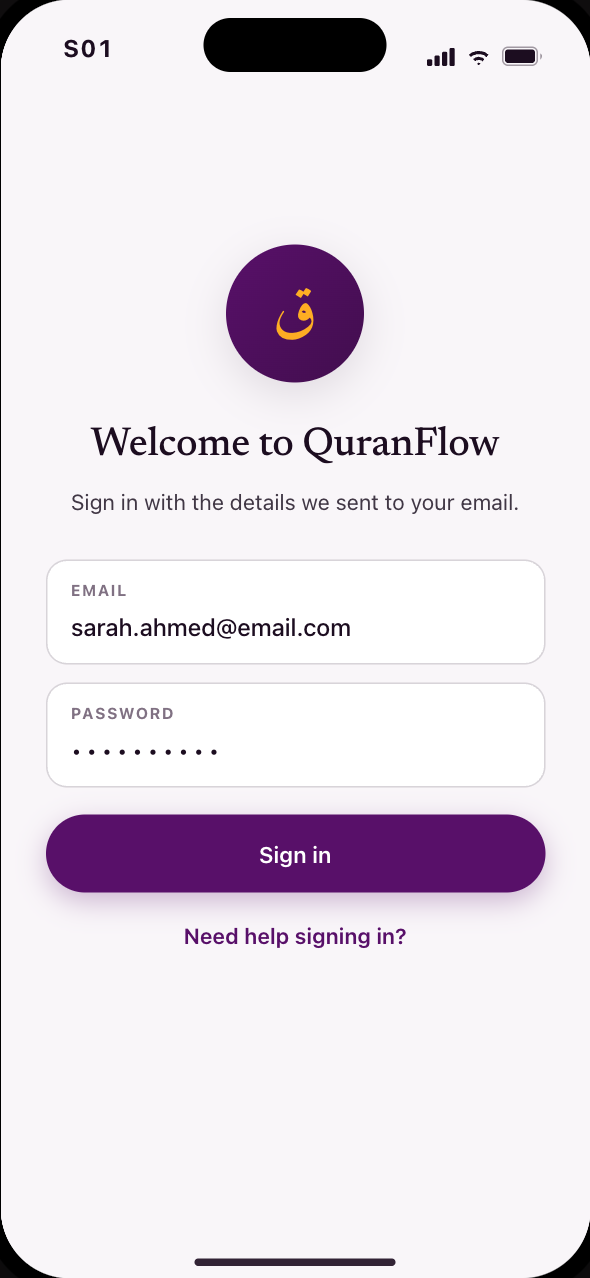 S01Enrolled on the web; sign in with emailed details
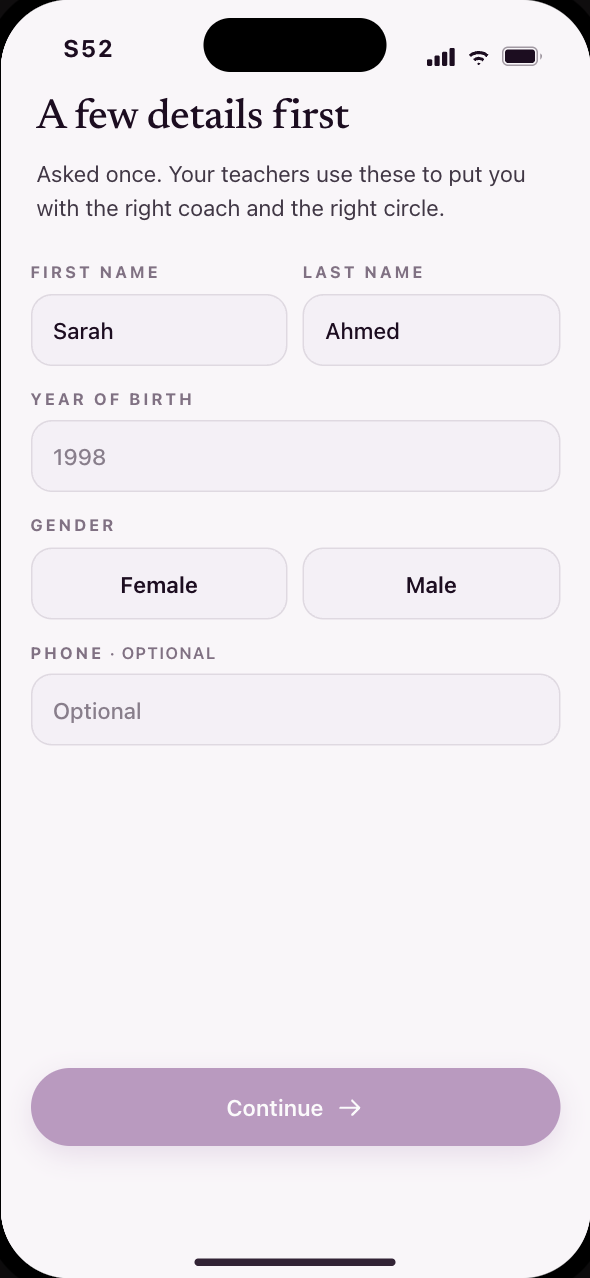 S52A few details before you go any further
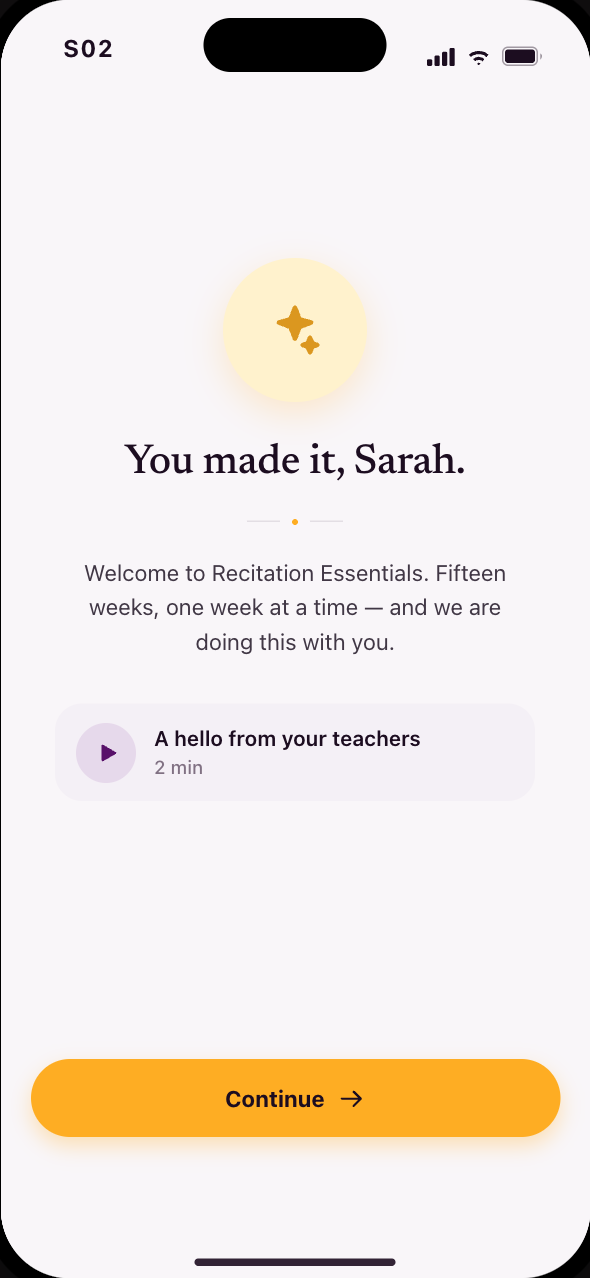 S02You’re in, and nothing is asked of you yet
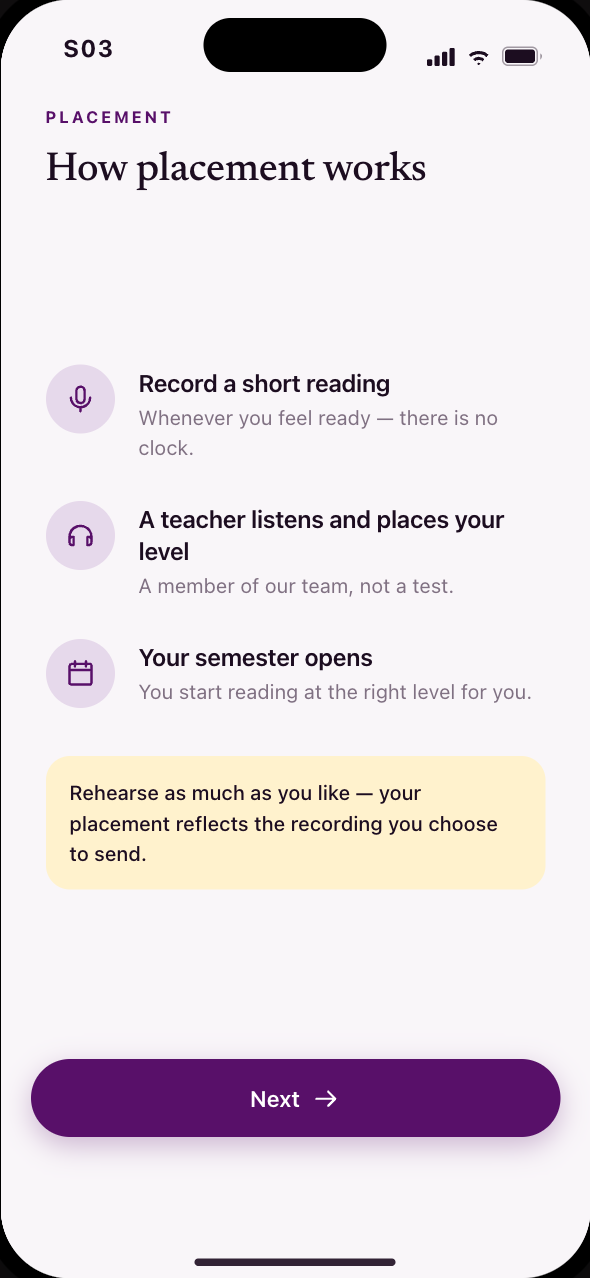 S03How placement works, in three calm steps
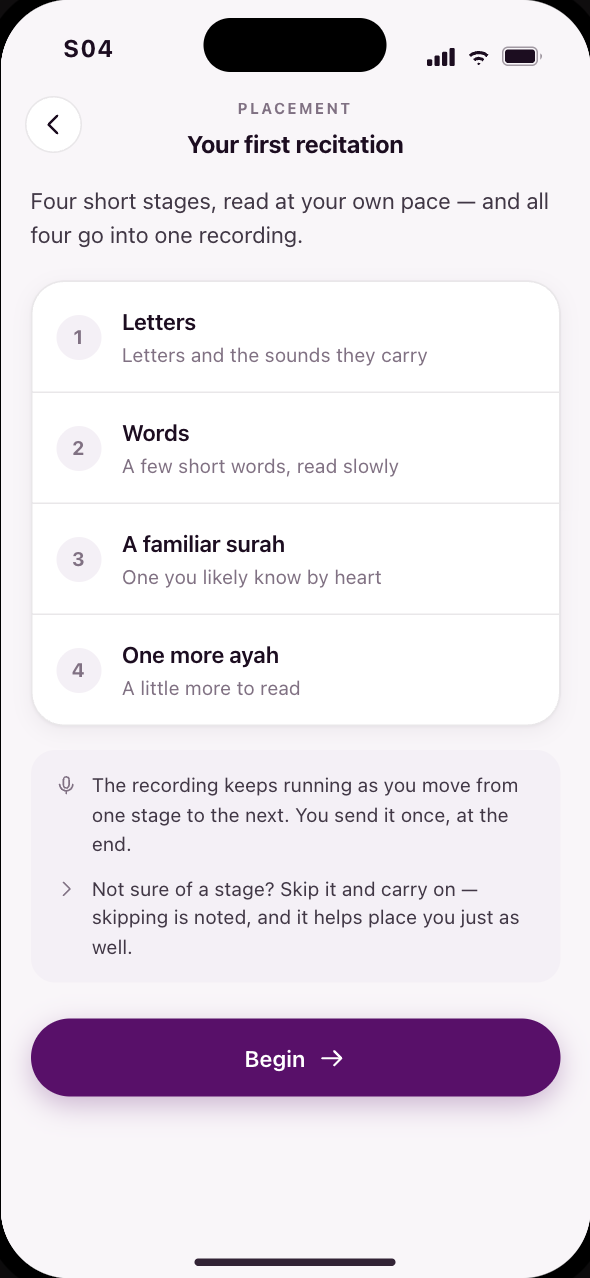 S04Your first recitation: four stages, one recording
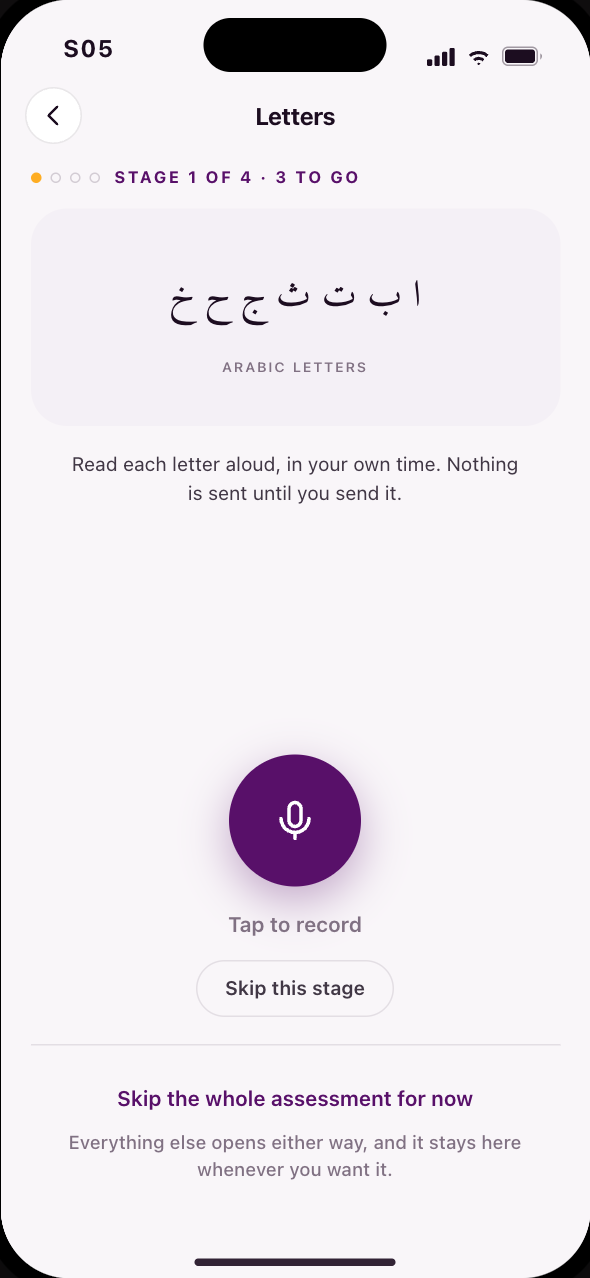 S05Four stages, one take, and a skip for any of them
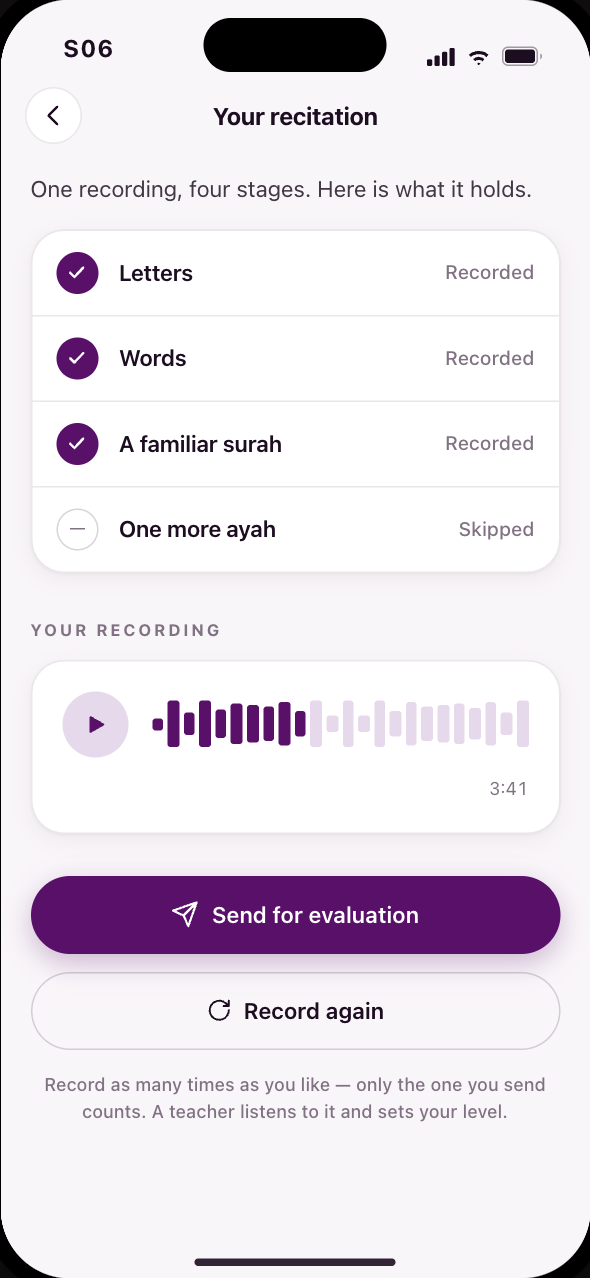 S06Every stage accounted for, then sent for evaluation
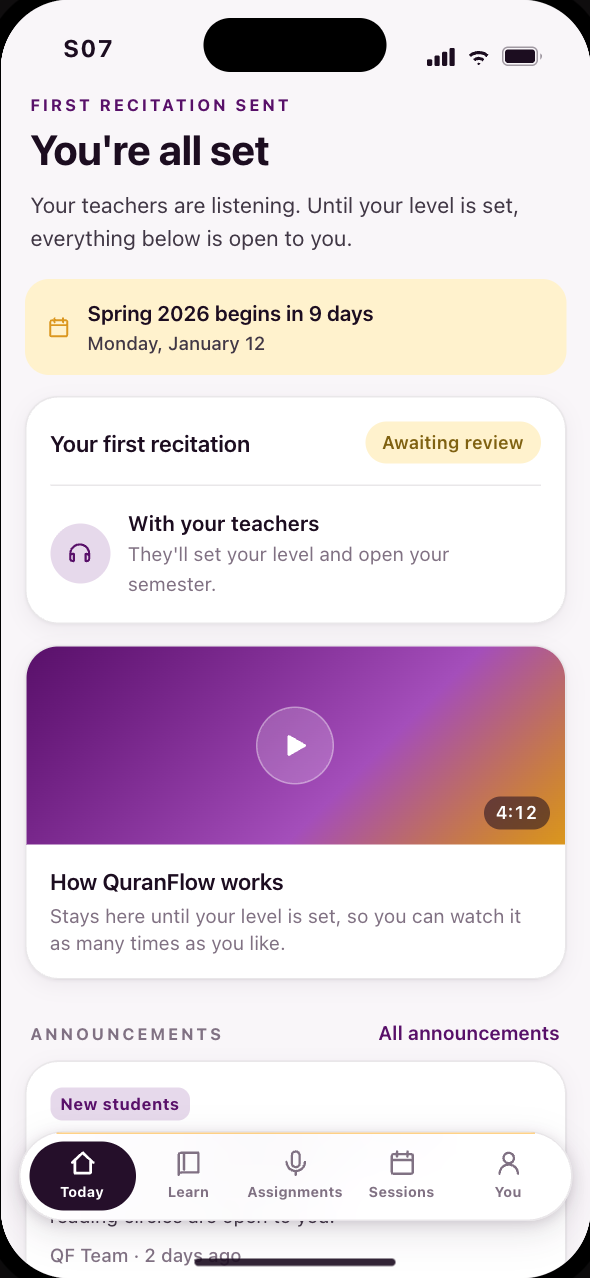 S07Level 0: the whole live schedule, and where to start
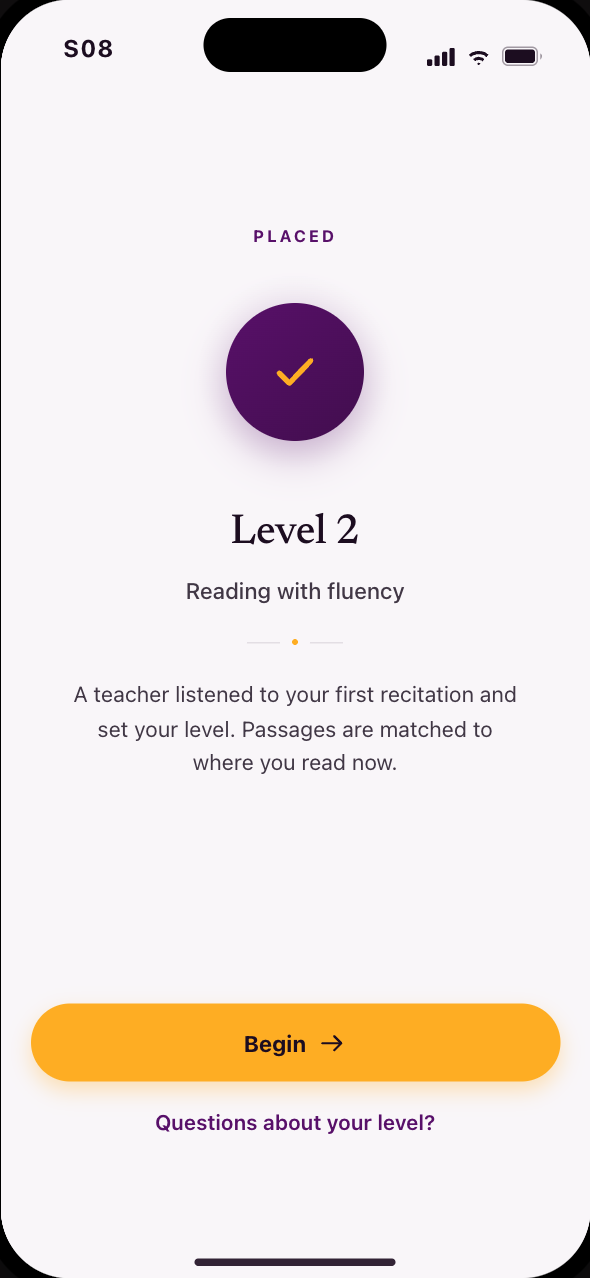 S08A teacher sets your level, and the semester opens
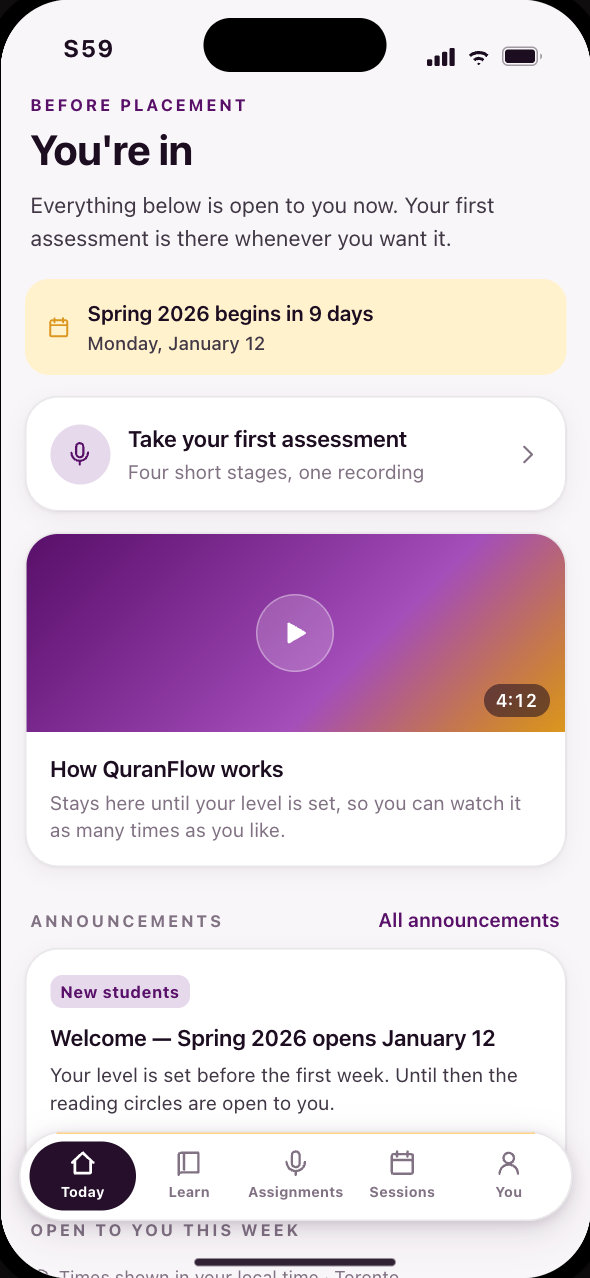 S59Skipped the assessment? The offer stays open
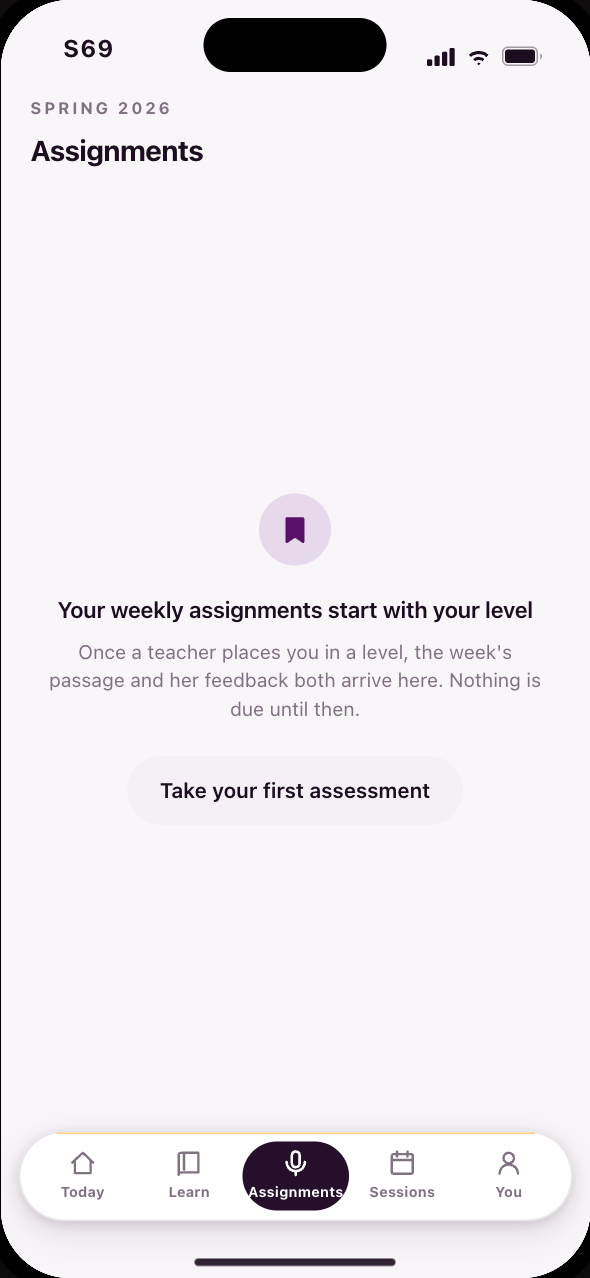 S69A tab that is visible but not yet earned
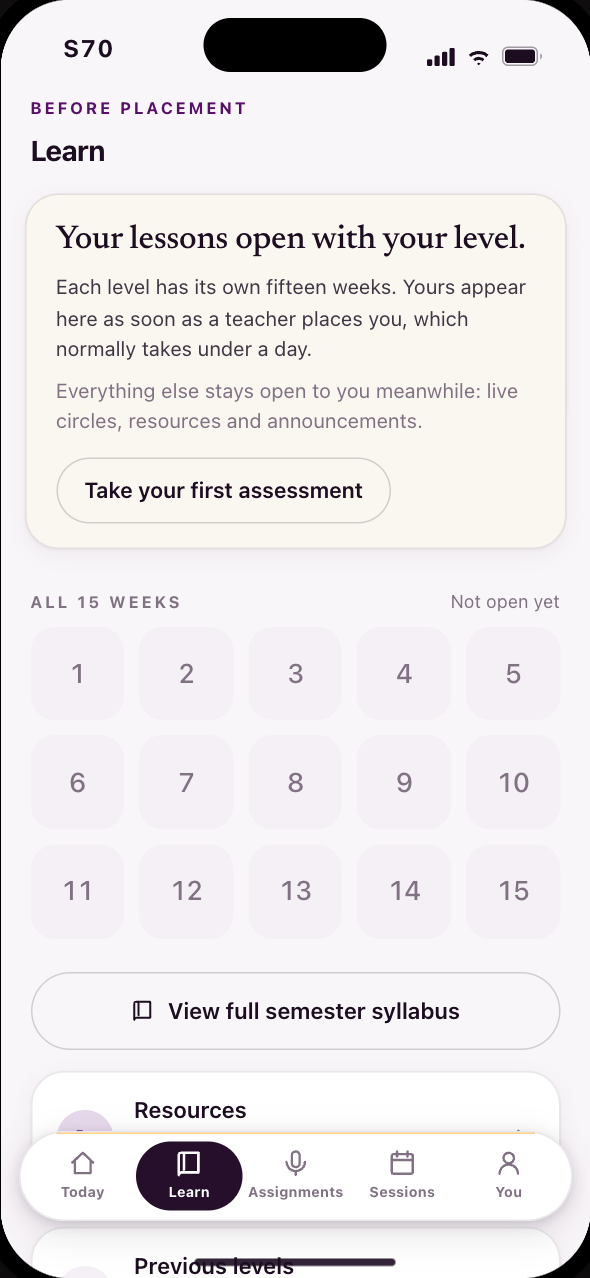 S70Learn before a level is set
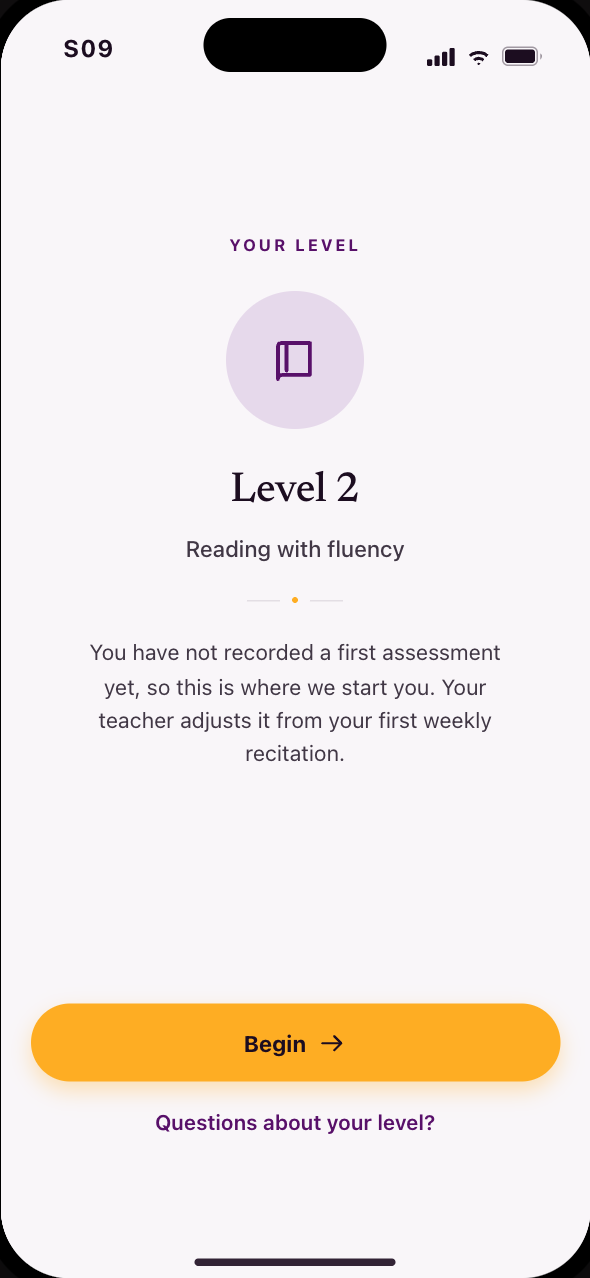 S09Never recorded? Started at Level 2, tuned later
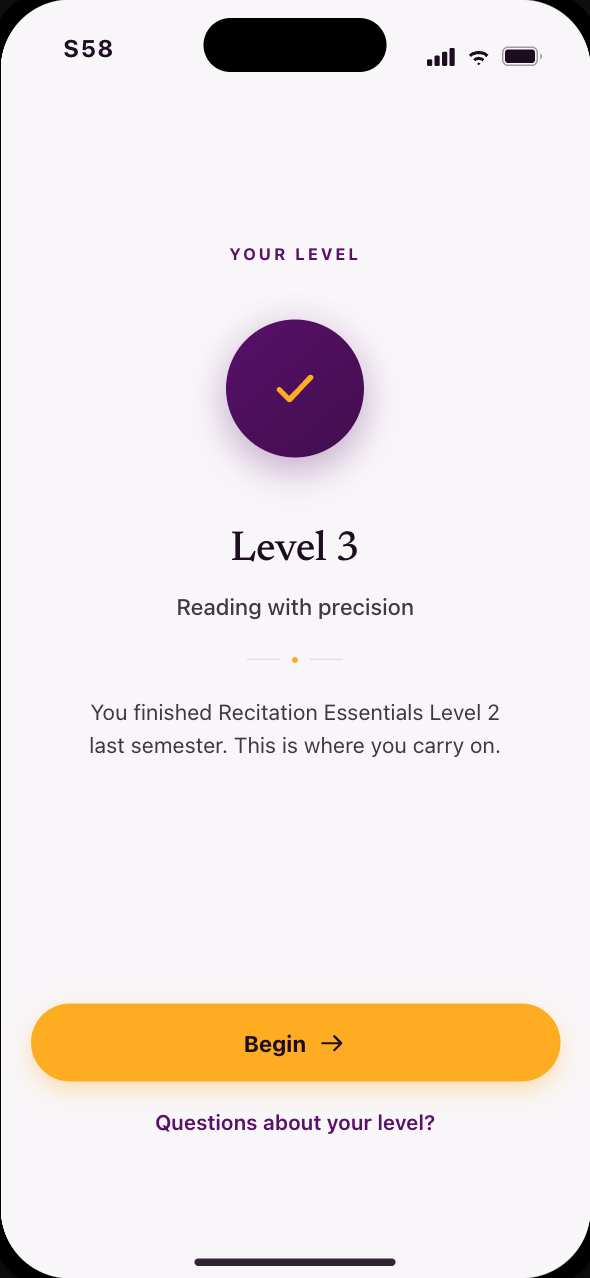 S58A returning student is told her level, not a placement
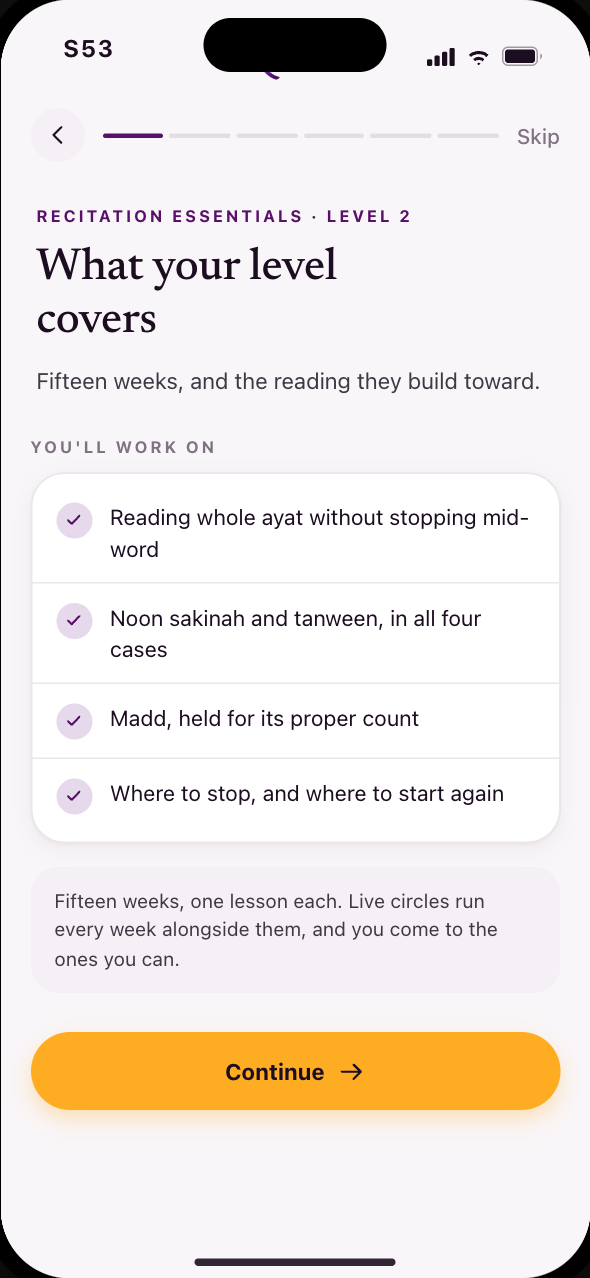 S53What your level covers this semester
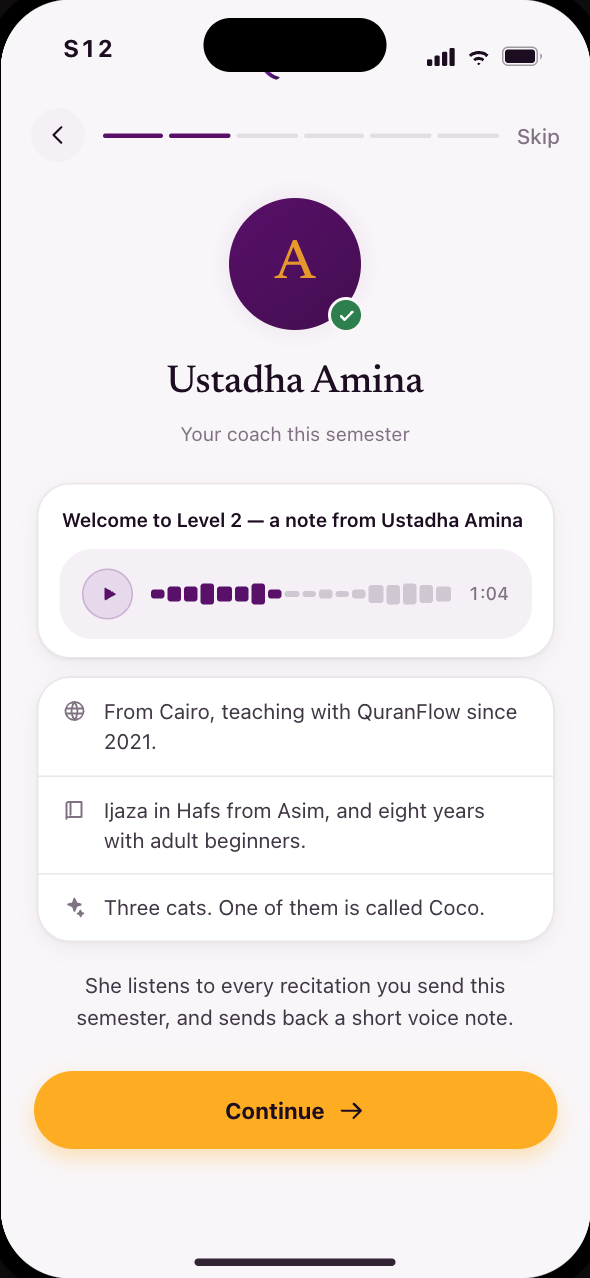 S12Meet your coach, and hear her welcome to your level
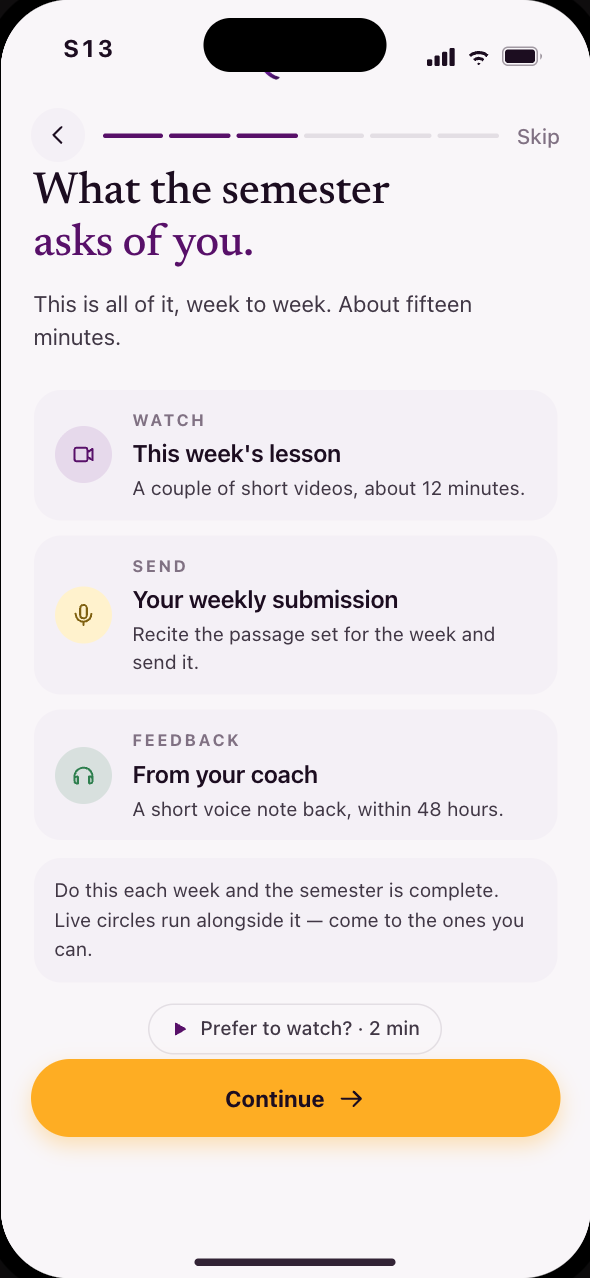 S13What the semester asks: lesson, submission, feedback
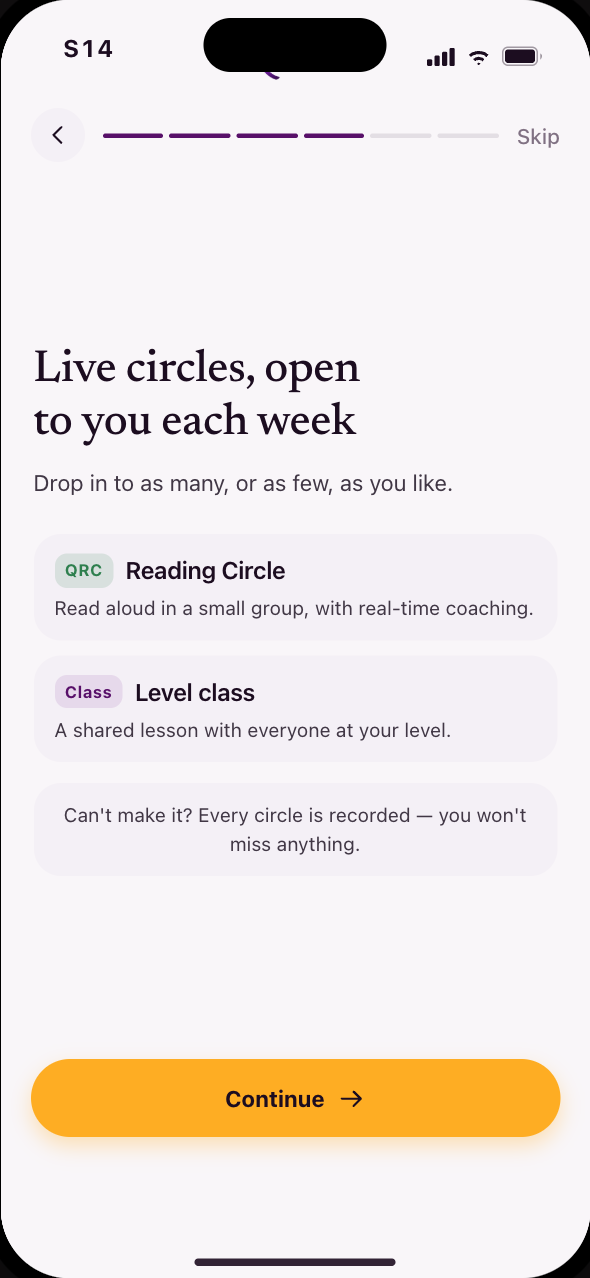 S14Live circles, and every one recorded
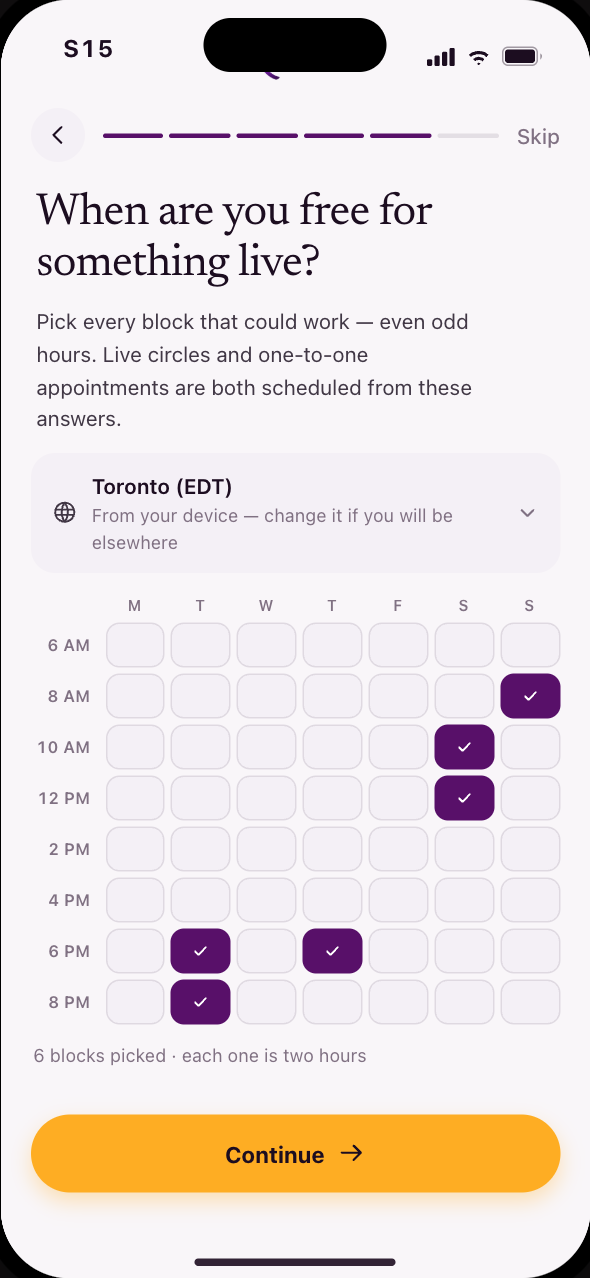 S15When are you free for anything live, circles or 1:1s
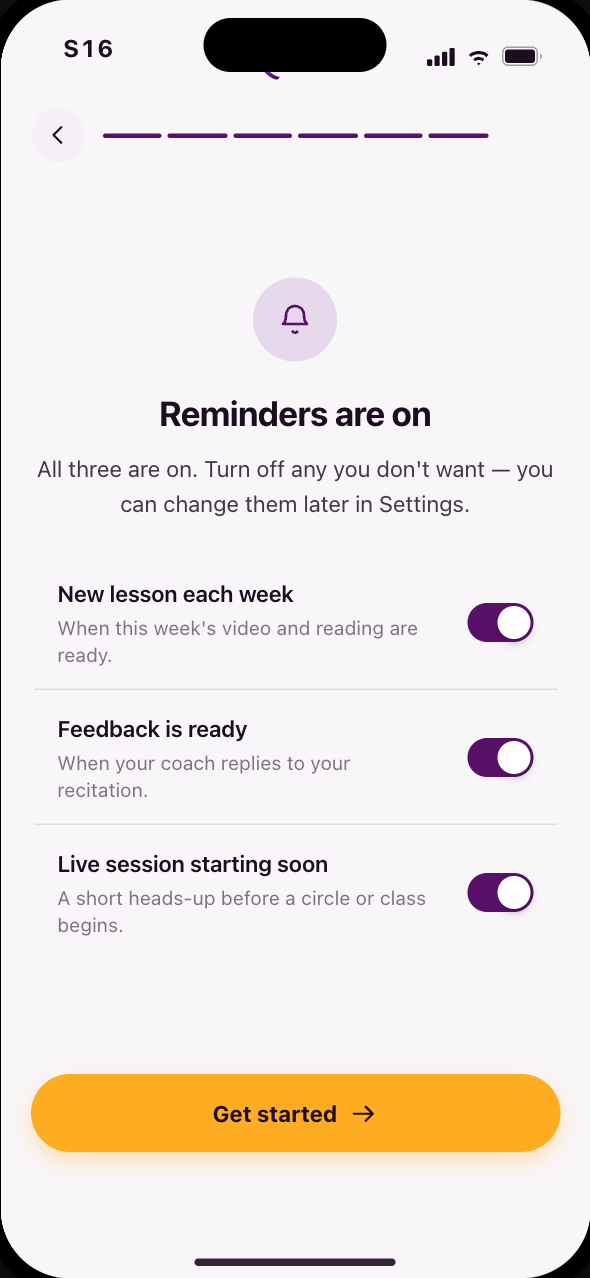 S16Reminders start on; turn off any you don’t want
Year 1
You are Sarah, in Week 8 of 15.
Sarah watches the week’s lesson, records Al-Mulk, and hears her coach’s feedback on the exact words she recited. The shared surfaces sit behind the same tabs: sessions, curriculum, her coach, her messages.
29 screens, in 3 stages
Codes S17, S19, S21–S26, S38, S39, S41–S51, S55, S56, S60, S61, S64, S66–S68
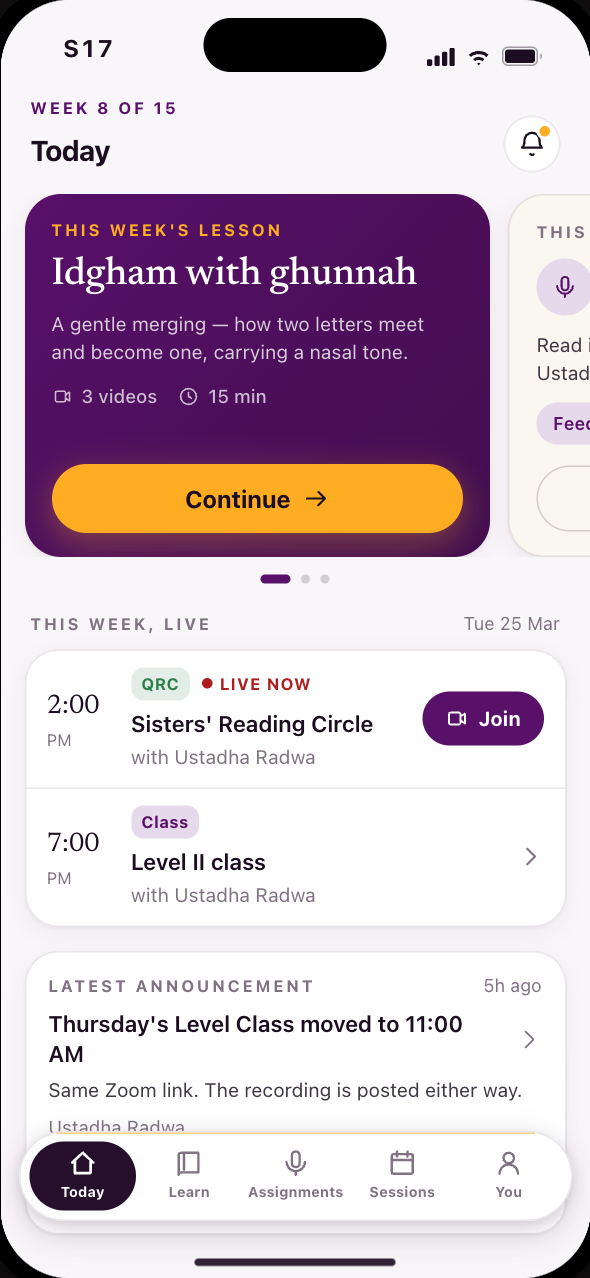 S17Everything this week in one swipe: lesson, work, feedback
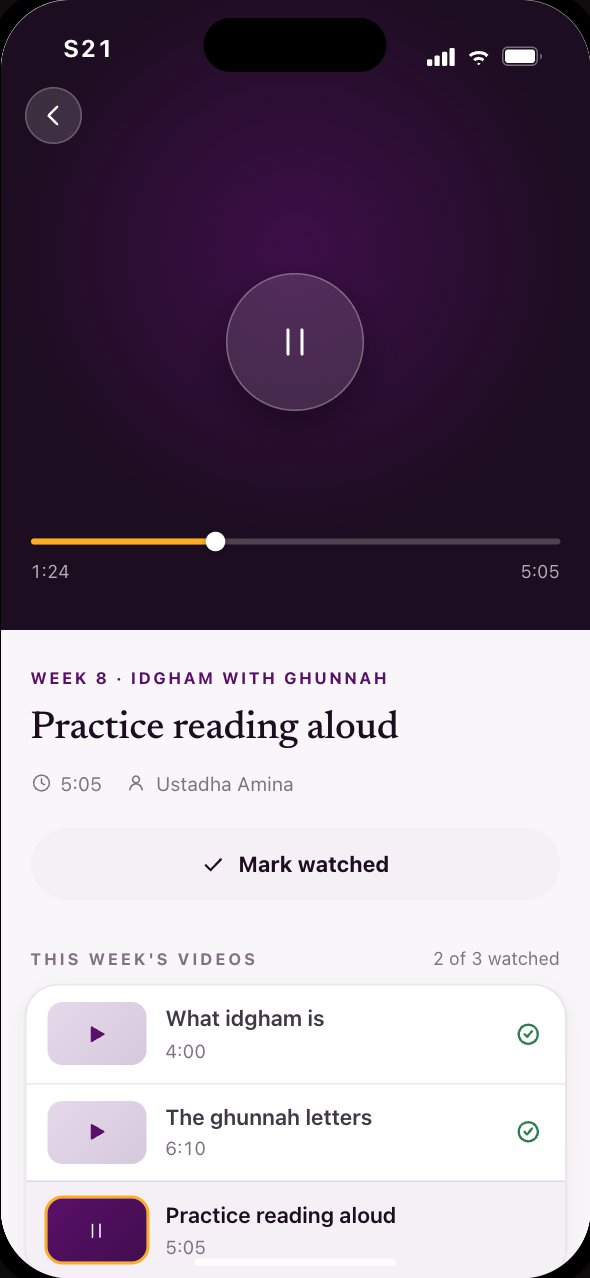 S21A week opens on its videos, notes underneath
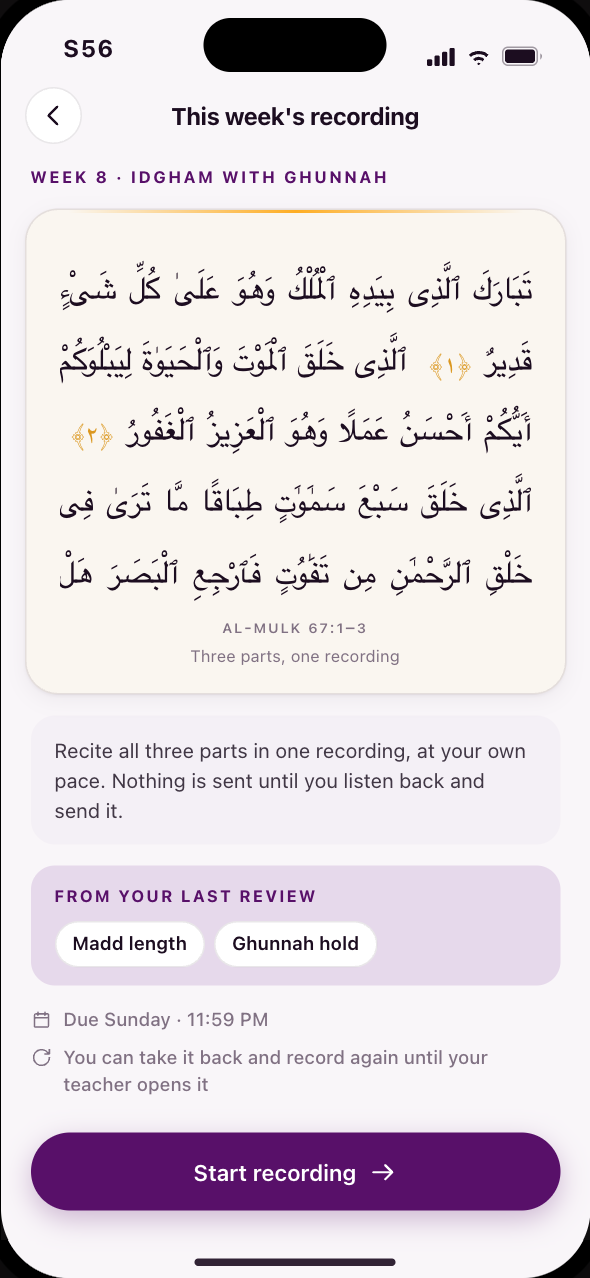 S56What you are recording this week, and how
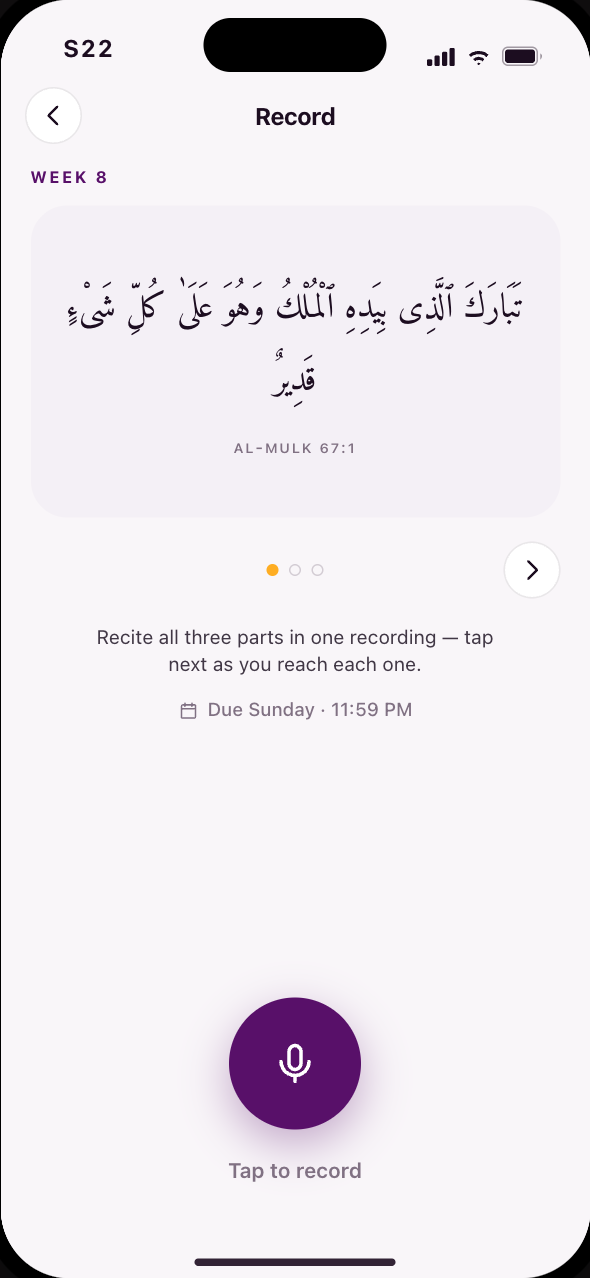 S22This week’s passage, part by part, in one take
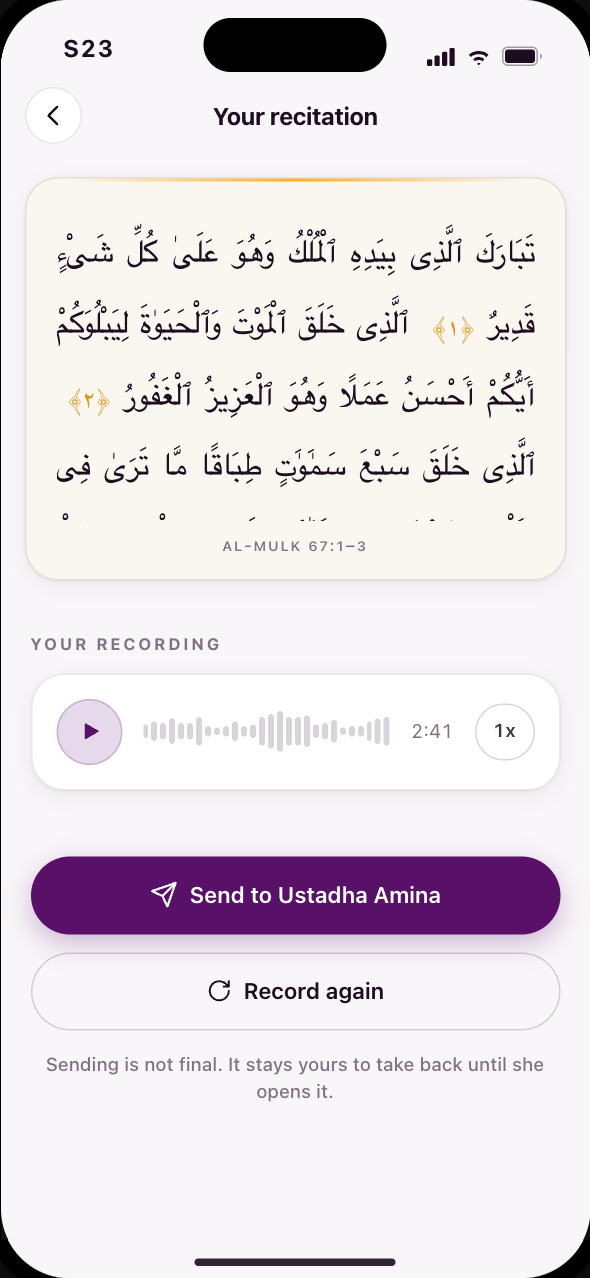 S23Hear your take before you send it
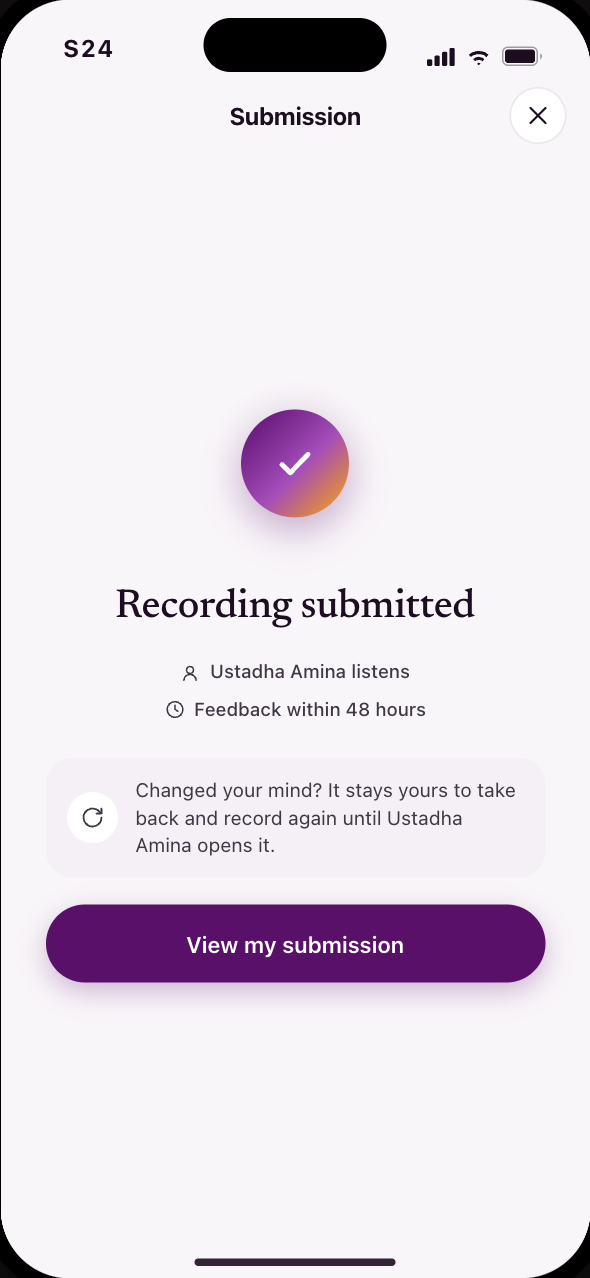 S24Sent, and what happens next
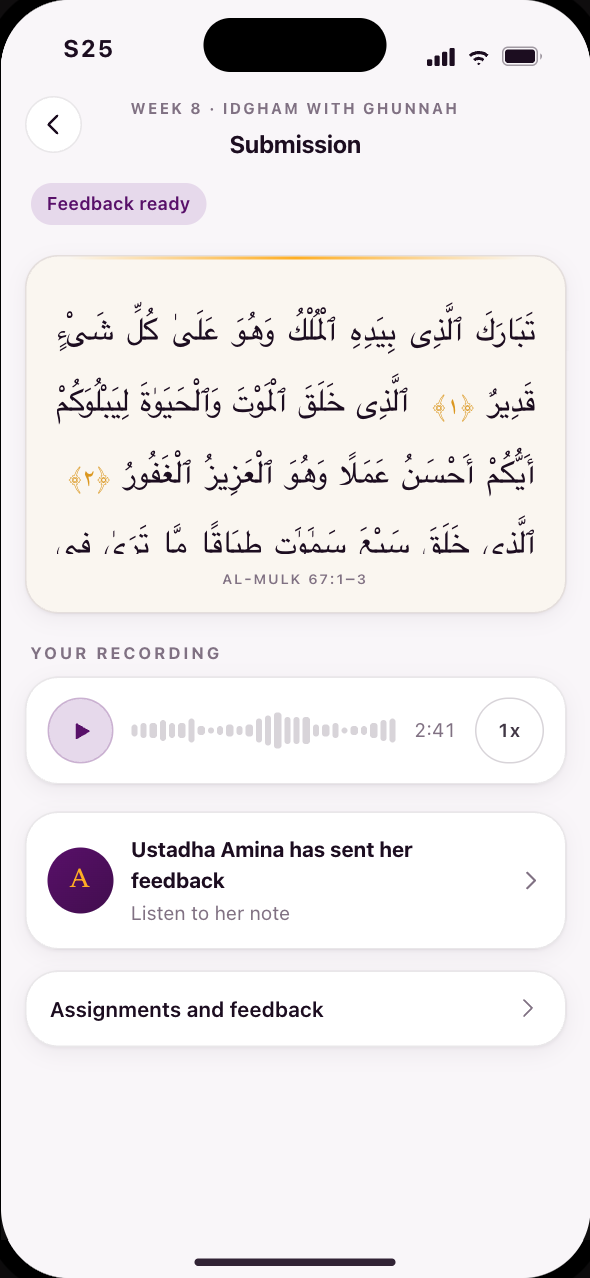 S25Sent, and yours to take back until she opens it
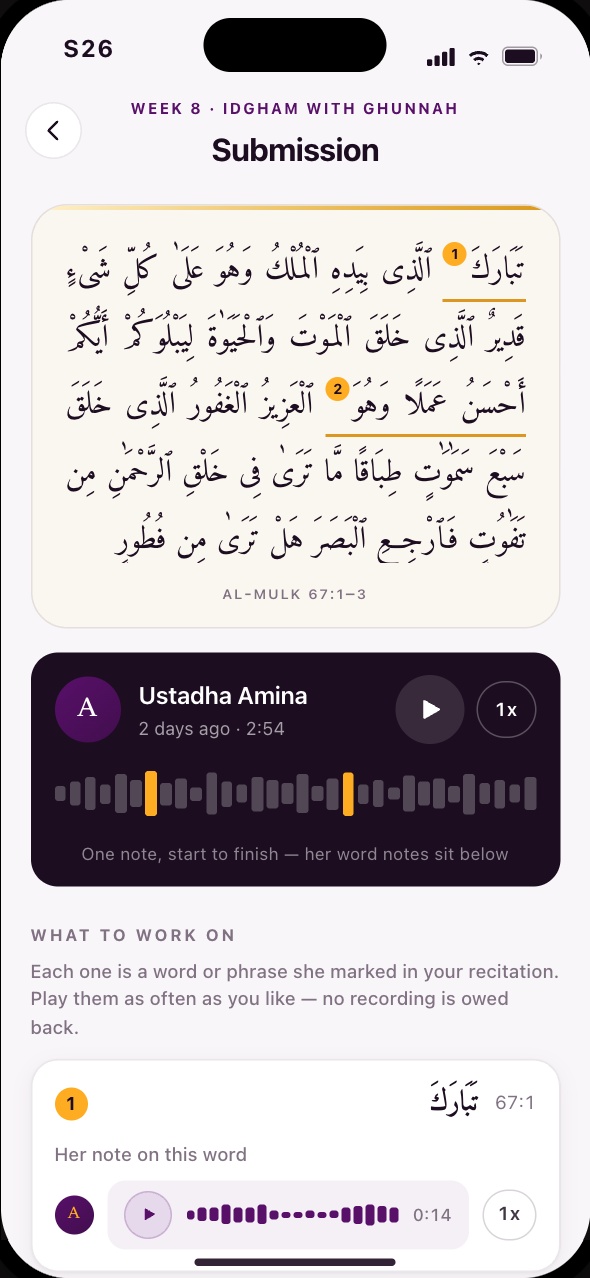 S26Her feedback, anchored to the words you read
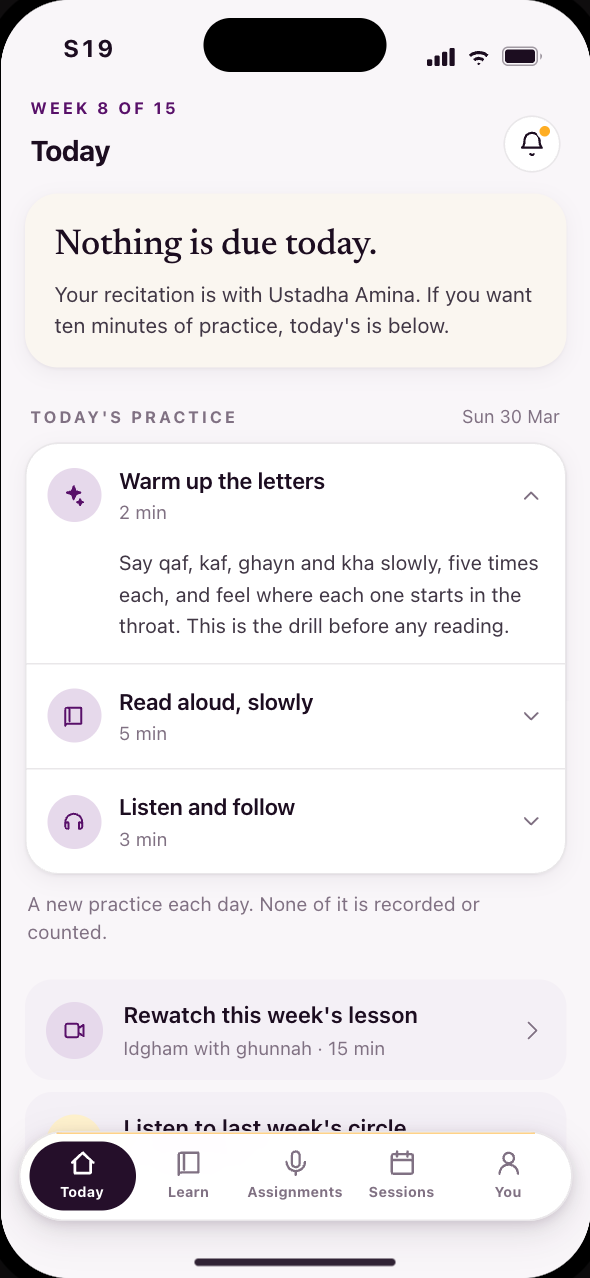 S19A rest day, with nothing to chase
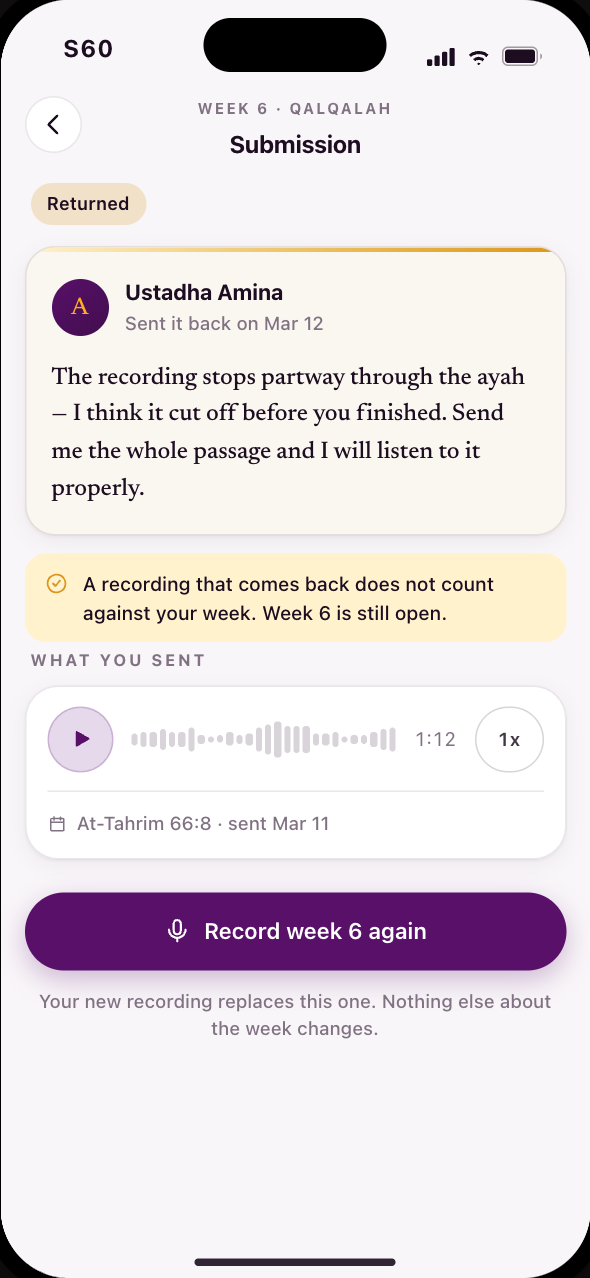 S60A recording that came back, and why
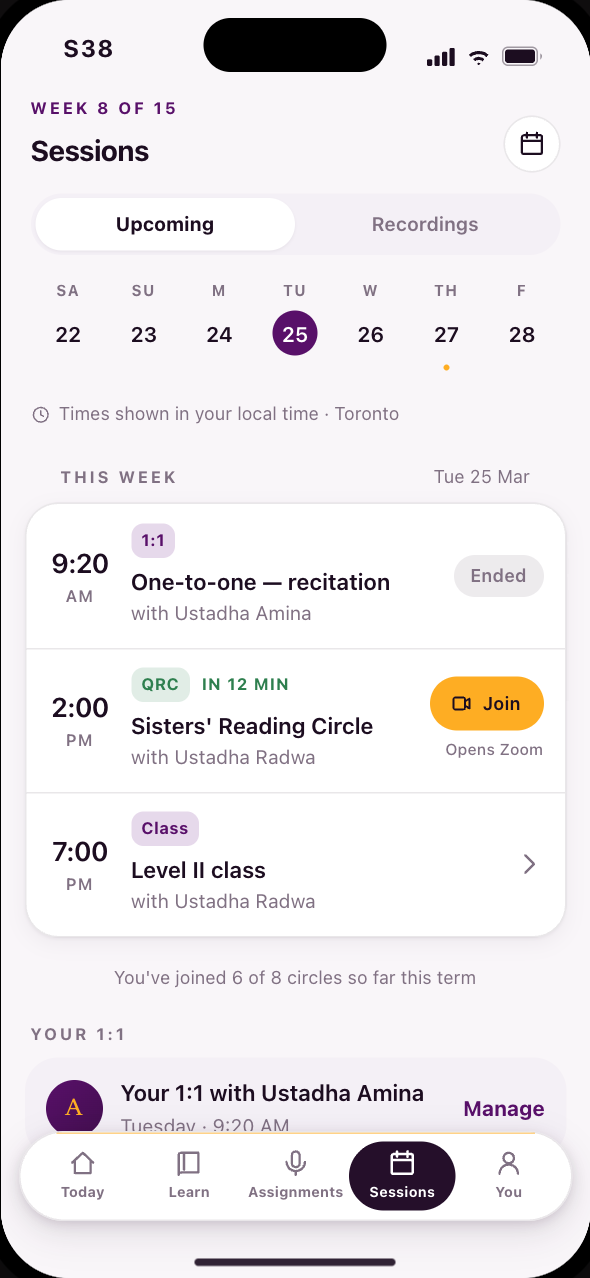 S38This week live, all in your timezone
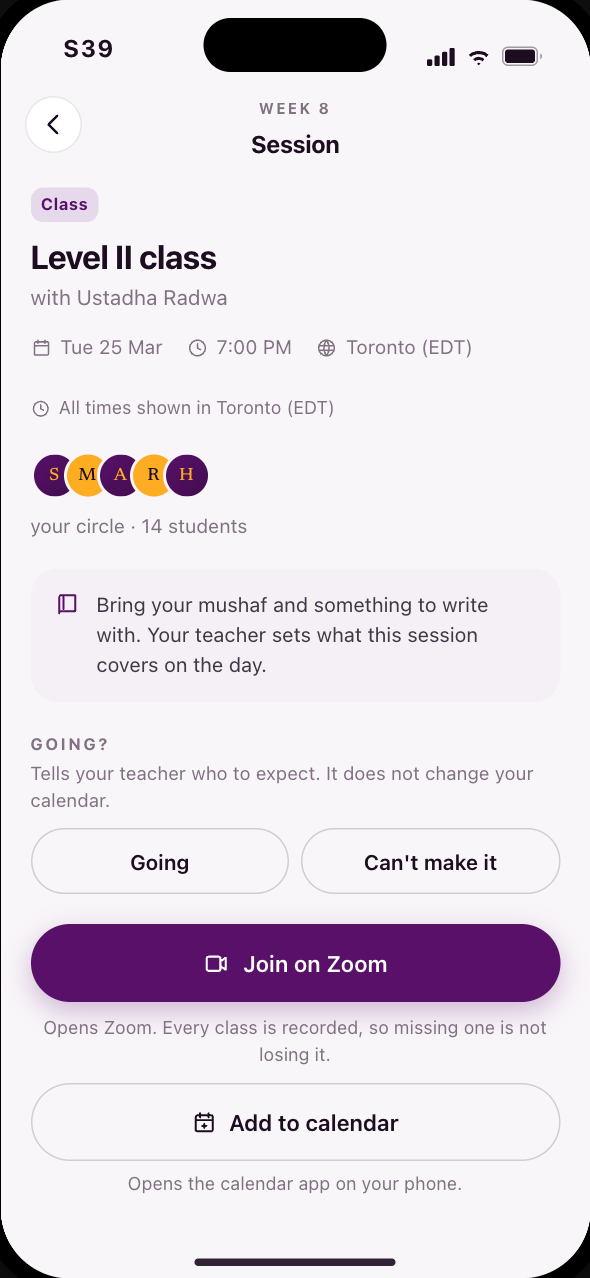 S39Everything about a live session
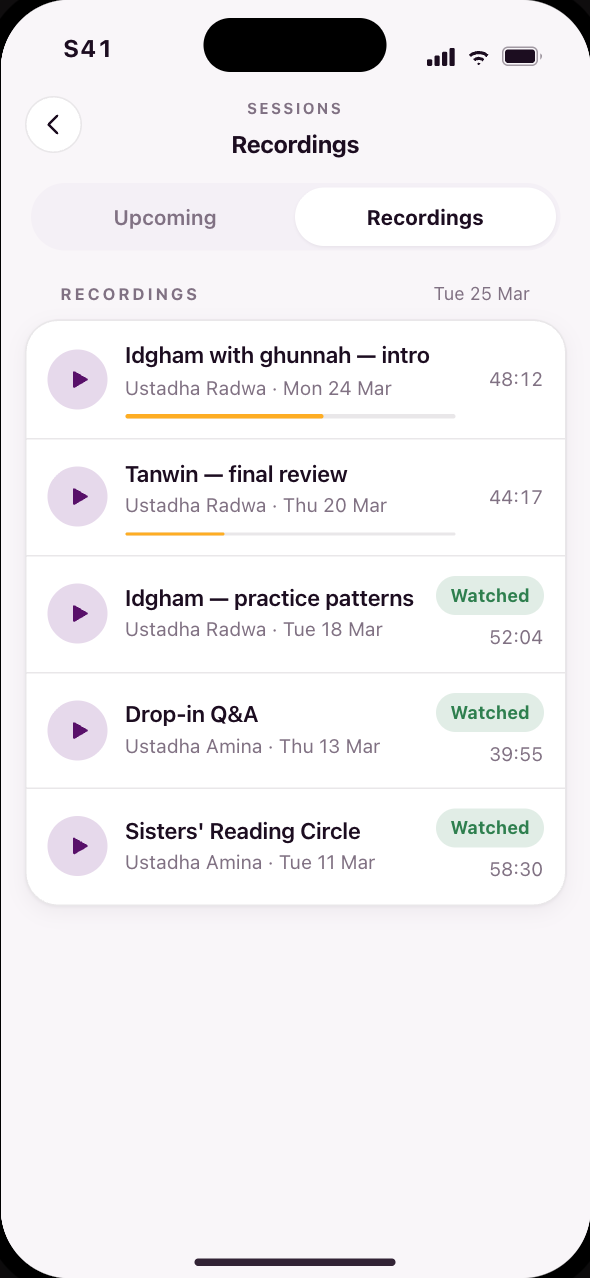 S41Rewatch a session you missed
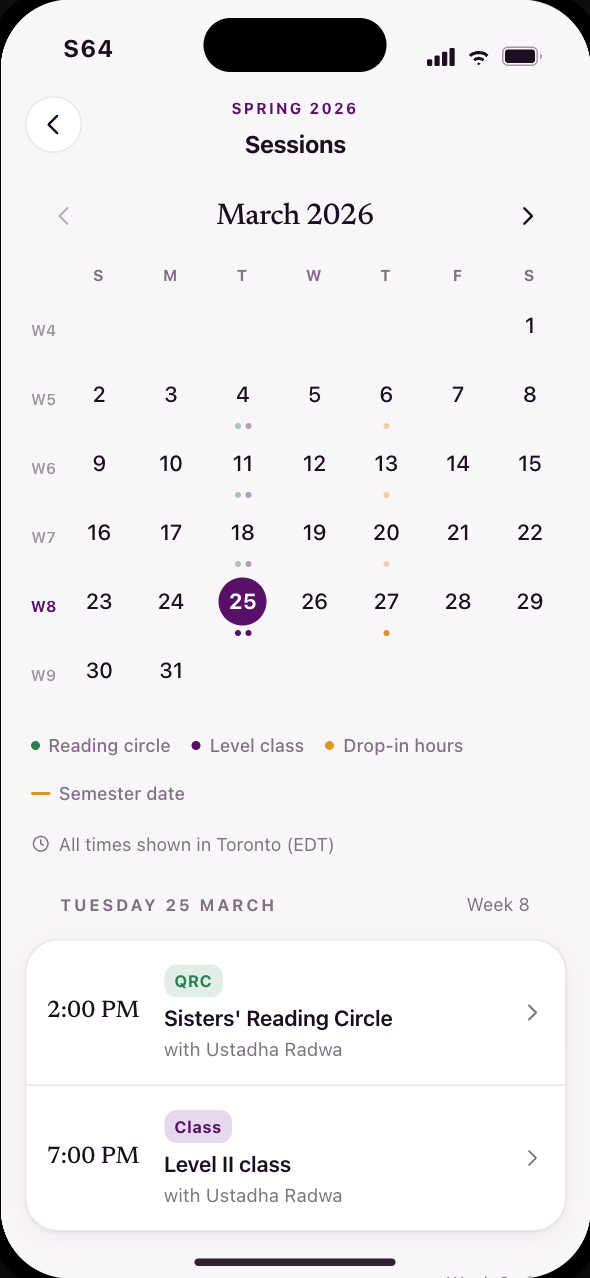 S64The live month behind the calendar button
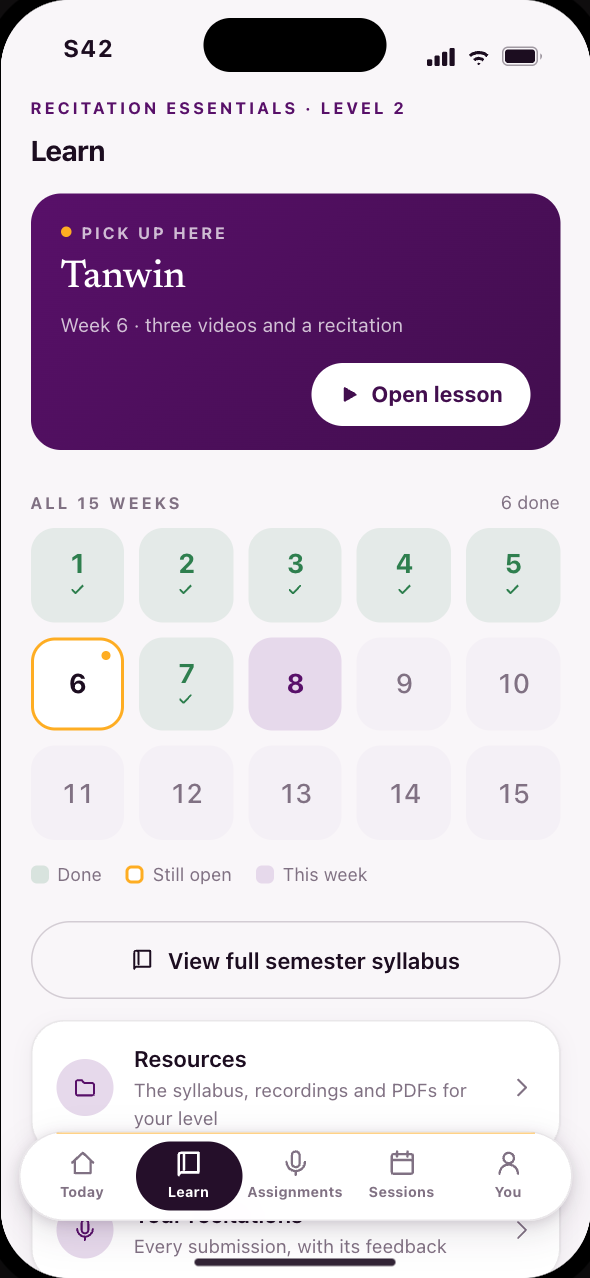 S42Fifteen weeks as a grid, and the one still open
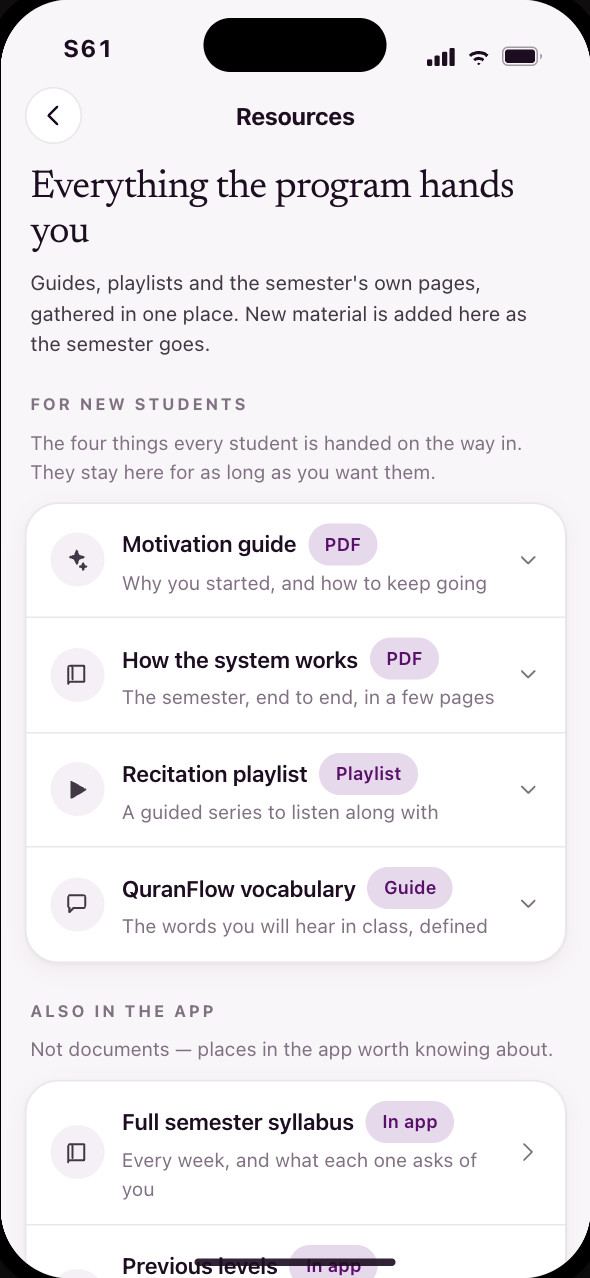 S61Resources, with a place of their own
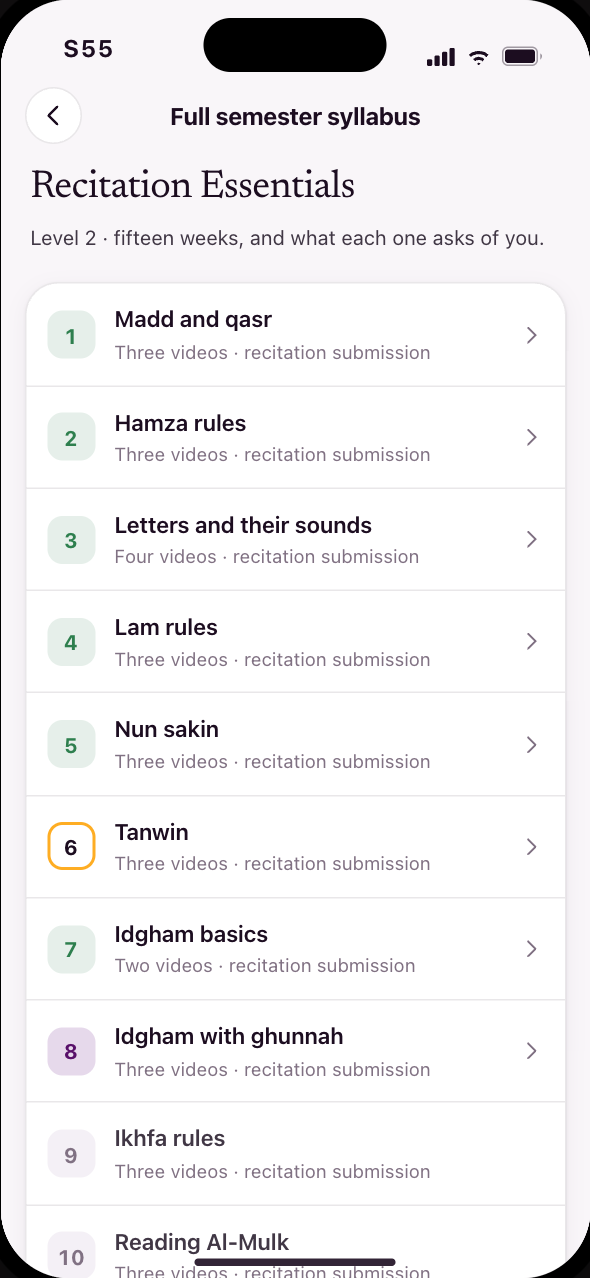 S55Every week, and what each one asks of you
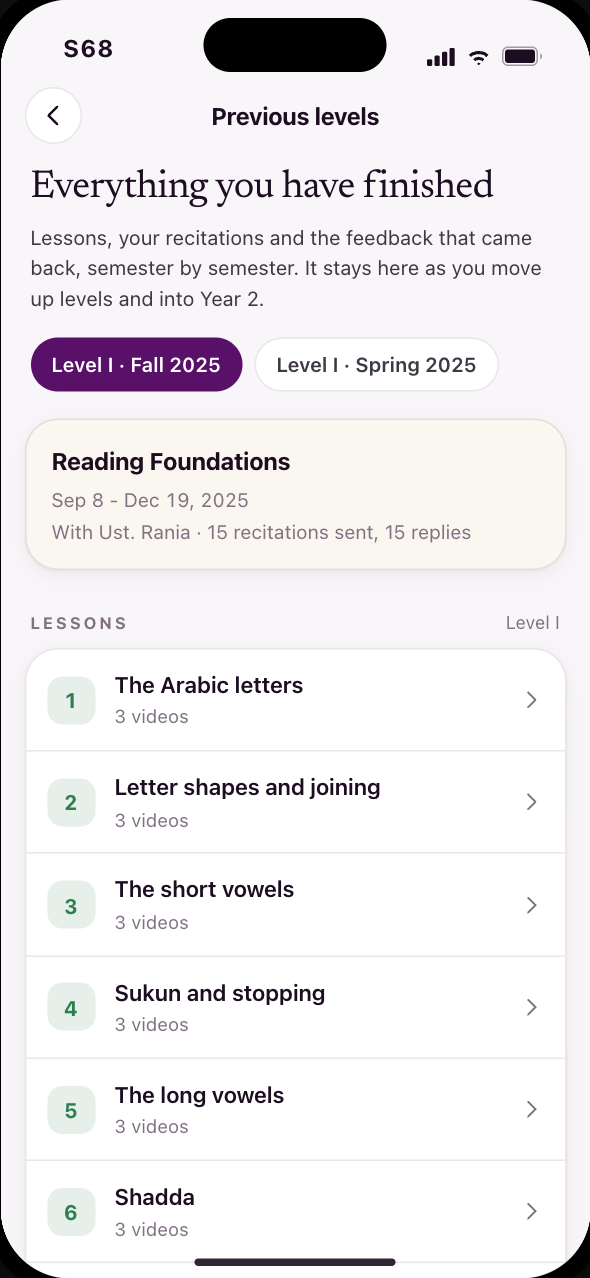 S68Previous levels, inside the learning space
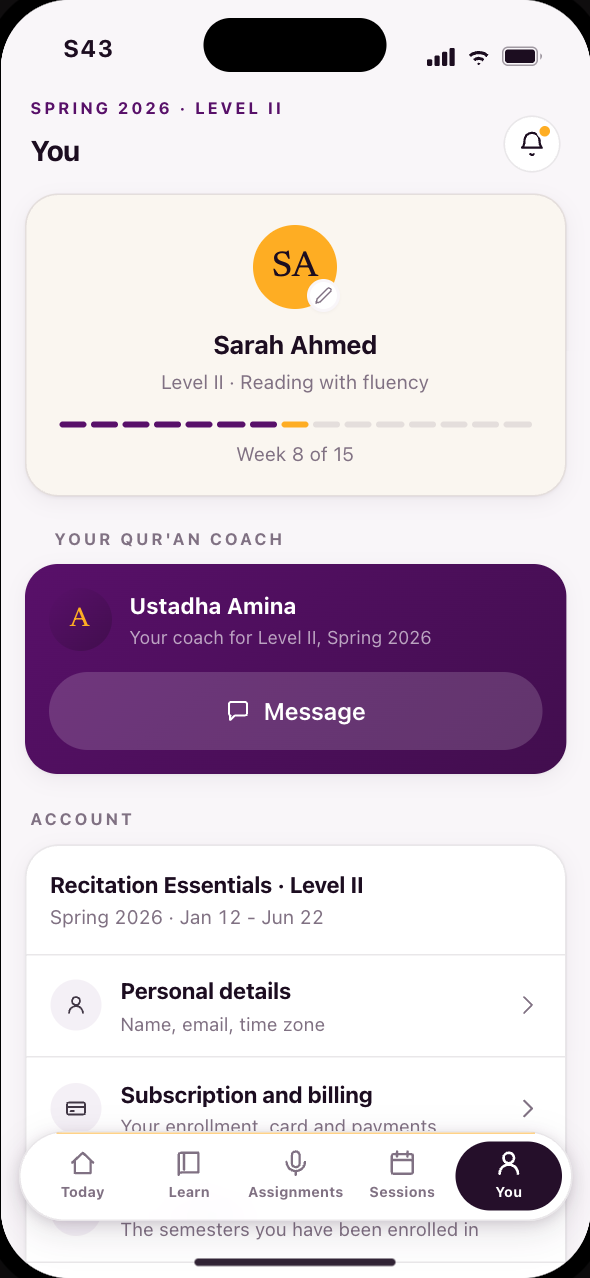 S43Your progress and your coach
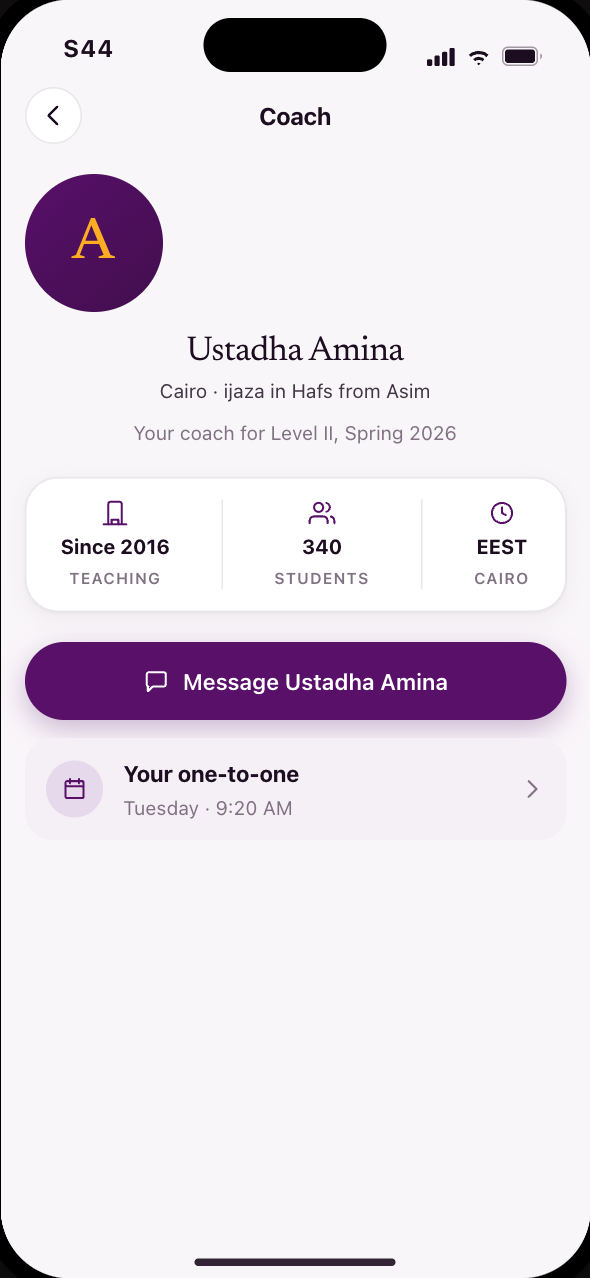 S44Your coach’s profile and feedback
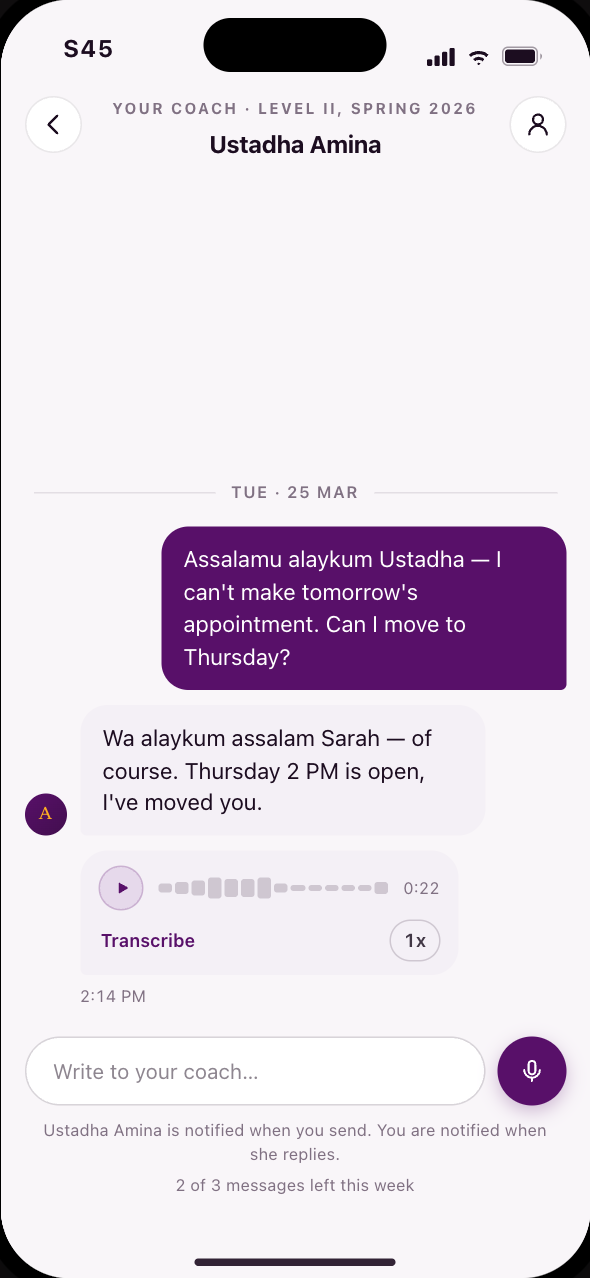 S45Message your coach, voice first
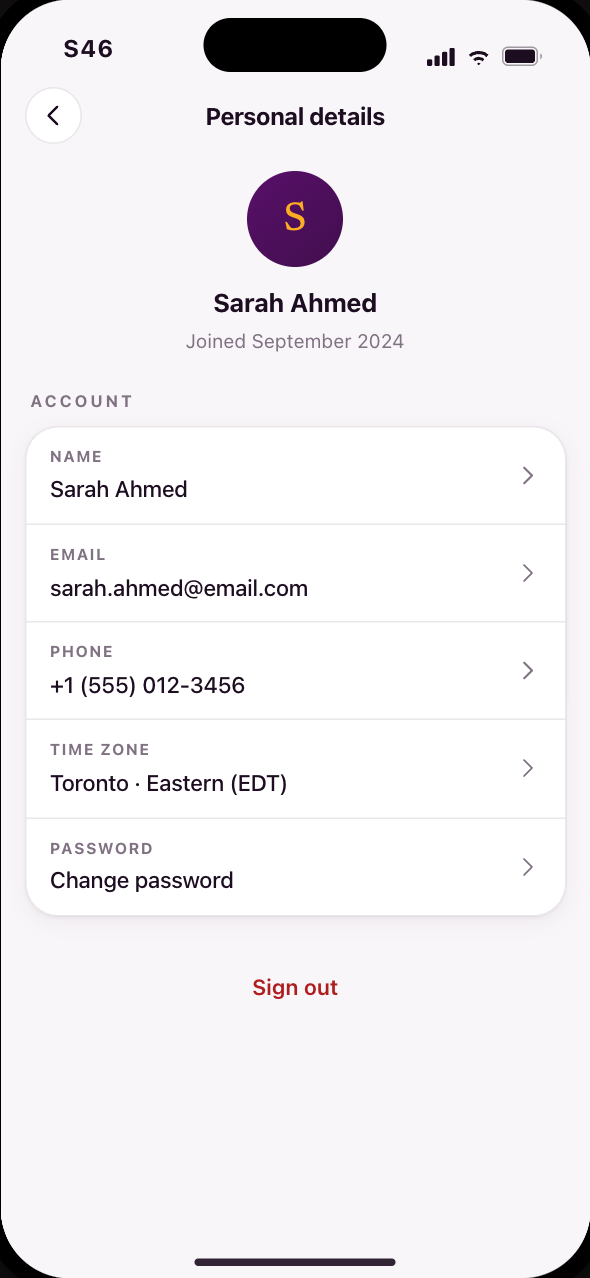 S46Your account details
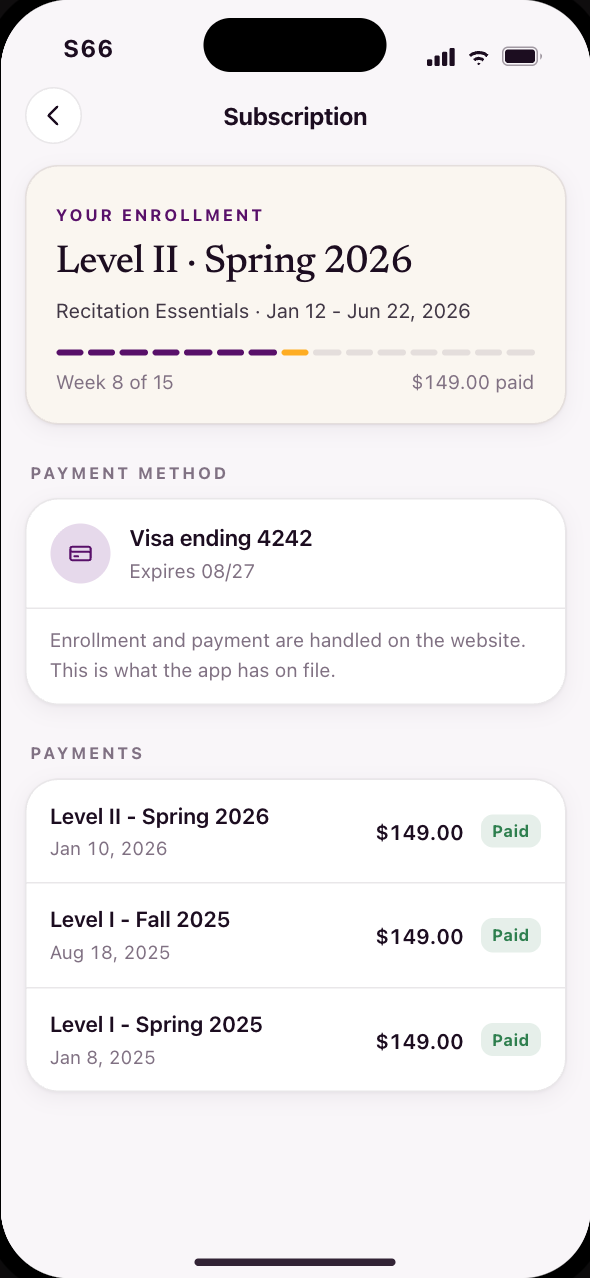 S66Subscription, billing and the semester
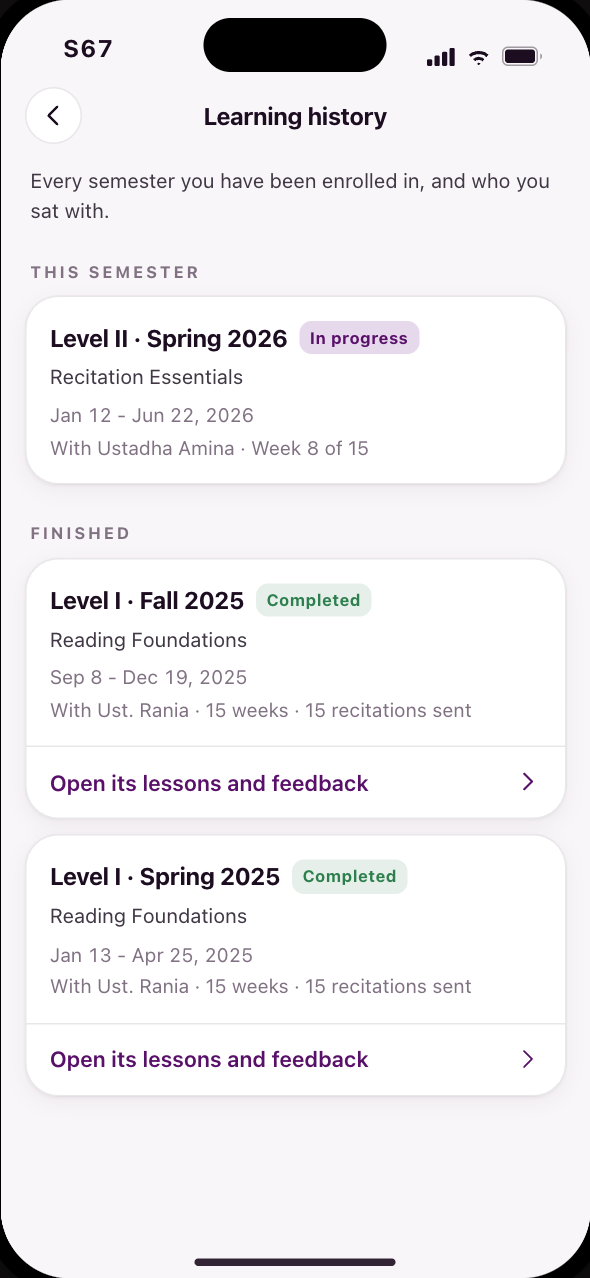 S67Learning history means previous enrollments
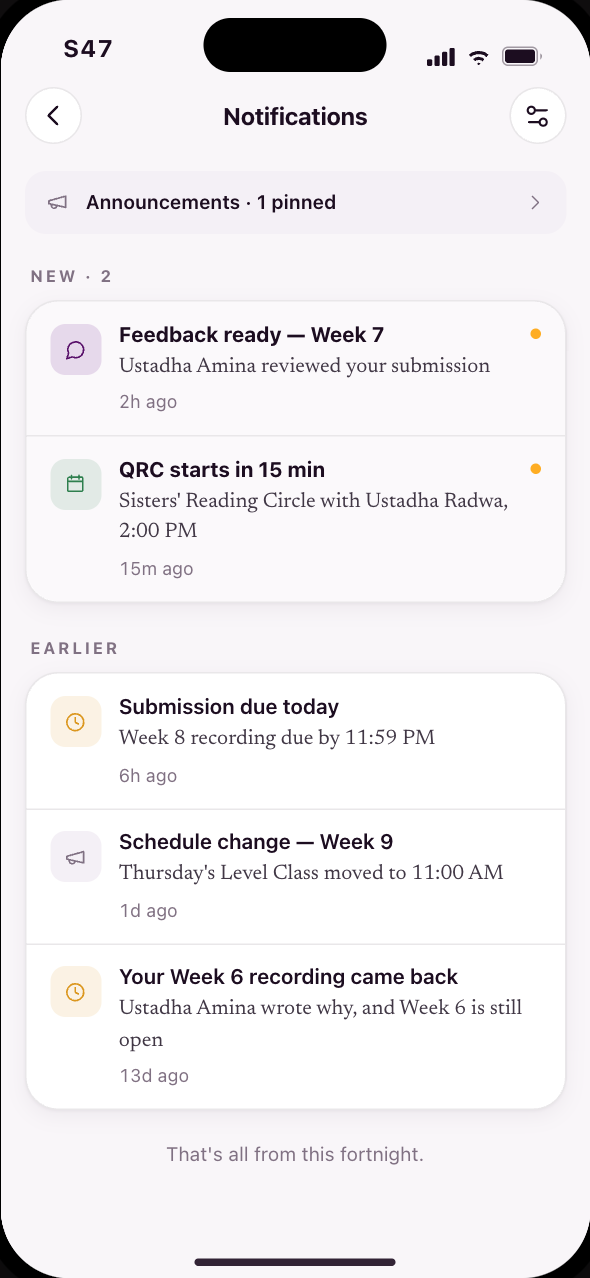 S47Your inbox: announcements and feedback
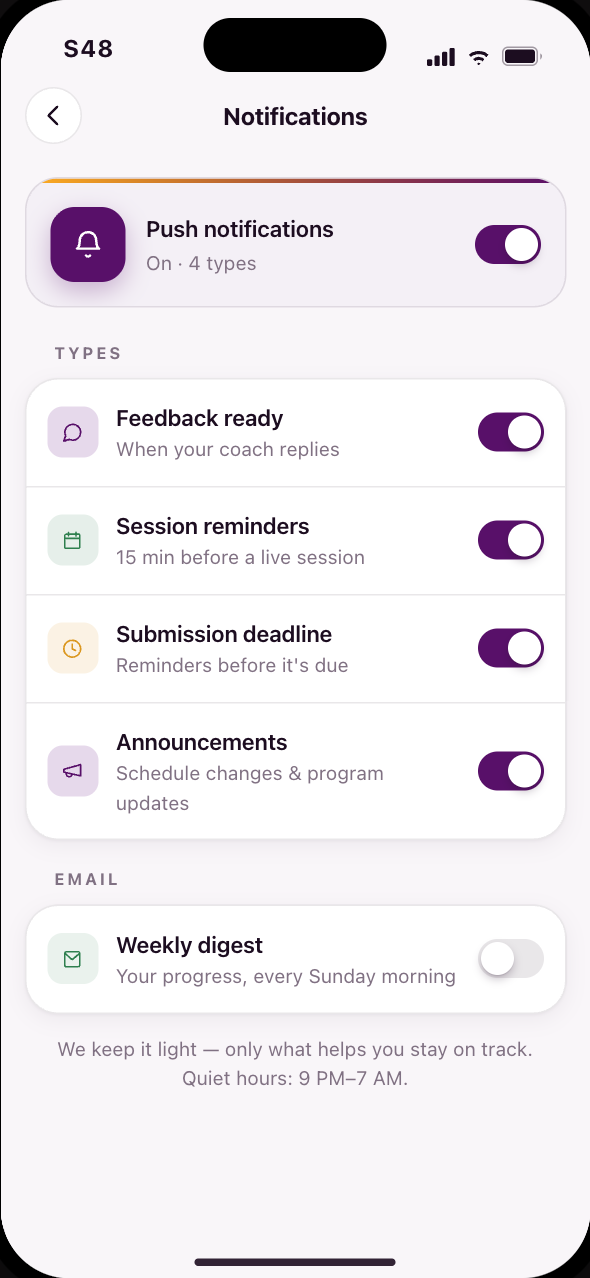 S48Choose what you are notified about
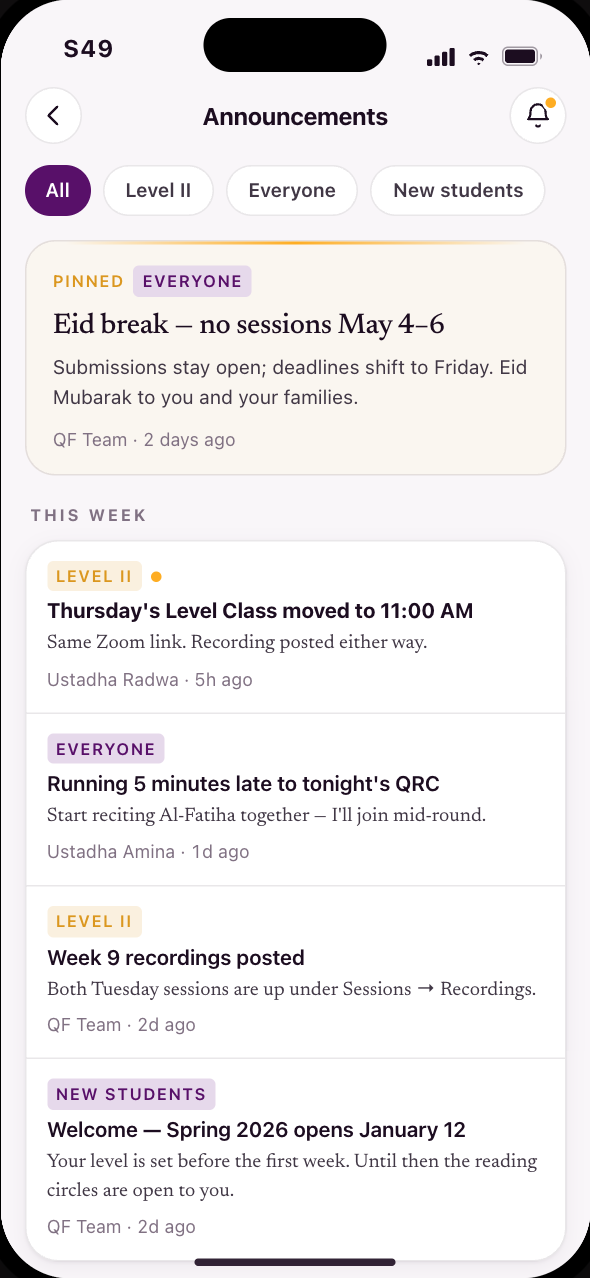 S49Announcements, one way, no noise
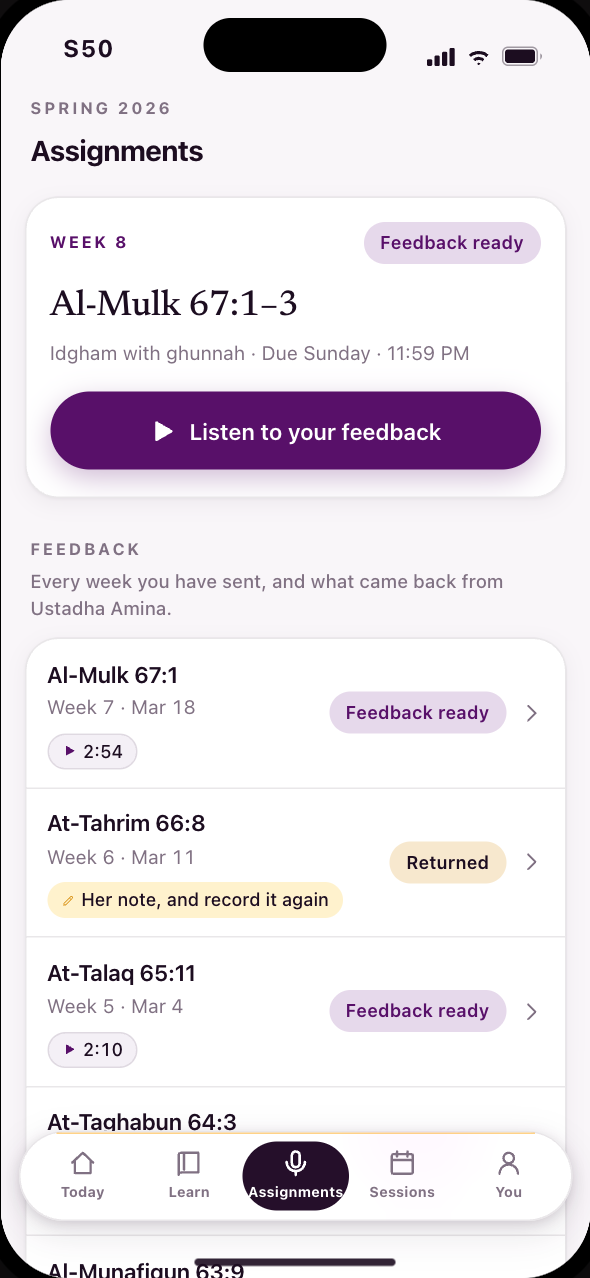 S50This week’s assignment, and every week’s feedback
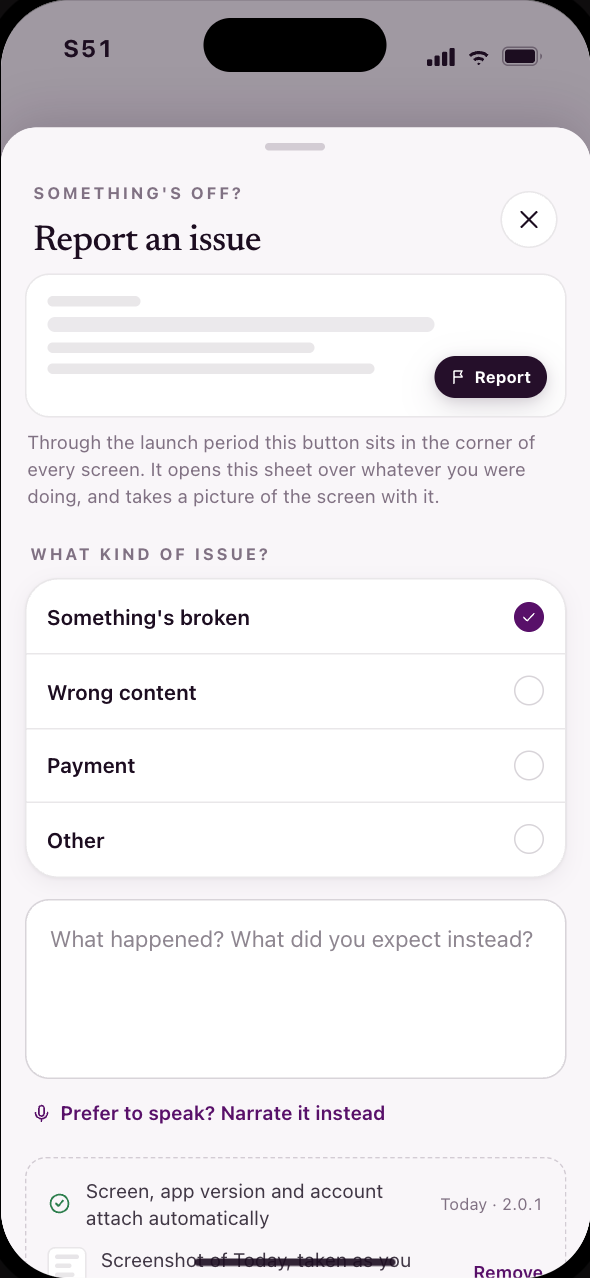 S51Report an issue from anywhere
Year 2
You are Hana, back after Level 4.
Hana has no weekly submissions any more. She books one-to-one appointments, reads the teacher’s notes afterwards, and chooses electives, on the same shared surfaces underneath.
34 screens, in 3 stages
Codes S15, S29–S35, S37–S39, S41–S51, S54, S55, S57, S61–S68, S71
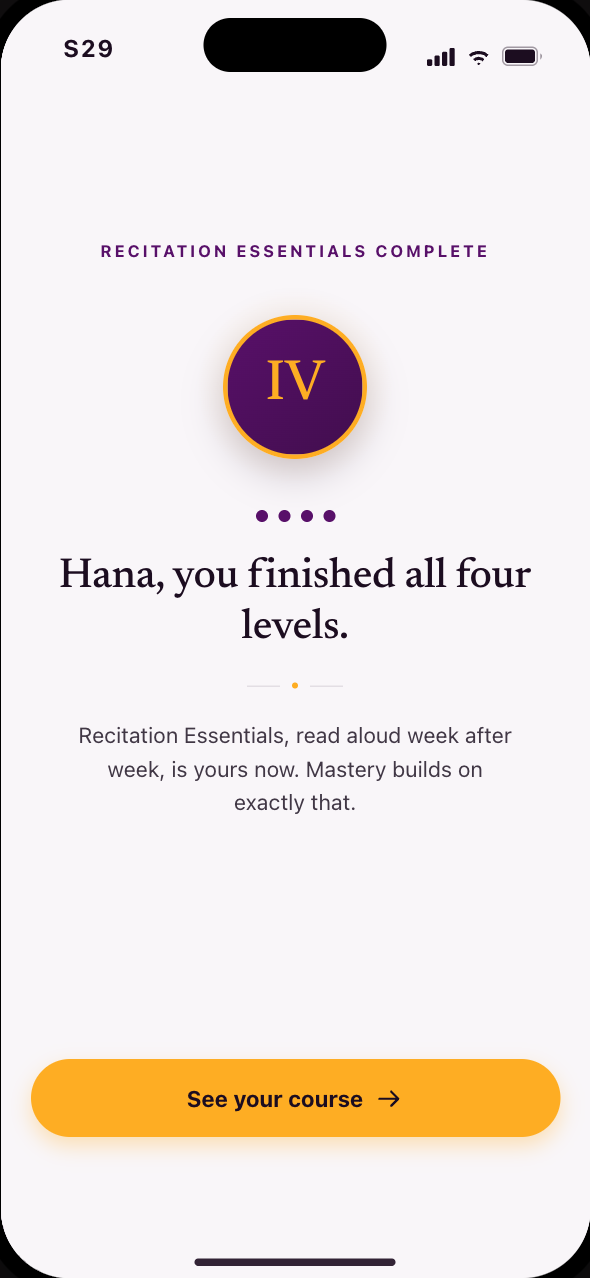 S29Hana finishes Recitation Essentials and enters Mastery
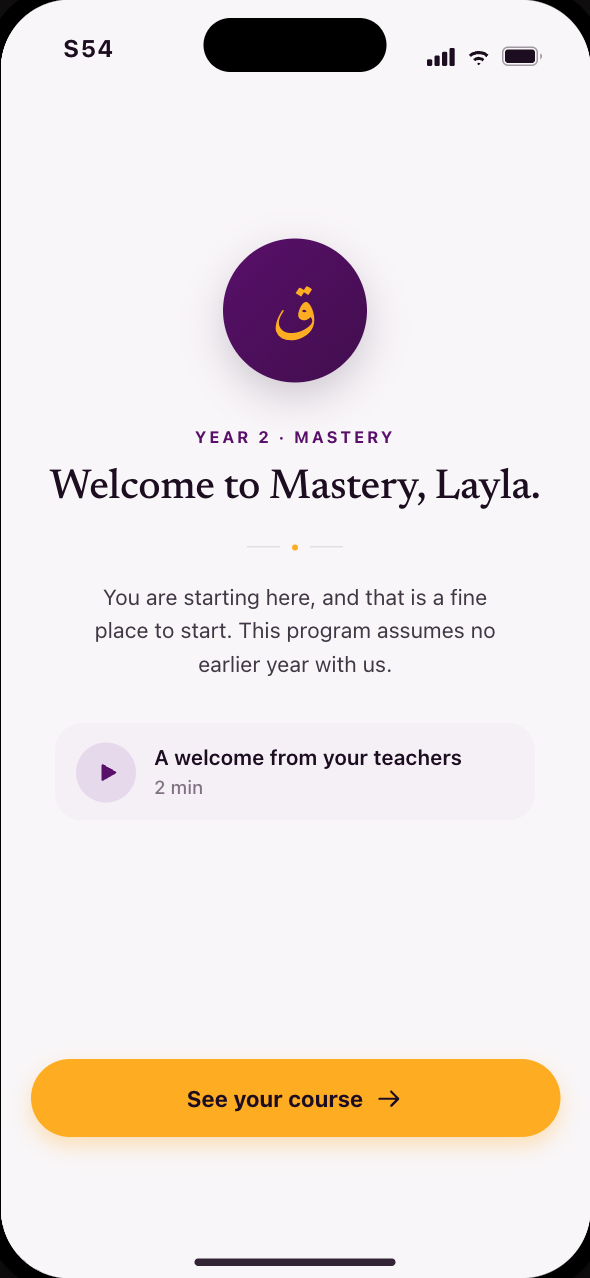 S54New to QuranFlow, and starting at Year 2
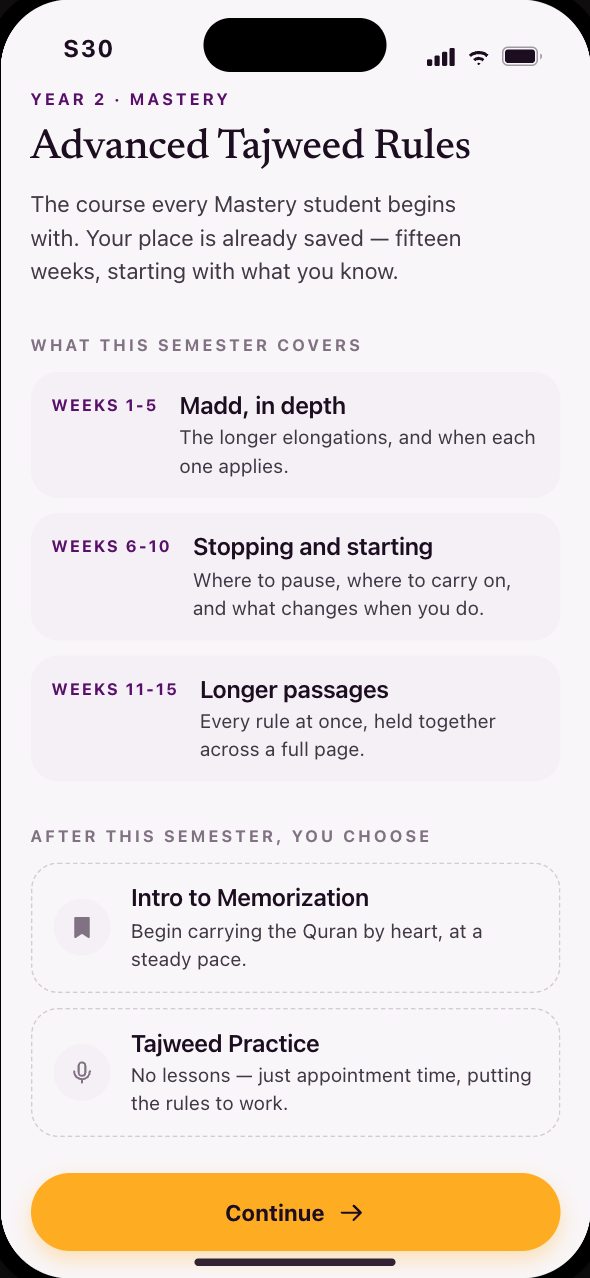 S30What Advanced Tajweed Rules covers, and what comes after
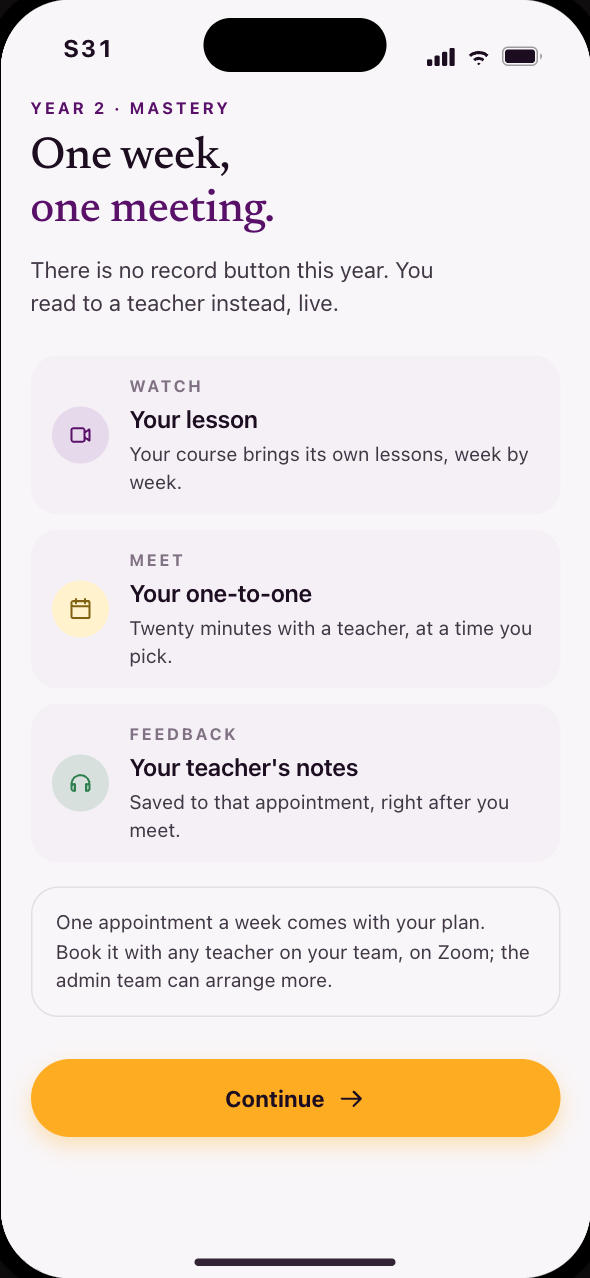 S31The Year 2 rhythm, and where feedback comes from
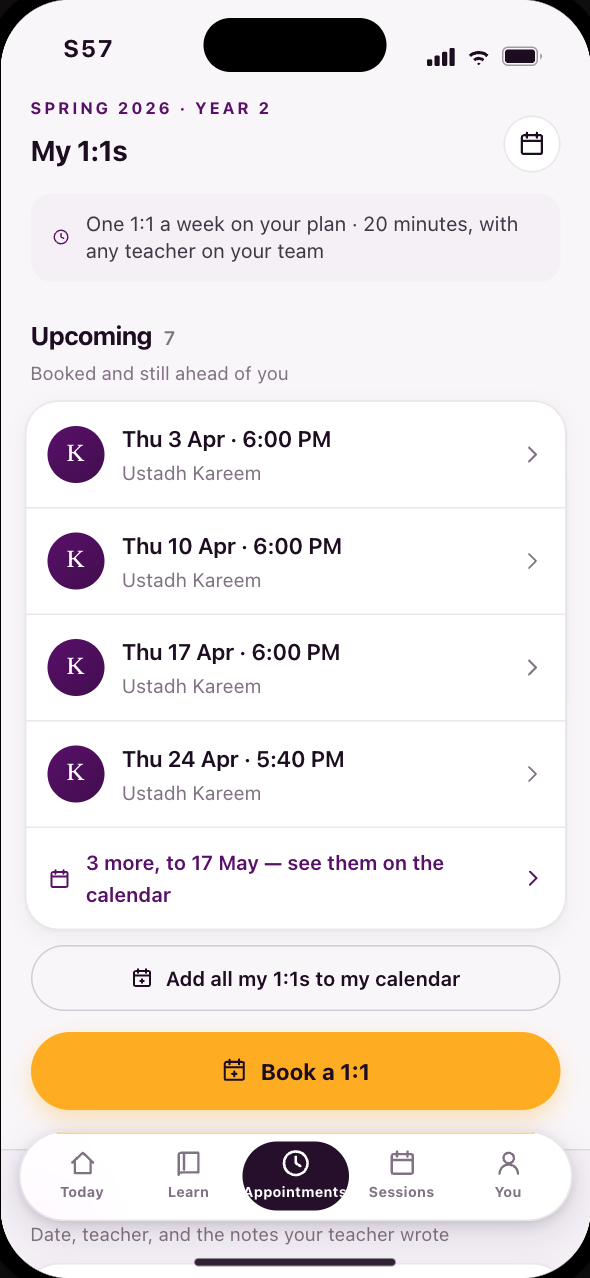 S57Appointments: upcoming, past, and book a new one
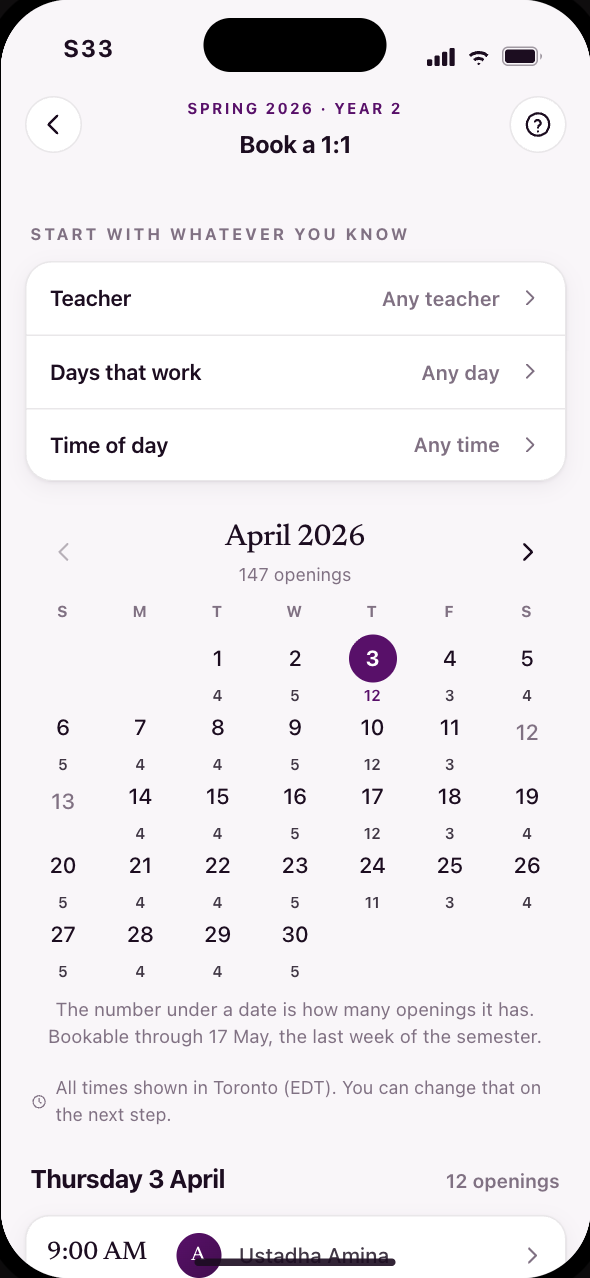 S33Filter by teacher, day or time, then book once or weekly
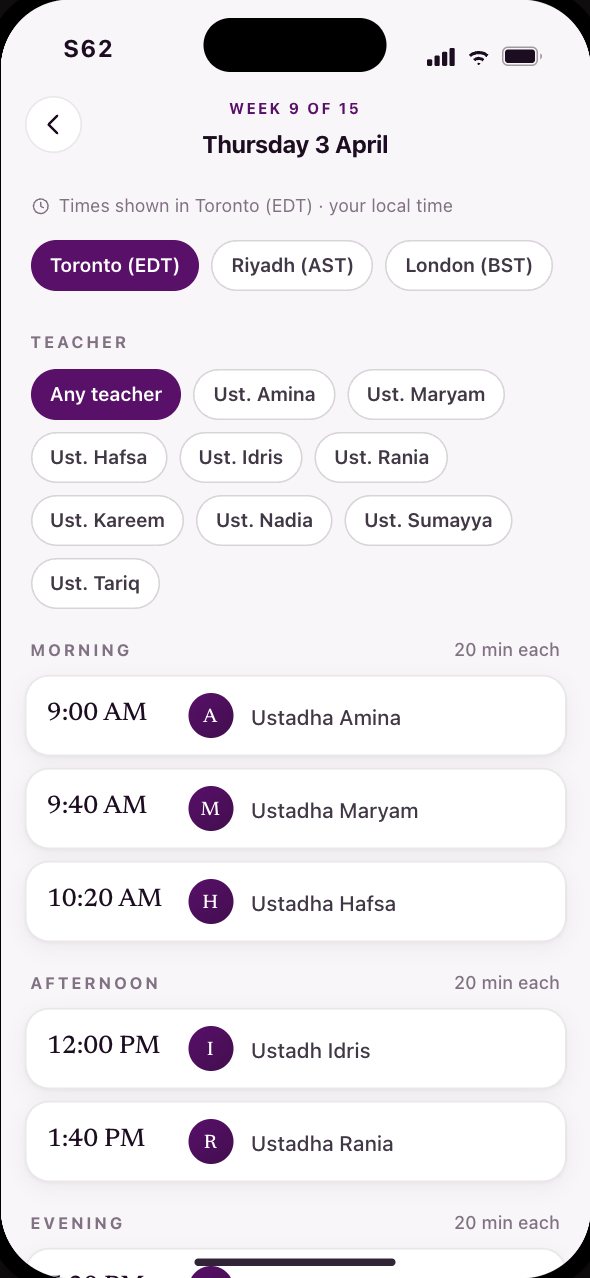 S62The day’s open times, and how often you want it
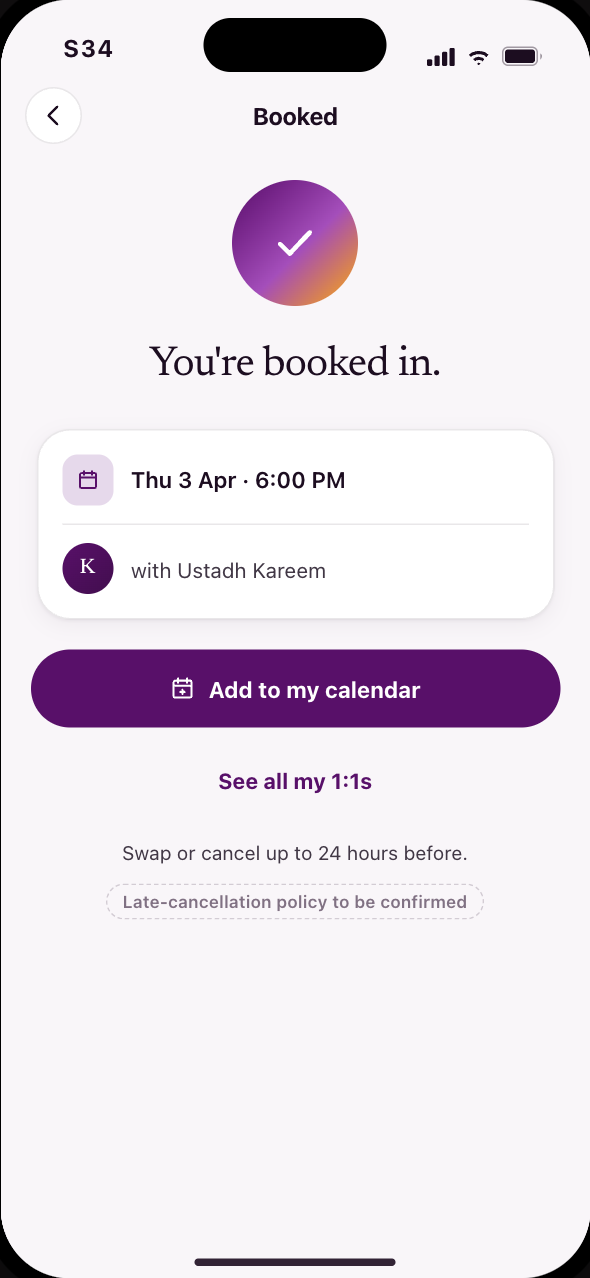 S34Booked, and changeable up to 24 hours before
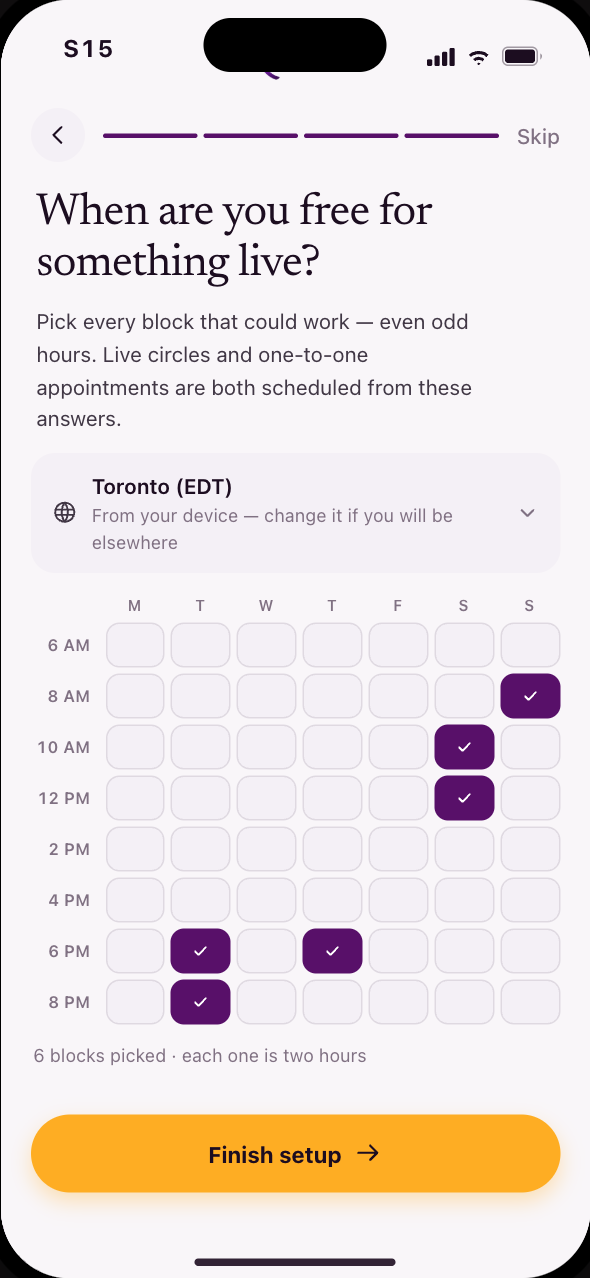 S15The same question, asked once the shape is clear
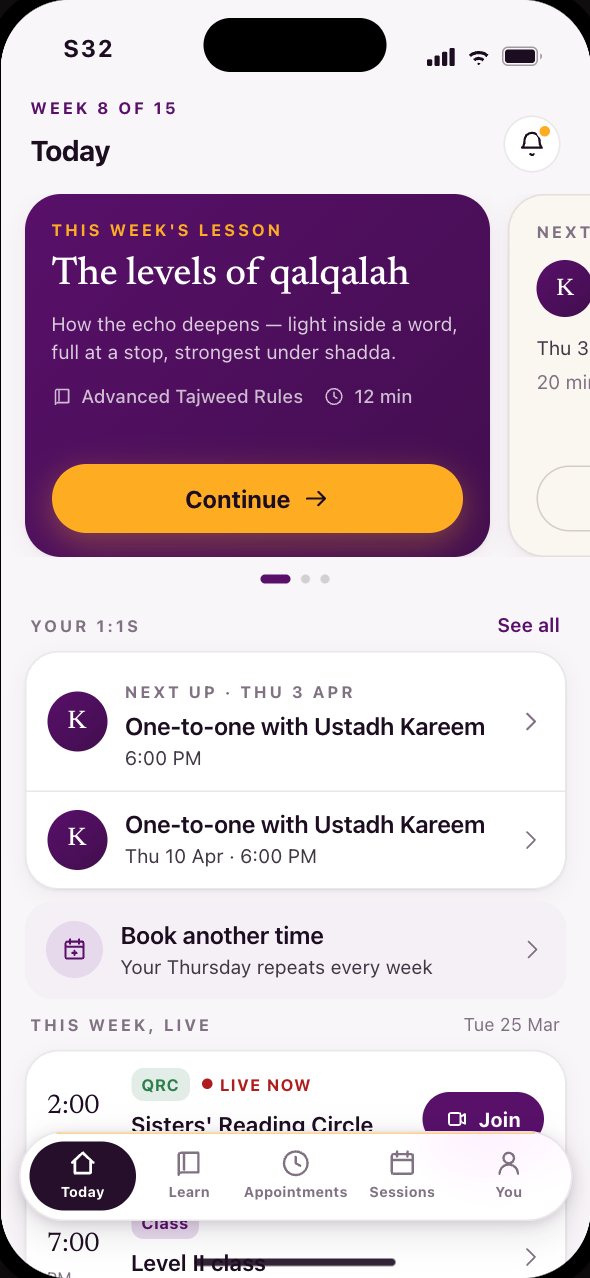 S32The same home, with appointments where submissions were
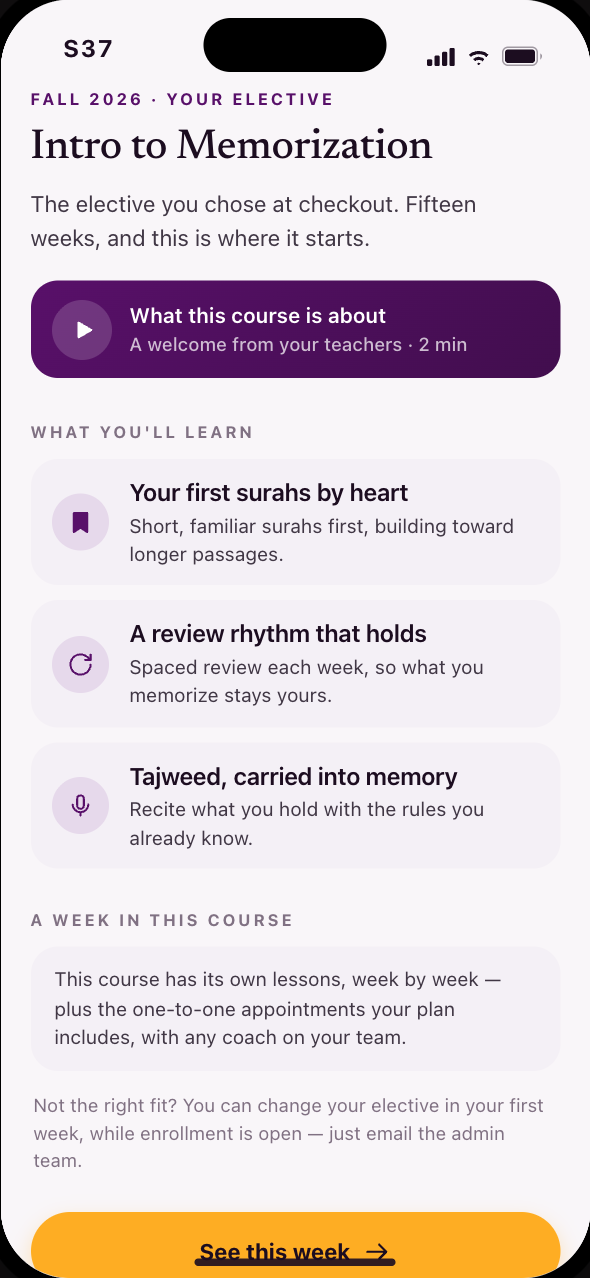 S37Second semester: the elective she chose at checkout
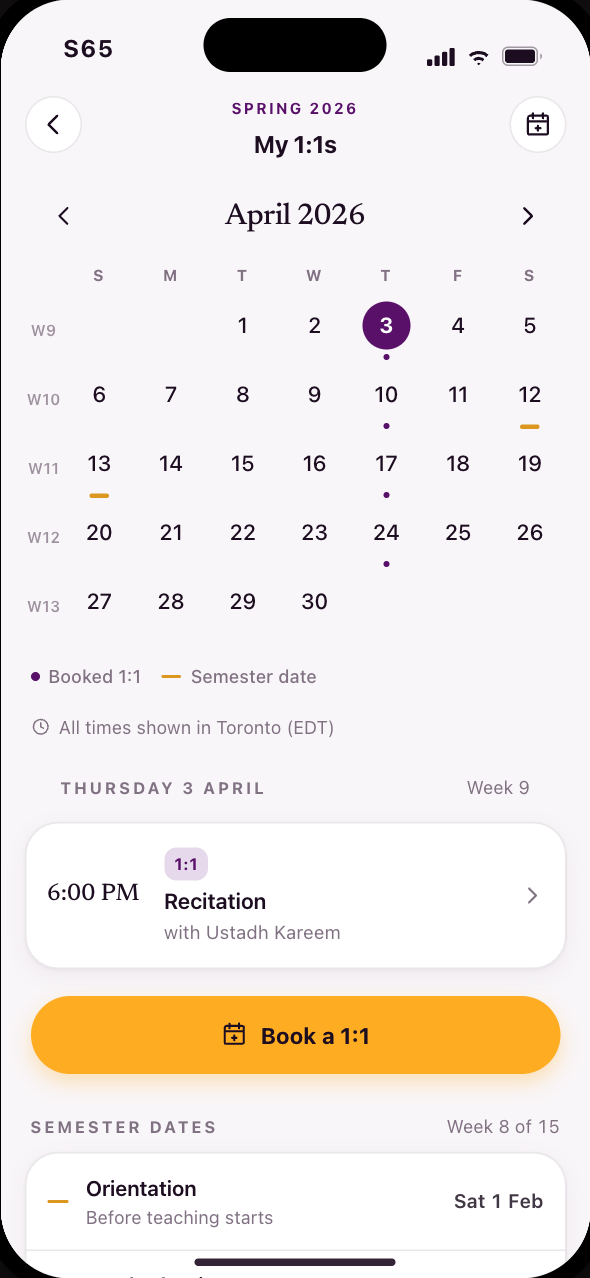 S65Your booked semester on one calendar
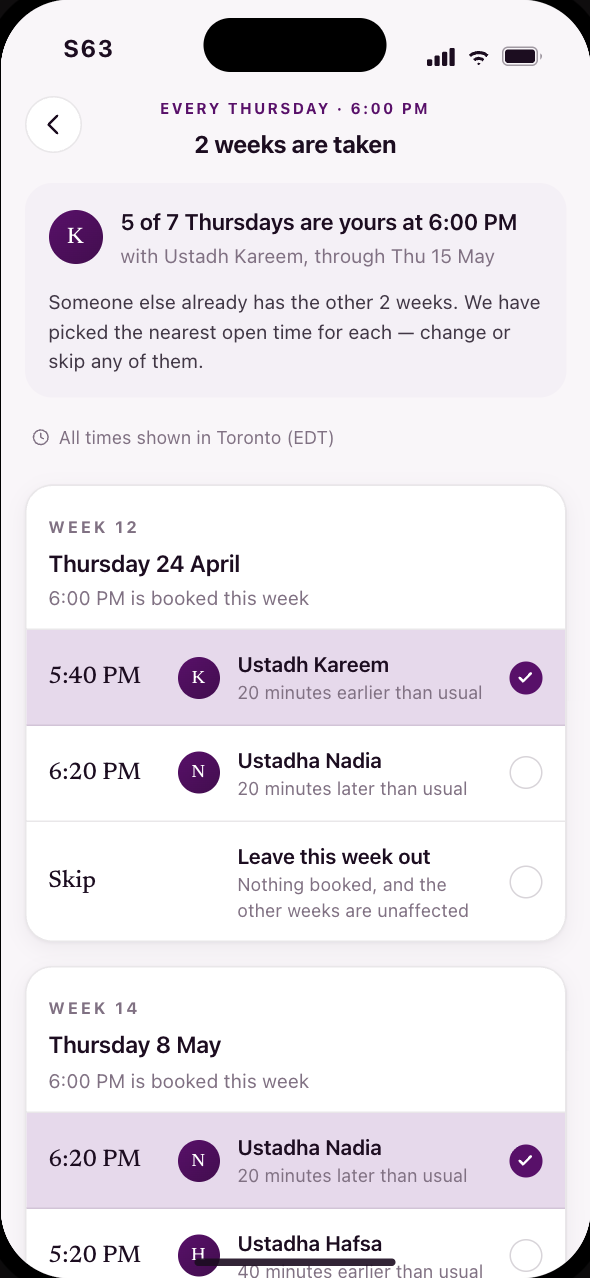 S63When a weekly booking hits a week already taken
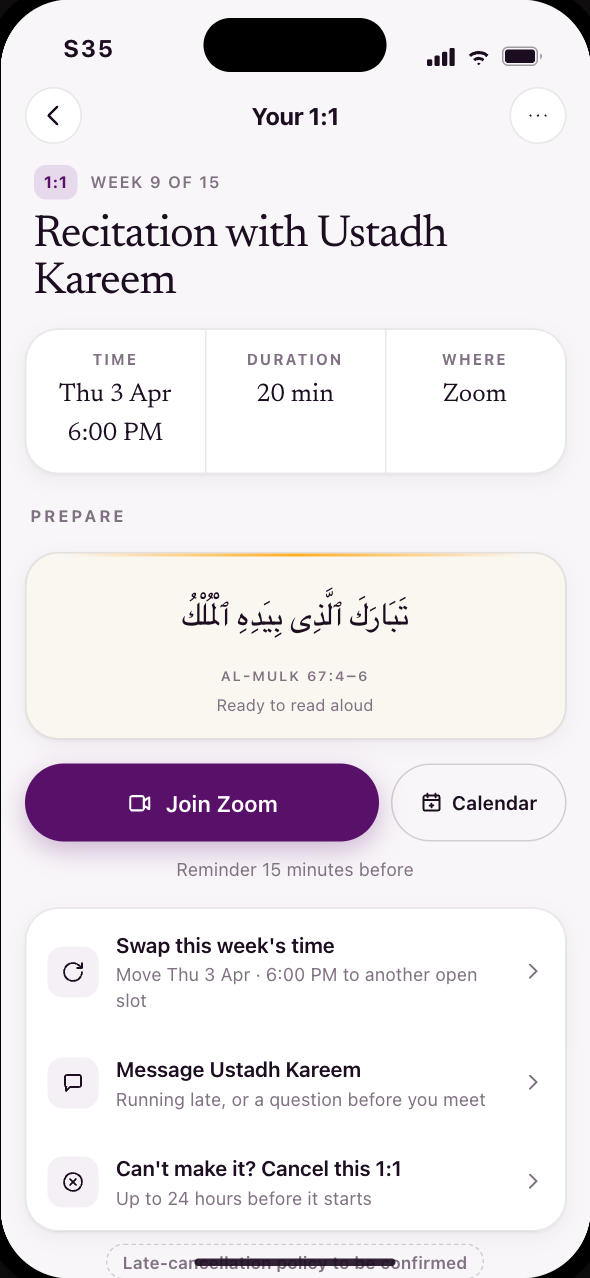 S35Manage a booked one-to-one
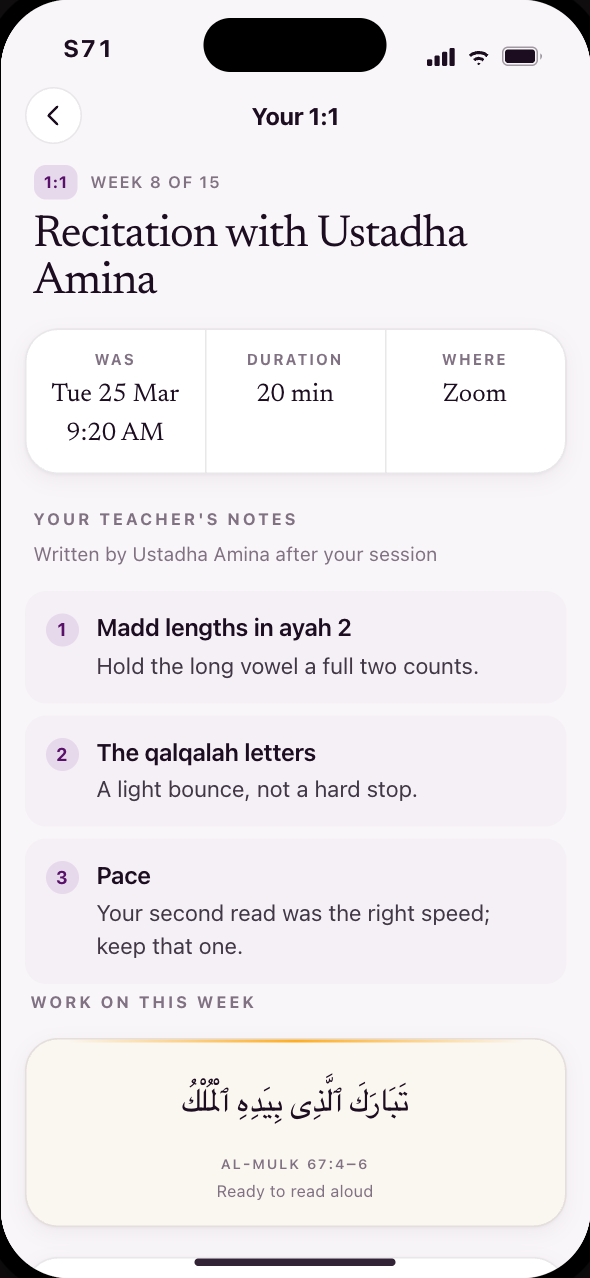 S71A past 1:1, and the notes that stay
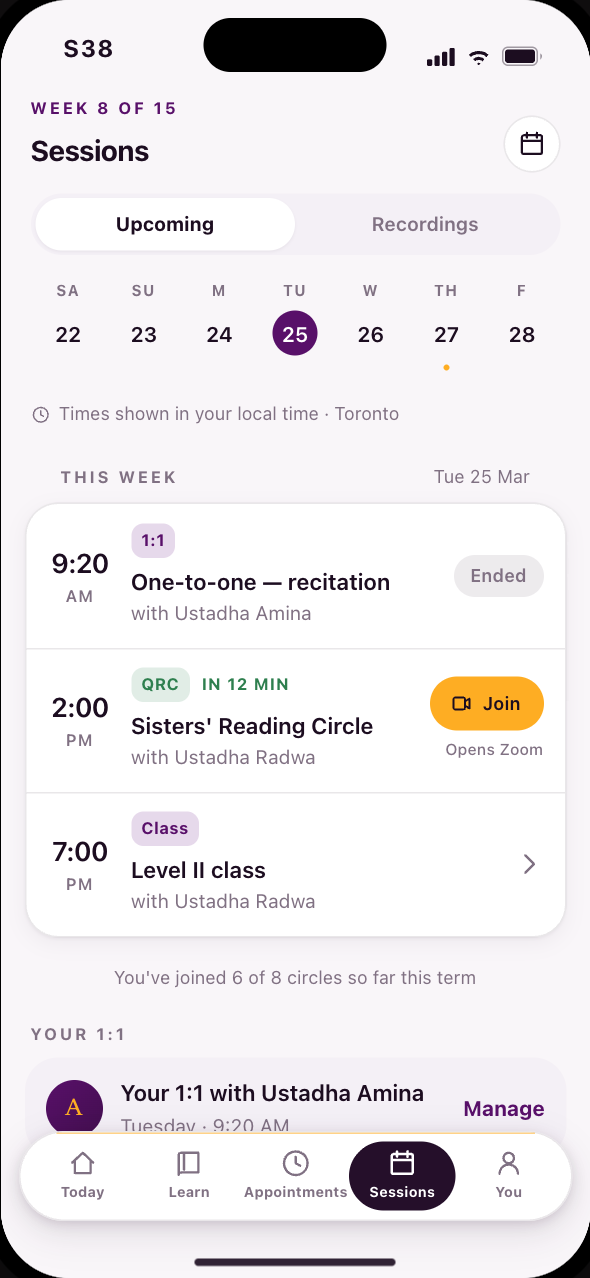 S38This week live, all in your timezone
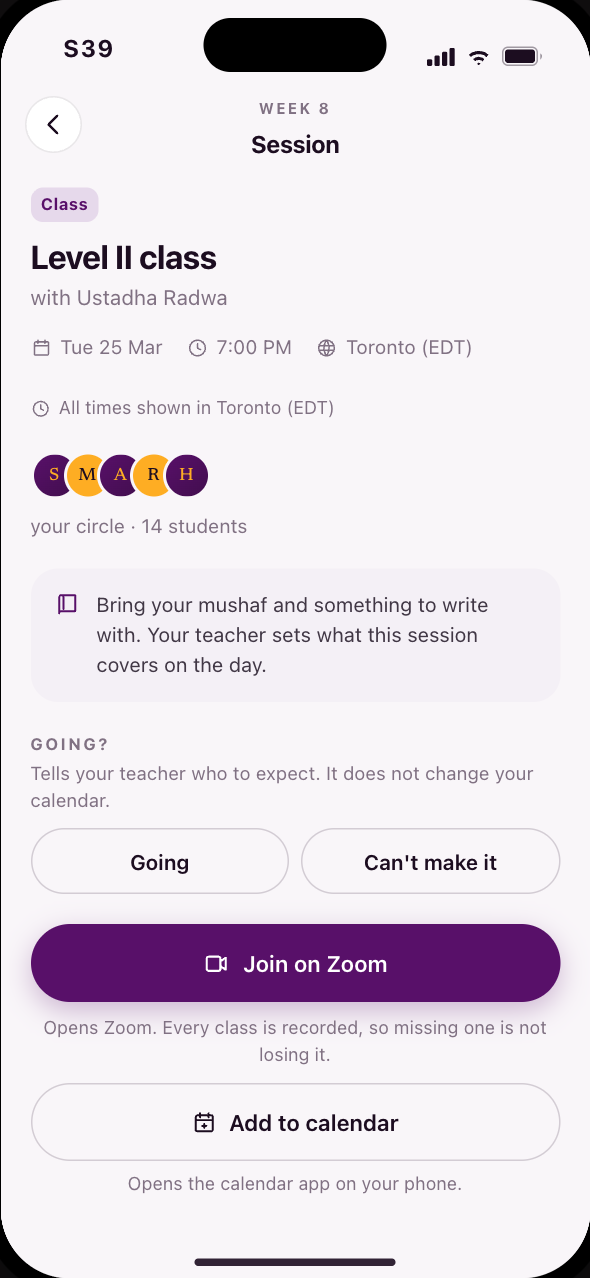 S39Everything about a live session
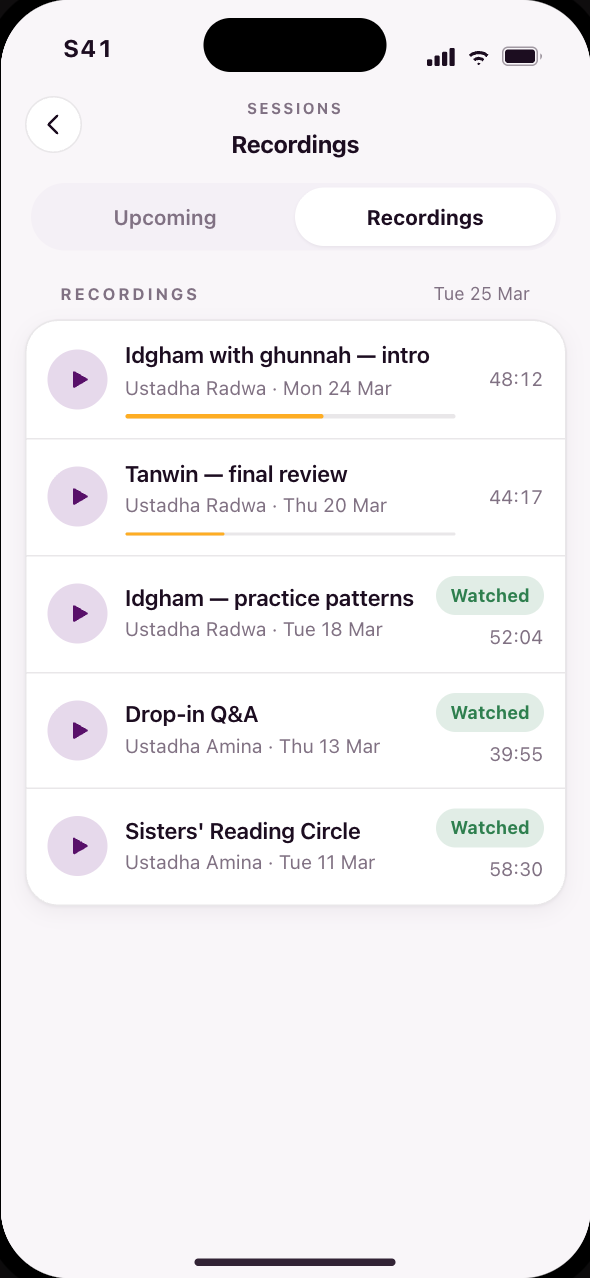 S41Rewatch a session you missed
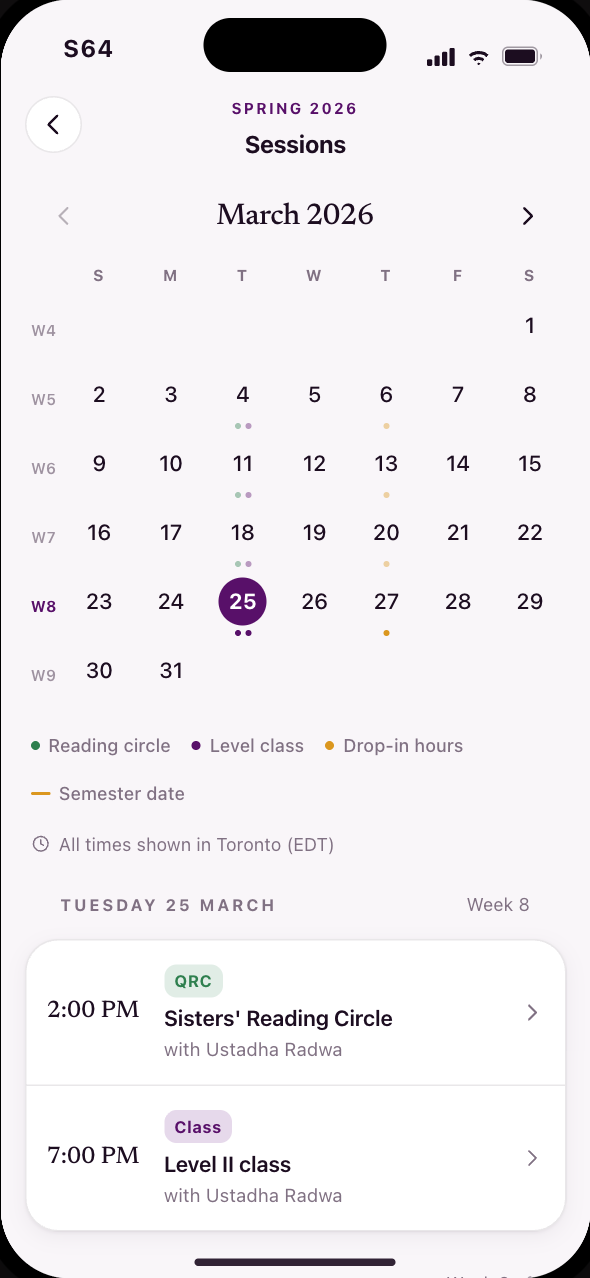 S64The live month behind the calendar button
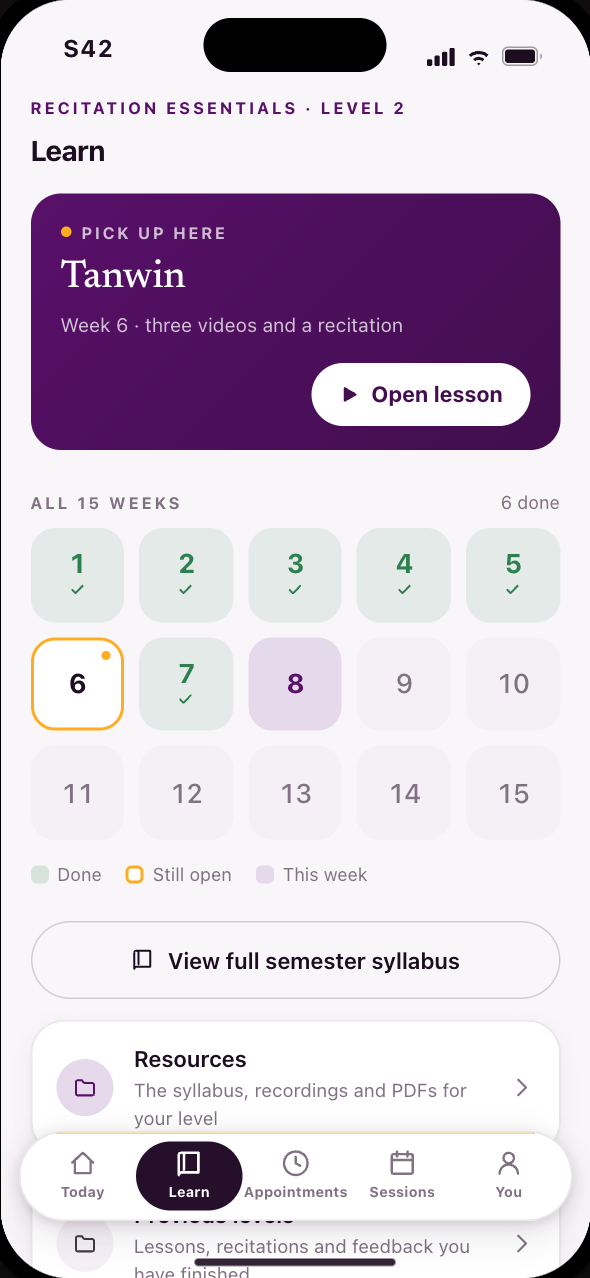 S42Fifteen weeks as a grid, and the one still open
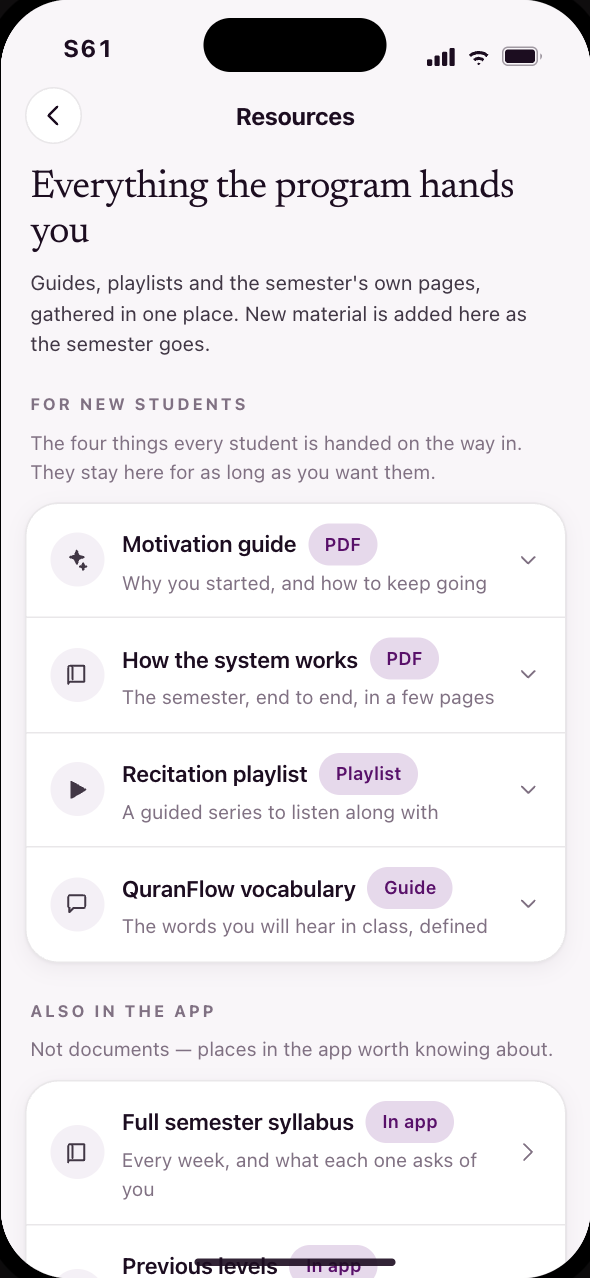 S61Resources, with a place of their own
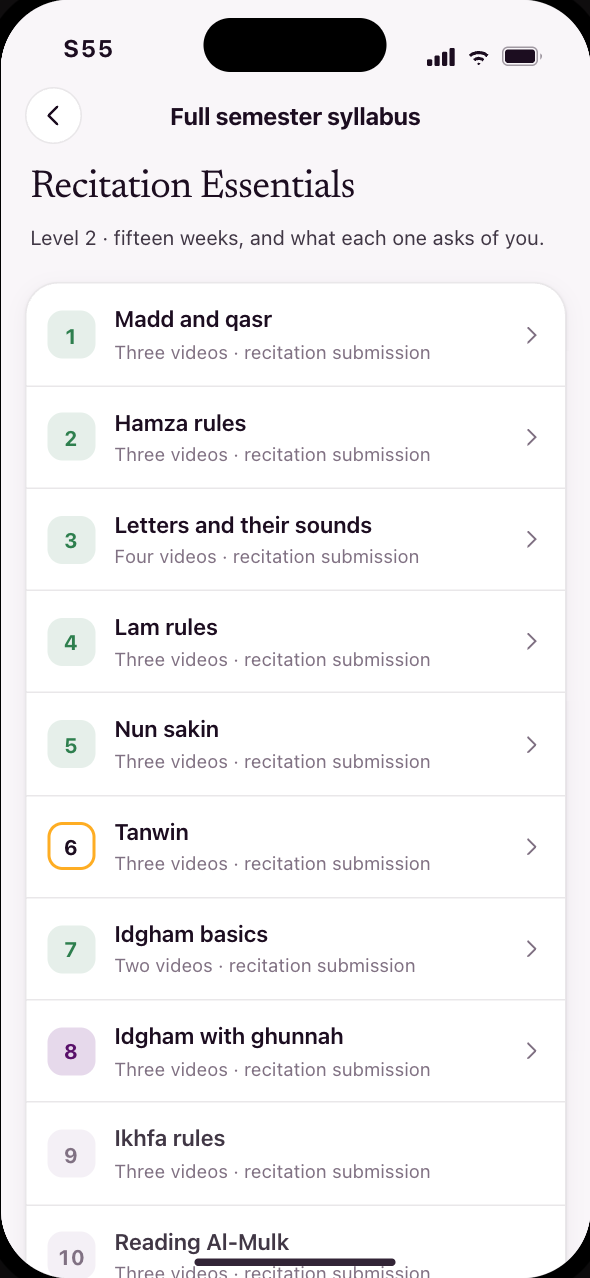 S55Every week, and what each one asks of you
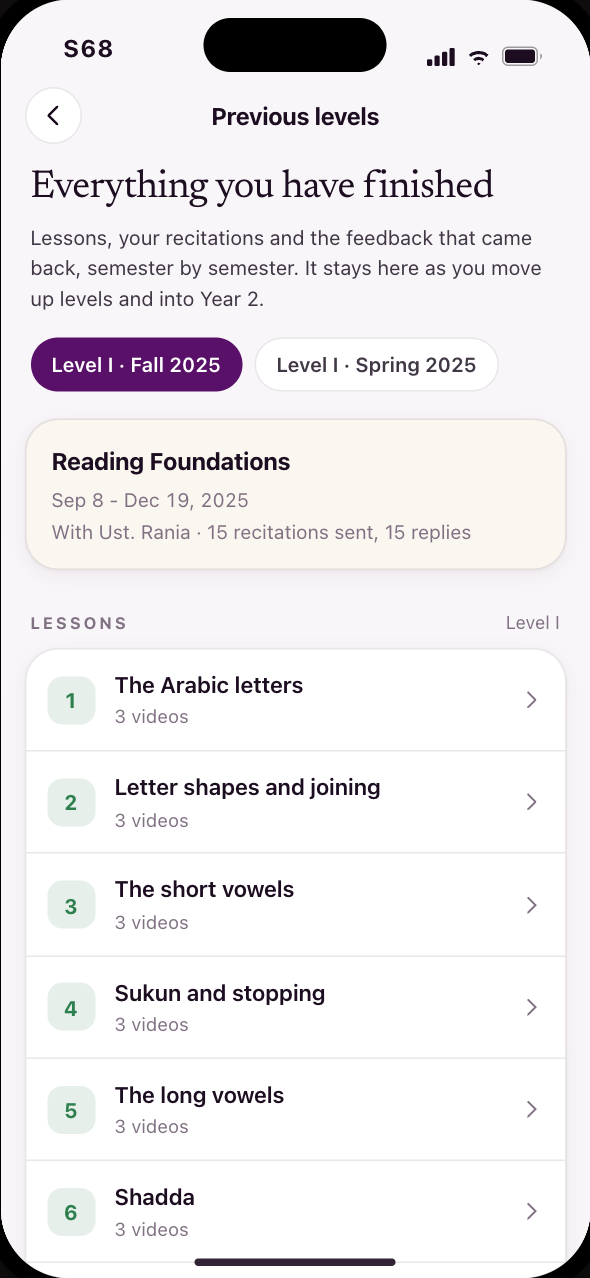 S68Previous levels, inside the learning space
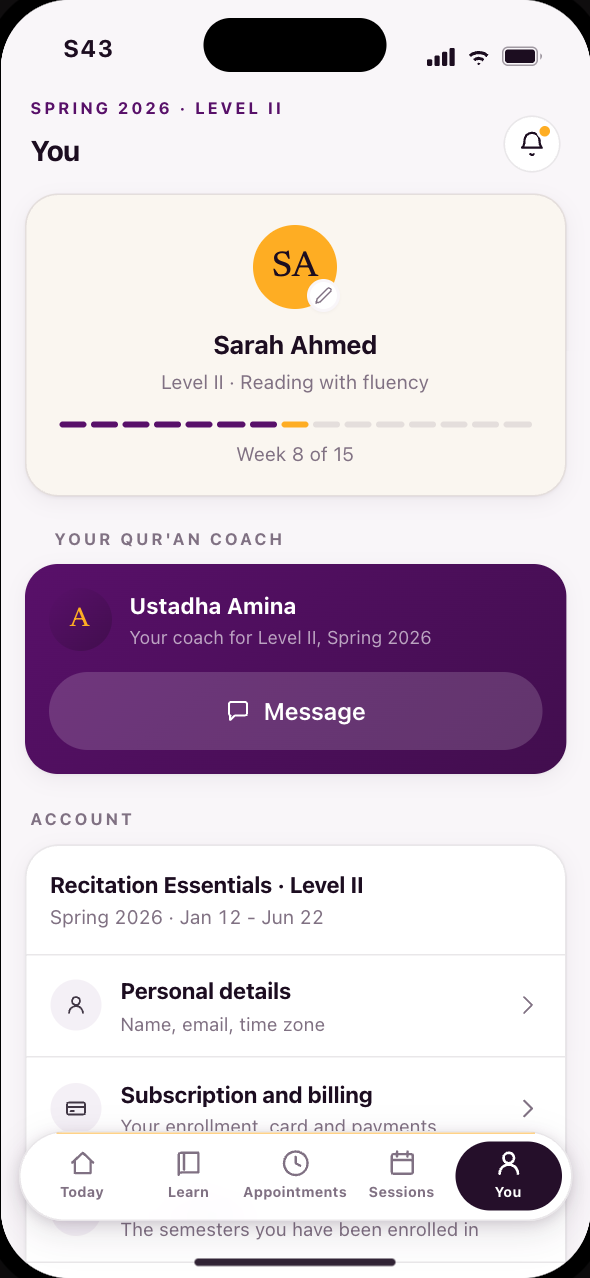 S43Your progress and your coach
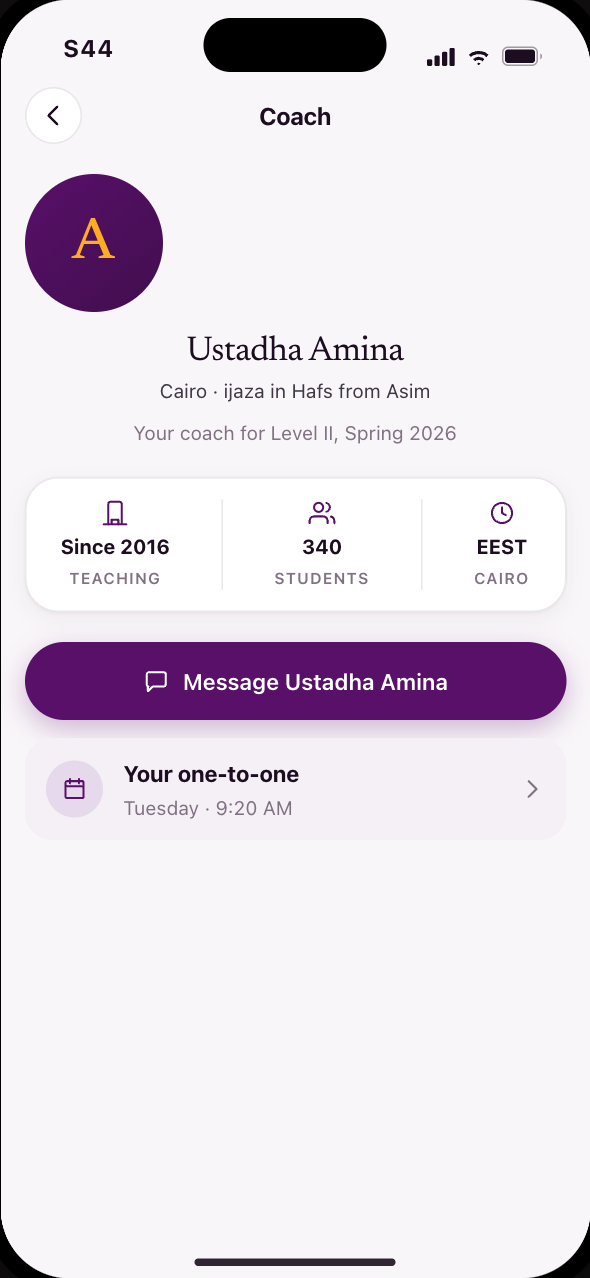 S44Your coach’s profile and feedback
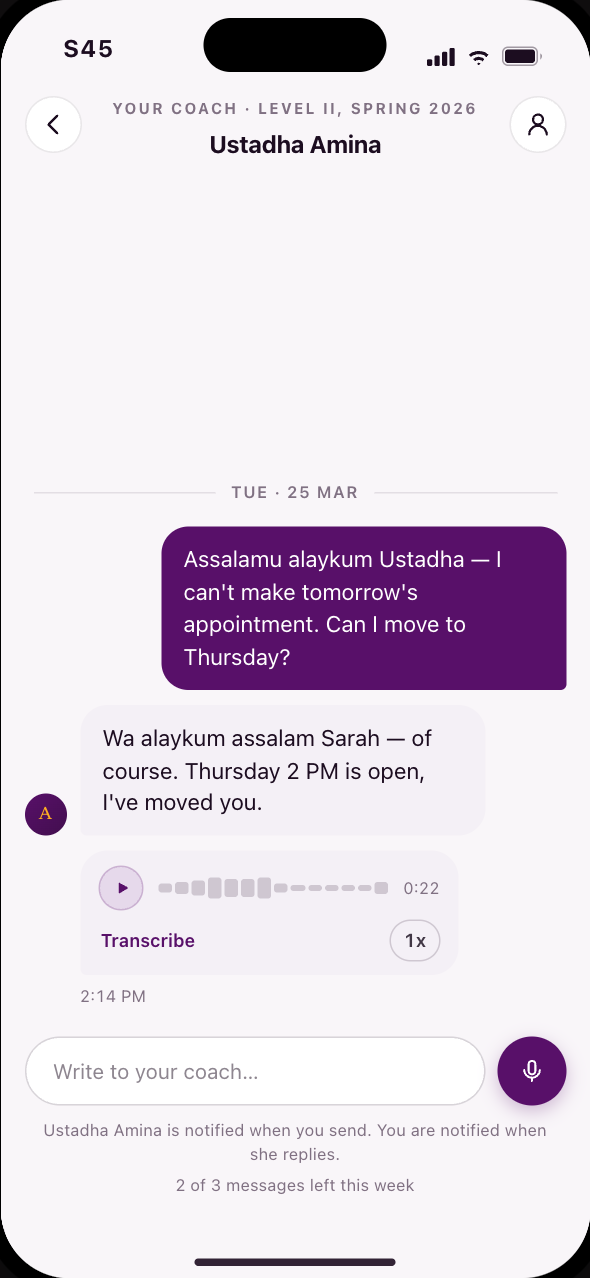 S45Message your coach, voice first
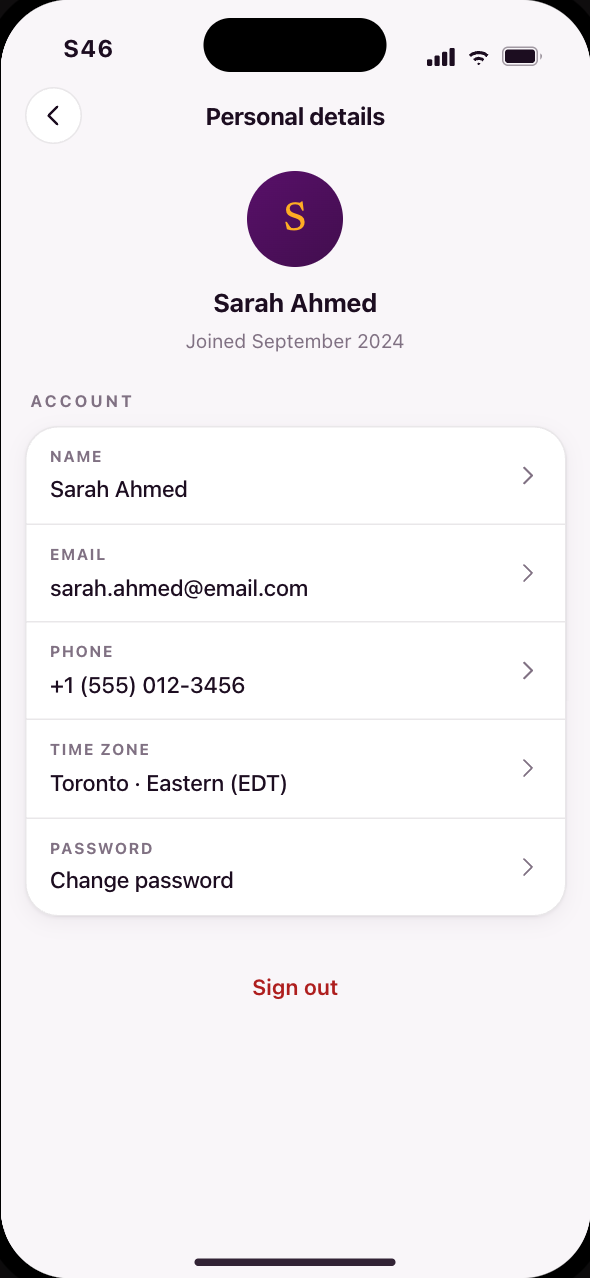 S46Your account details
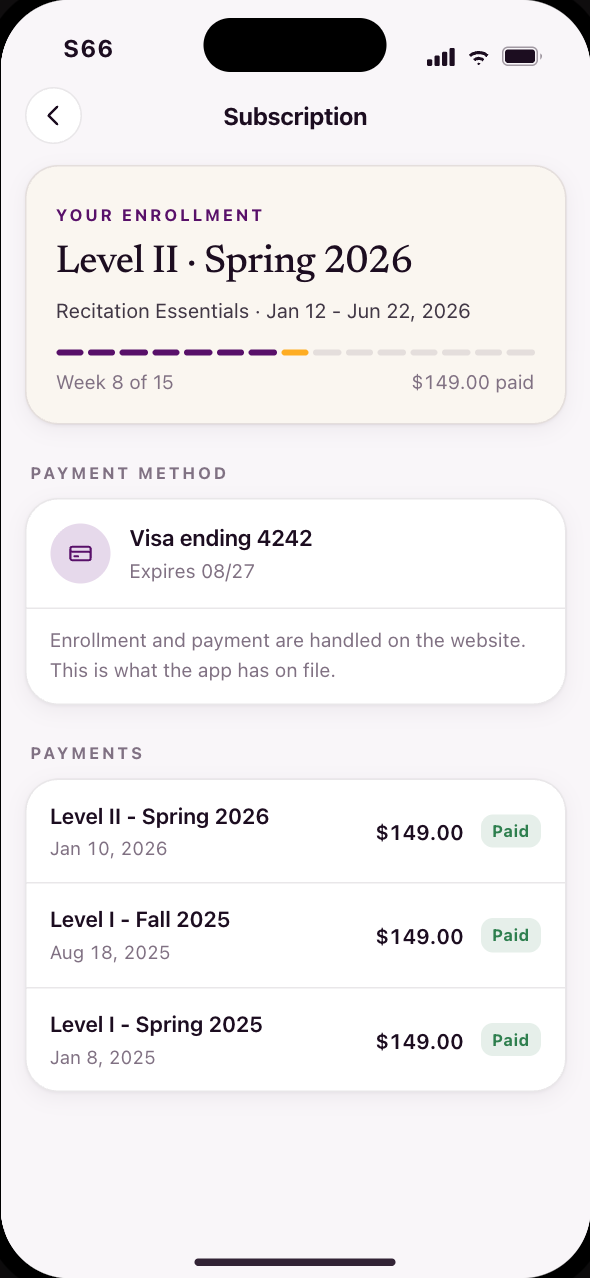 S66Subscription, billing and the semester
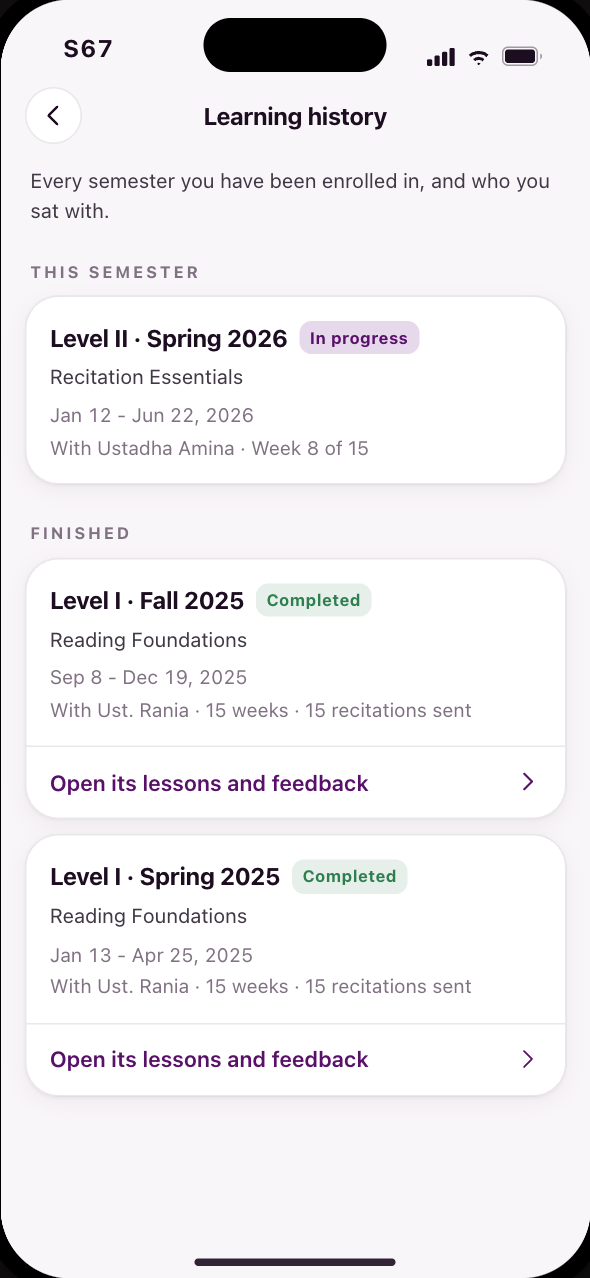 S67Learning history means previous enrollments
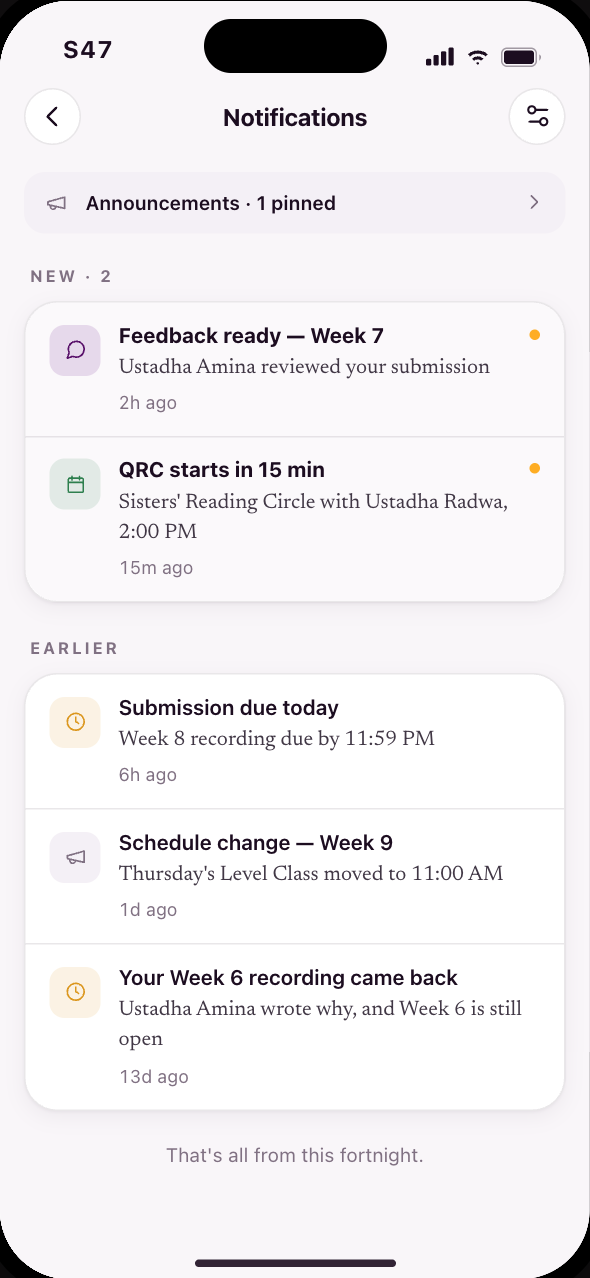 S47Your inbox: announcements and feedback
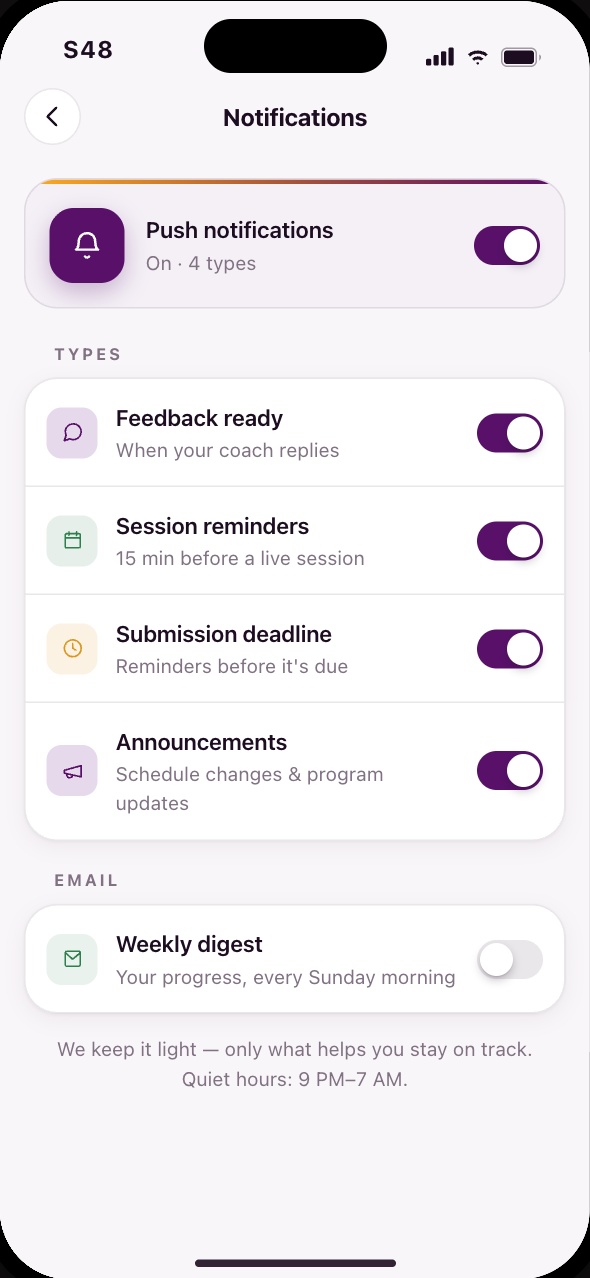 S48Choose what you are notified about
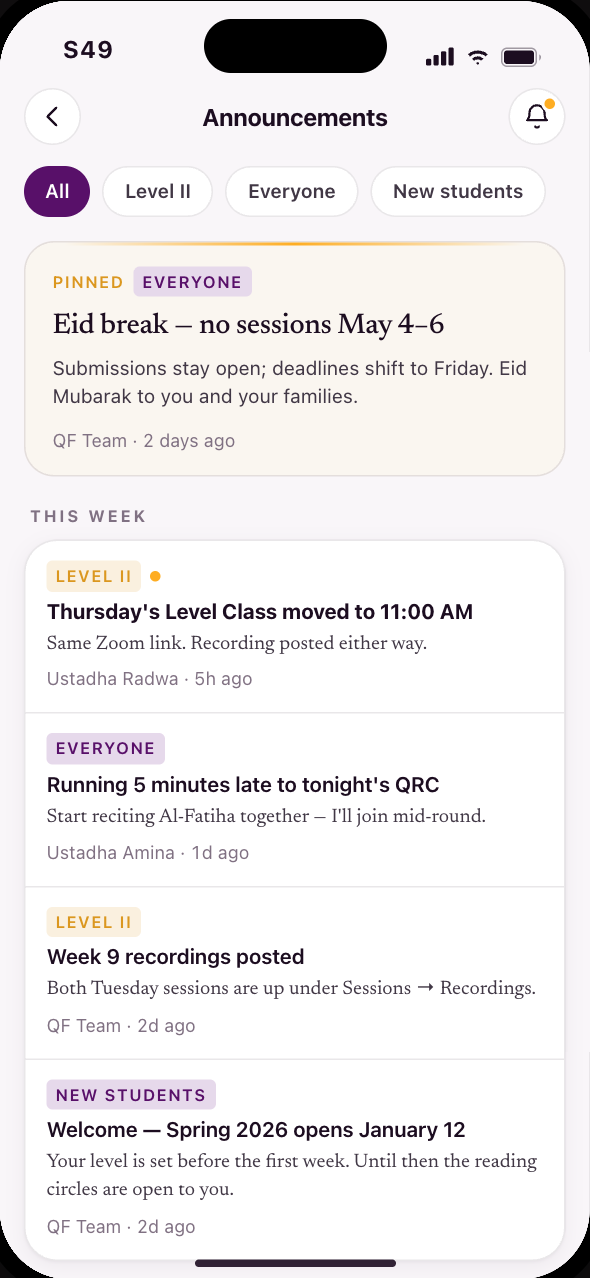 S49Announcements, one way, no noise
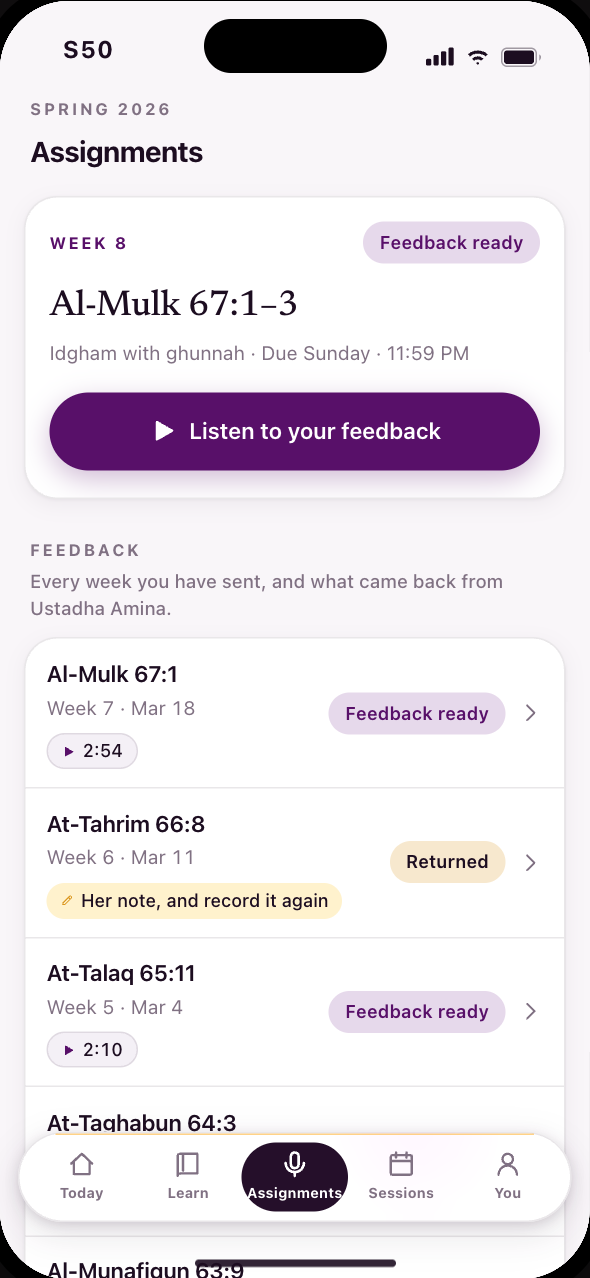 S50This week’s assignment, and every week’s feedback
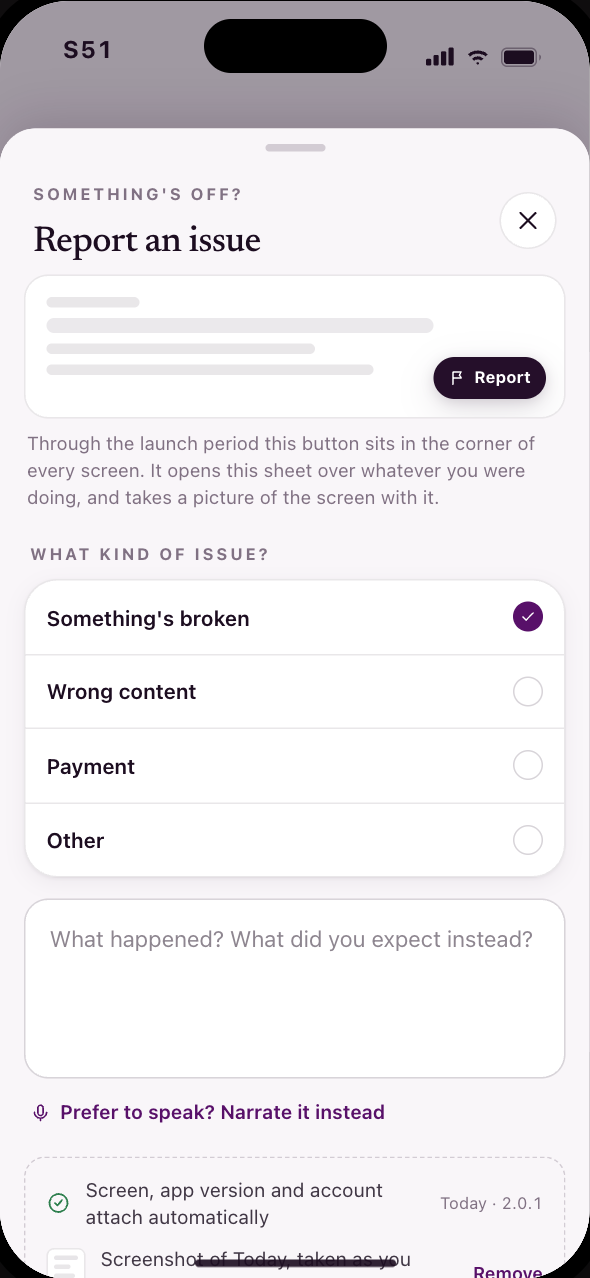 S51Report an issue from anywhere
Coach
You are Amina, with the coach’s hat on.
The same app, role-gated by an admin, not a separate download. Amina works the review queue, reviews a recitation word by word, and keeps her roster, her schedule and her hours in one place.
16 screens, in 2 stages
Codes C01–C11, C14–C16, C18
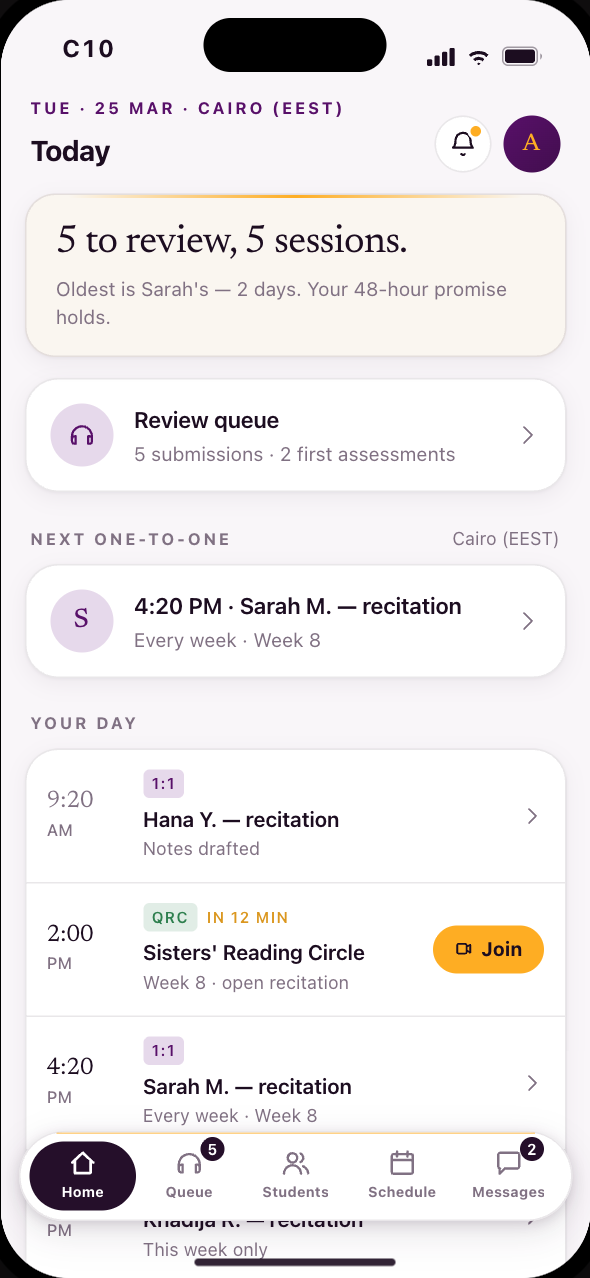 C10Her day first, the queue second
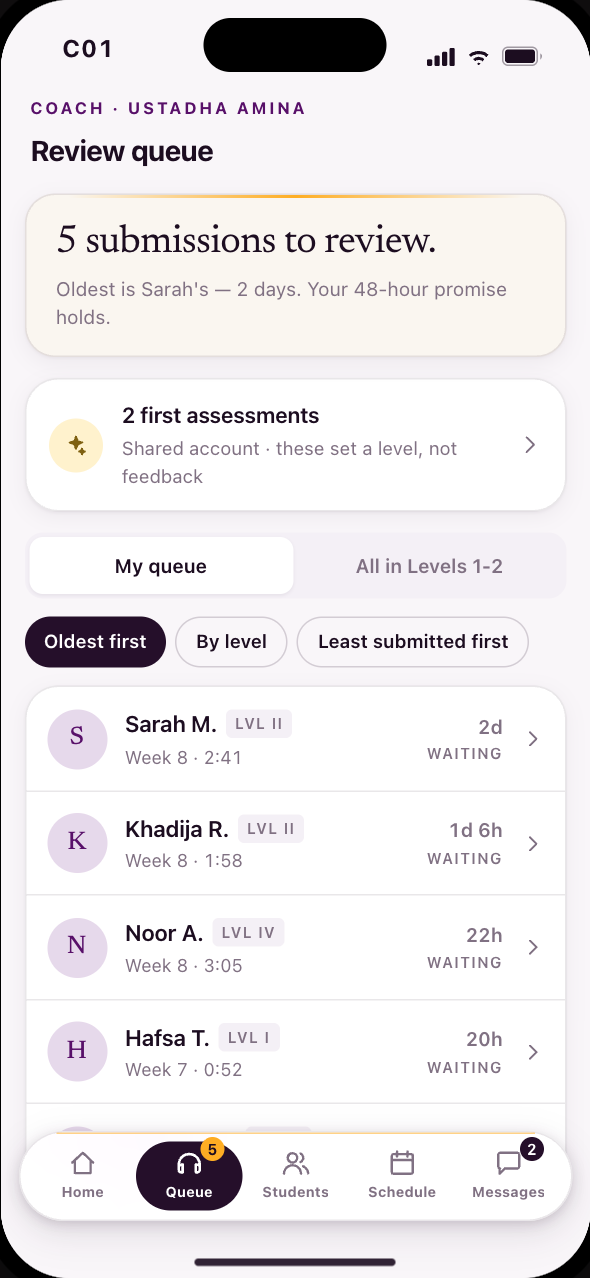 C01A queue of submissions, sorted the way she asks
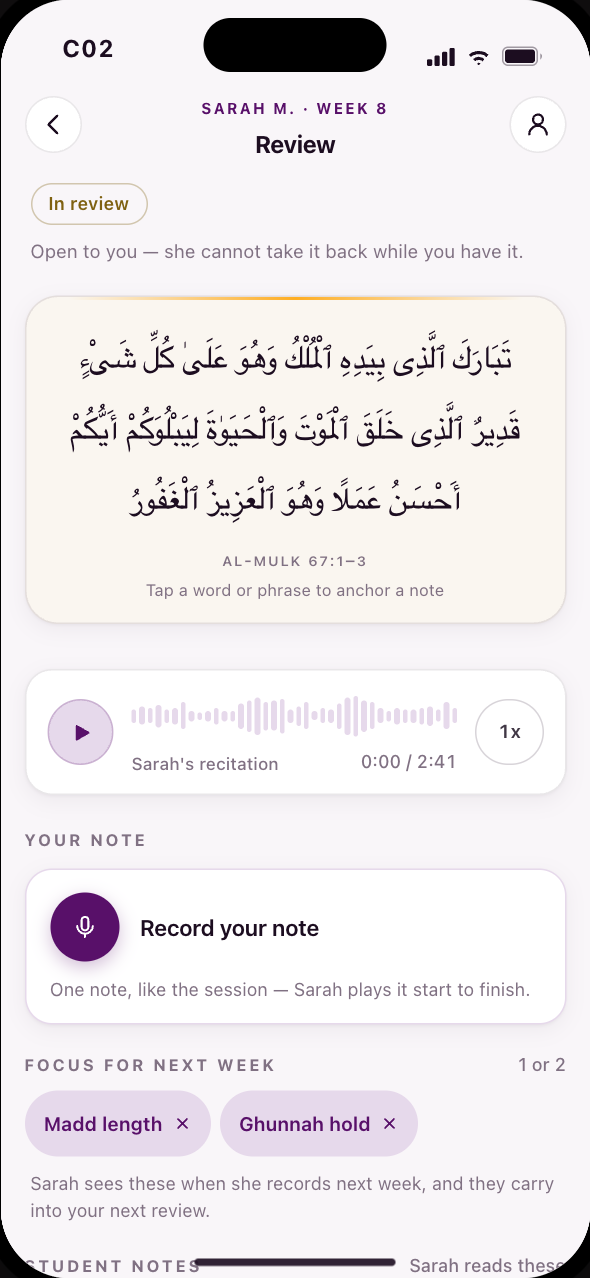 C02A review starts empty: one note, tap a word to anchor
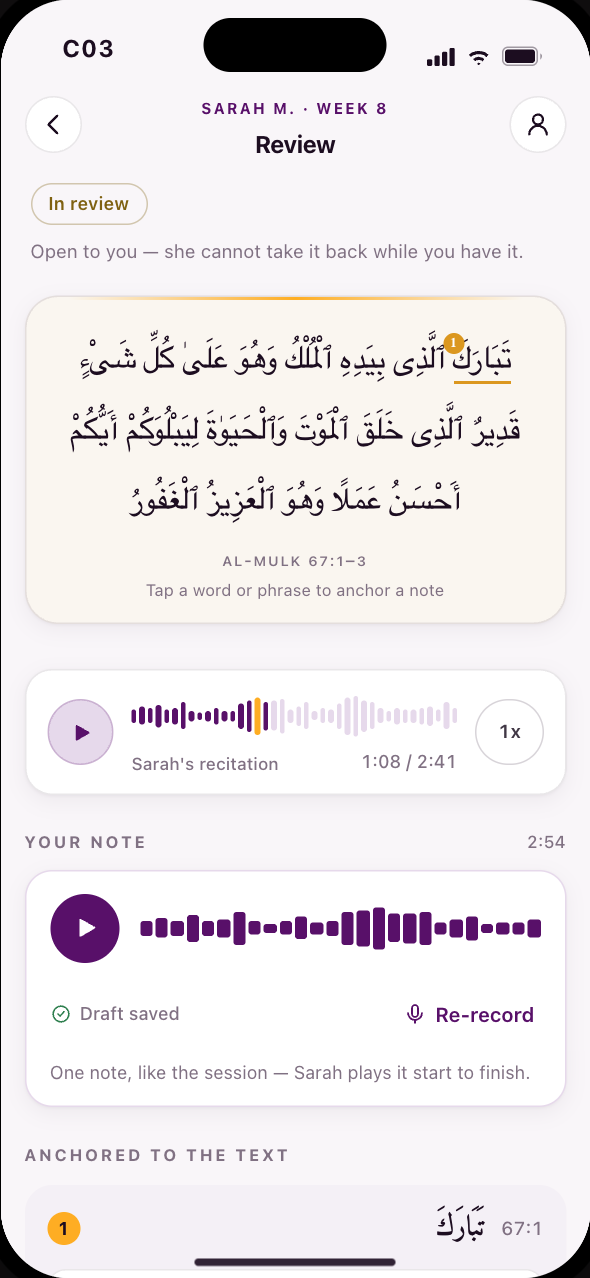 C03The finished review: one note, one anchor, send
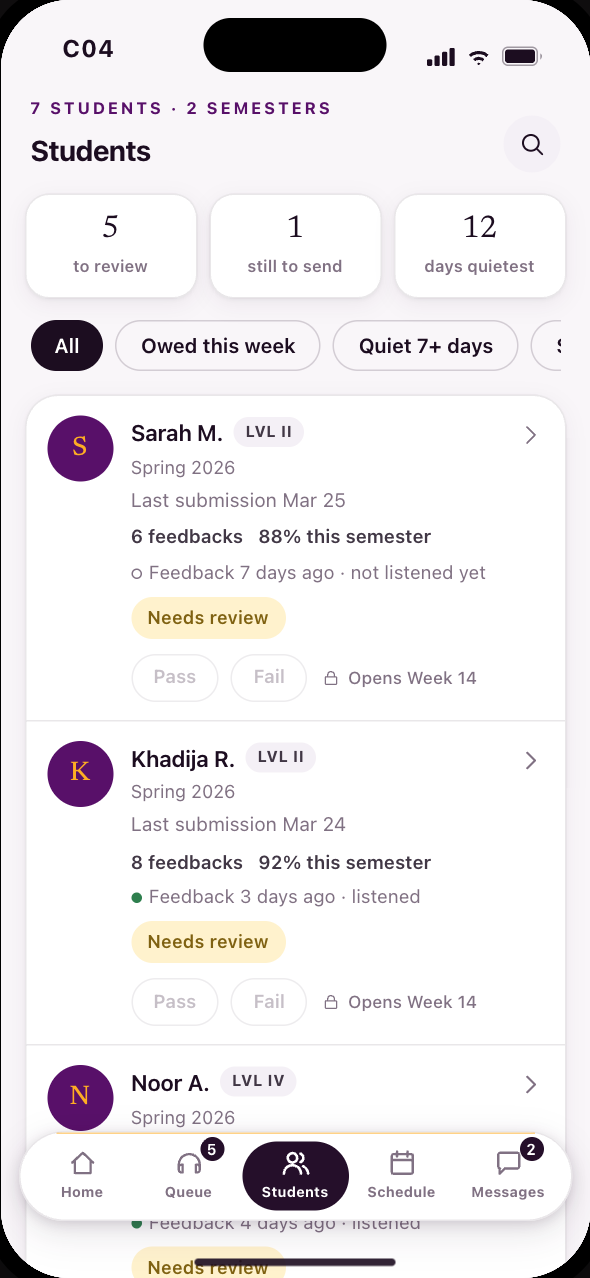 C04What she owes this week, student by student
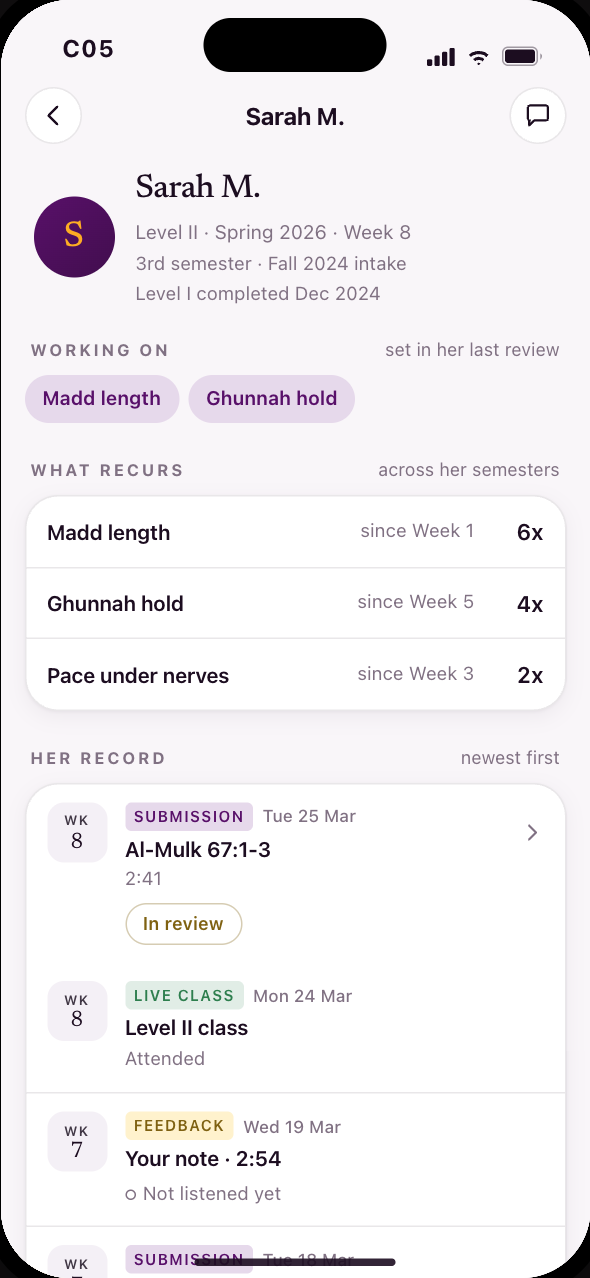 C05A student’s record, in the order it happened
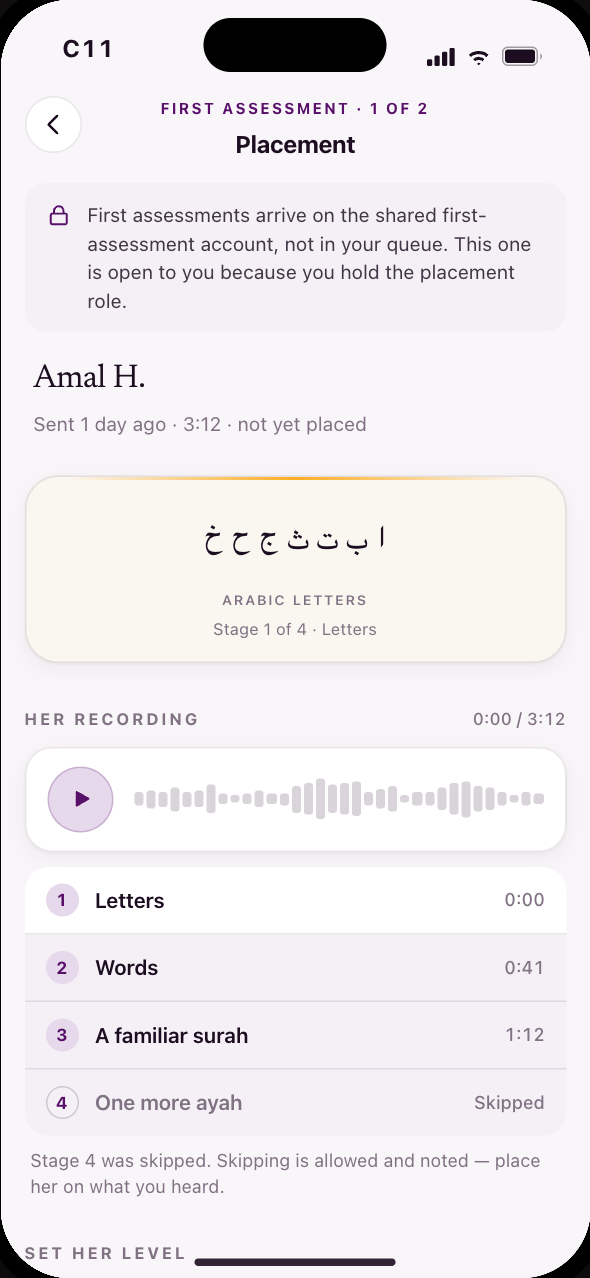 C11Placement is a level, not feedback
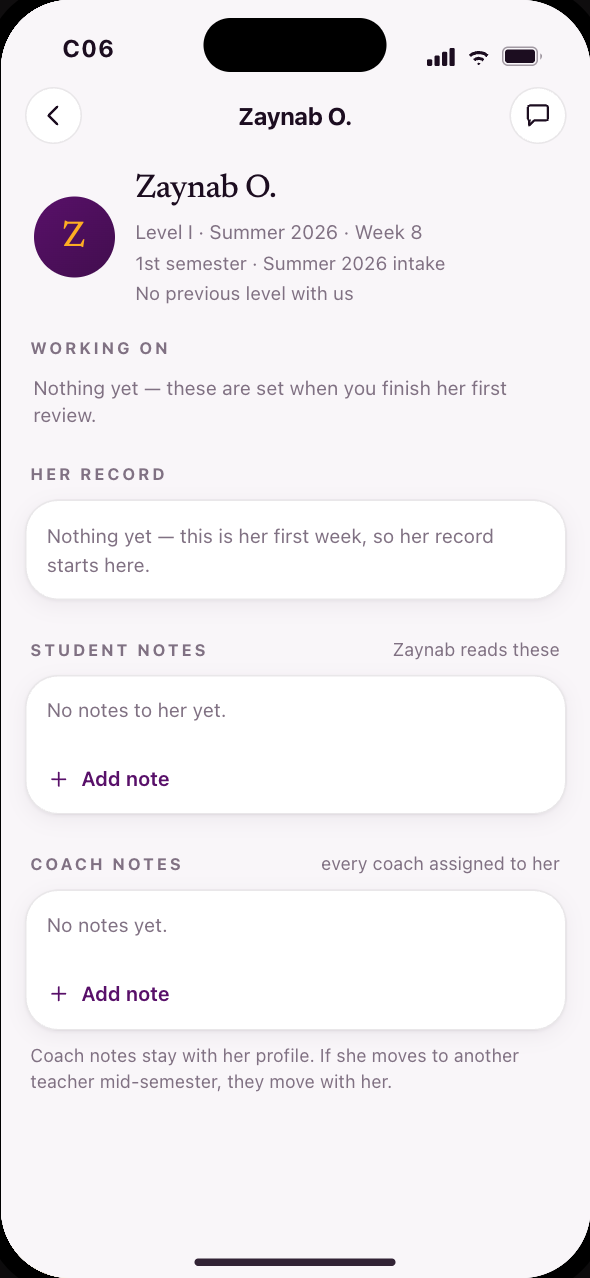 C06A brand-new student: where her record starts
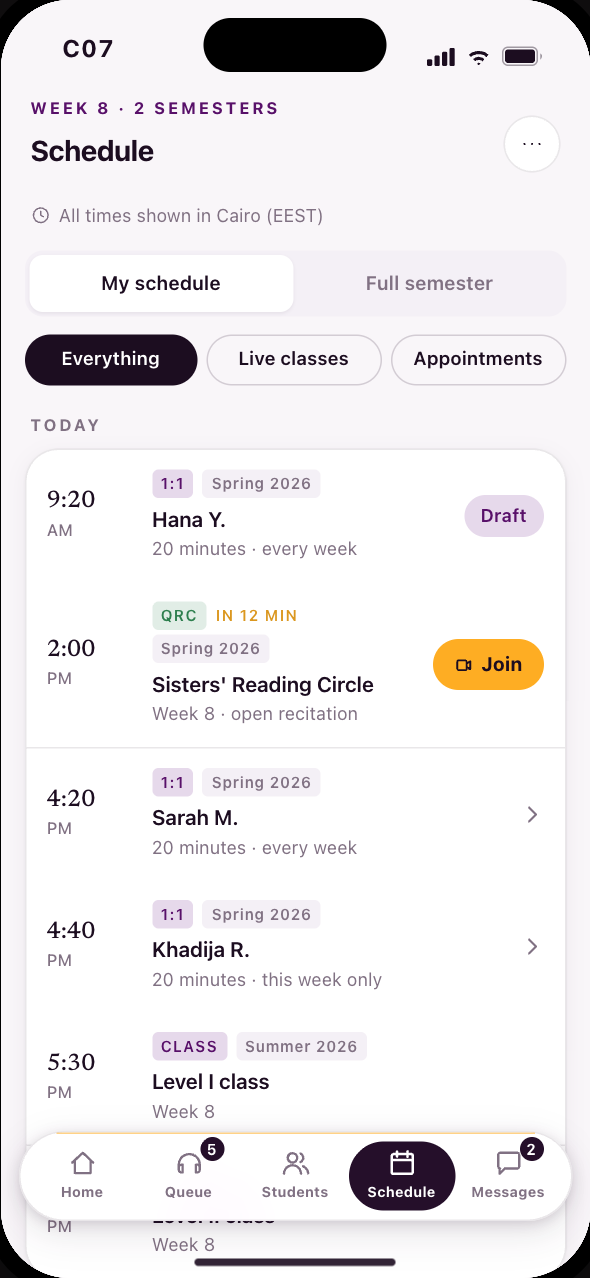 C07Her whole week, live classes and one-to-ones
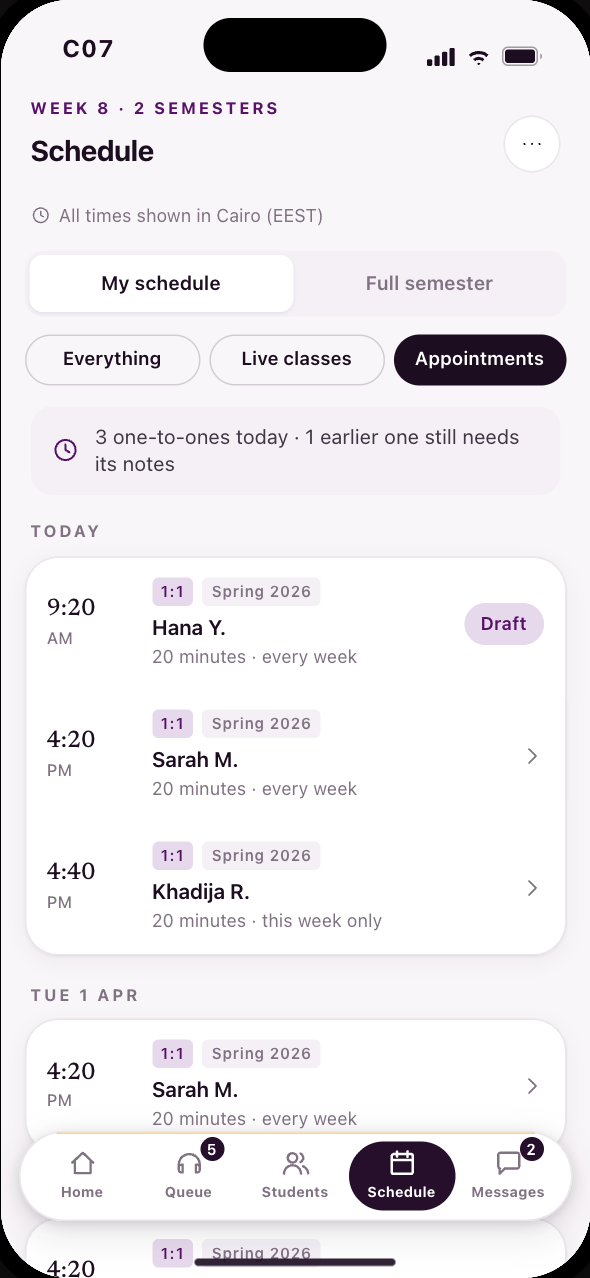 C07Her one-to-ones, on the same schedule
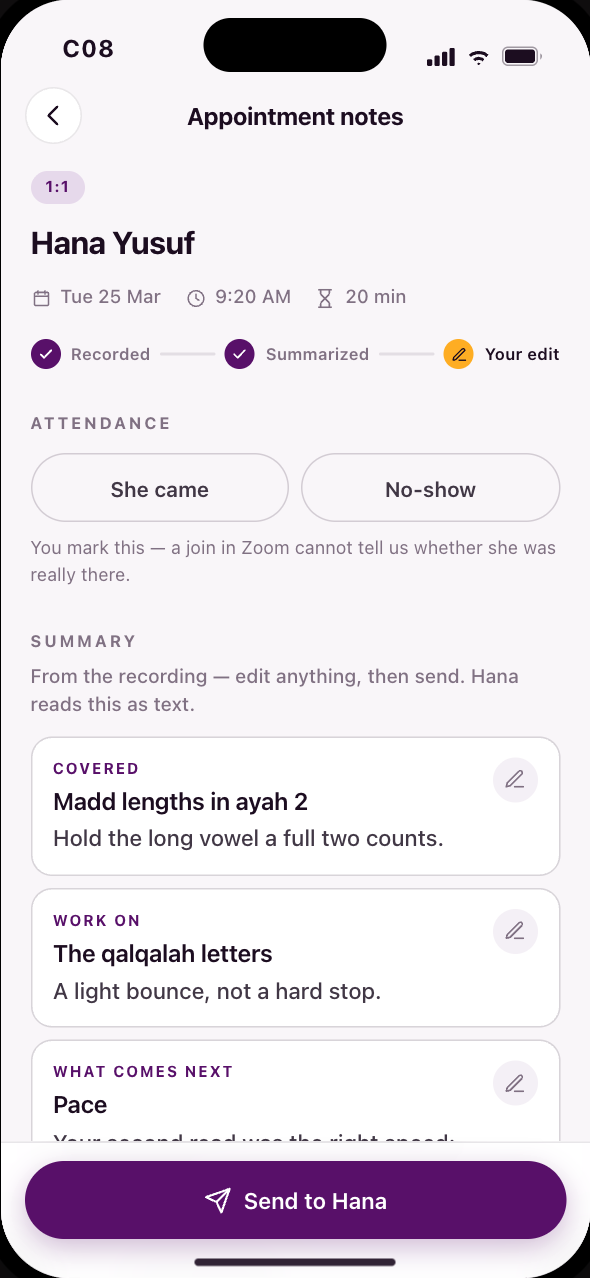 C08After the 1:1: attendance, notes, what comes next
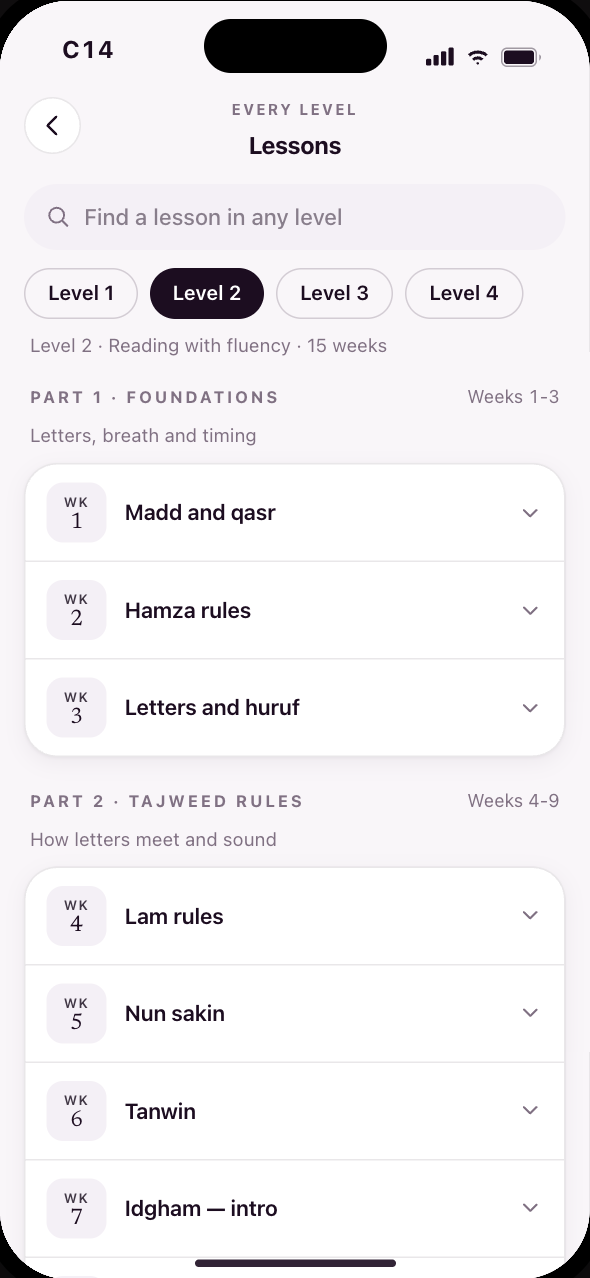 C14Every level, every week, and the resources
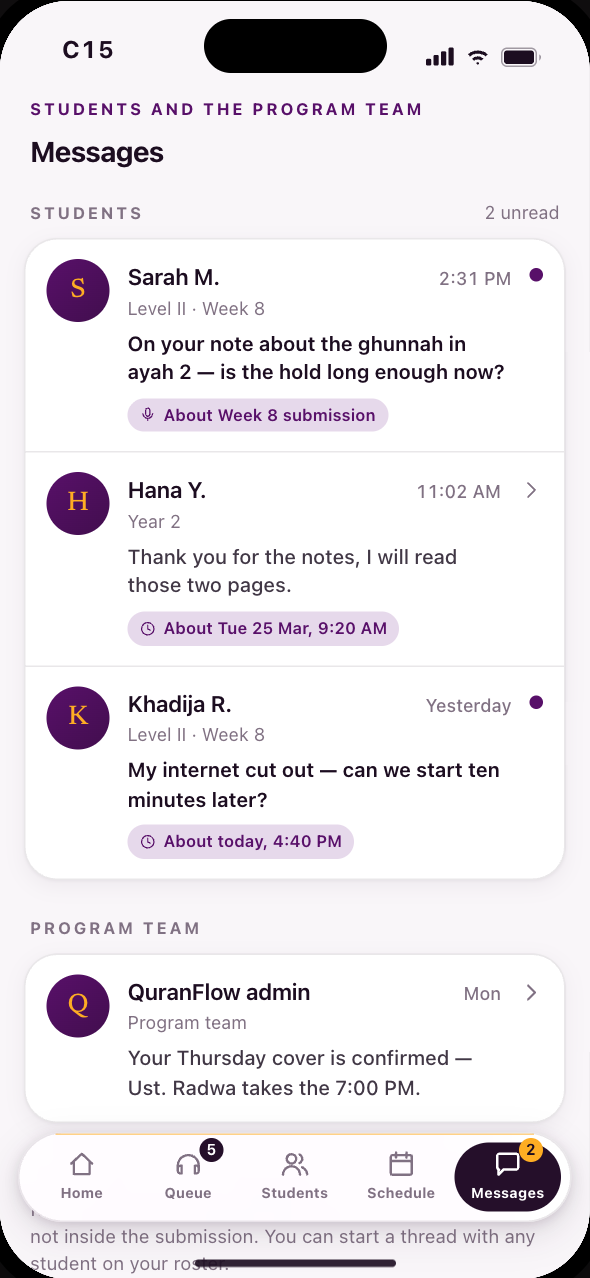 C15Her inbox: students, and the program team
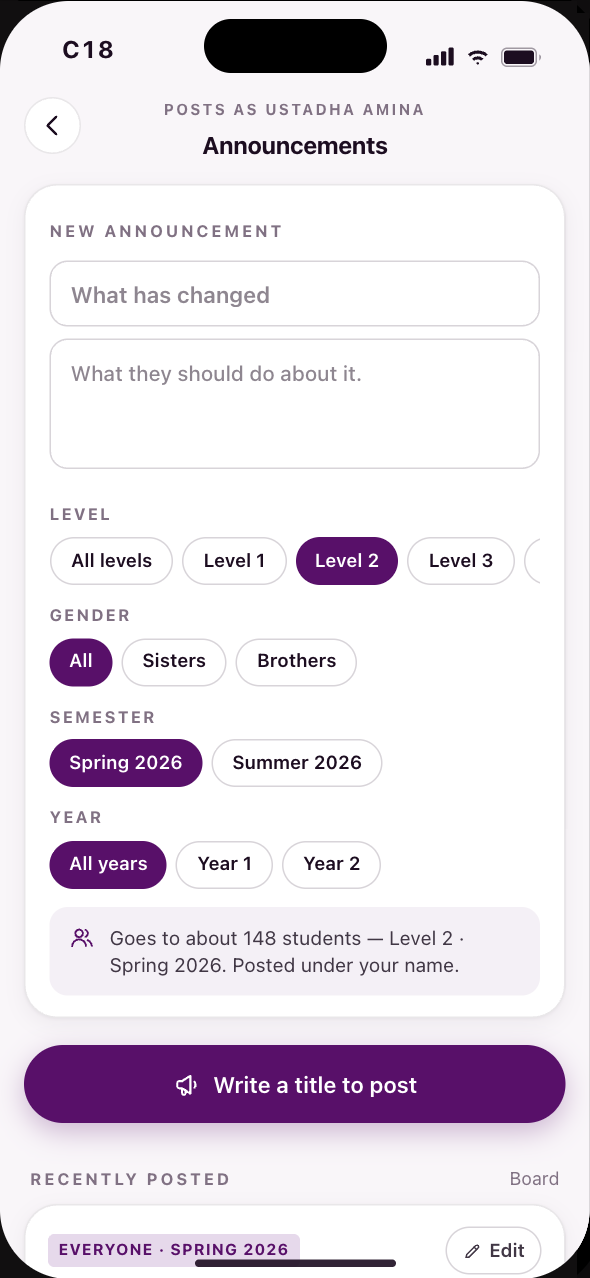 C18An announcement, in her own name
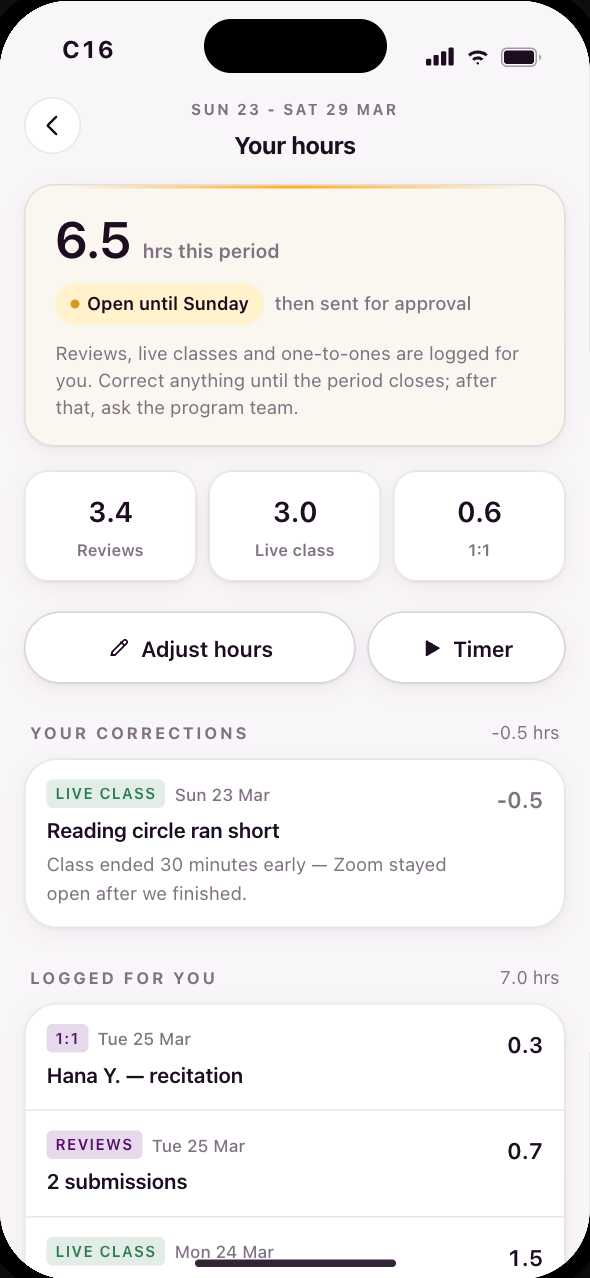 C16Hours in the app, instead of a second app
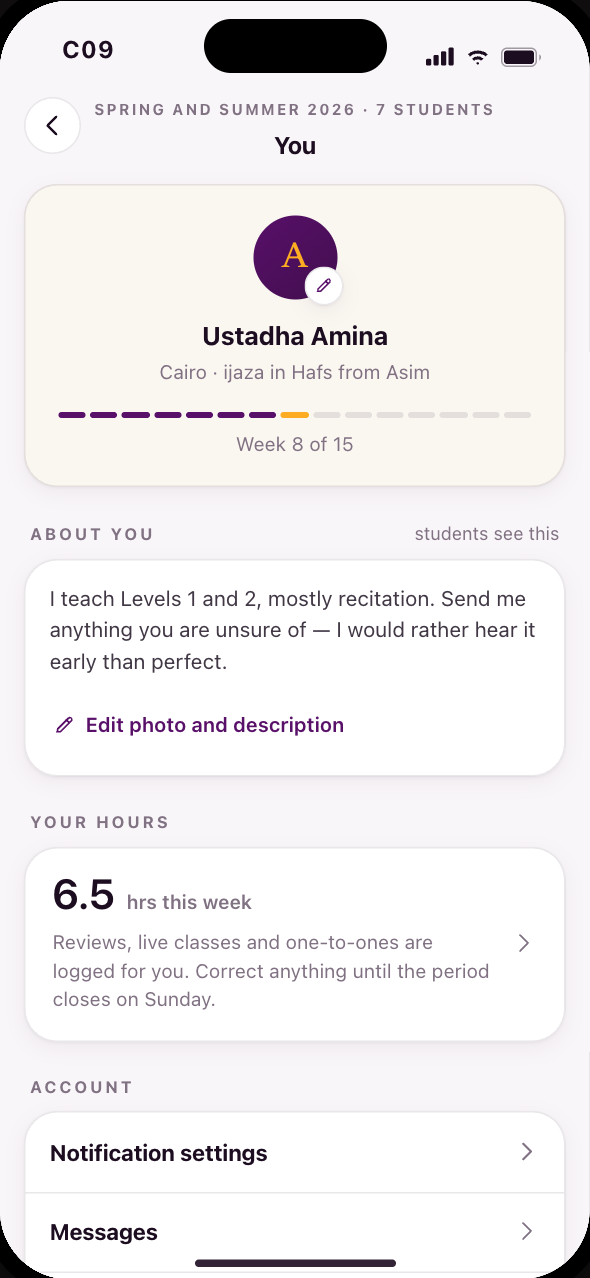 C09Her own corner, and the way back to her student app