Entry — shared spine
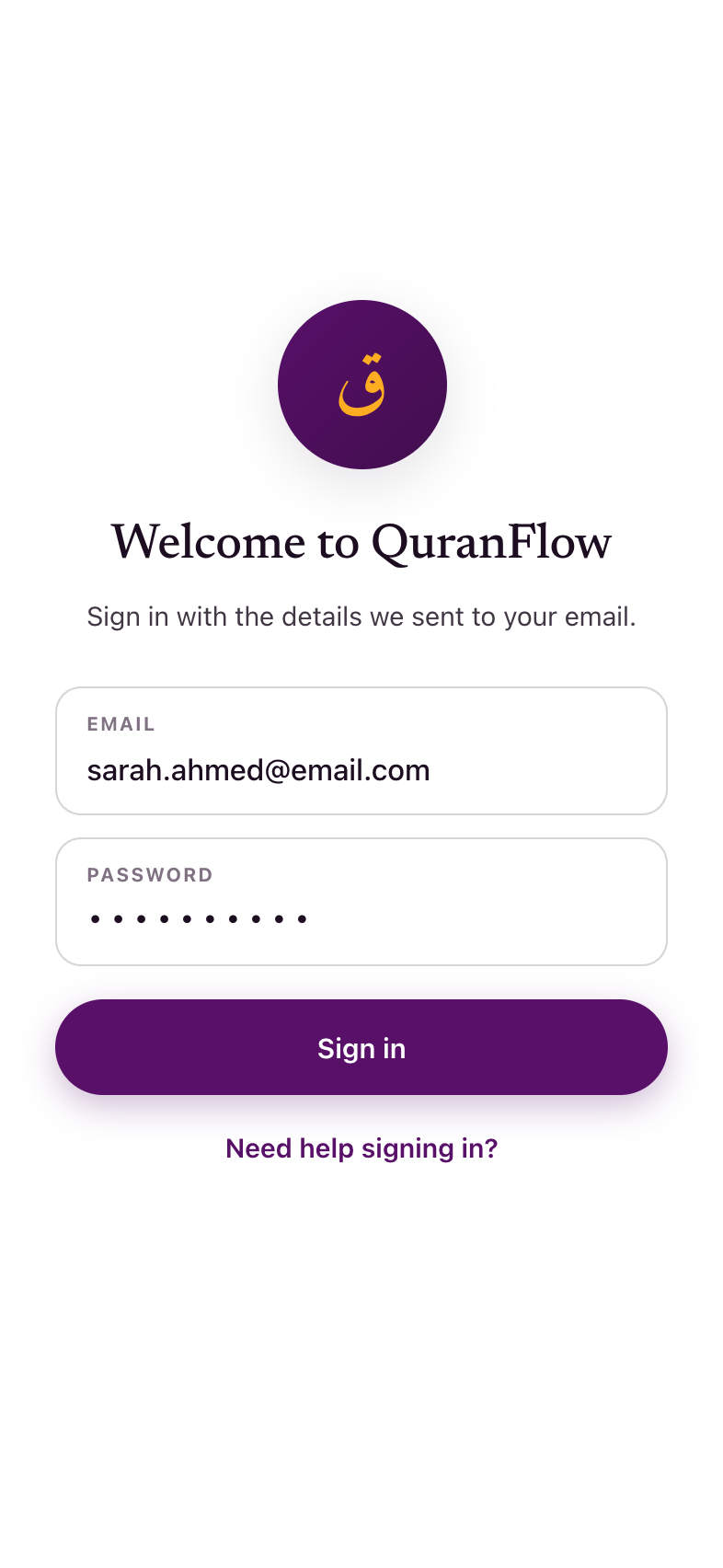
Nobody registers in the app. Two ways in, both off-app: web checkout, or automatic enrollment for level graduates. Sign-in is email + password from the welcome email — the system that has worked for ten years. The old “Enrollment happens at almaghrib.org” footer is removed (App Store rules restrict pointing to an external sales page).
Complete your profile
A hard gate for anyone who skipped the details step at checkout. Passed through silently when the record is already complete.
- First and last name
- Age or year of birth
- Gender
- Phone number, to confirm
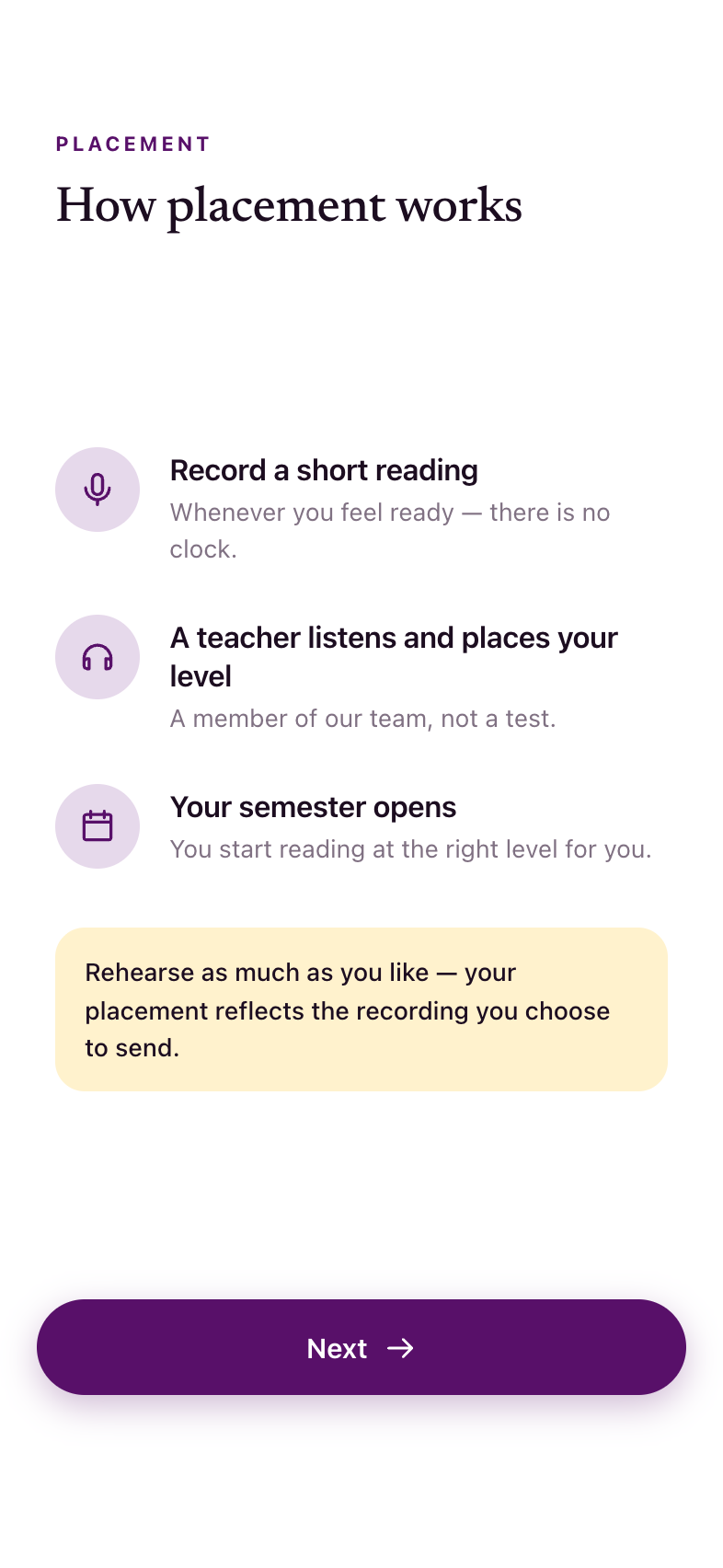
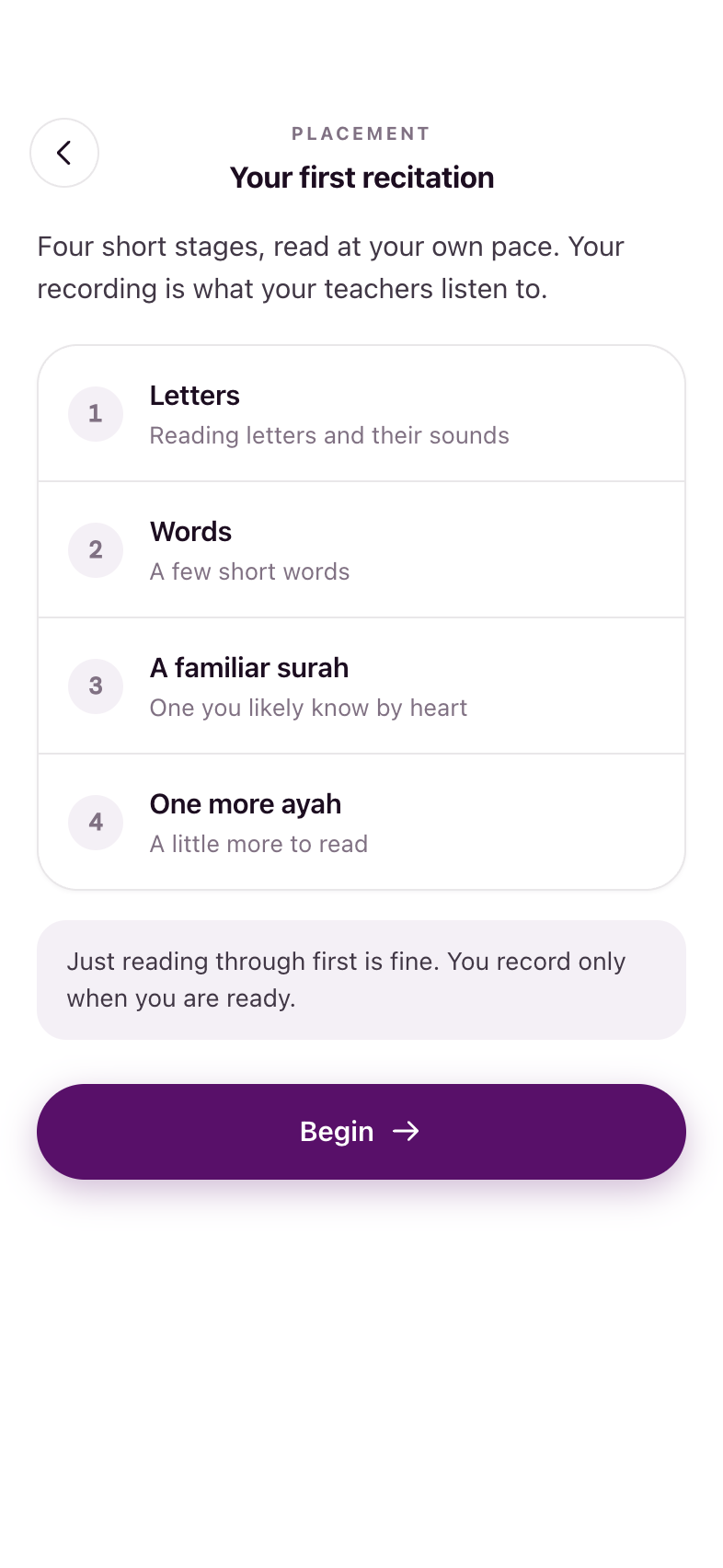
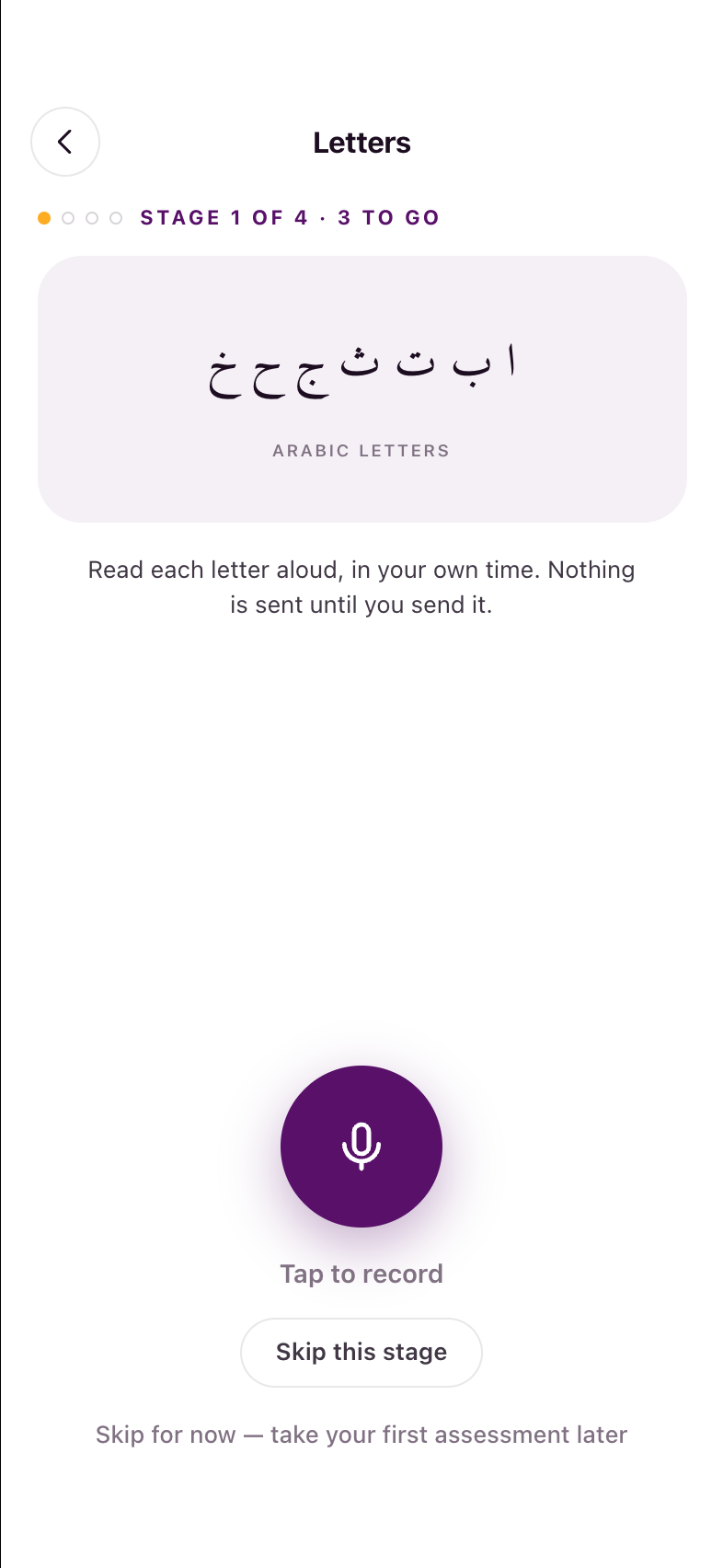
New students: a recorded first recitation, then Level 0
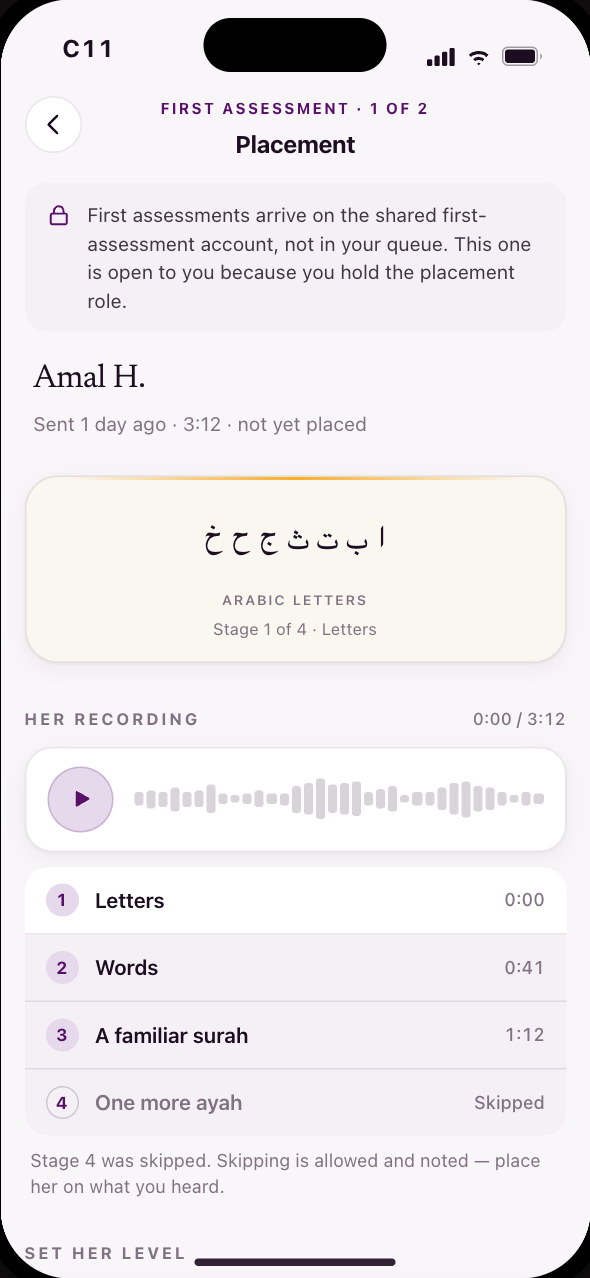
Corrected Jul 27: the first assessment is a recorded submission, not a booked 1:1 — four short reading stages, recorded and sent to a pooled first-assessment coach team (mechanism unchanged: “it's been working well so far”). The audience rehearses for up to two weeks, so two supportive screens land before anything is asked. “Your first recitation” — not “assessment” — is a proposed rename (Q16).
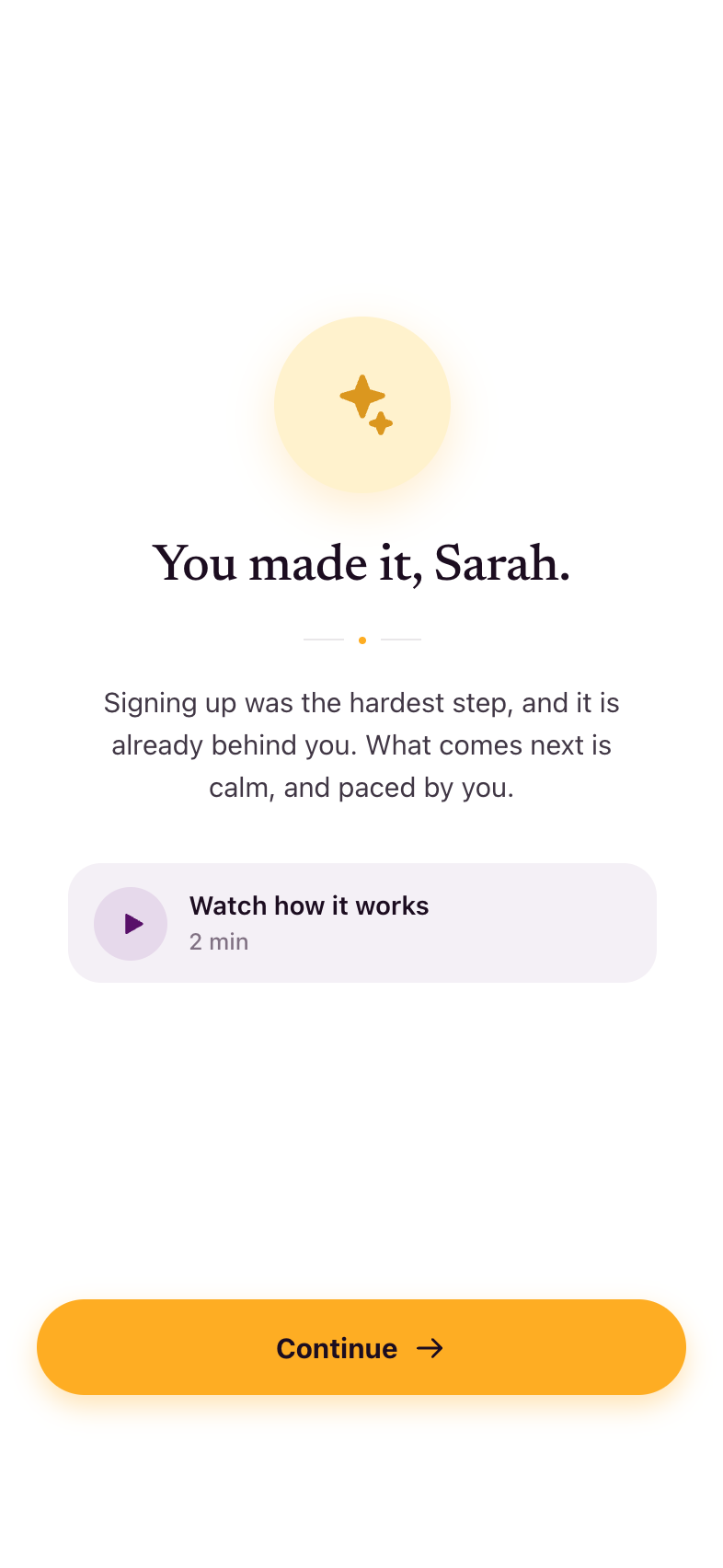
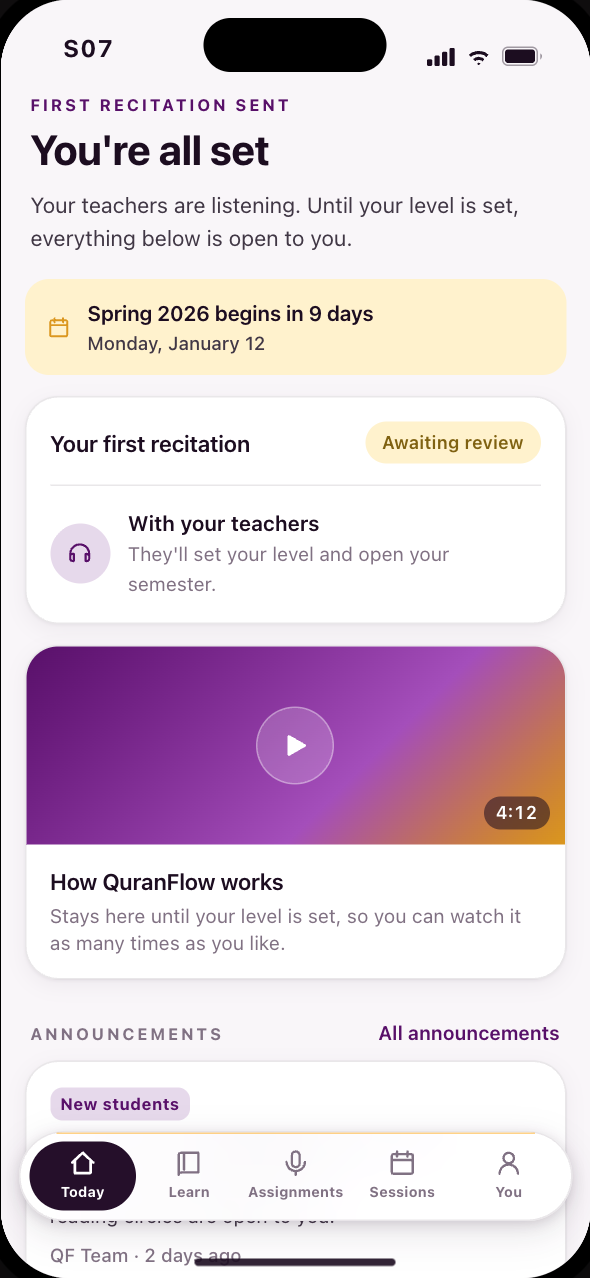
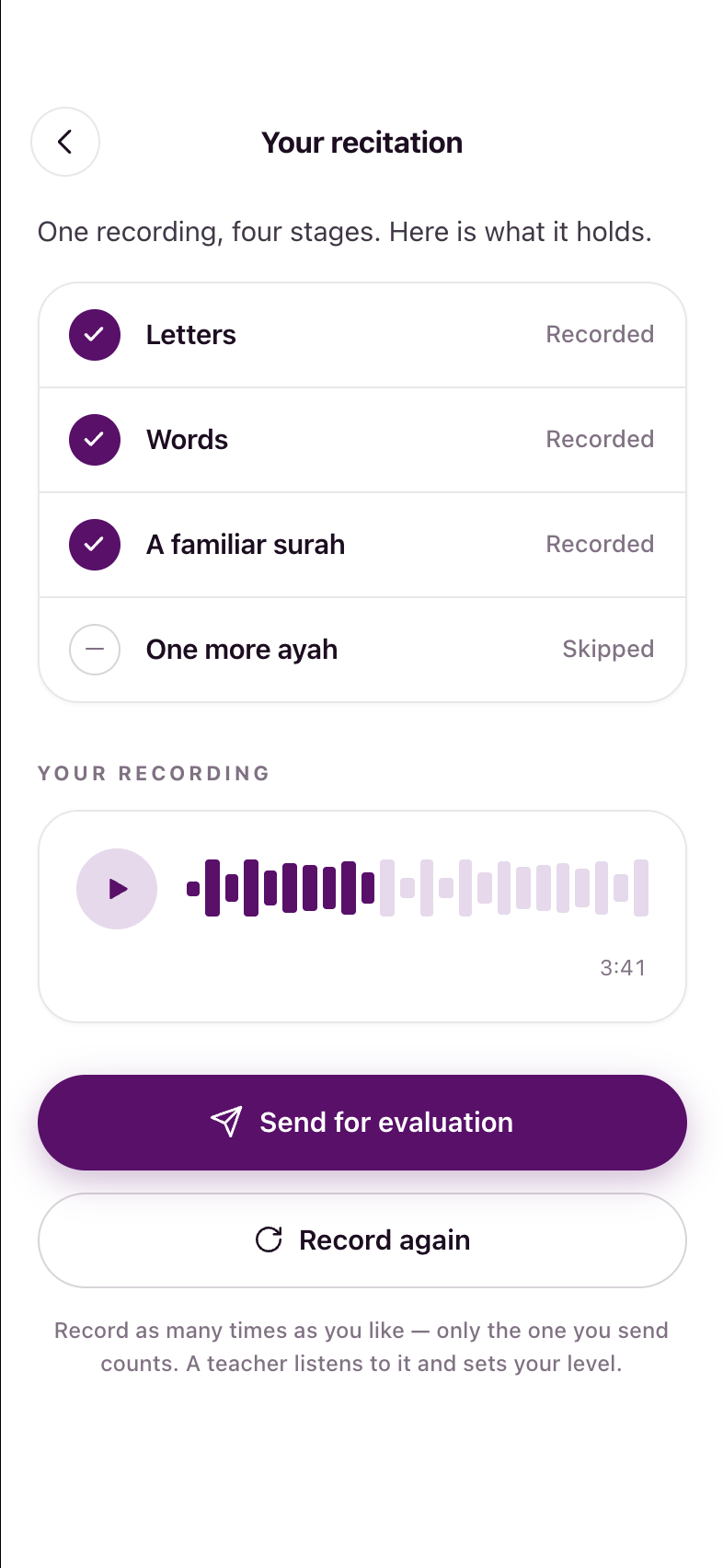
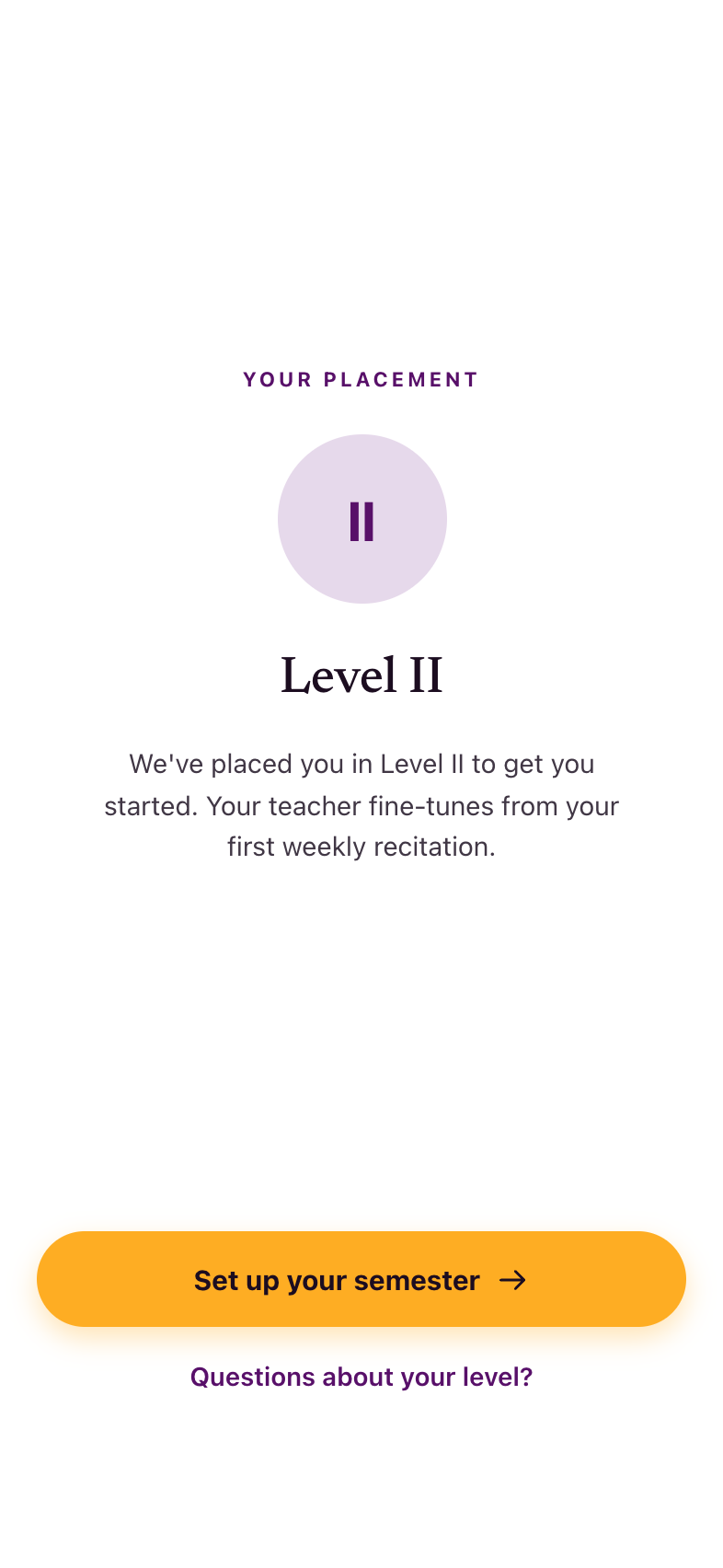
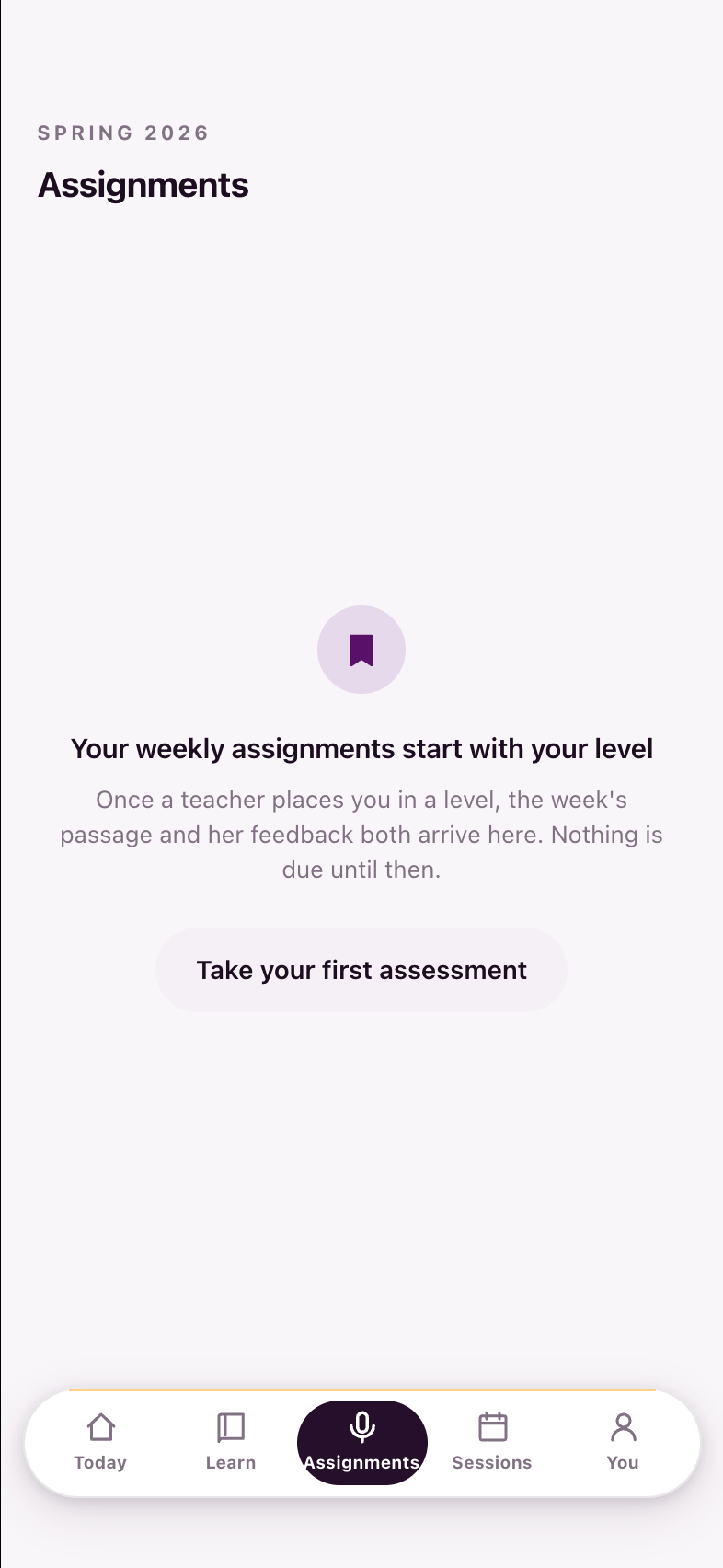
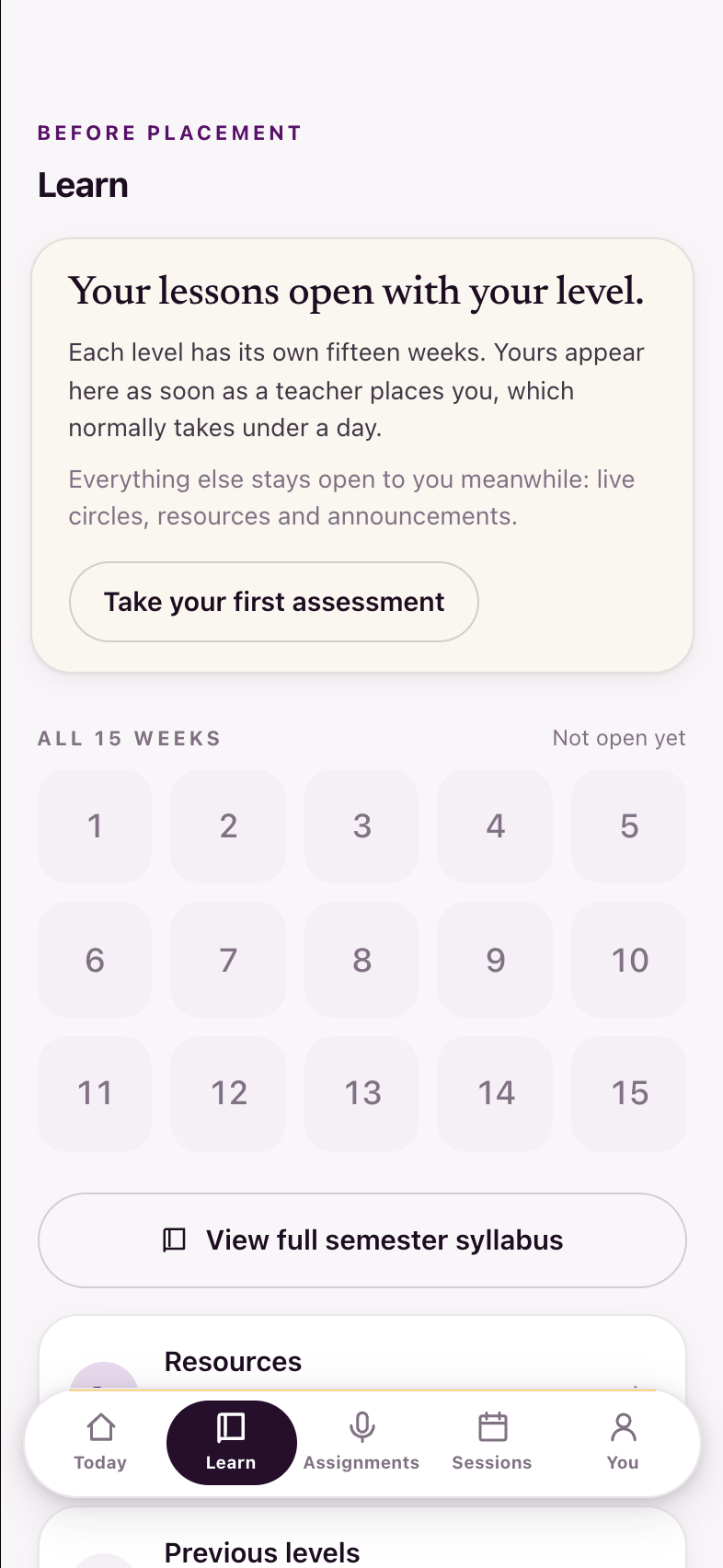
Onboarding for the placed, and Year 2 rebuilt as its mirror
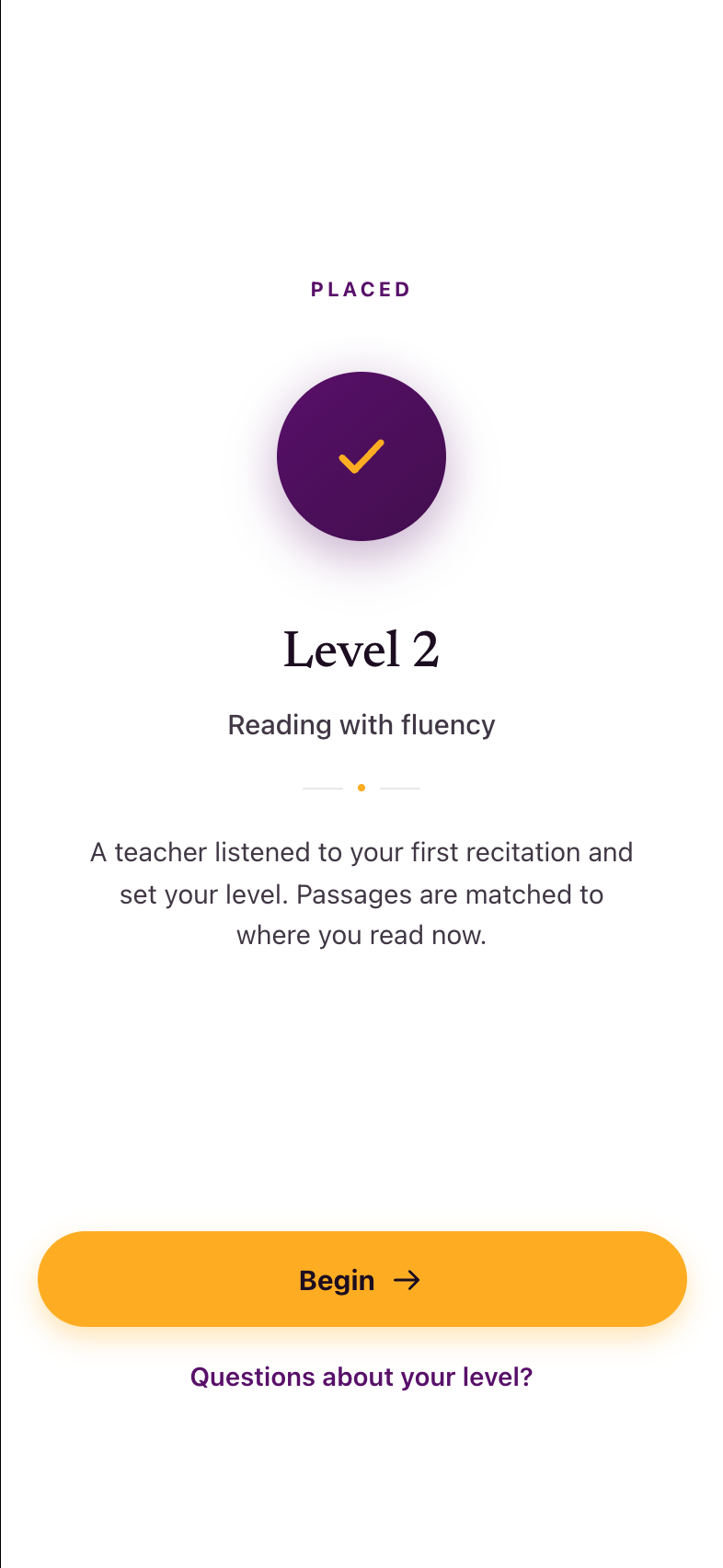
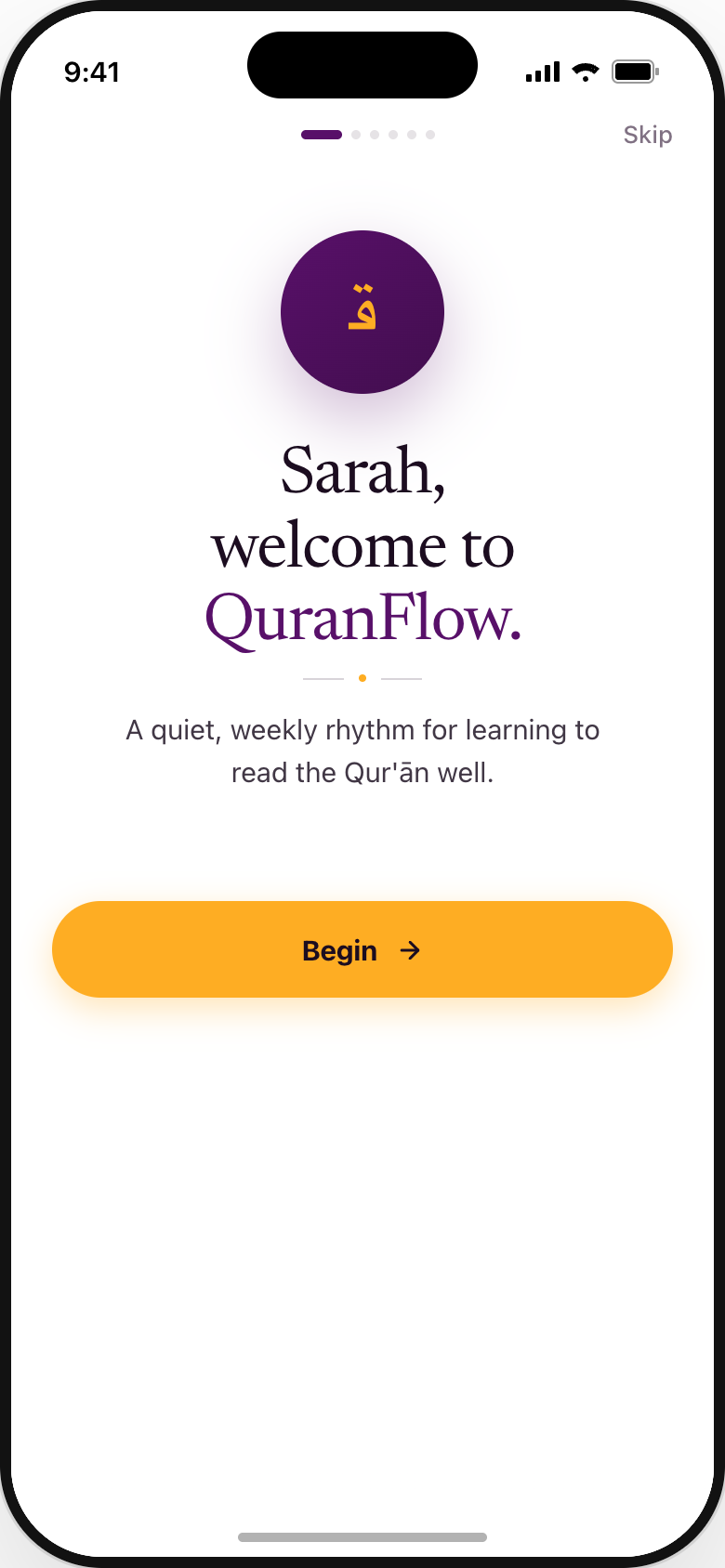
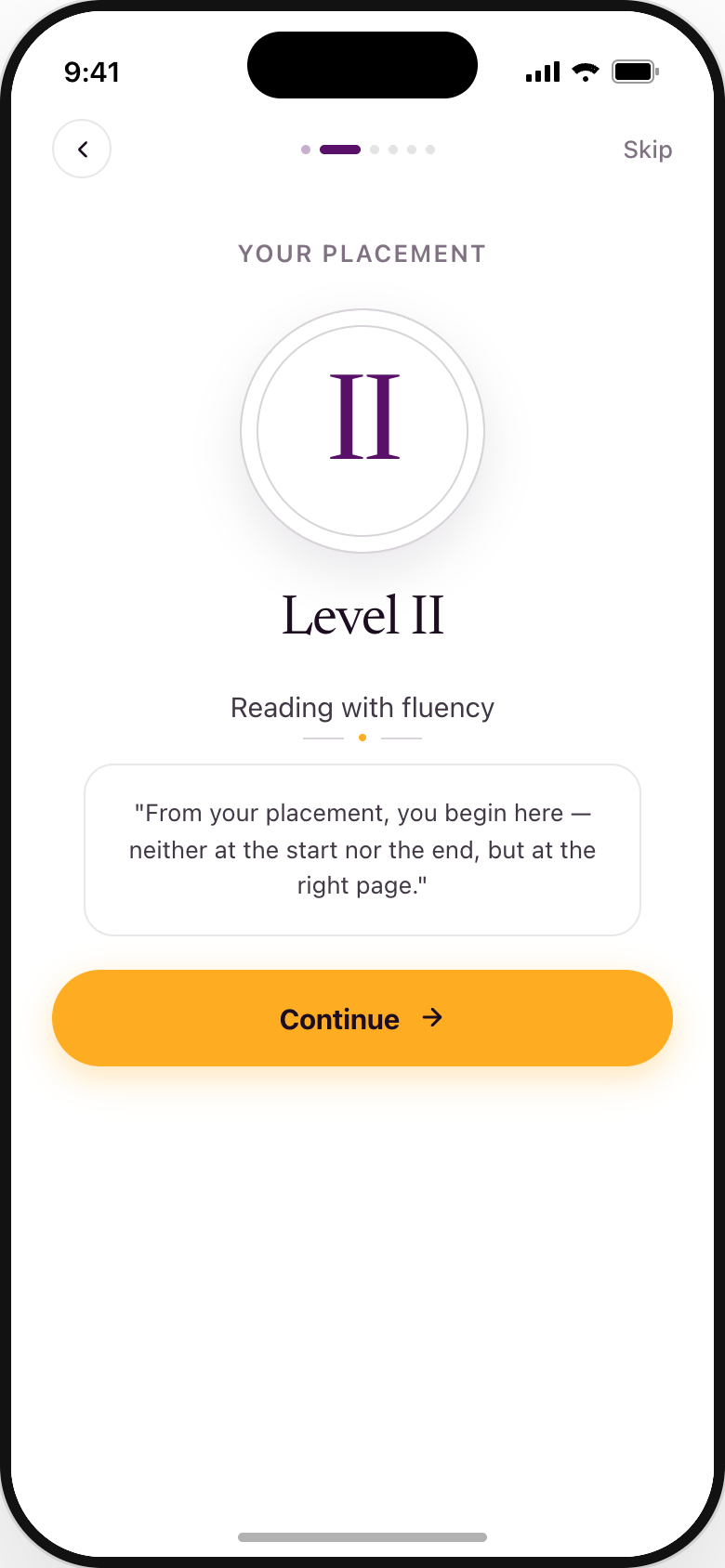
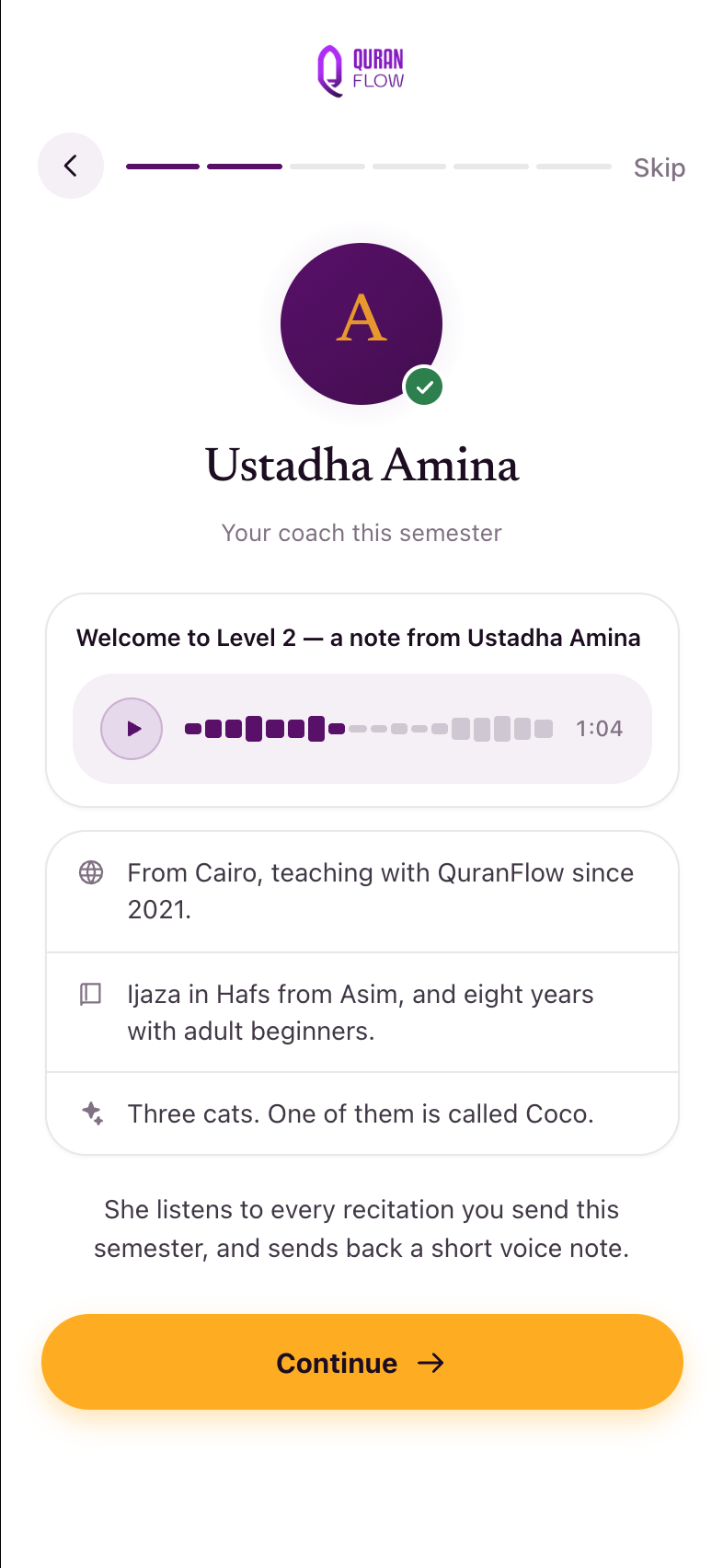
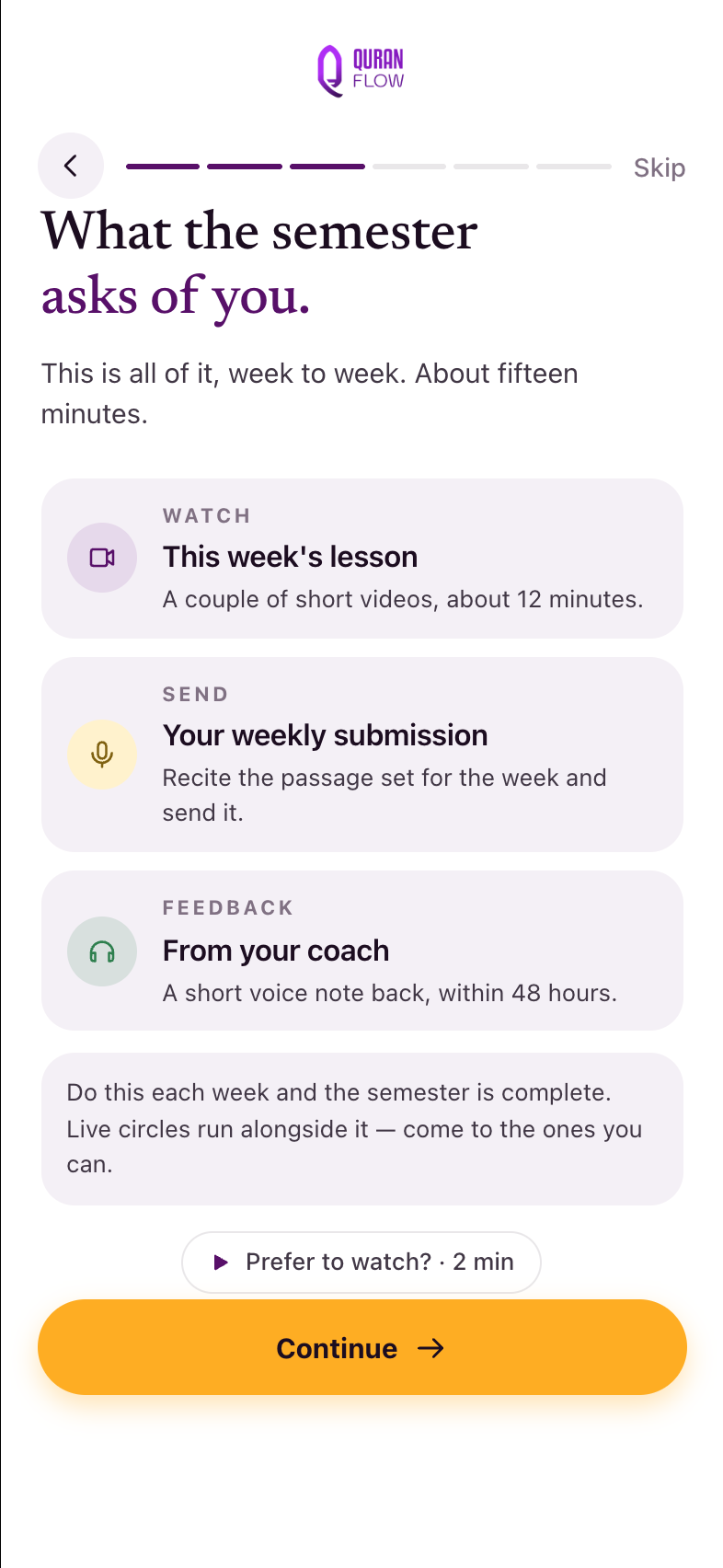
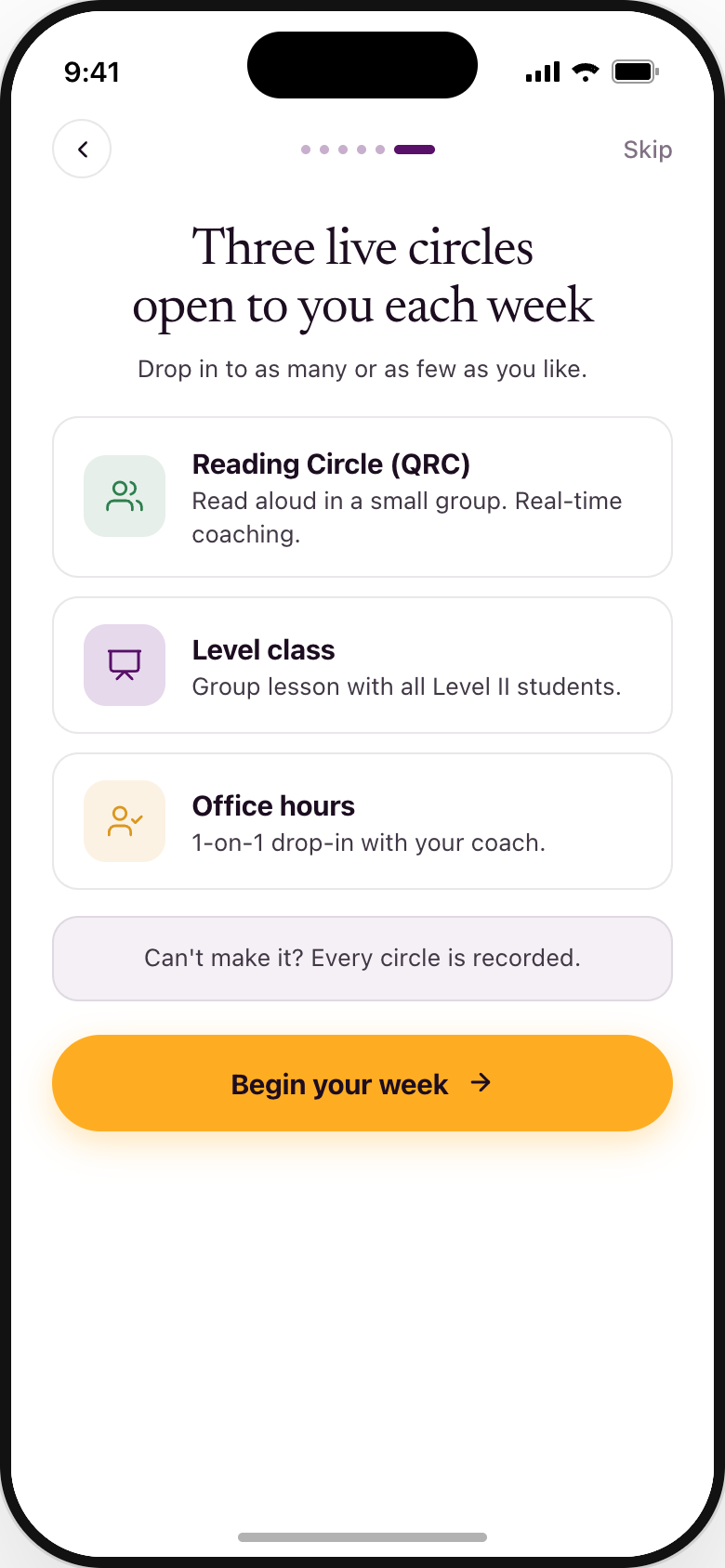
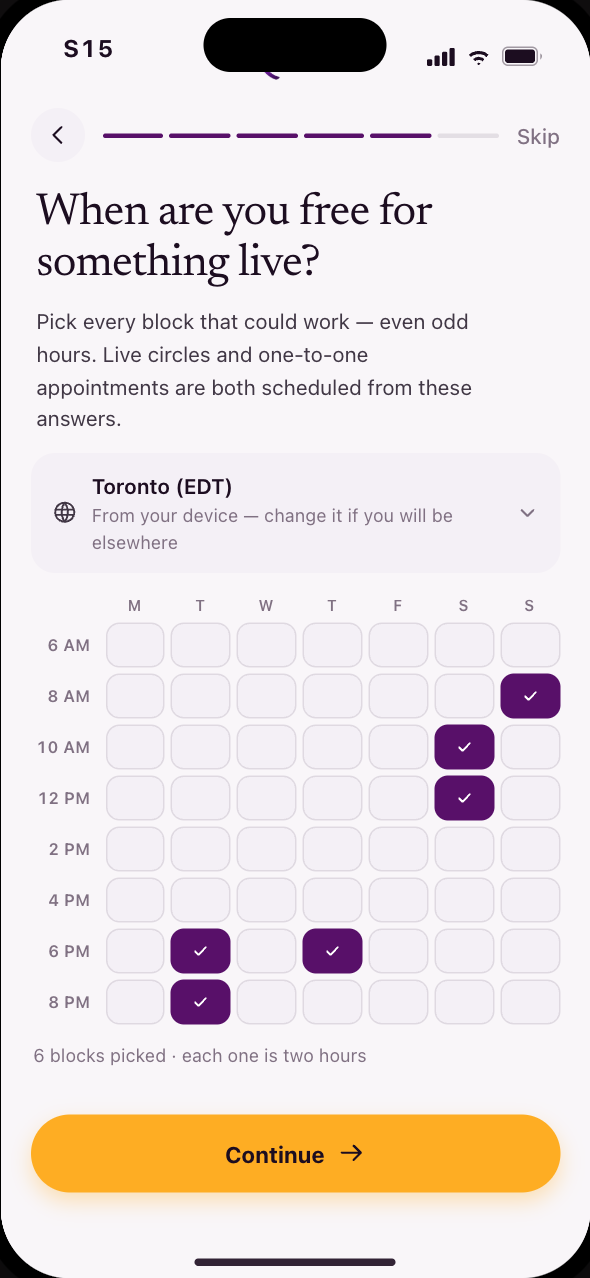
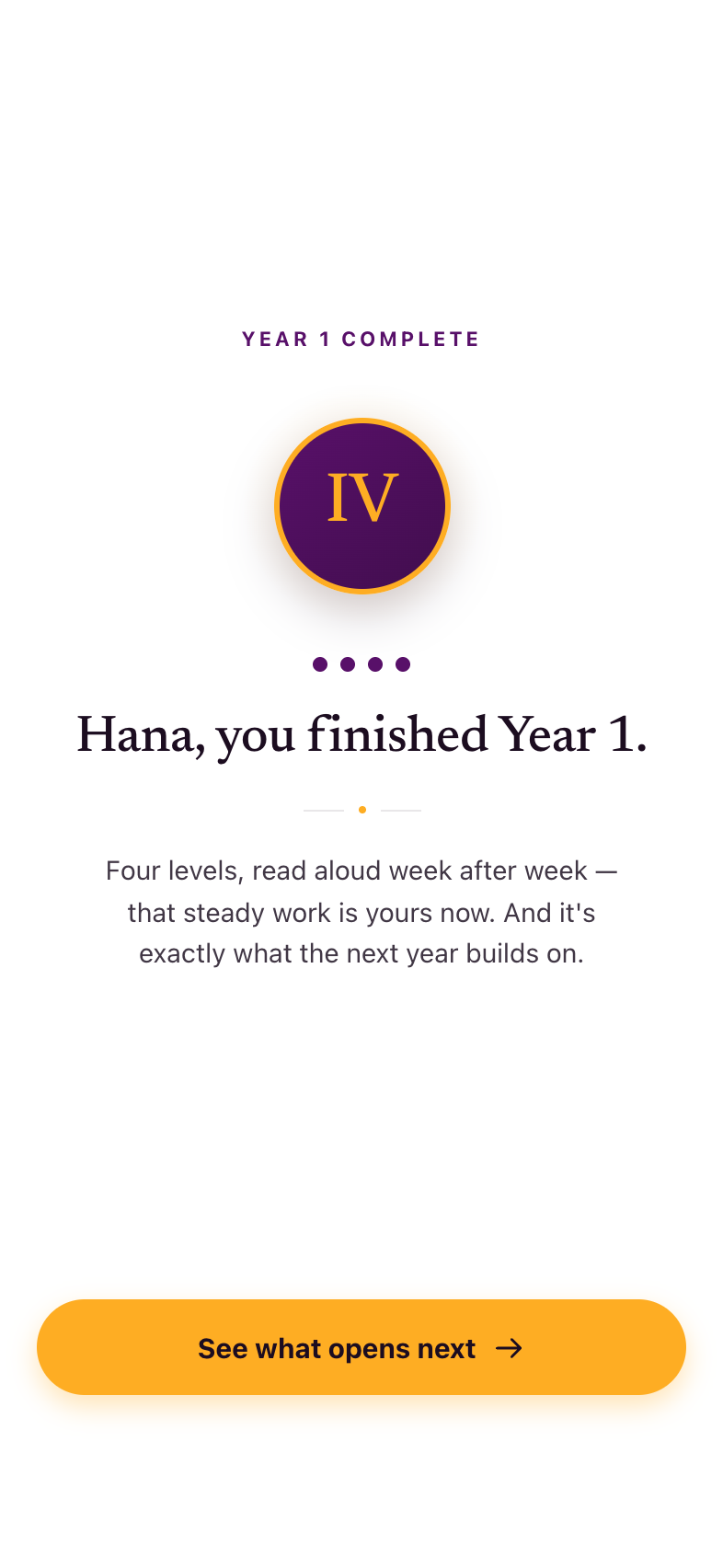
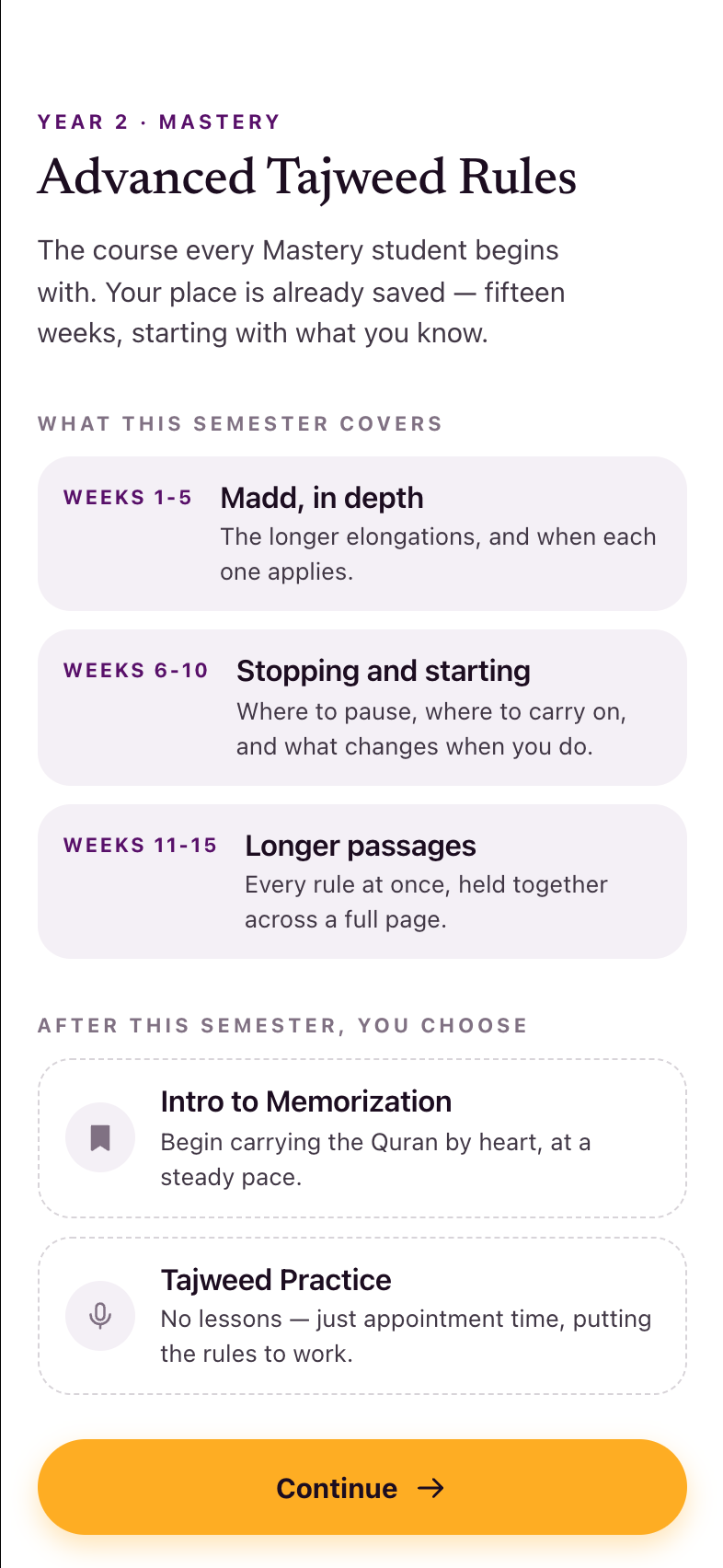
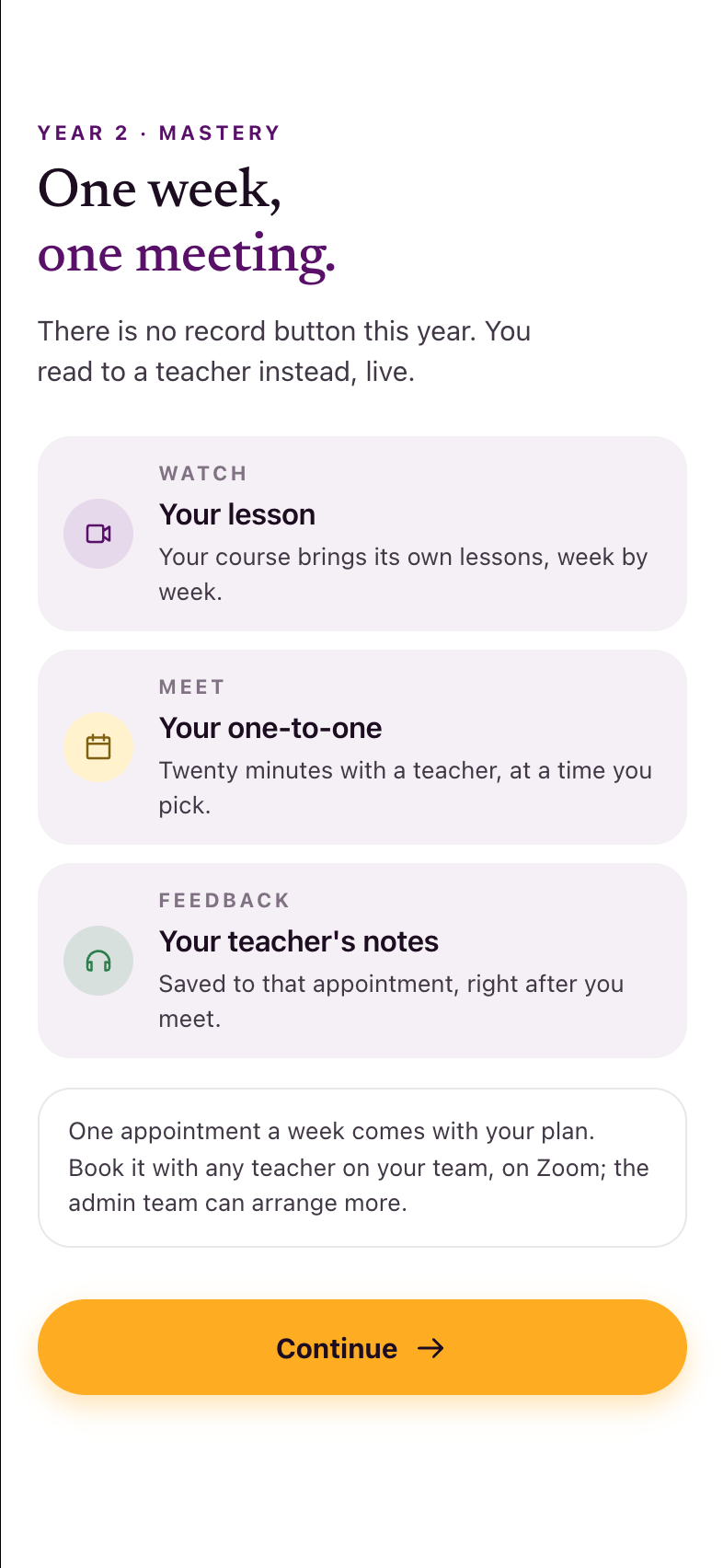
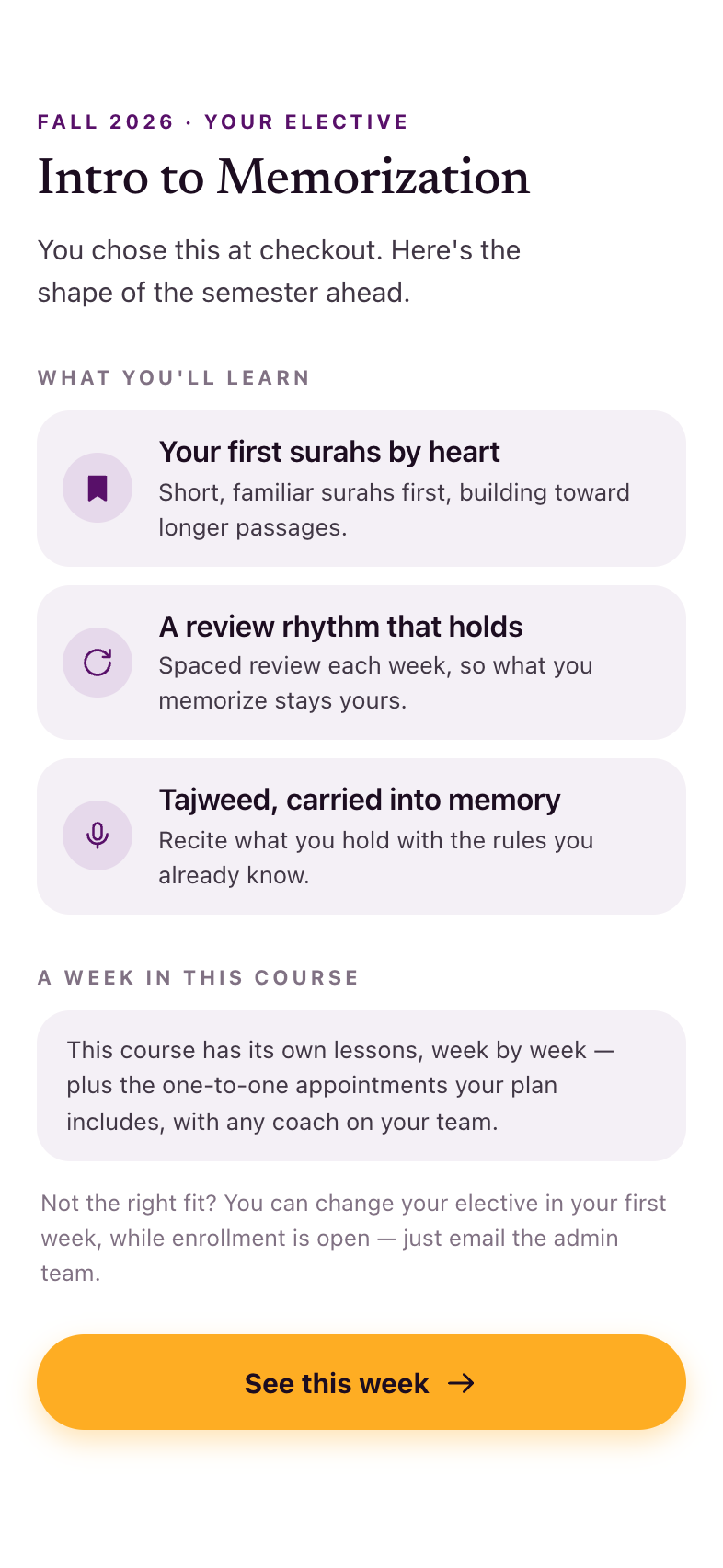
Recut Aug 2026. Year 1 loses two screens: S10 Welcome and S11 Your level are retired — S08 absorbs the welcome, and one level curriculum overview (S53) replaces both. Year 2 is rebuilt as a mirror of the same shape, in the order Lejla asked for: welcome, then the course (S30), then the weekly rhythm and what the live component is — which the build carries on one screen, S31 — and availability last, because it makes no sense to ask when someone can join live before they know what they are being asked about. That rule now holds in every lane. Year 2 arrives two ways: Level-4 graduates are auto-enrolled (celebratory — they can unenroll, and historically only ~20% continued); direct-entry students buy a Mastery elective on the web without ever having done Year 1, which is why S54 exists.
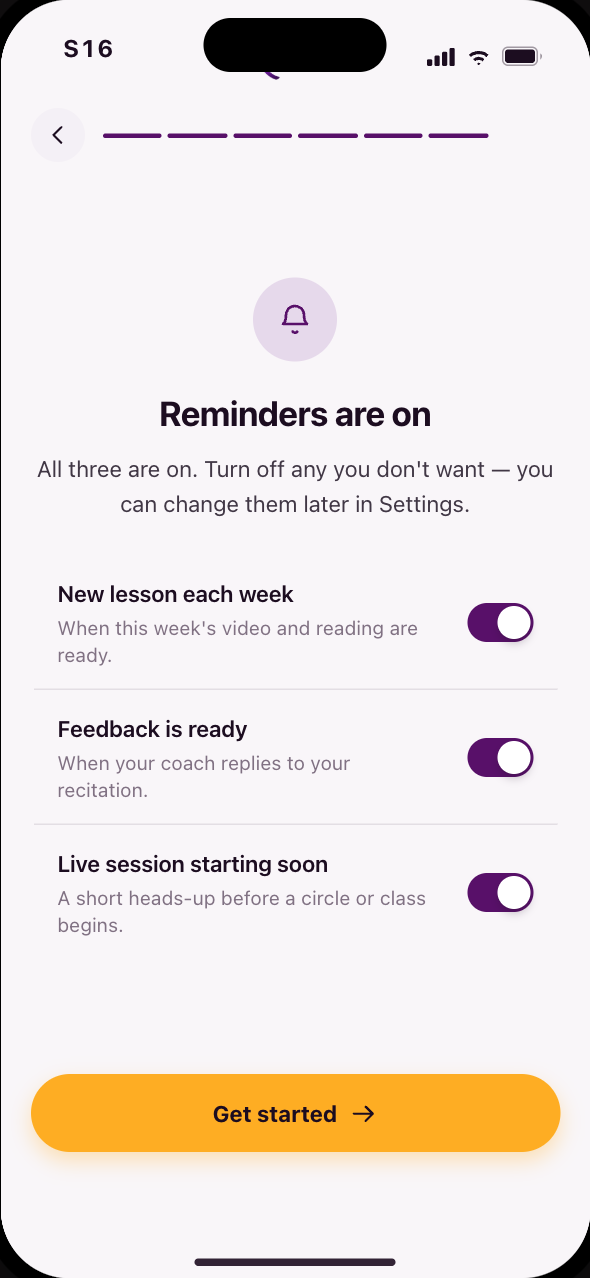
The walkthrough's New students entrance runs S01–S16 — arriving and this onboarding in one sitting, because that is what a brand-new student actually walks through. The map keeps them in two bands on purpose: only S02–S09 is new-students-only, while onboarding is also re-entry for level graduates, who never see the arriving lane. Same screens, two ways of grouping them.
What your level covers
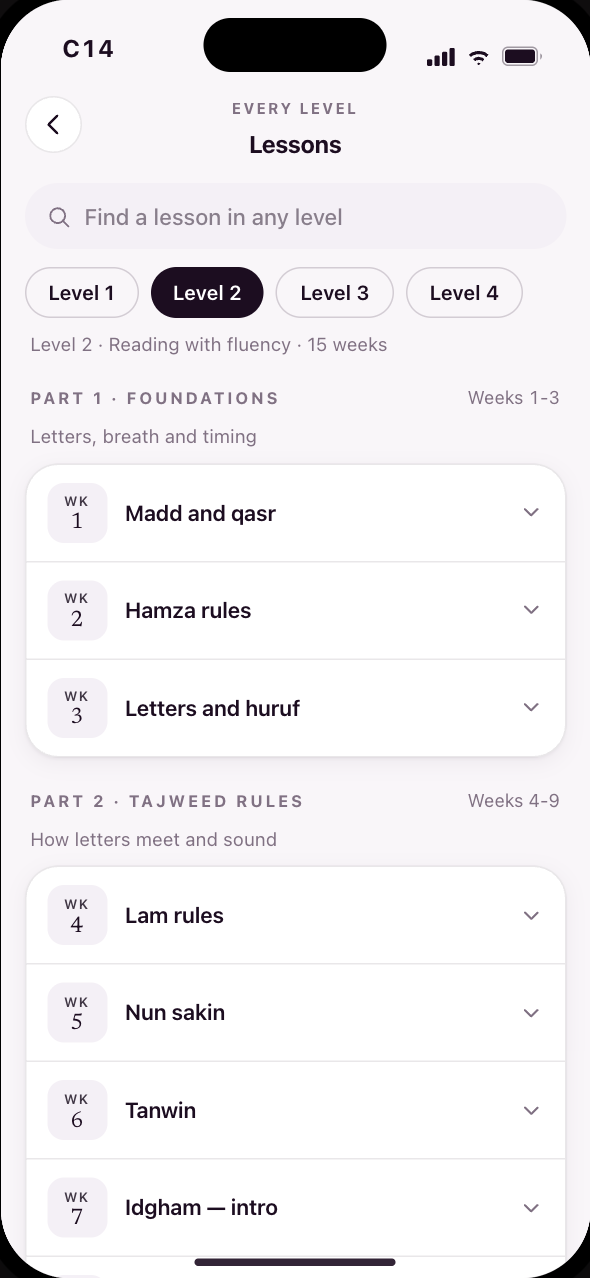
One screen where there were two: the level you were placed in, and what its fifteen weeks actually teach.
Submissions are text-based, and the Madani source script has diacritic scenarios most fonts cannot render. Lejla and Yasmeen tested ~60 fonts; exactly one renders ~98% of cases. There is no choice to offer — the current app hides this same feature for the same reason.
“It's redundant.” S08 already welcomes the placed student and names the level; S53 carries what the level actually teaches. Both frames stay above, muted, with their connectors intact, so anyone tracing an old screen number still finds it.
Welcome to Mastery
The arrival for someone who bought a Year-2 course on the web and has never done Year 1. Electives are sold outside the QuranFlow ecosystem, so this cannot be assumed away.
The weekly loop
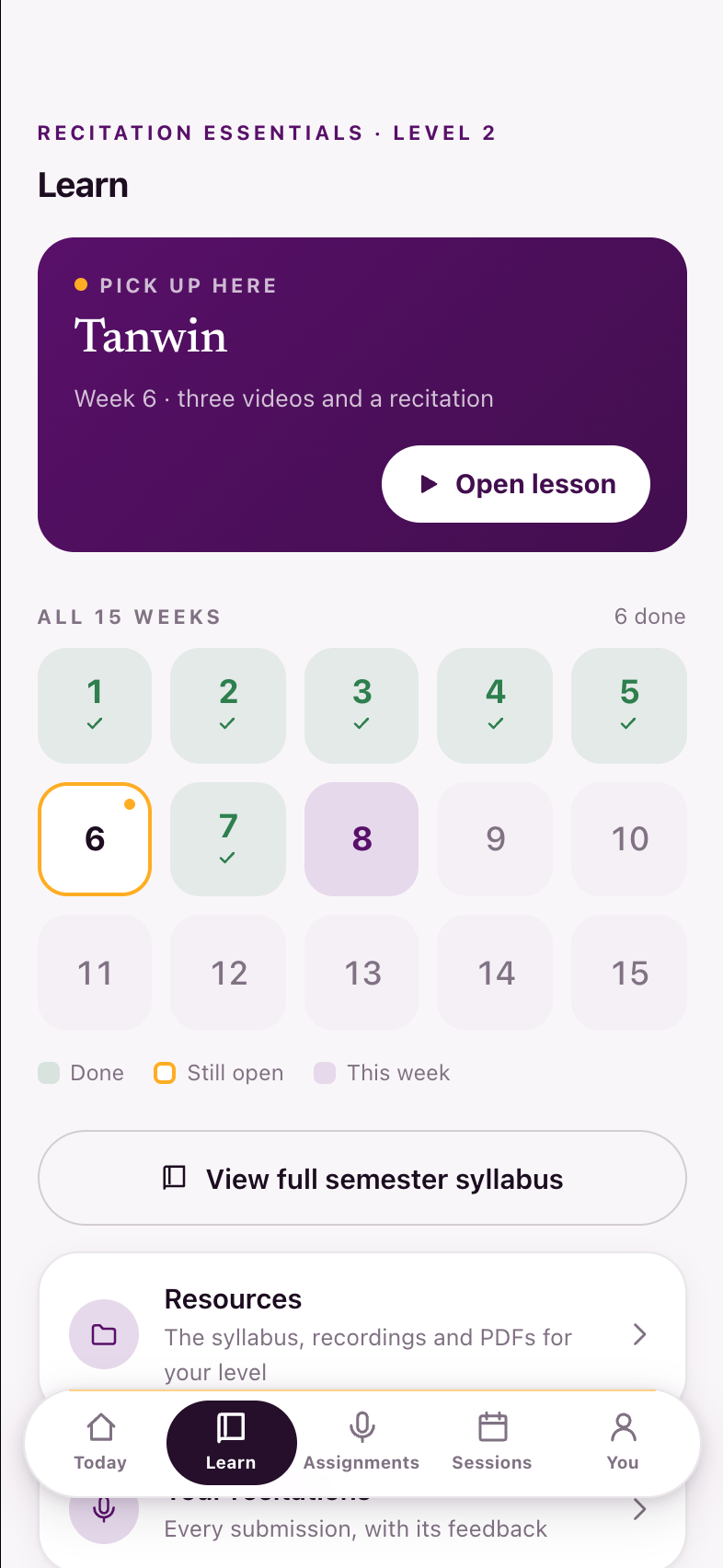
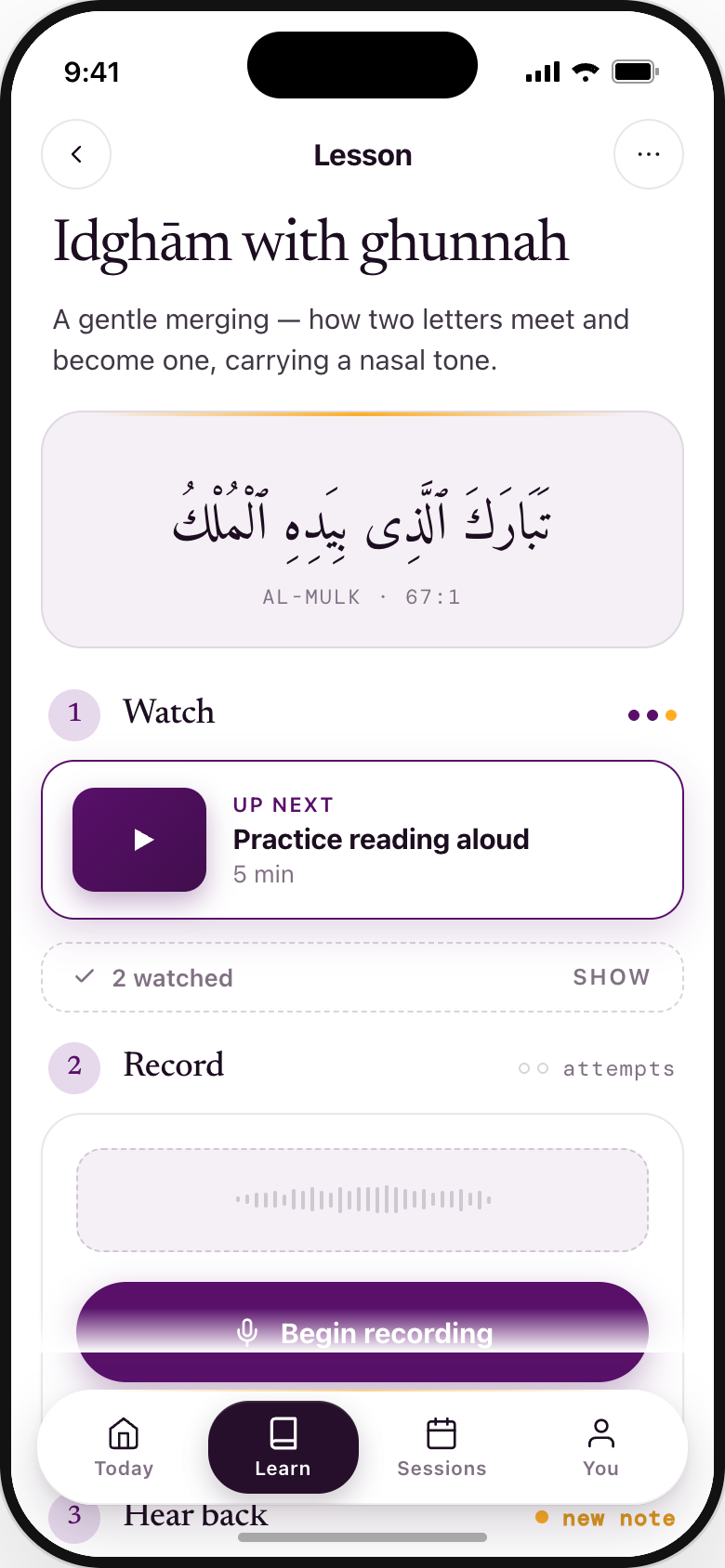
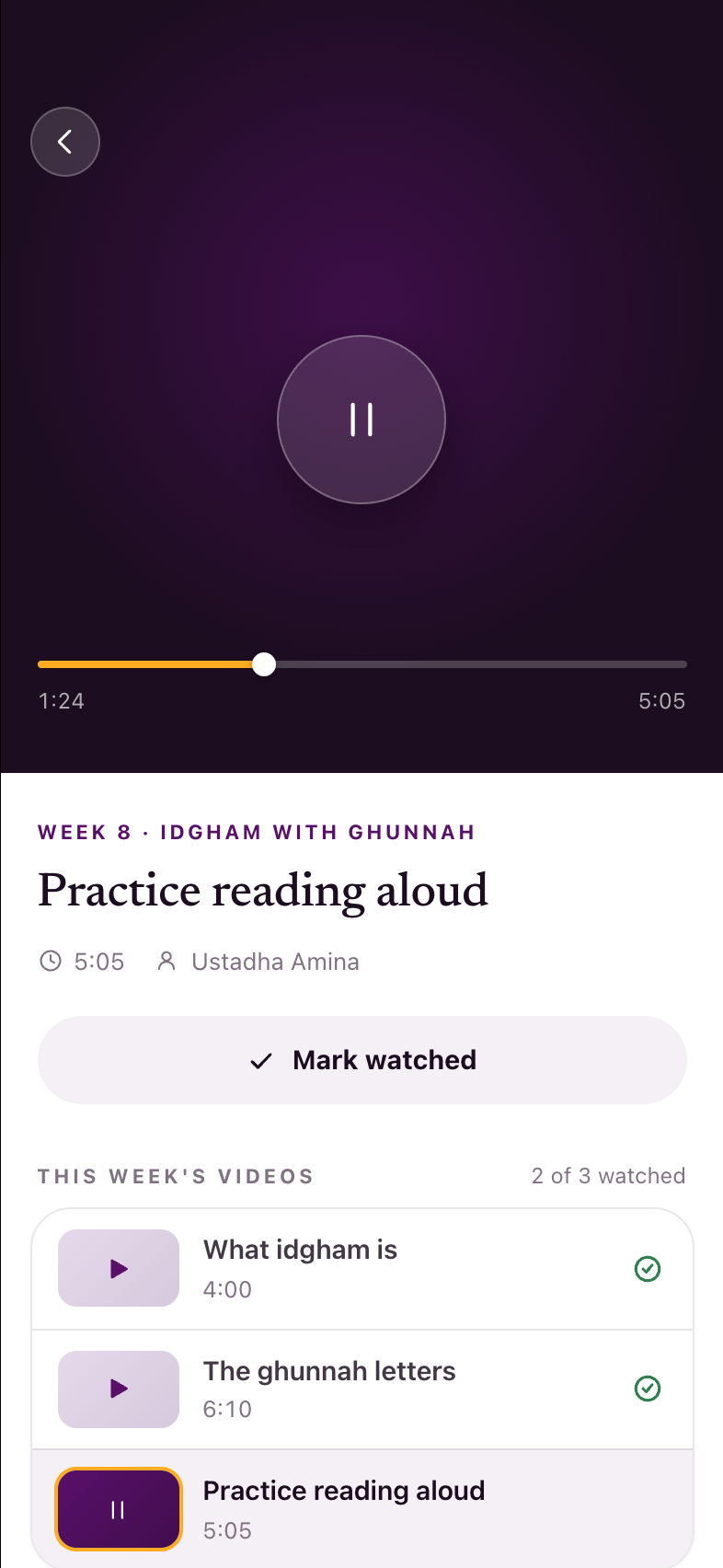
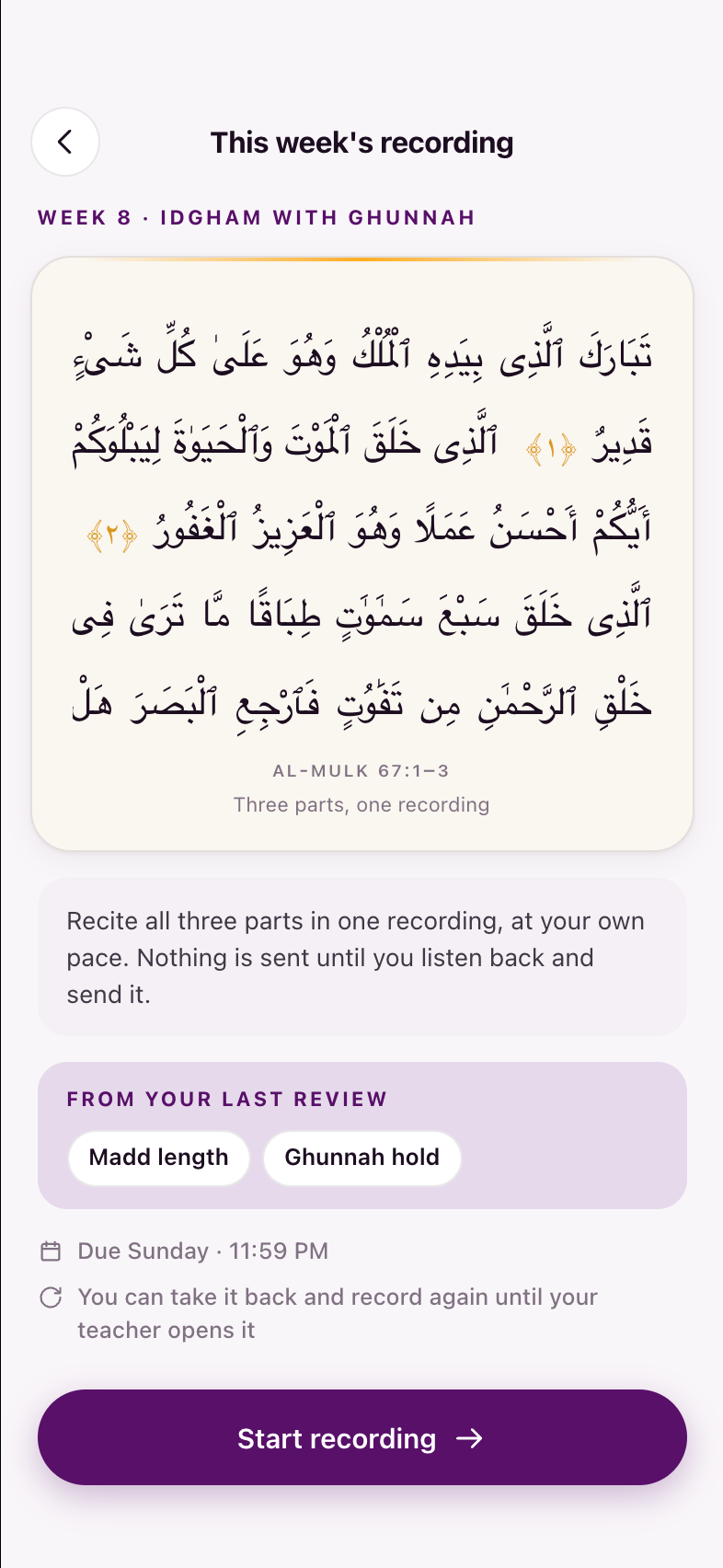
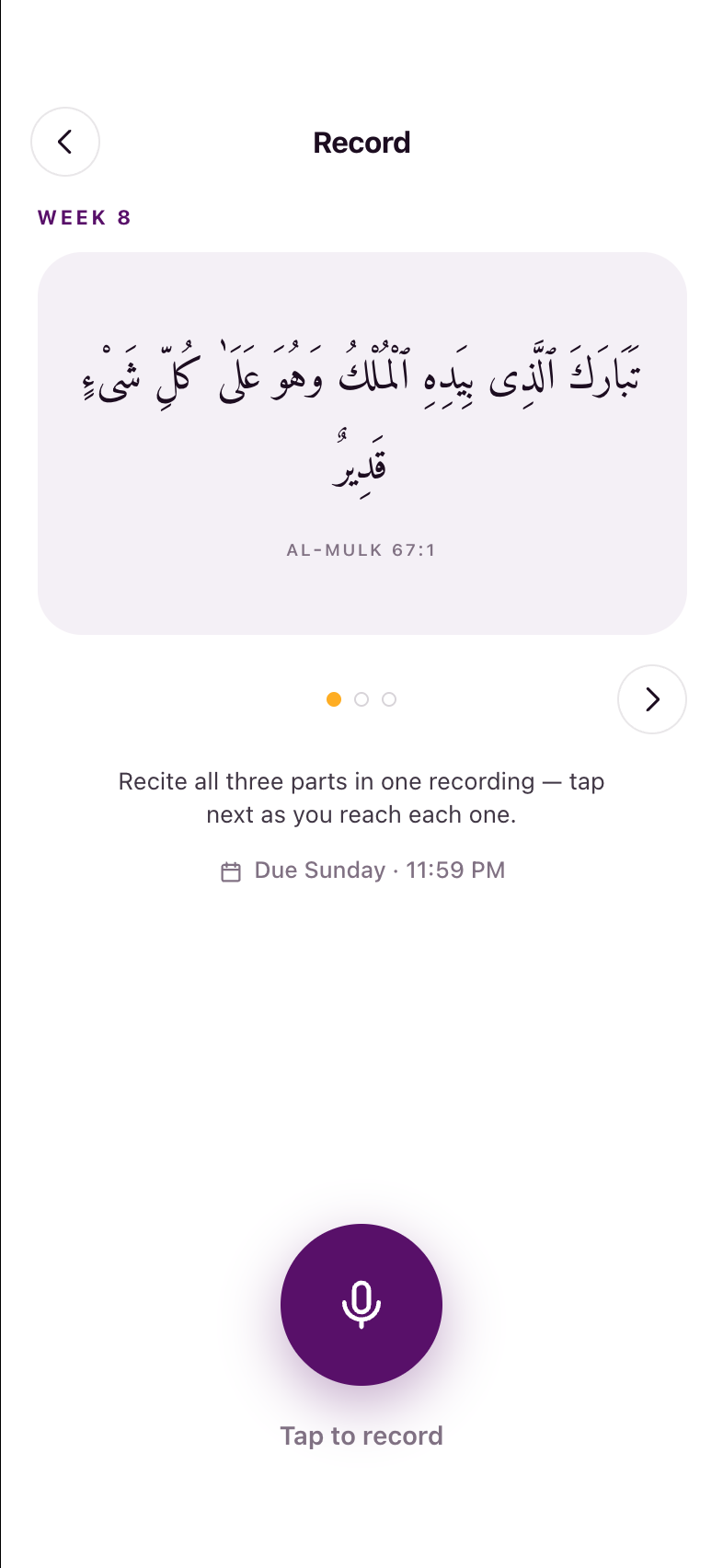
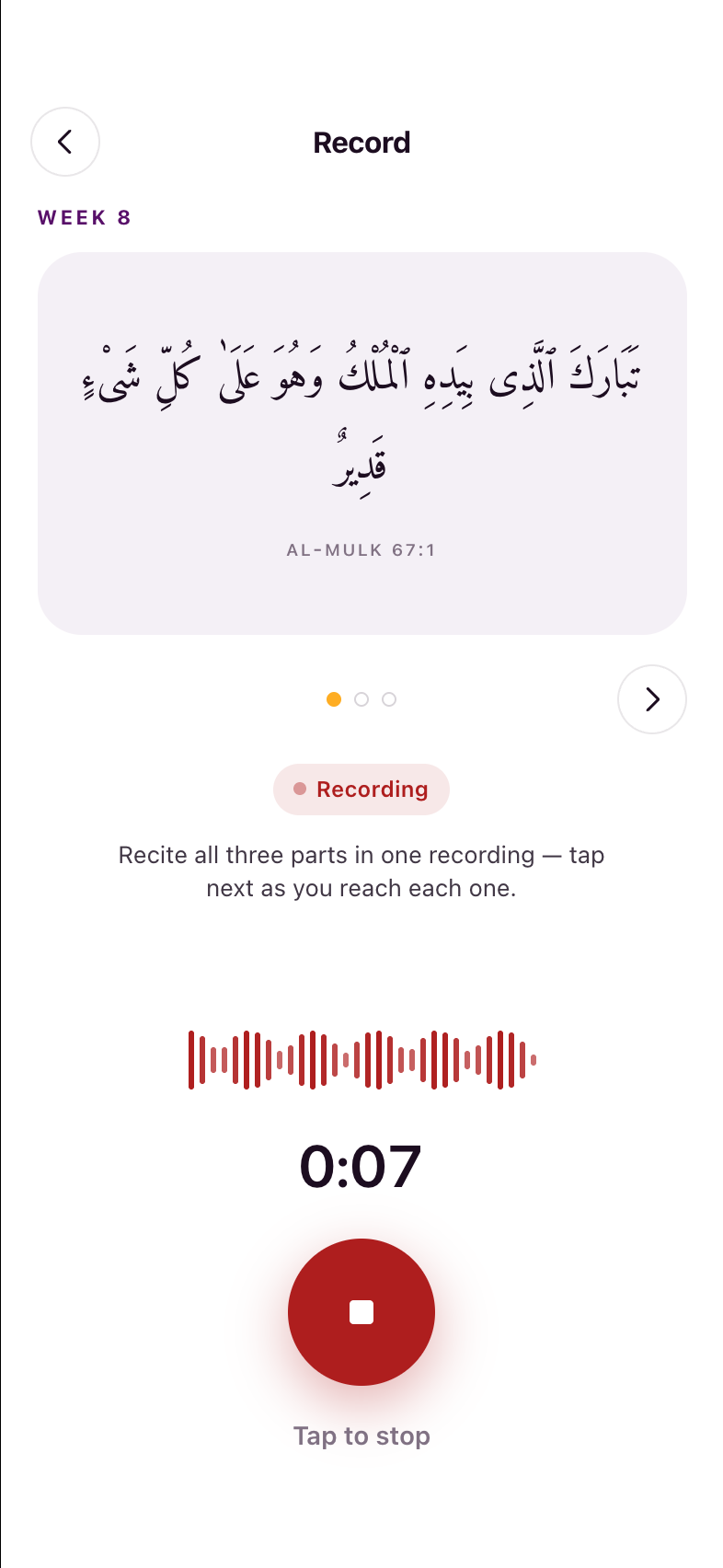
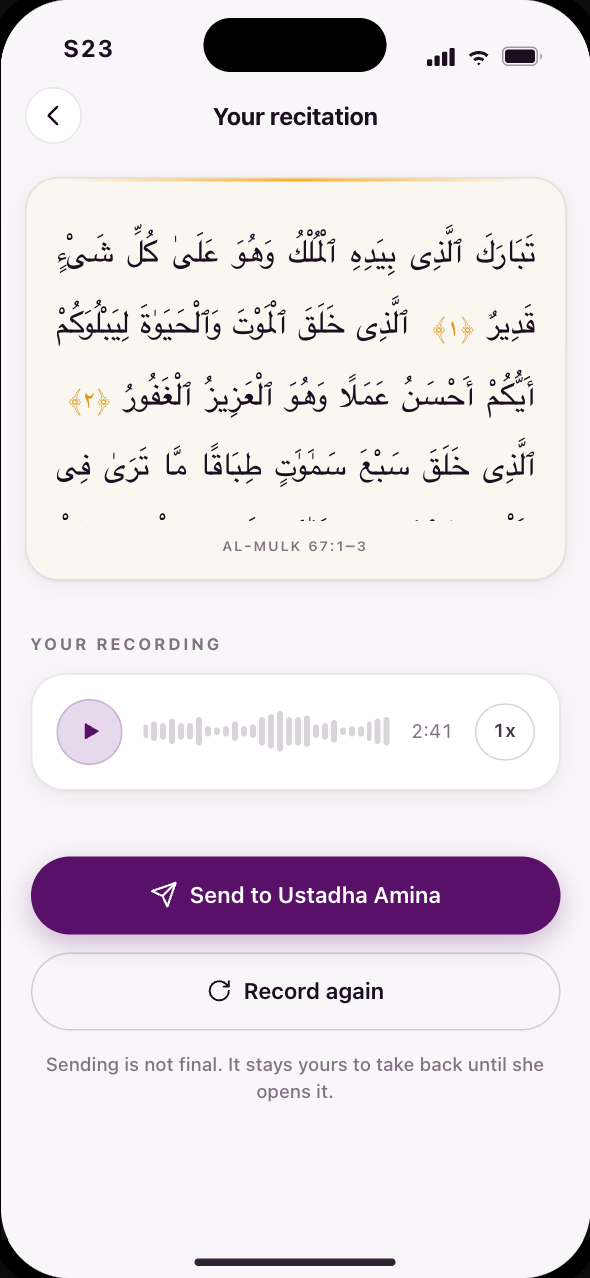
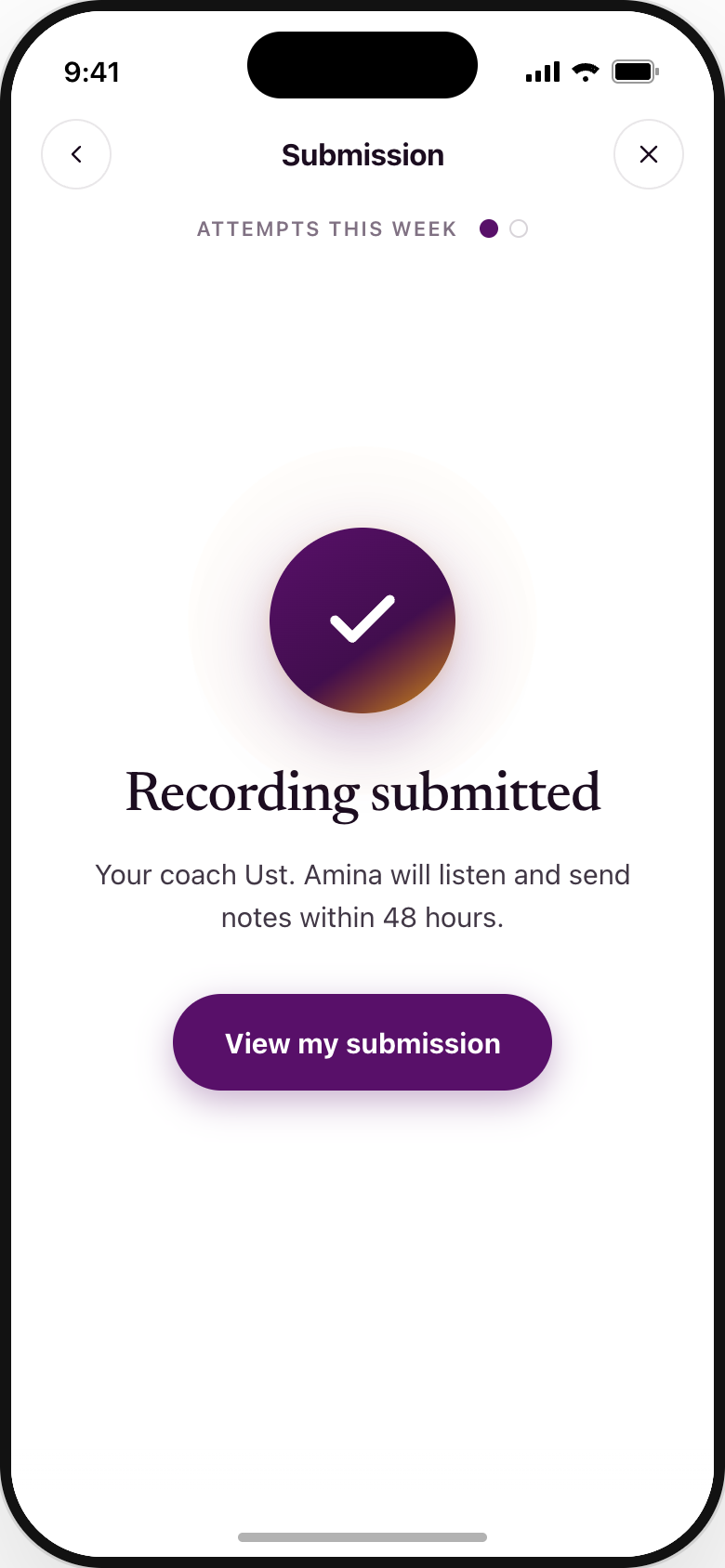
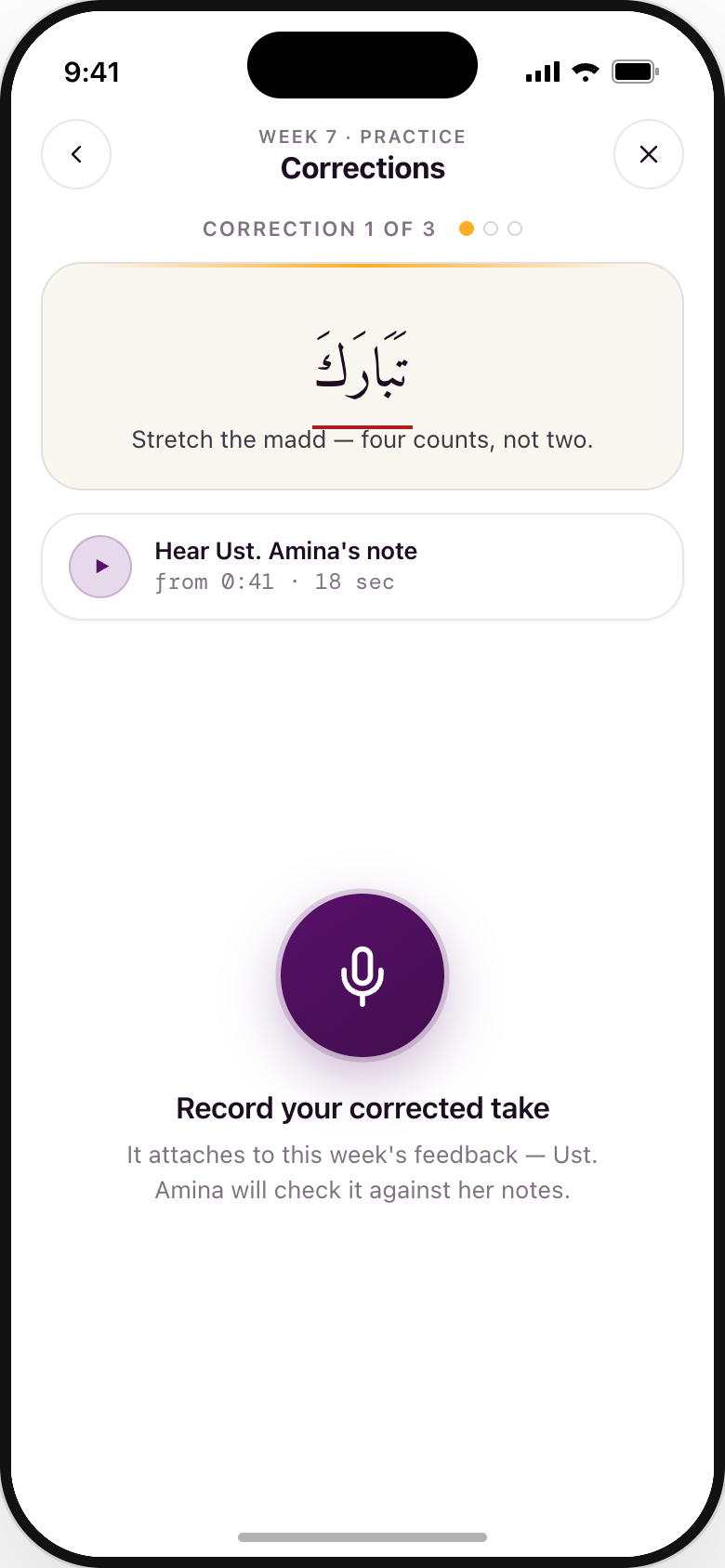
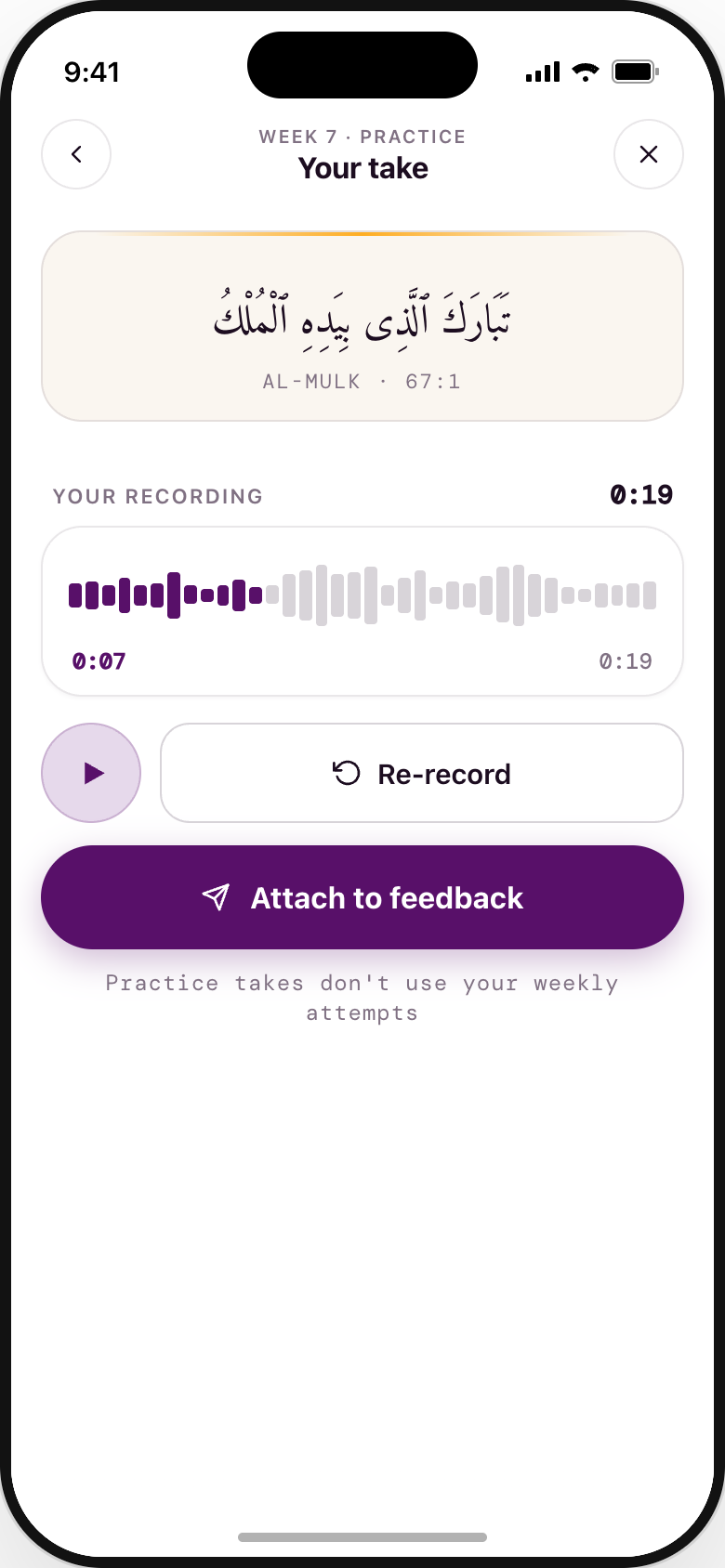
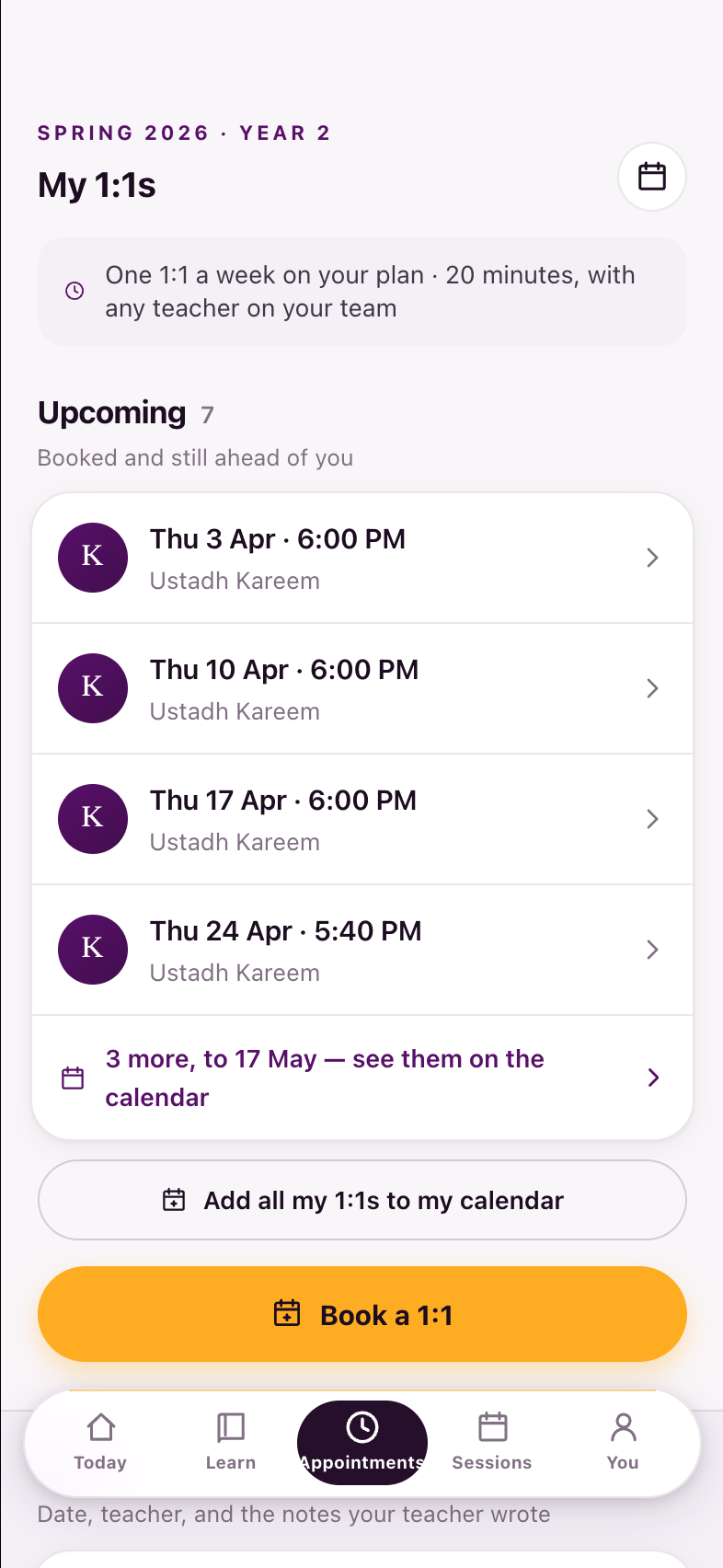
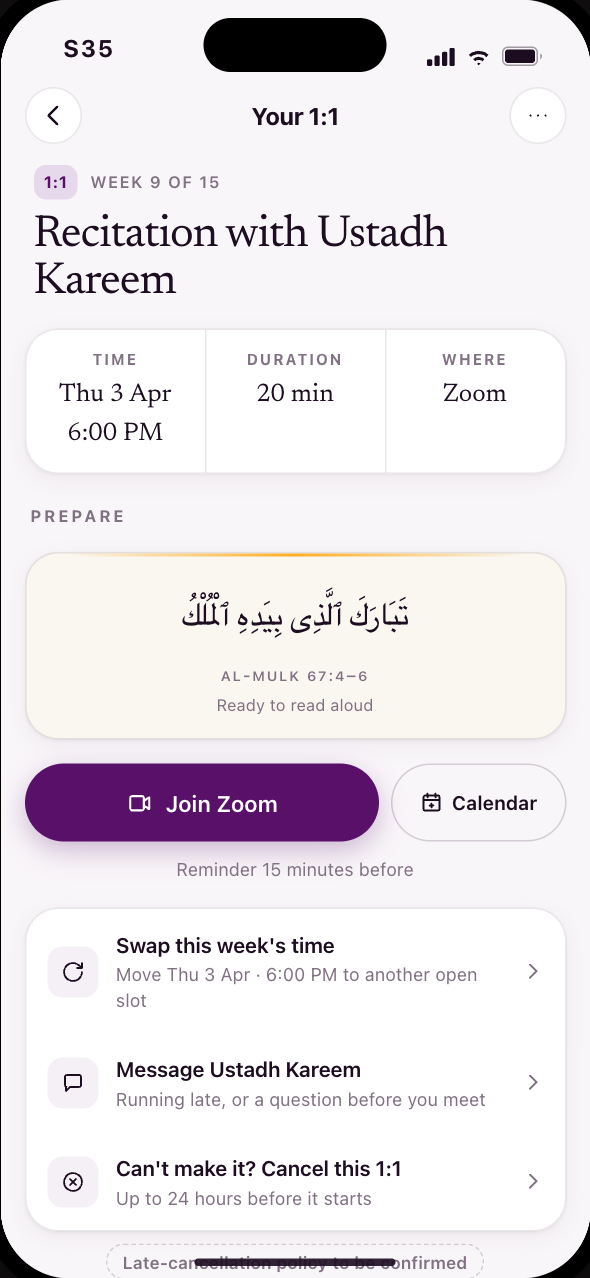
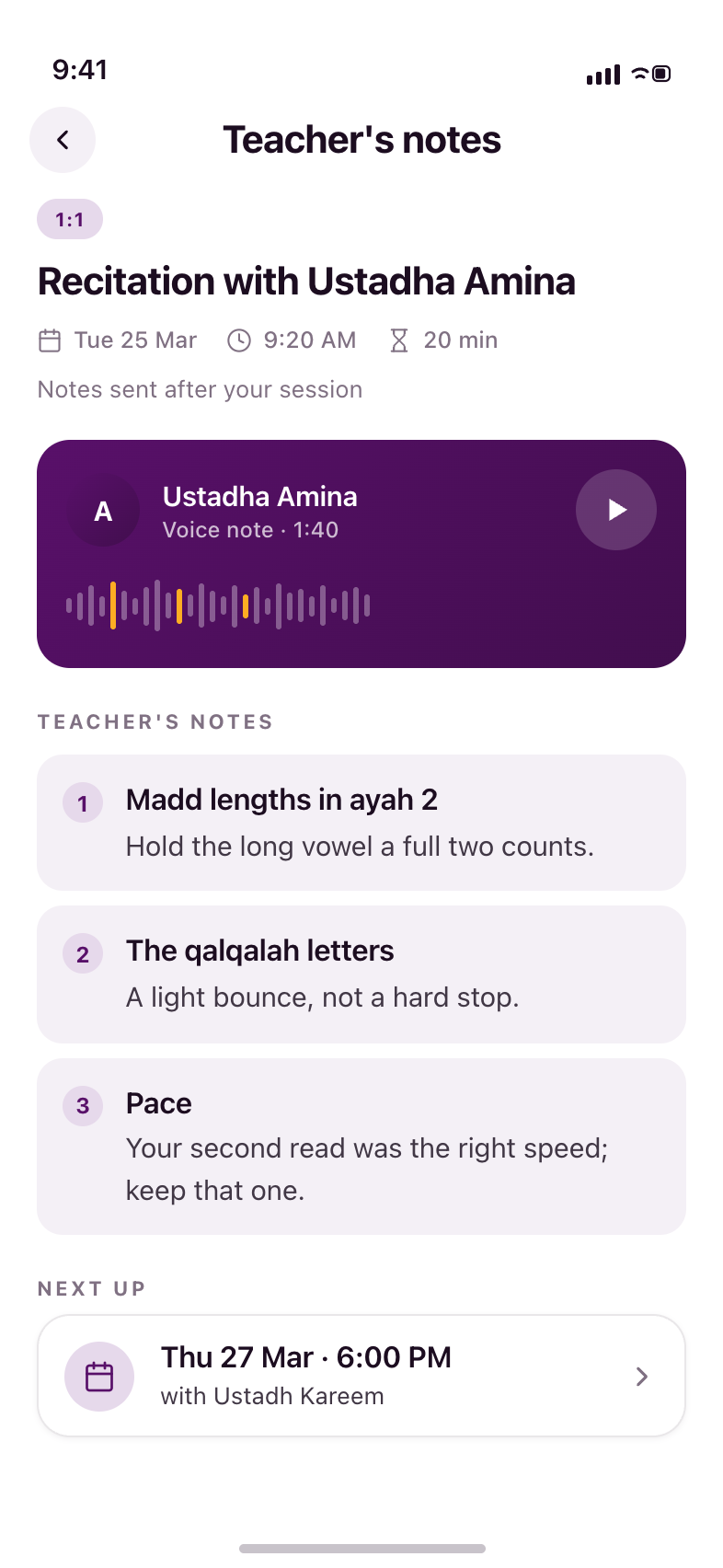
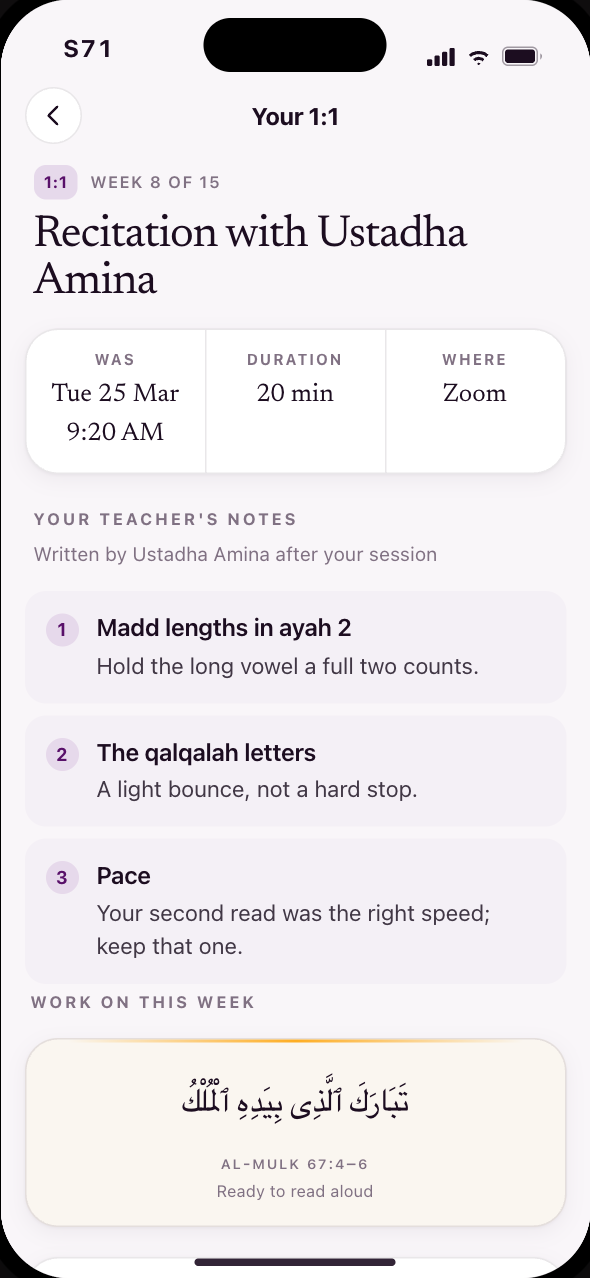
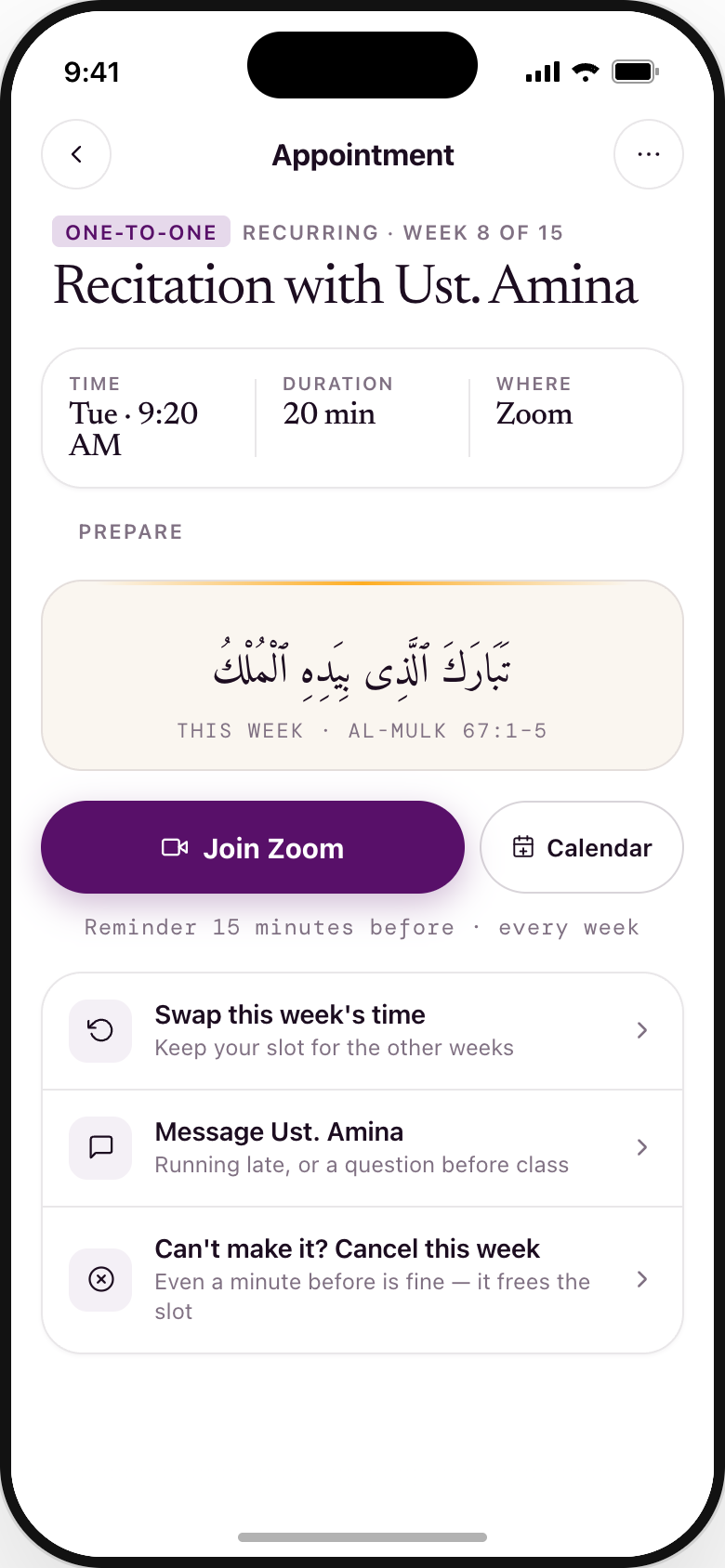
The lesson surface is shared; the content is not. Year 1 follows the semester's weekly lessons; every Year-2 course has its own syllabus and lessons. The universal Year-1→Year-2 change is the feedback format: appointment notes instead of submission feedback. Recut Aug 2026: S20 Lesson is retired — tapping a week square opens the player directly; S27 and S28 are retired — there are no corrected retakes, so feedback ends at listening; the Year-2 column now begins at a real appointments destination (S57) instead of a booking screen with no way in; and Learn gains the full-semester syllabus (S55) behind a button.
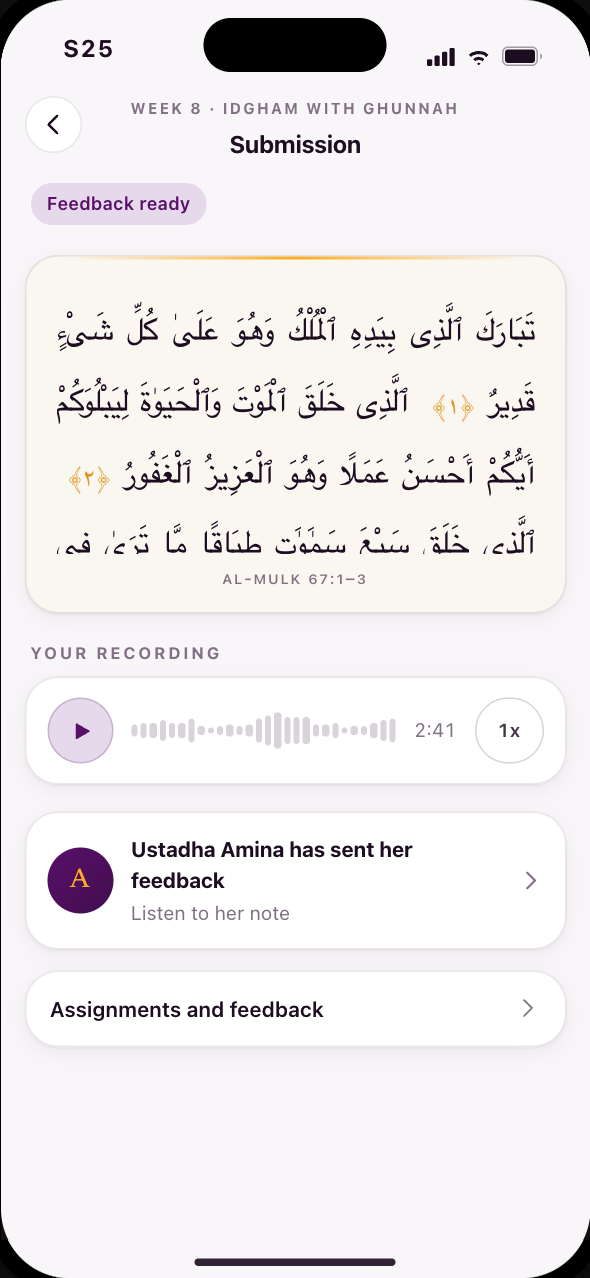
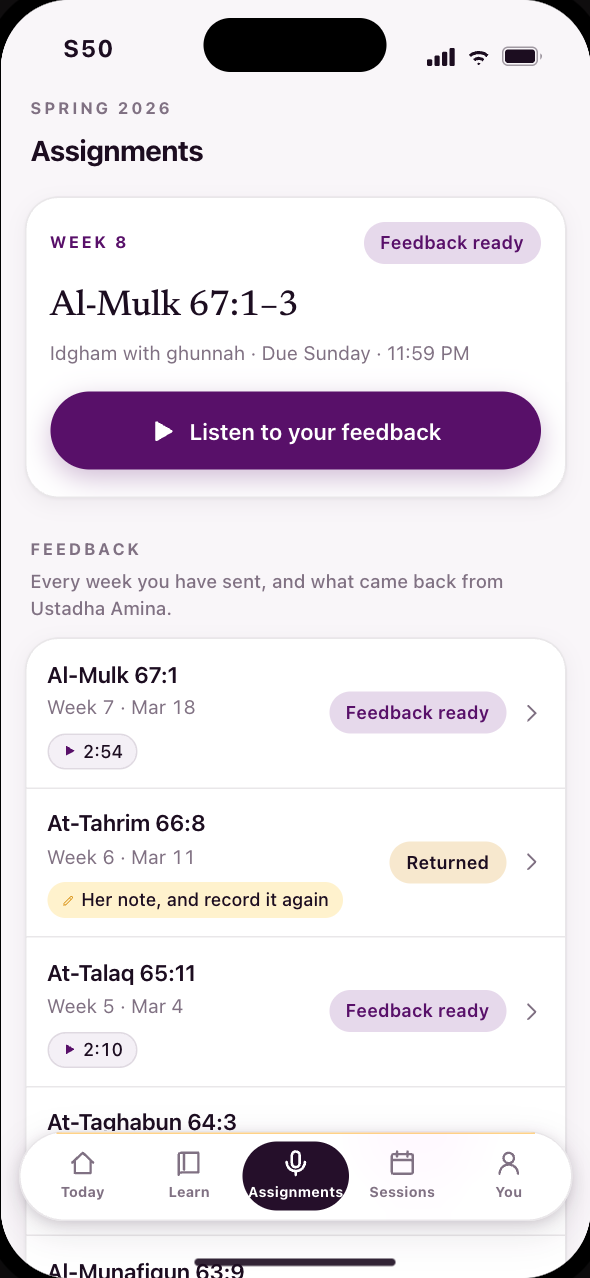
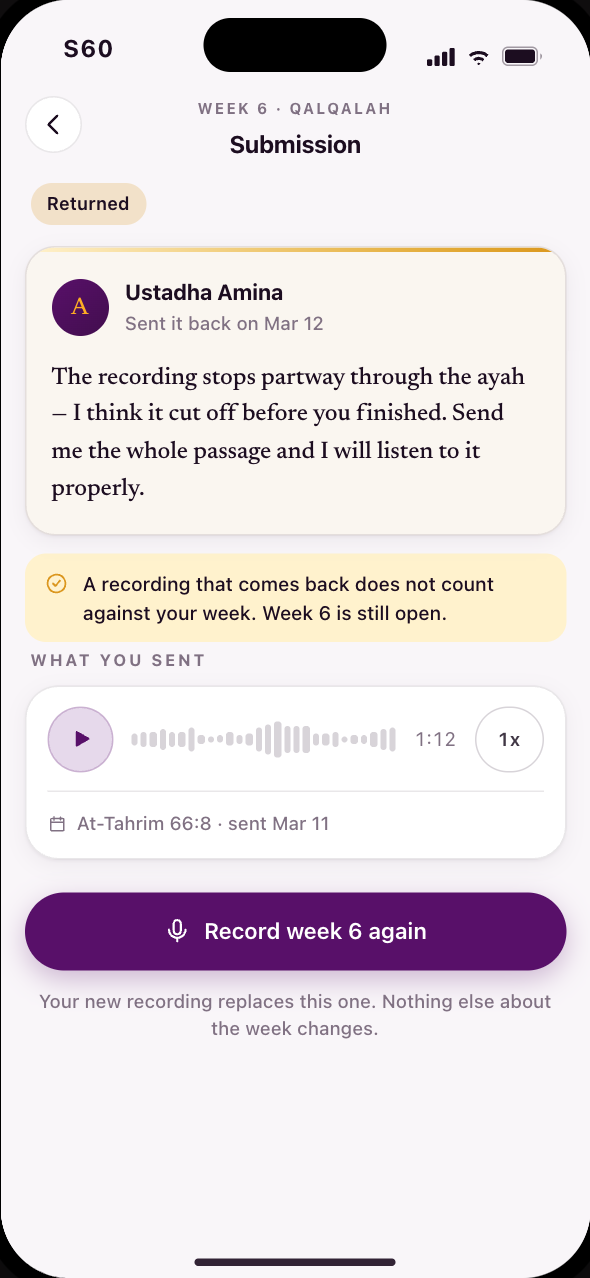
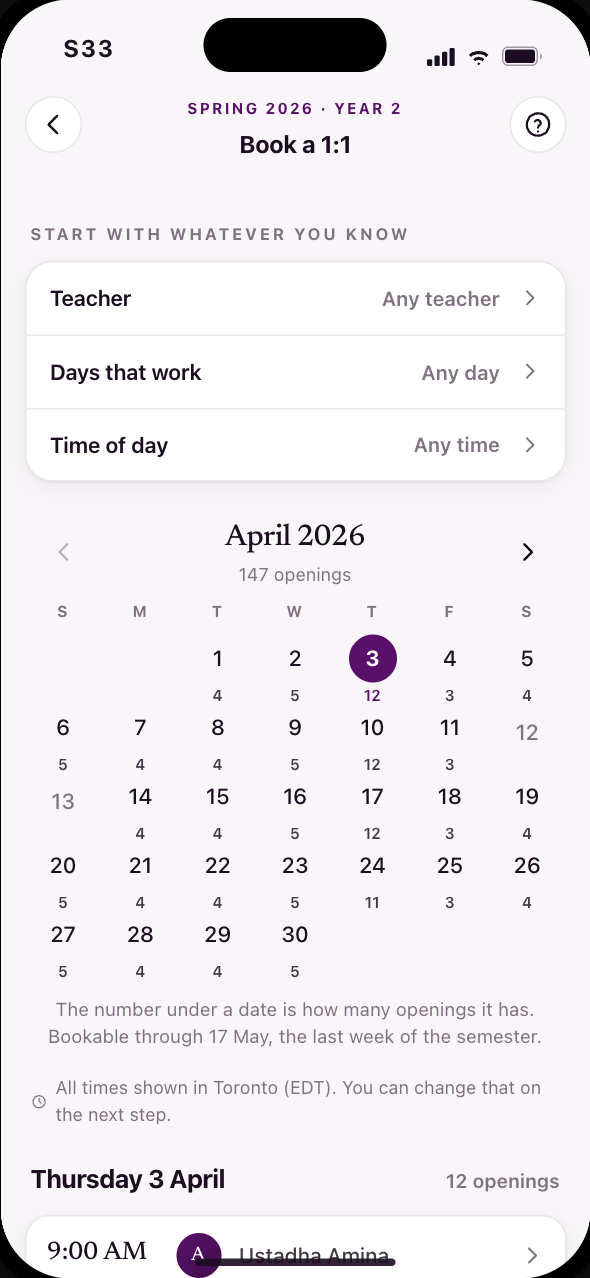
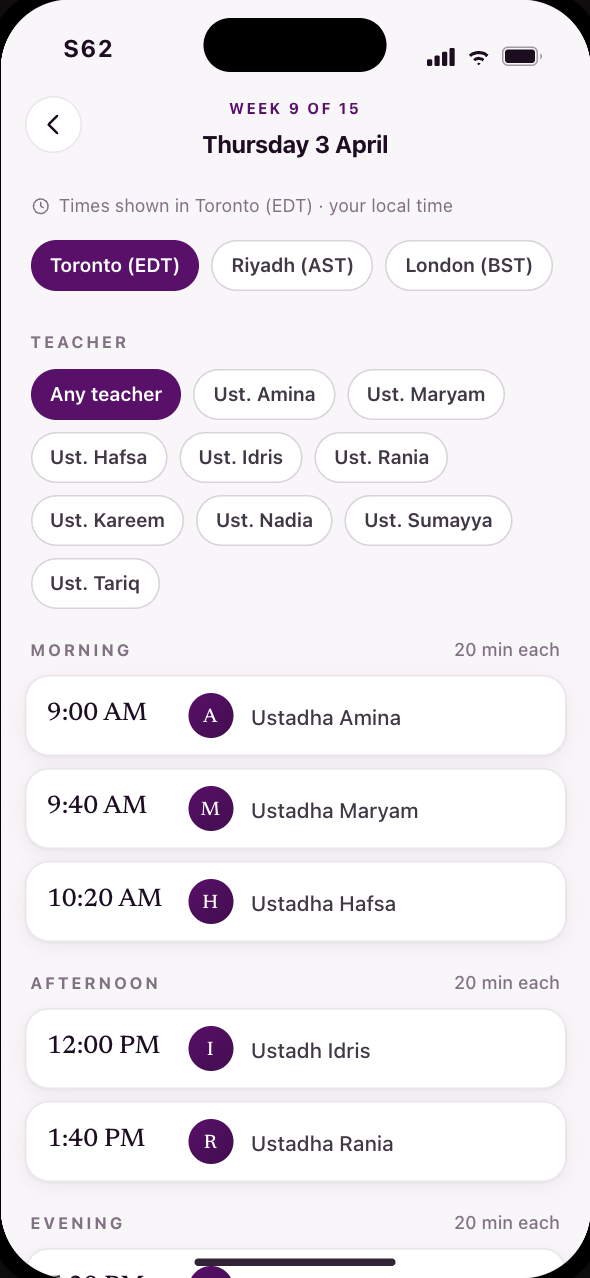
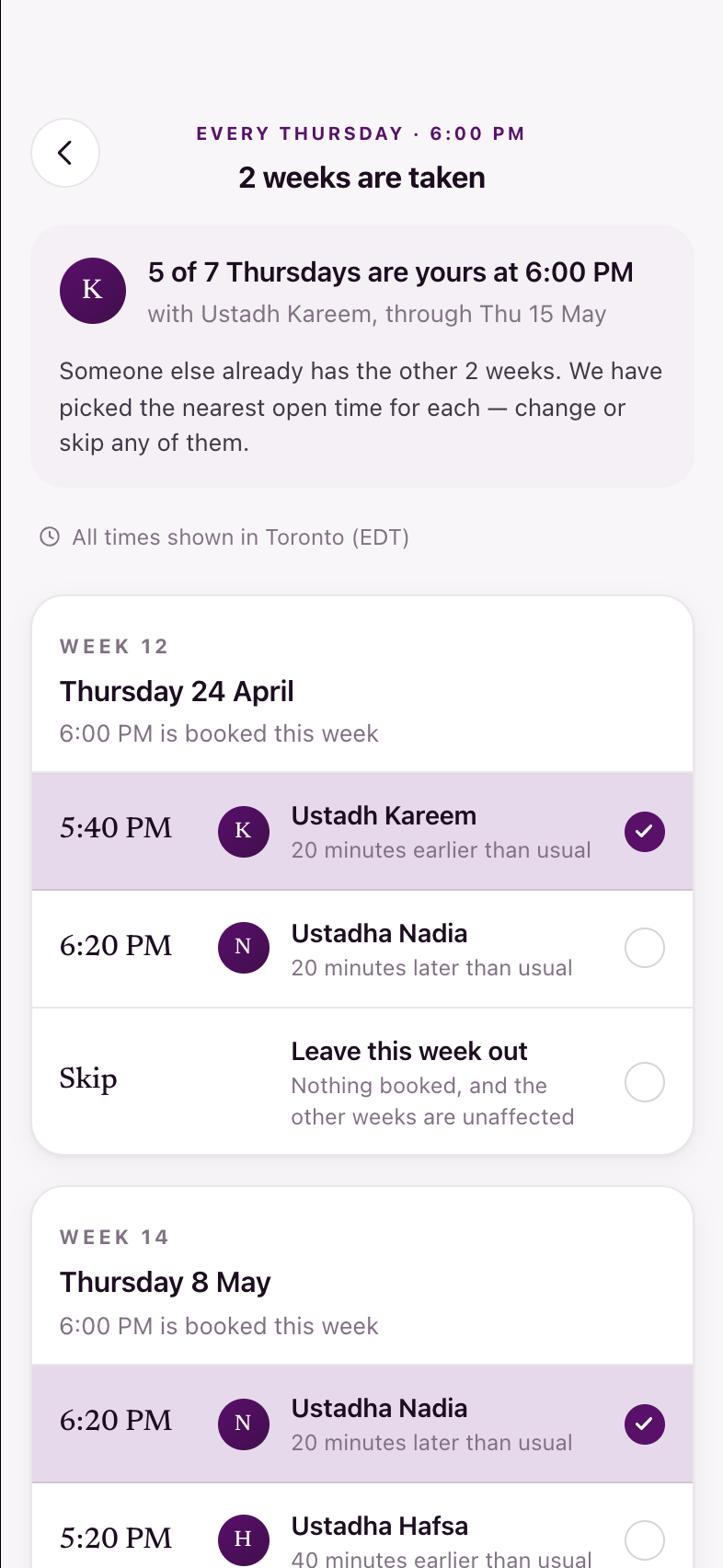
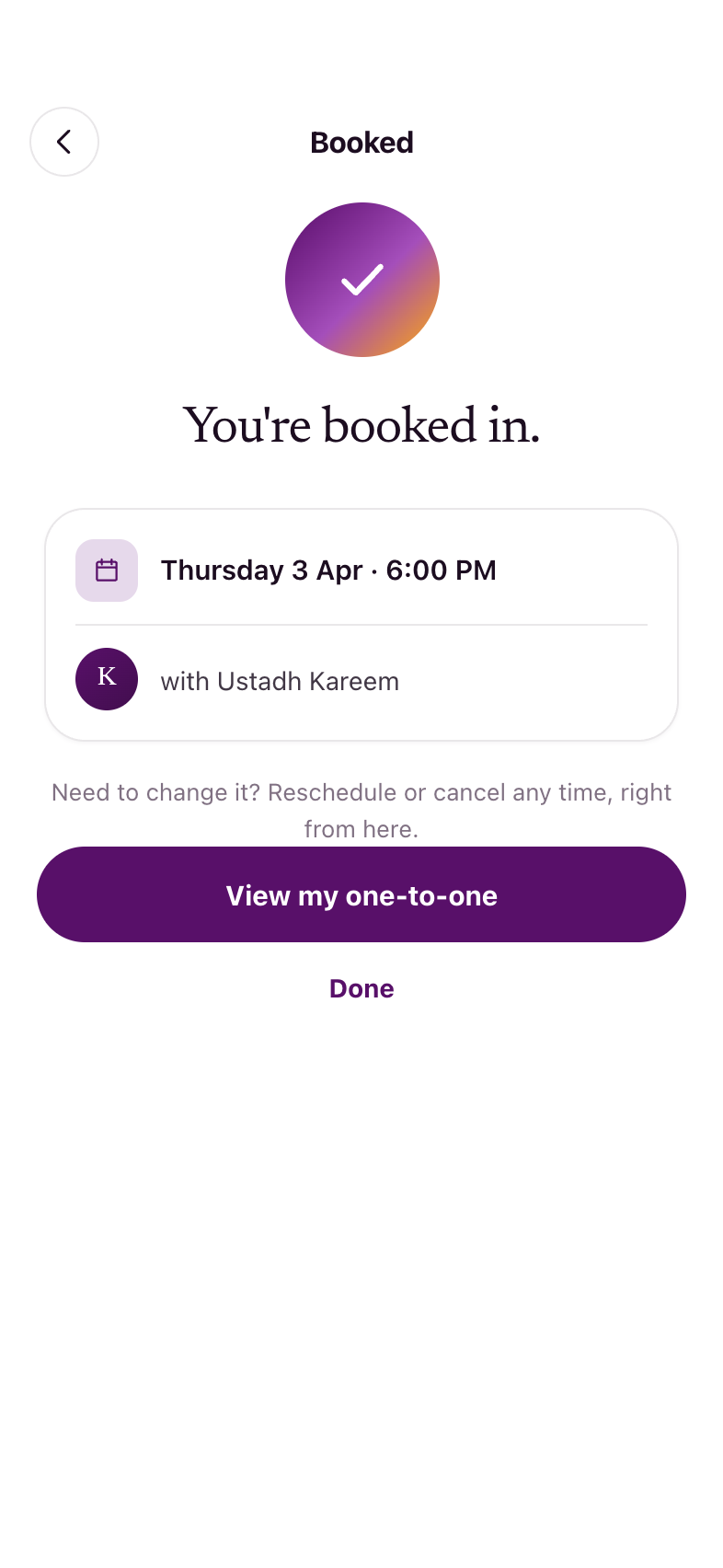
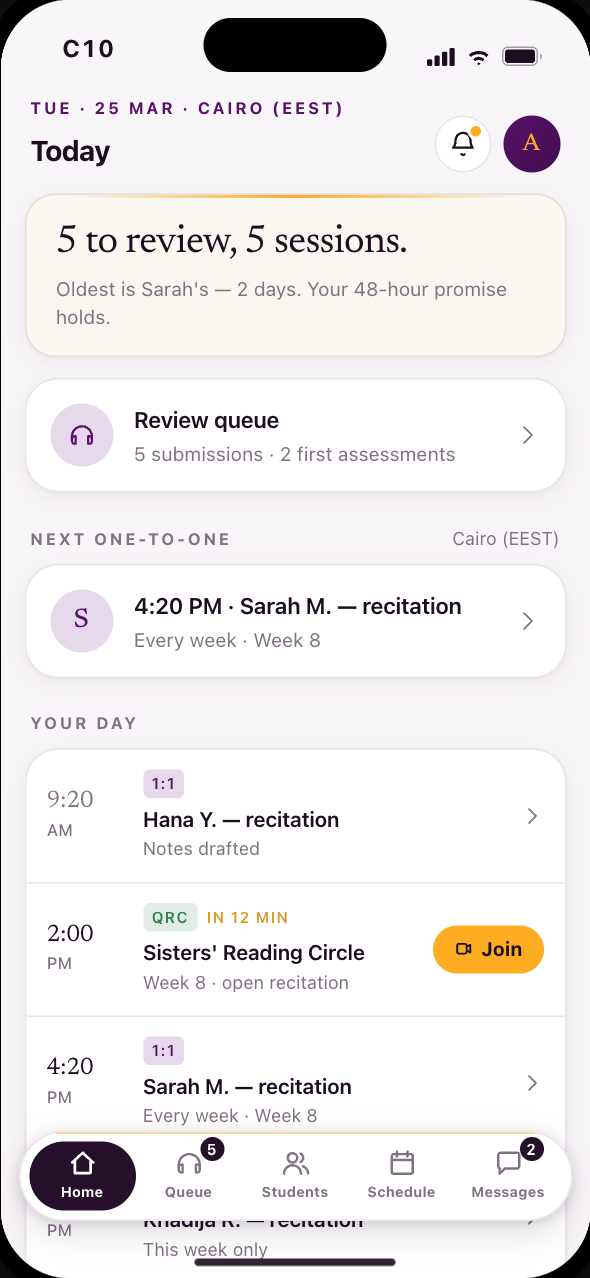
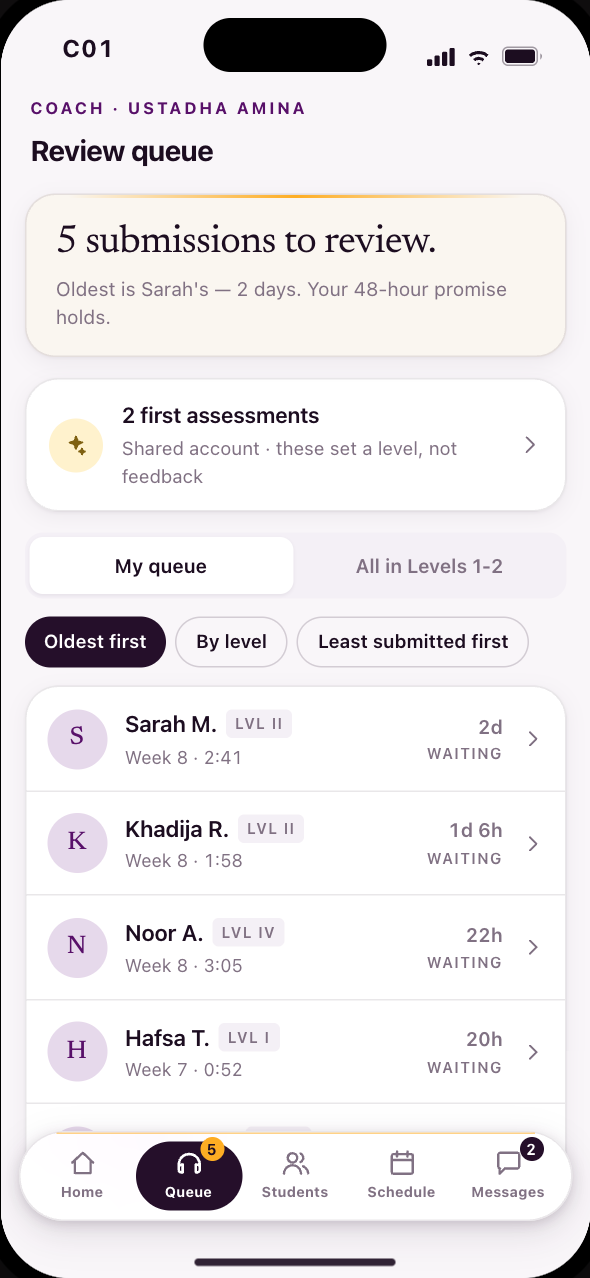
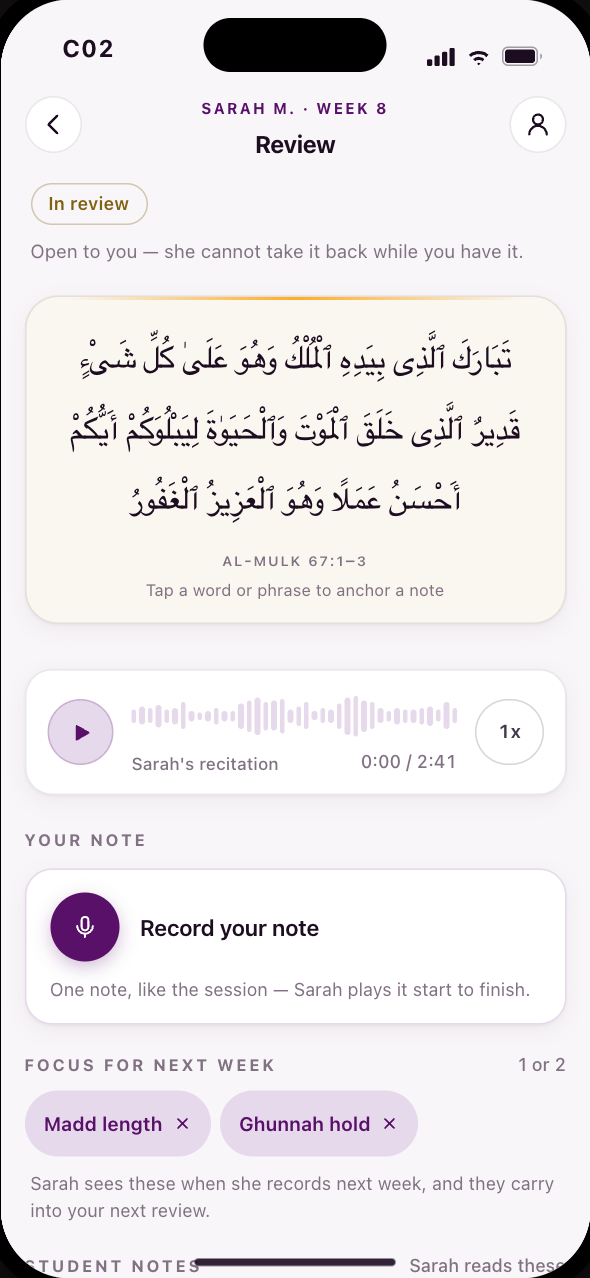
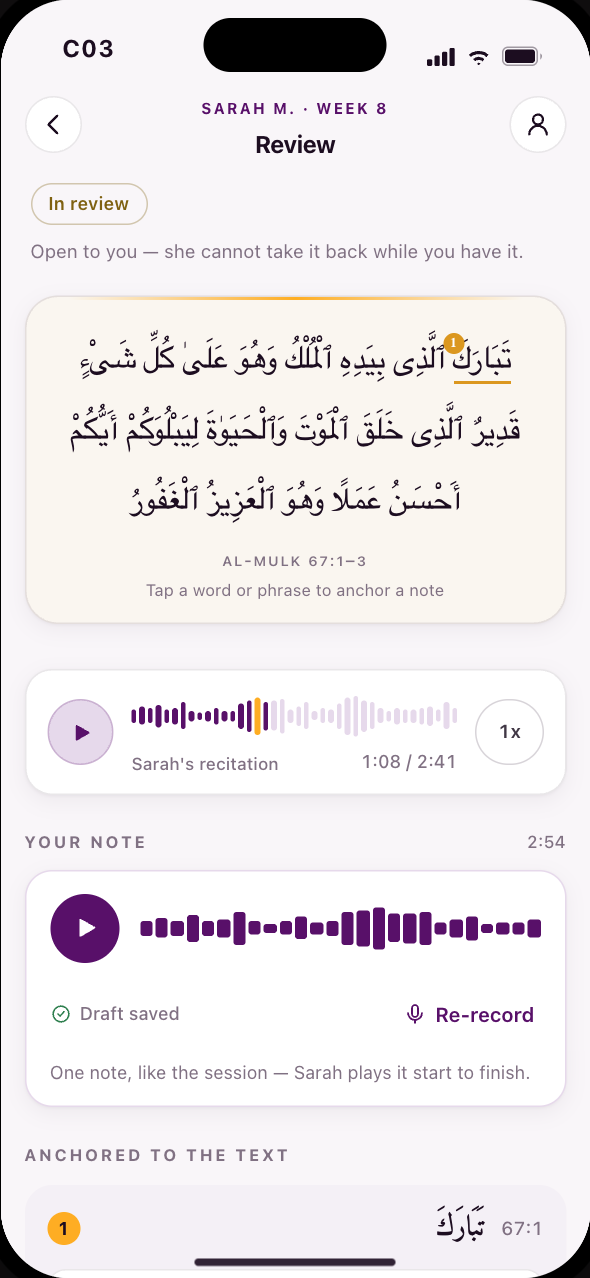
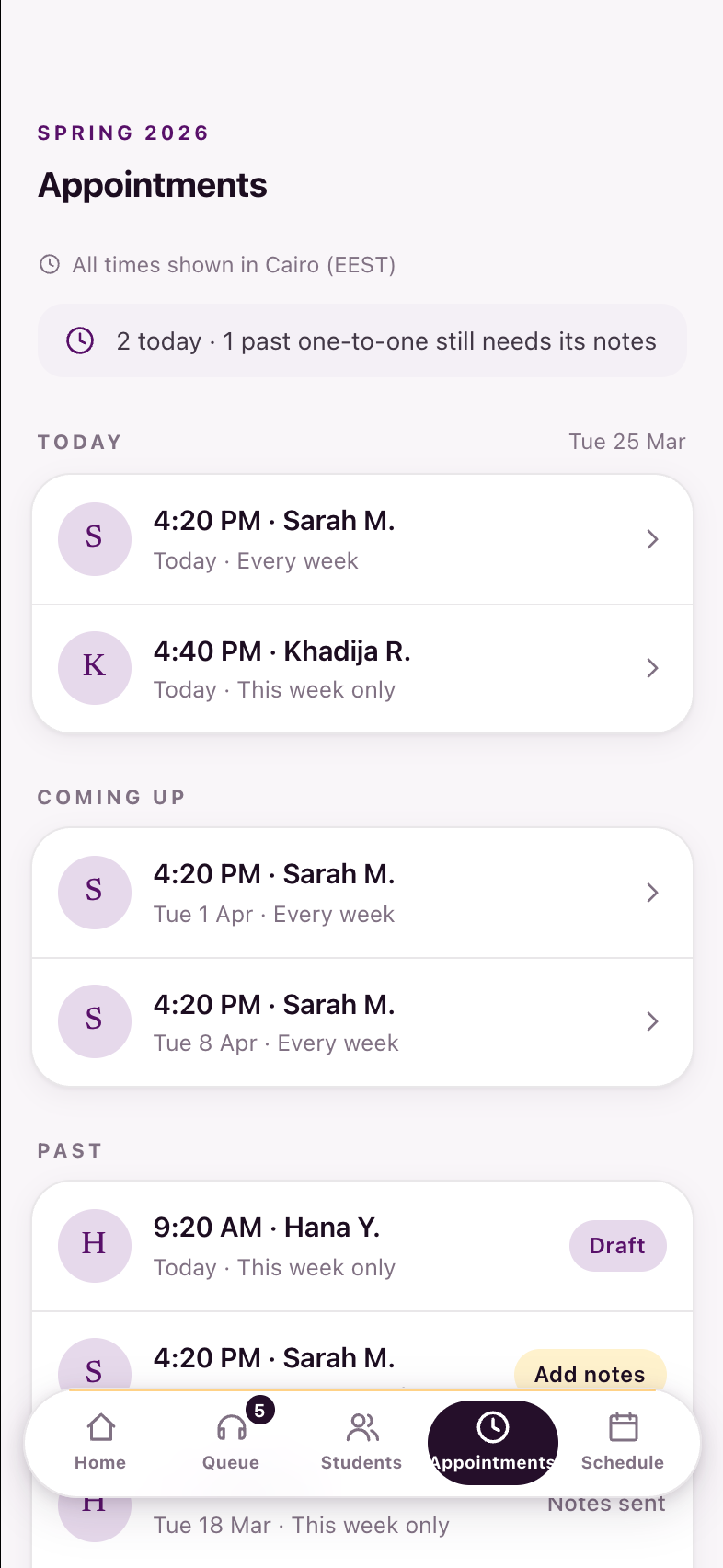
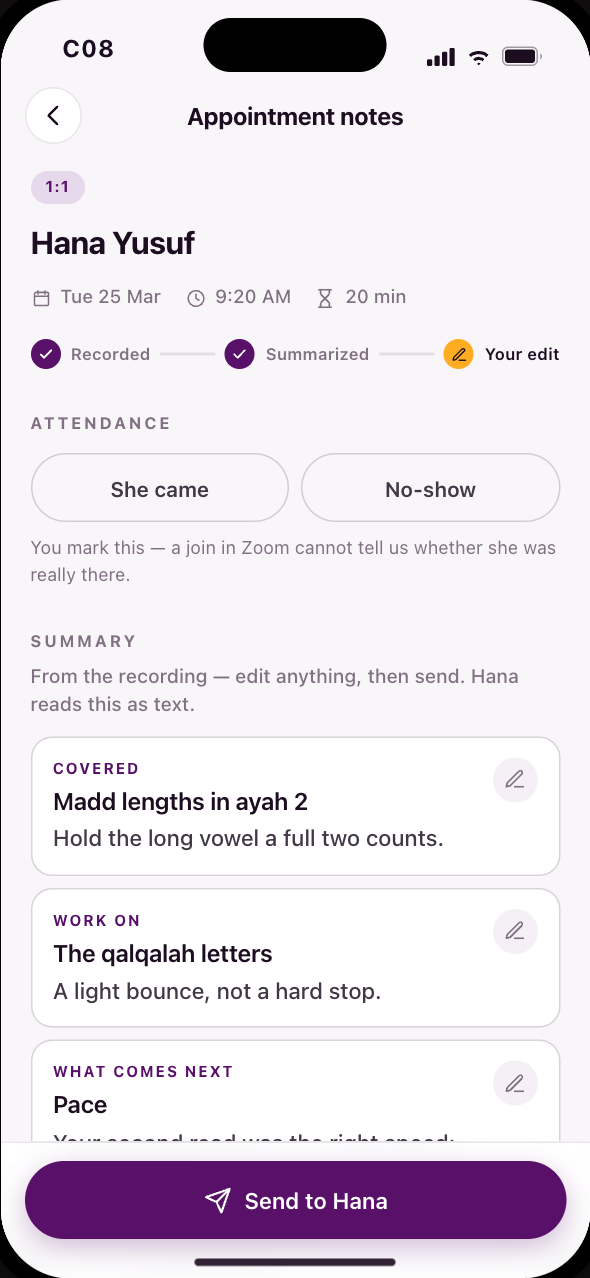
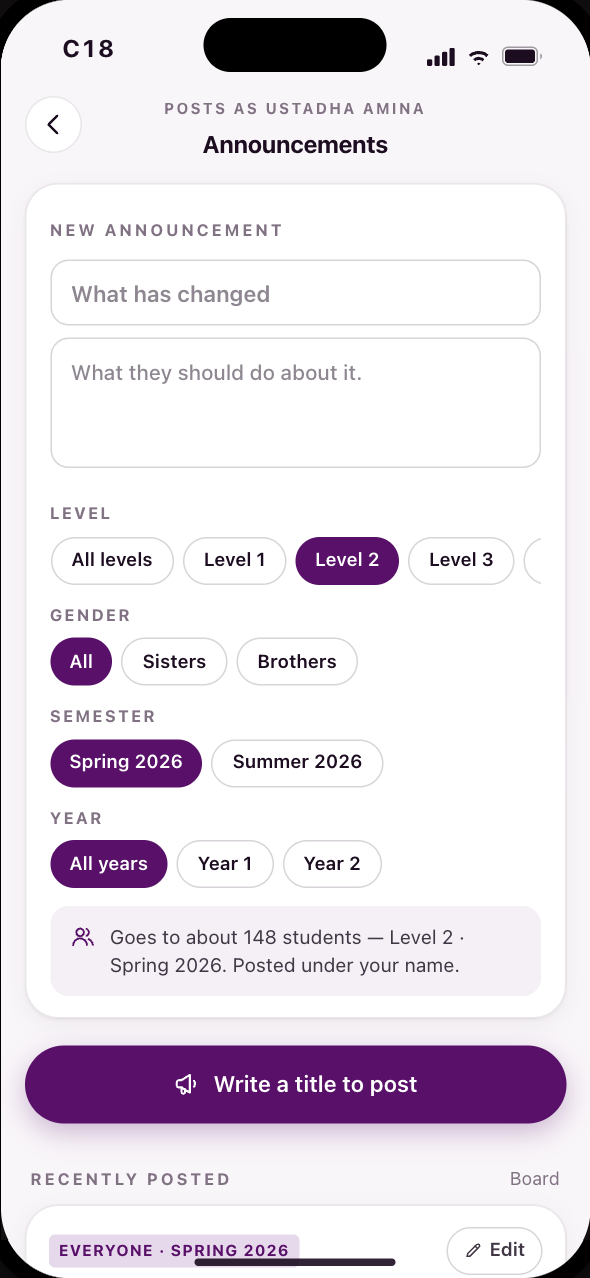
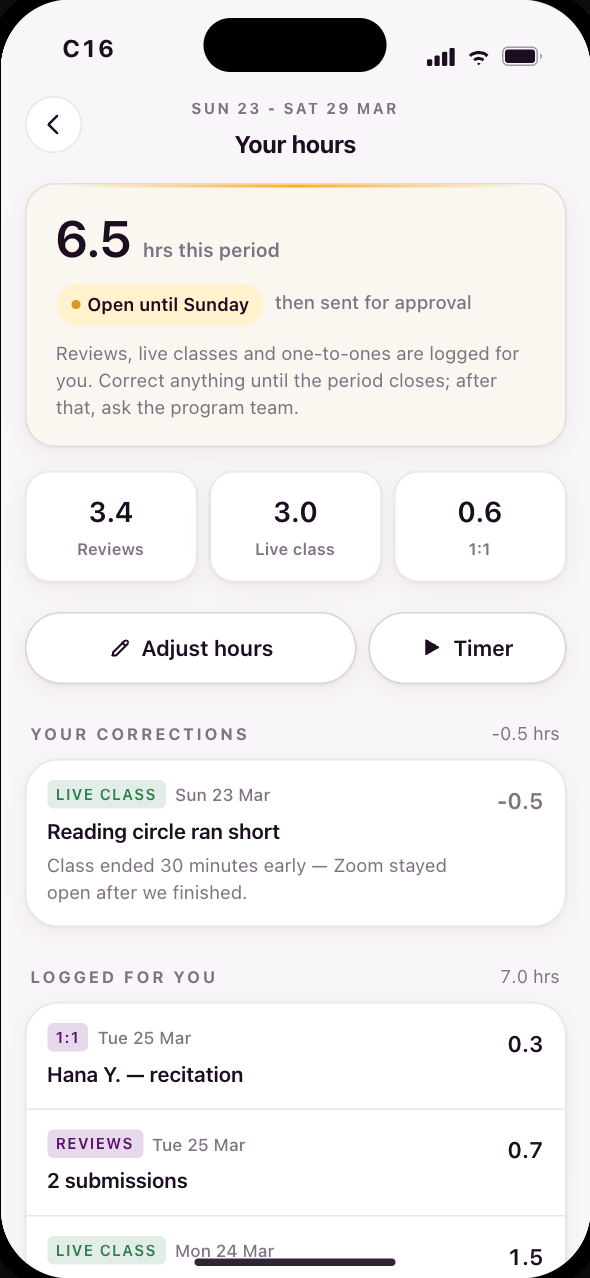
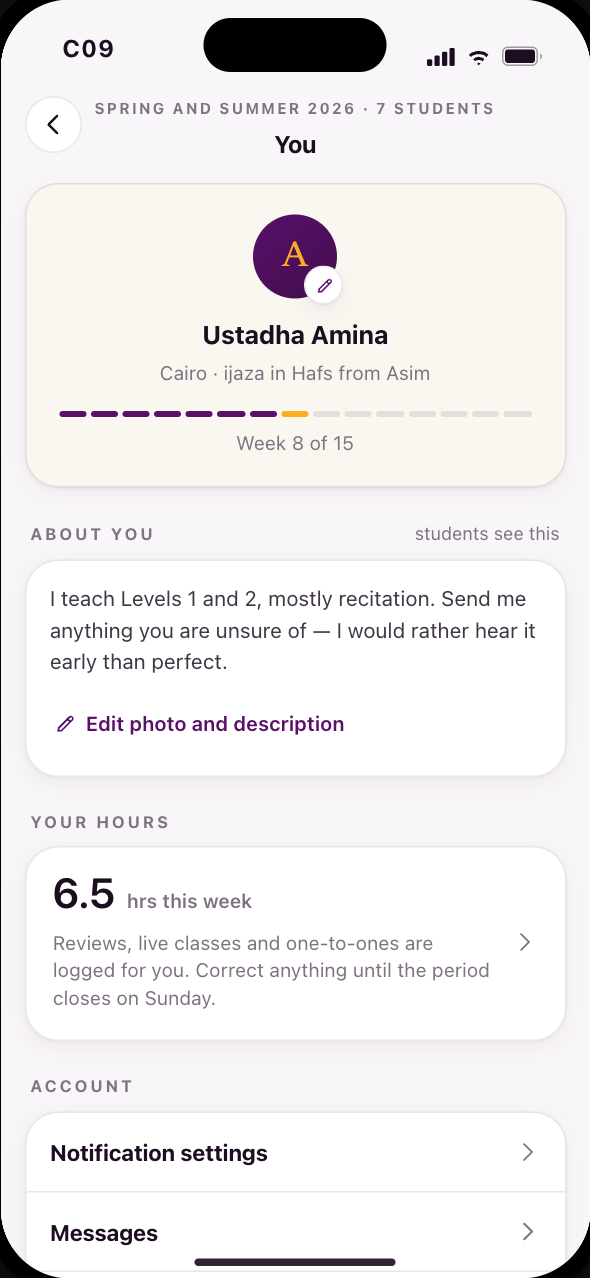
Recut again Aug 11 2026. Year 1 gains the two states its lifecycle was missing — a submission that comes back (S60) and the archive where every week's feedback lives (S50) — and loses S18, the pre-semester Today. Year 2's booking is rebuilt as a run of three screens (S33 → S62 → S63) with the conflict resolution recurring booking always needed; S40 and S36 are retired into S65 and S35. And the coach column, reviewed for the first time on Aug 6 and audited on Aug 11, doubles: nine screens to eighteen, in two acts.
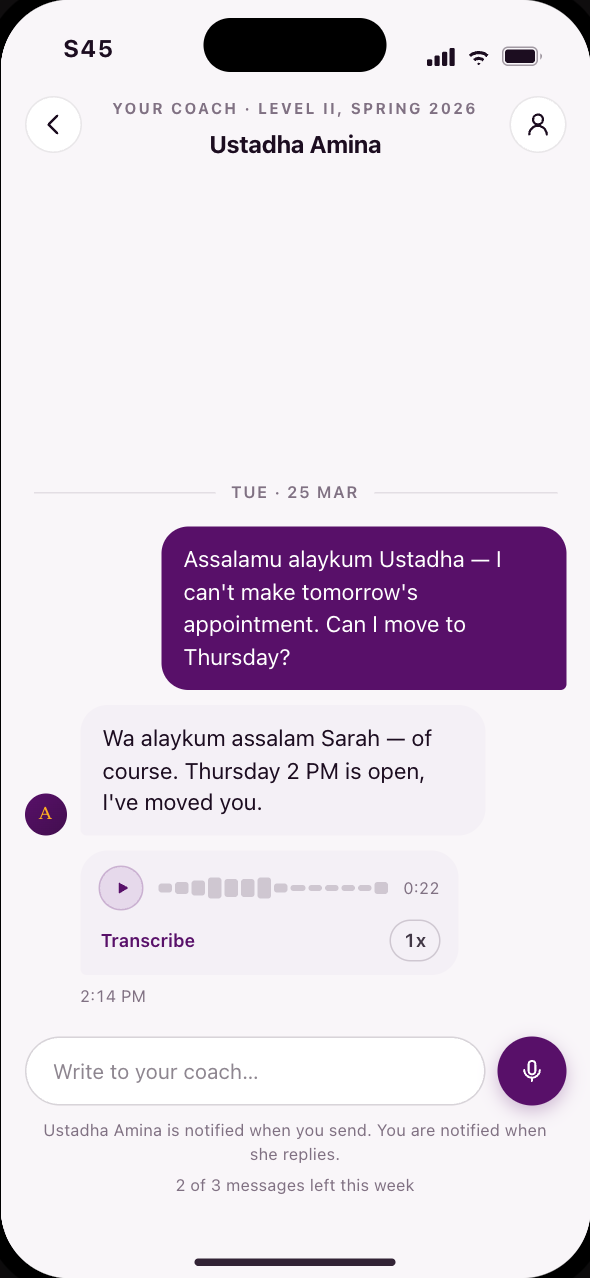
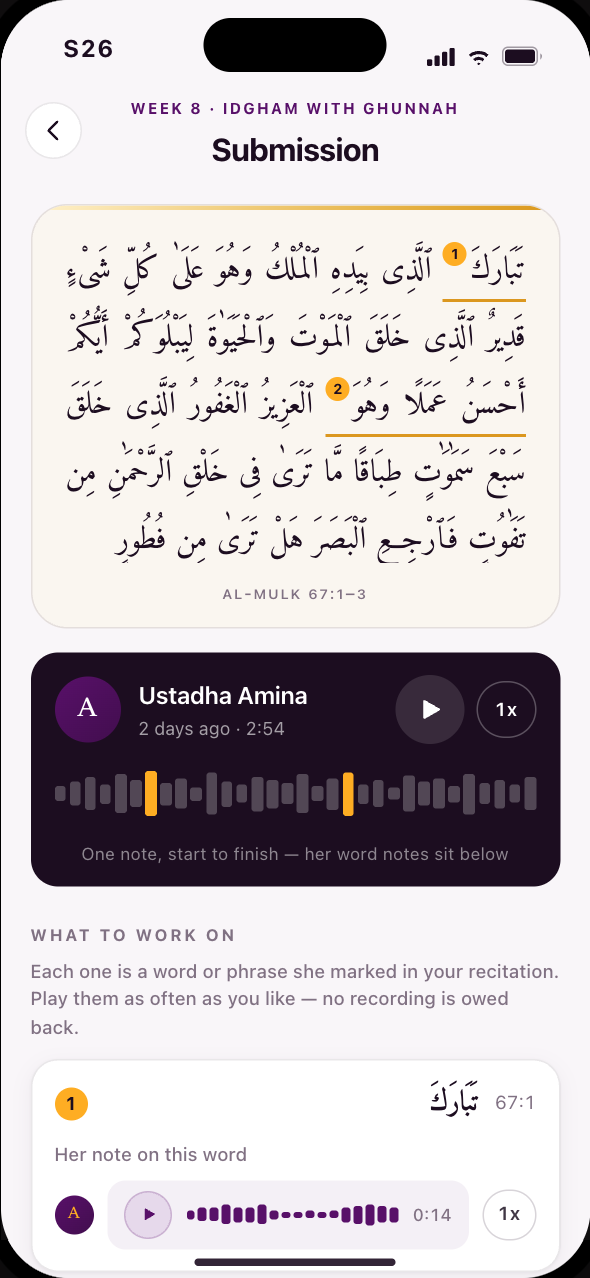
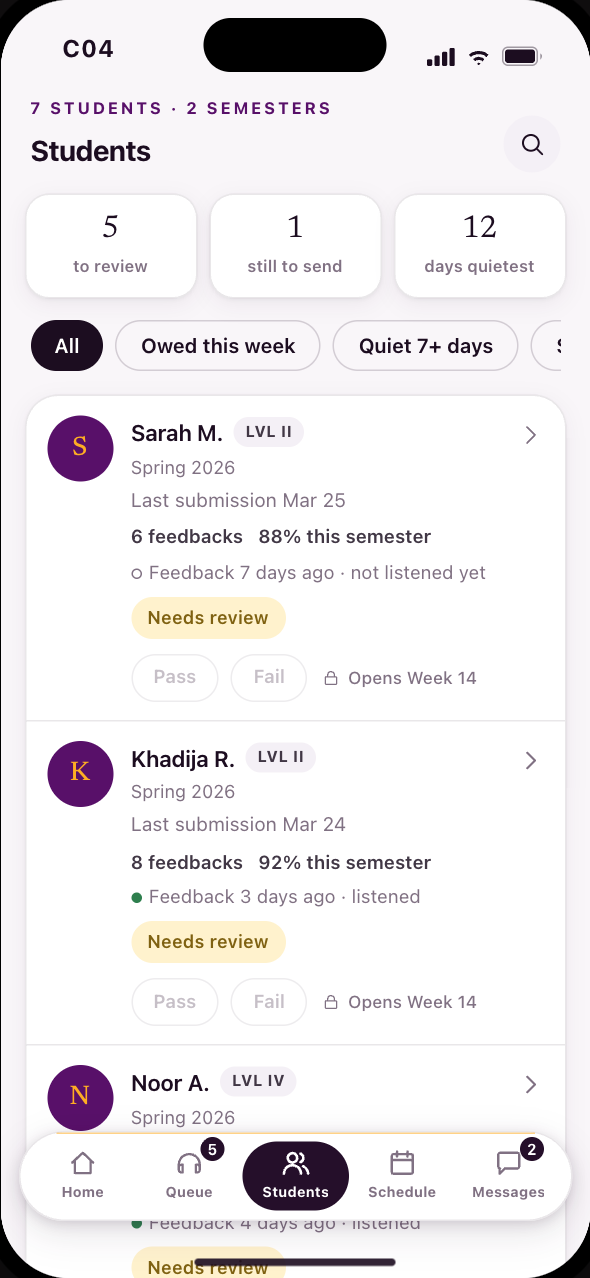
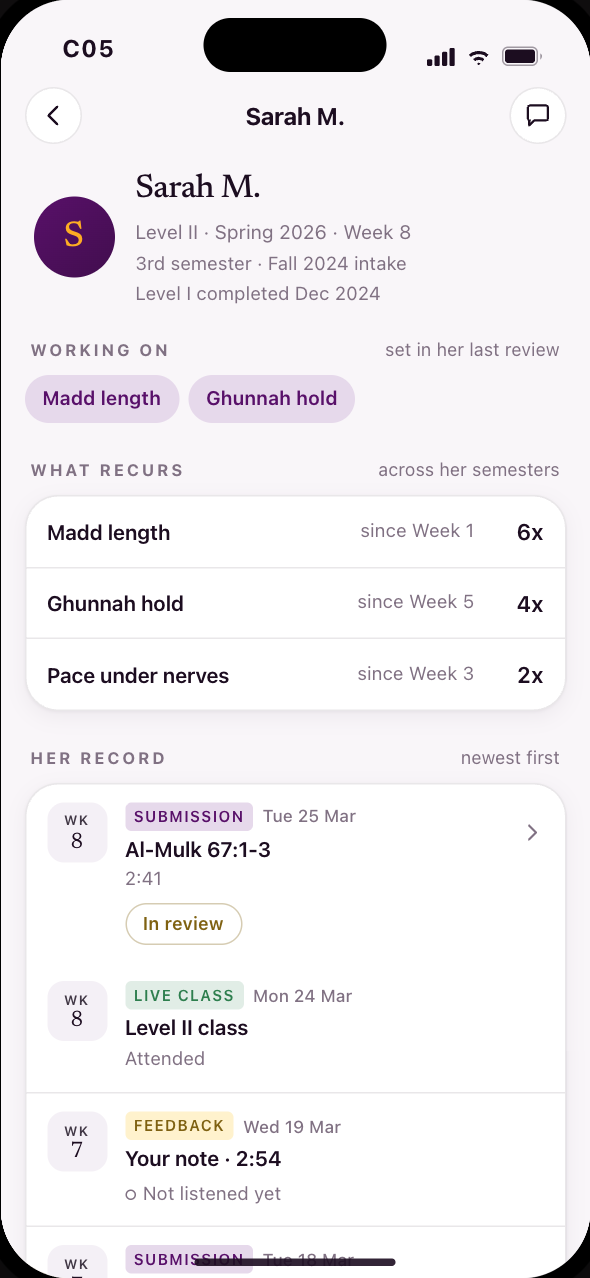
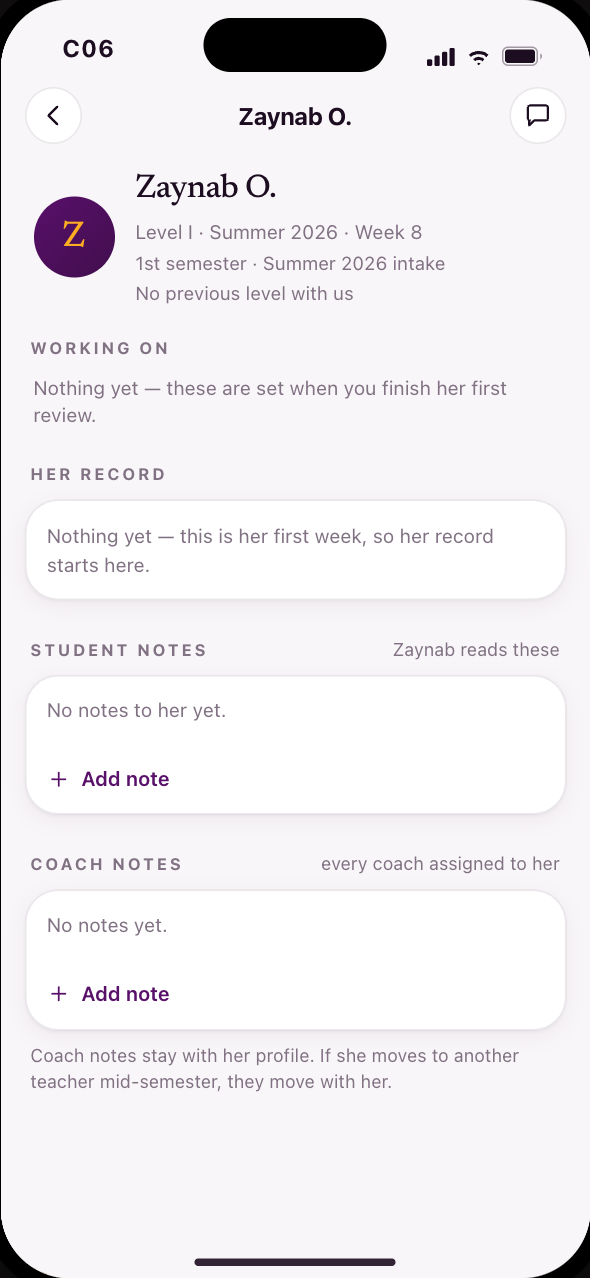
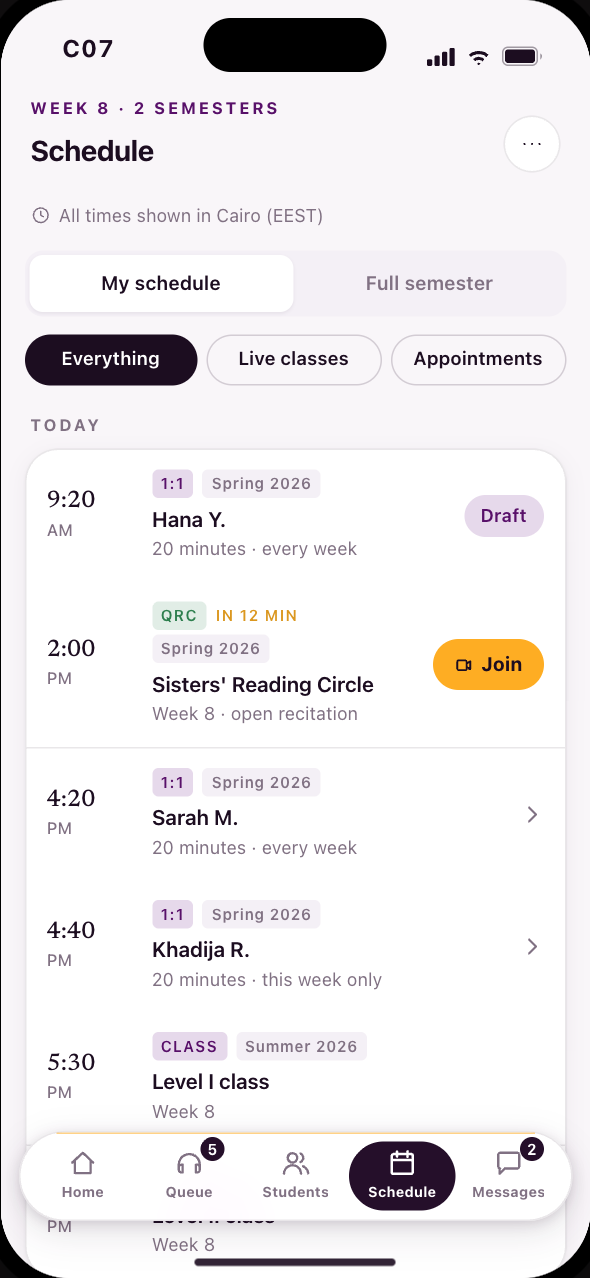
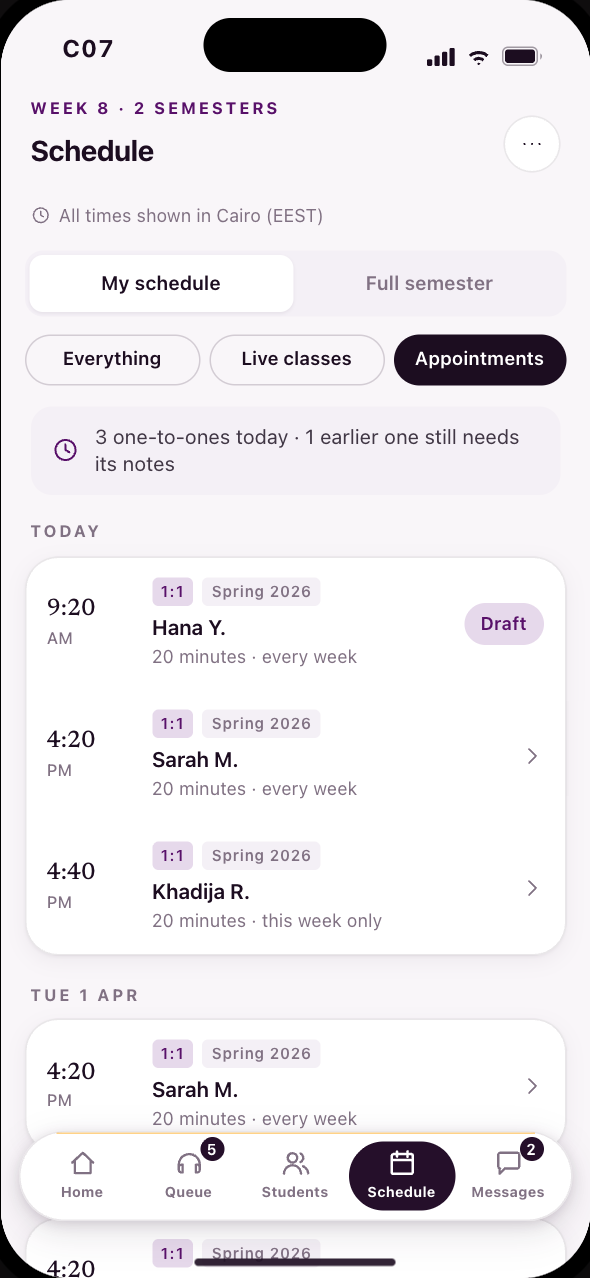
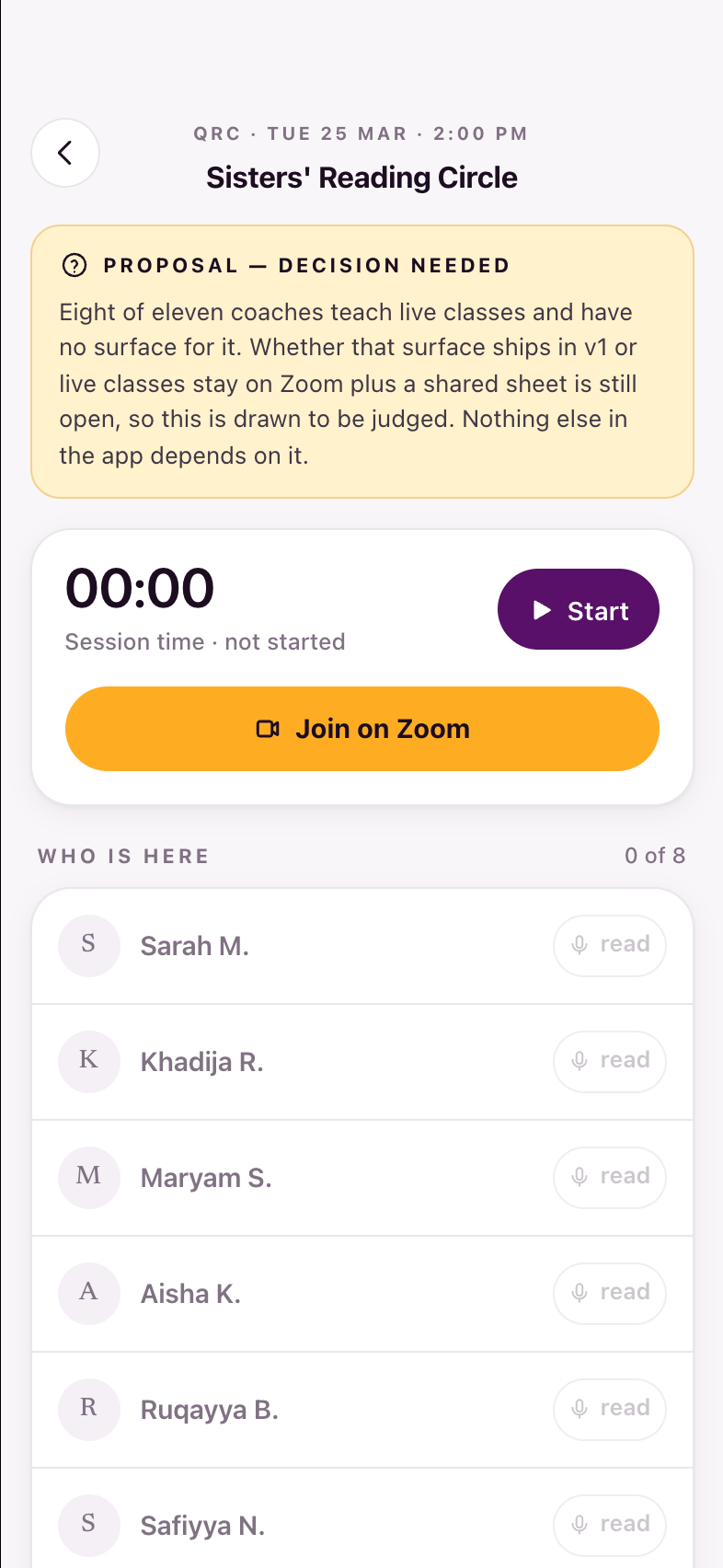
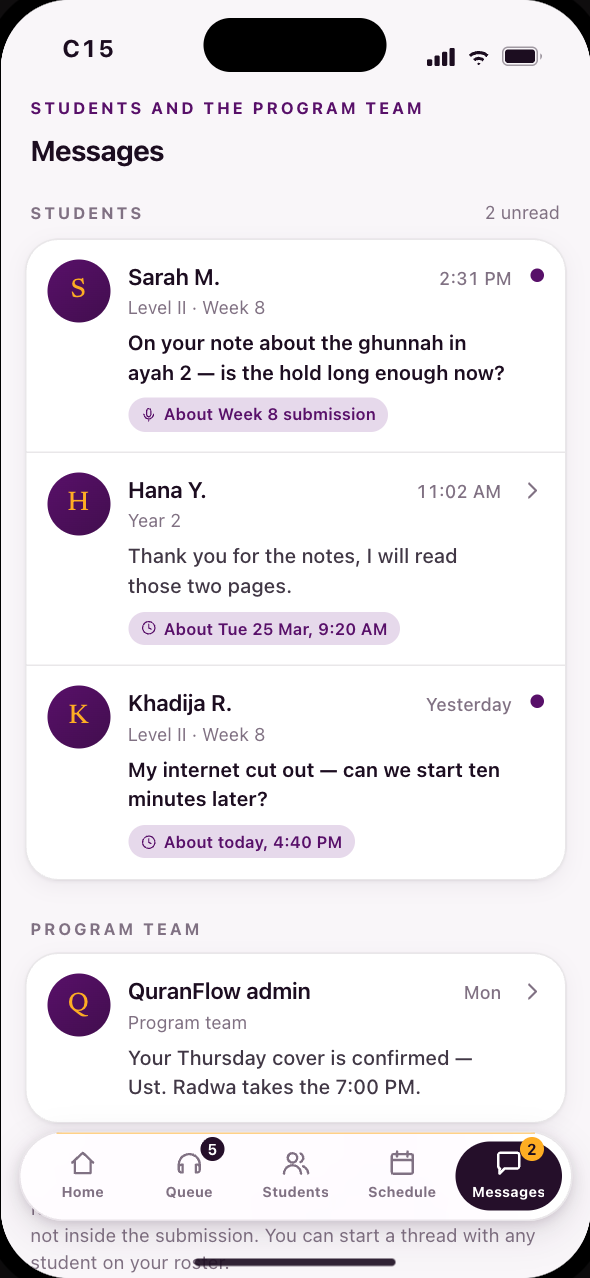
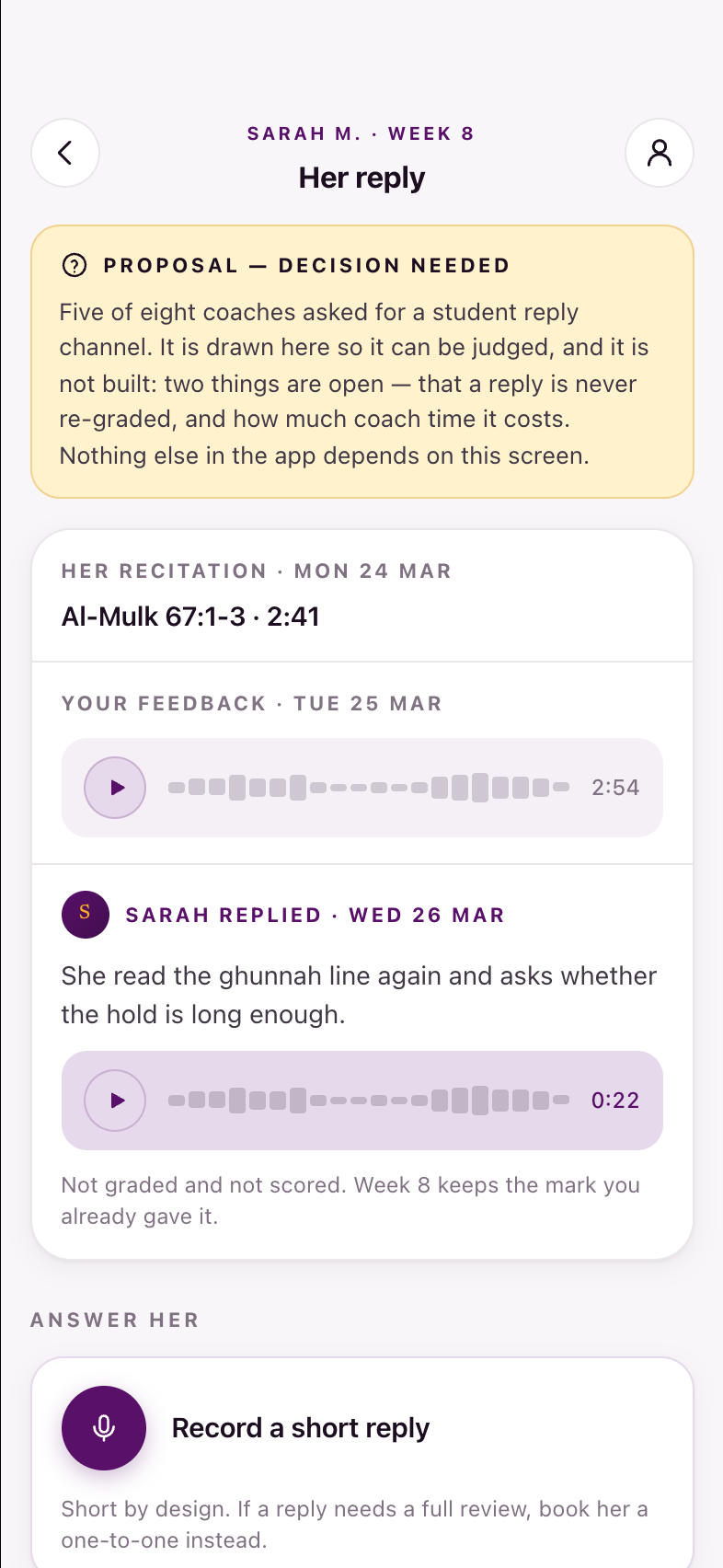
Aug 18 2026: the coach column gets smaller on purpose. C17's one-to-ones fold back into C07, which is now one schedule with a filter; C13 is cut; C12 is superseded by a tagged thread in C15. Fifteen codes, three retired frames, and a tab bar that reads Home · Queue · Students · Schedule · Messages. In Year 1 the five-state submission vocabulary lands on every screen that carries a status, and the week no longer ends at listening — S26 can start a conversation.
The whole semester, week by week
Opens from Learn's “View full semester syllabus”. Fifteen weeks in order, so a student can see the shape of the term without tapping fifteen squares.
- Weeks 1 to 15, in order
- Each week's lesson and topic
- What that week asks for
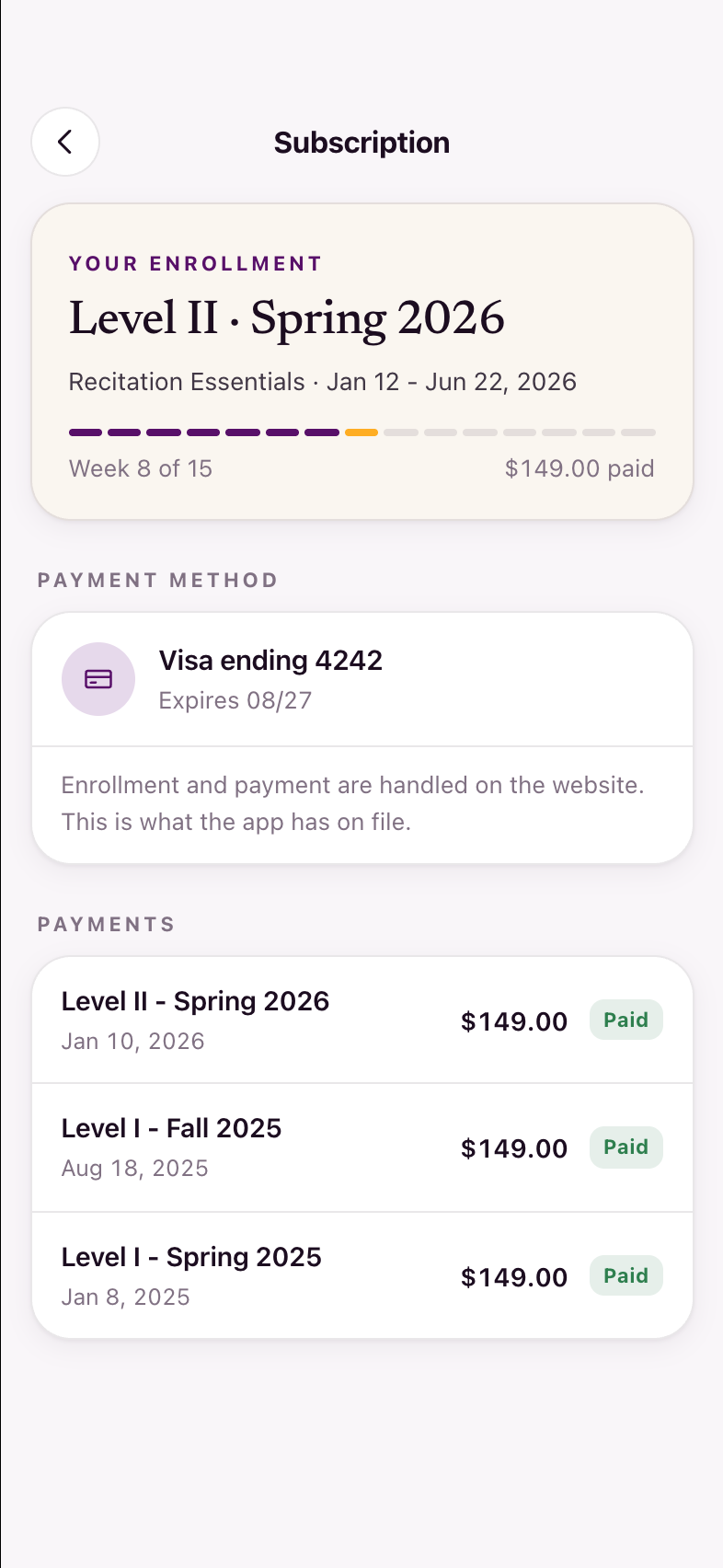
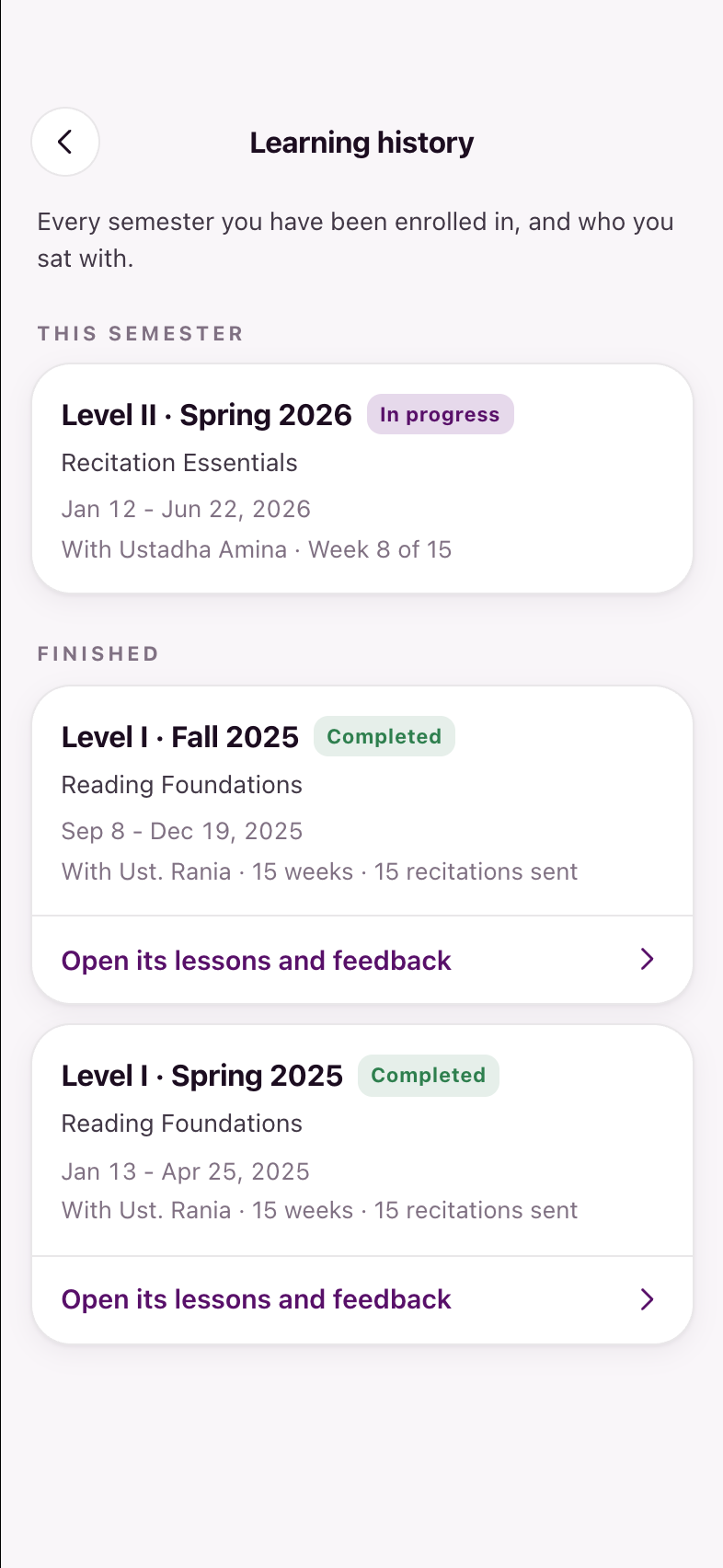
Shared surfaces
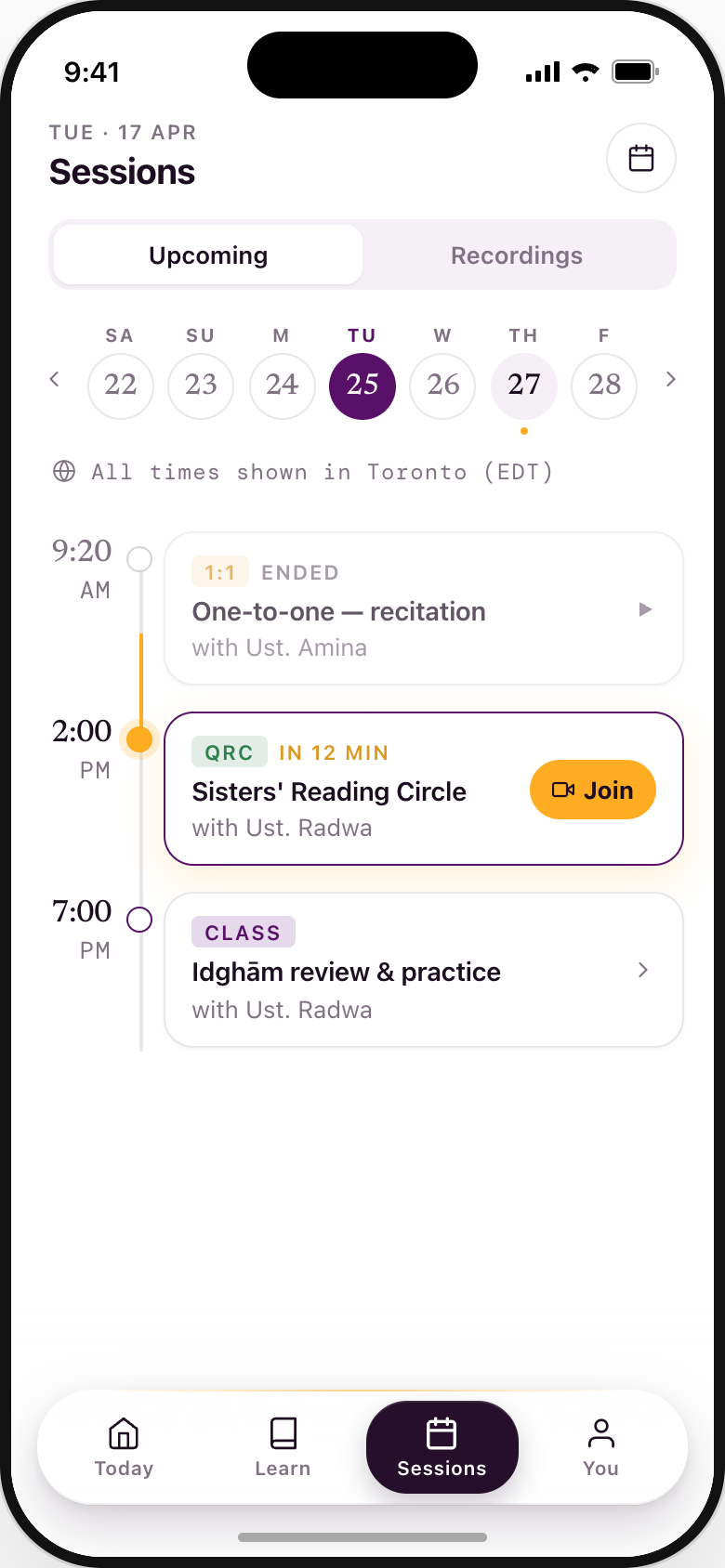
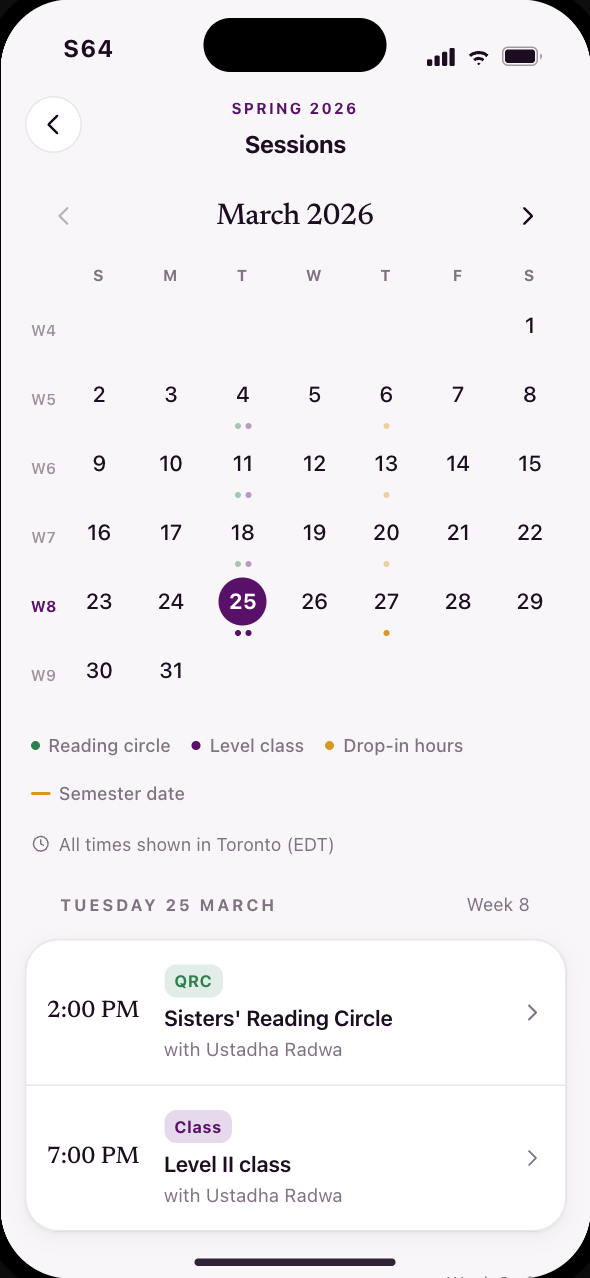
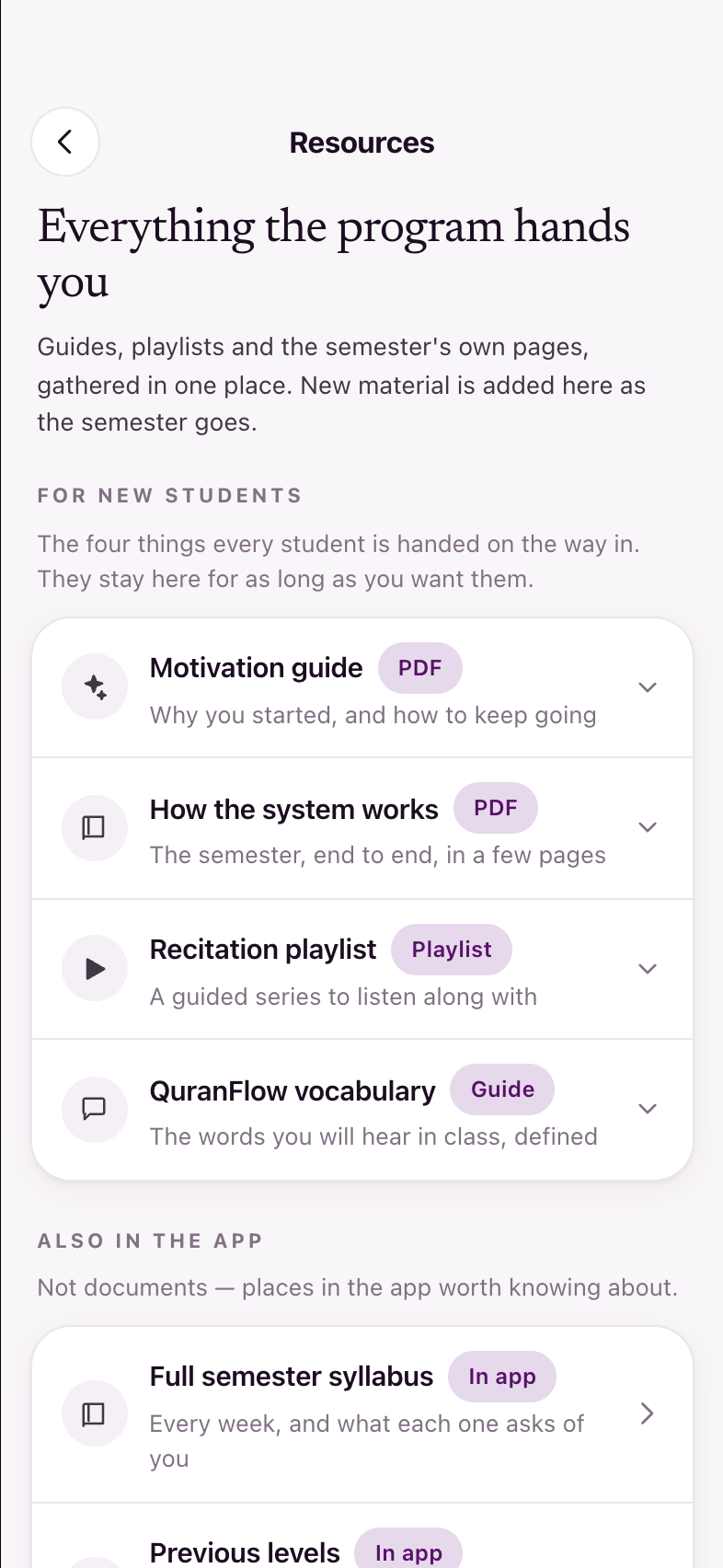
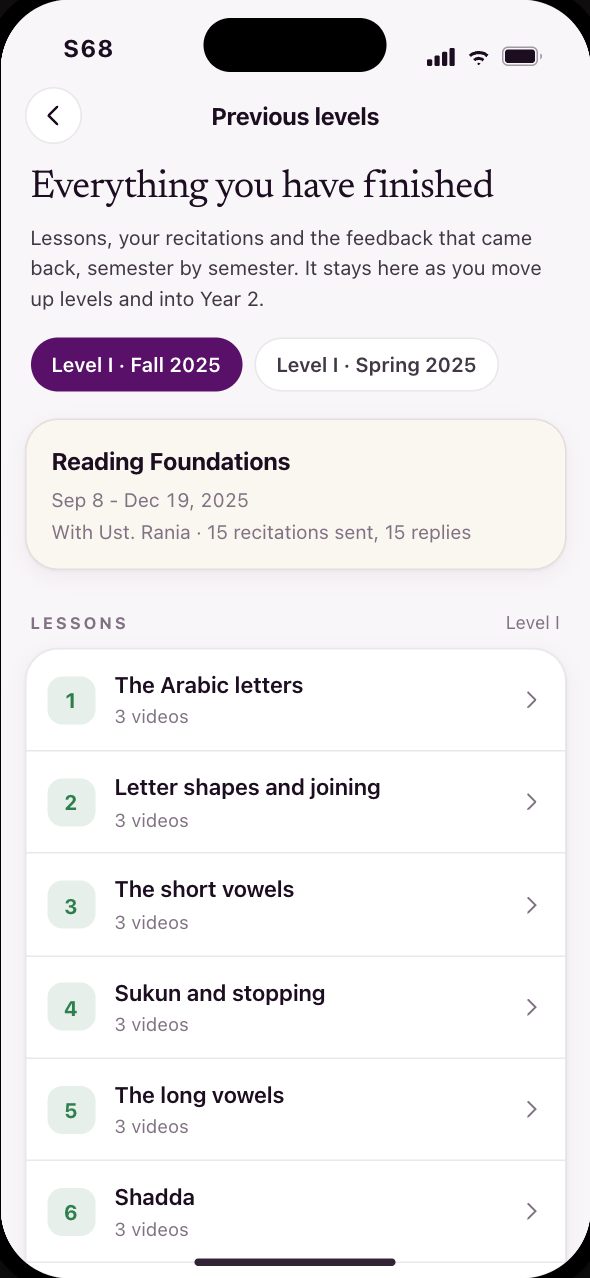
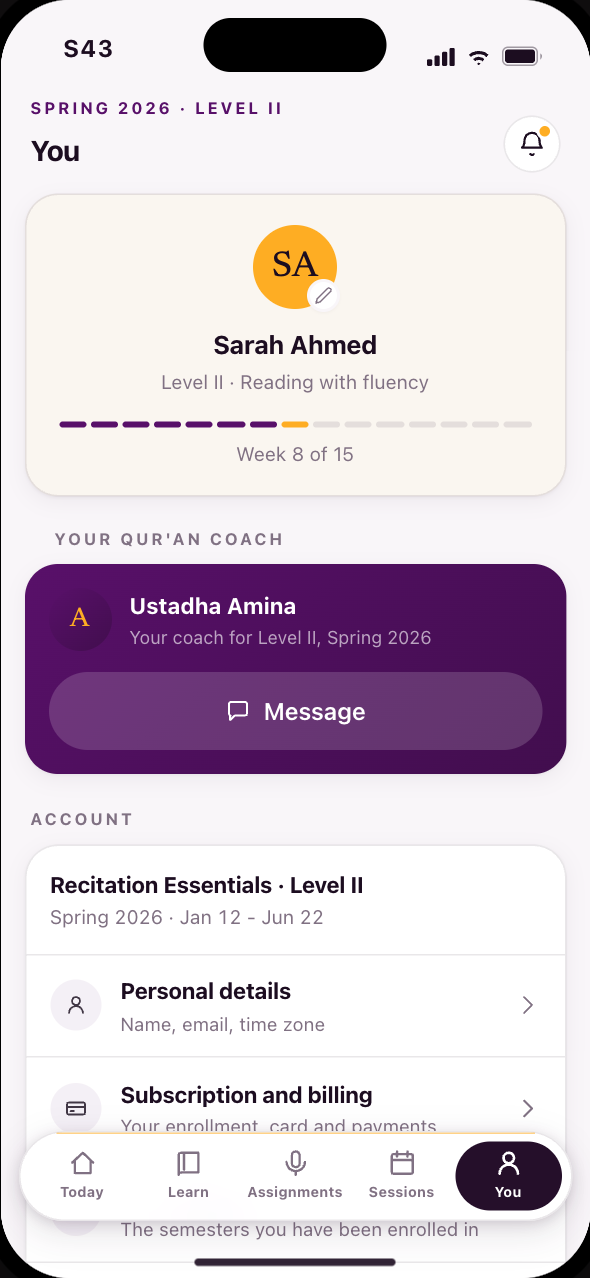
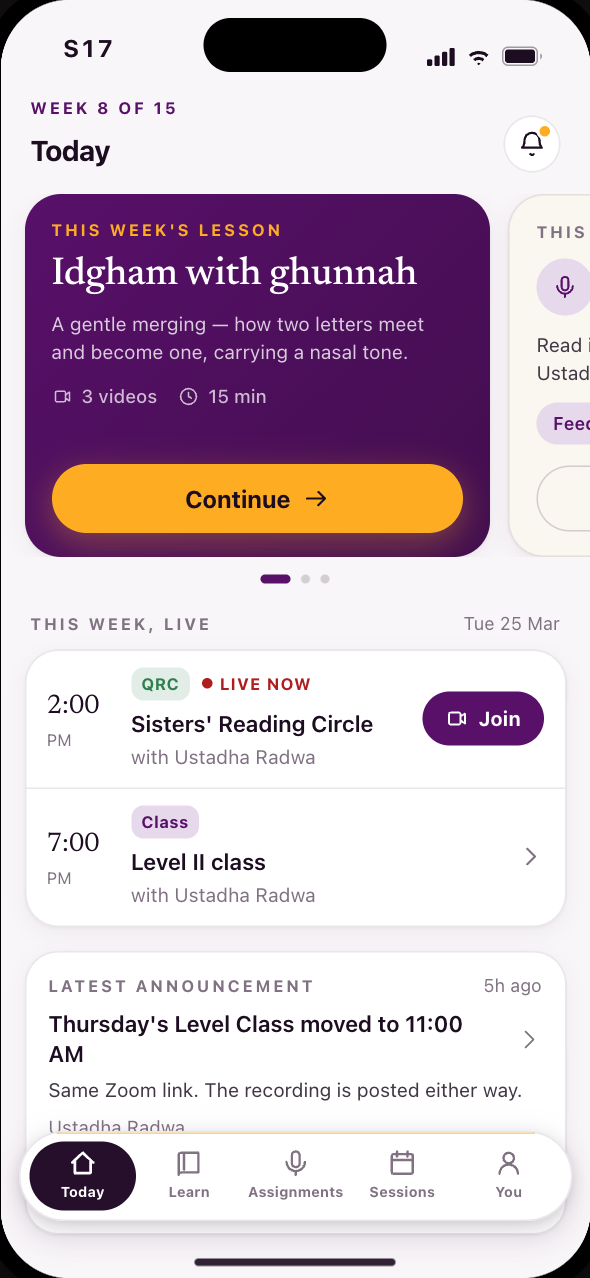
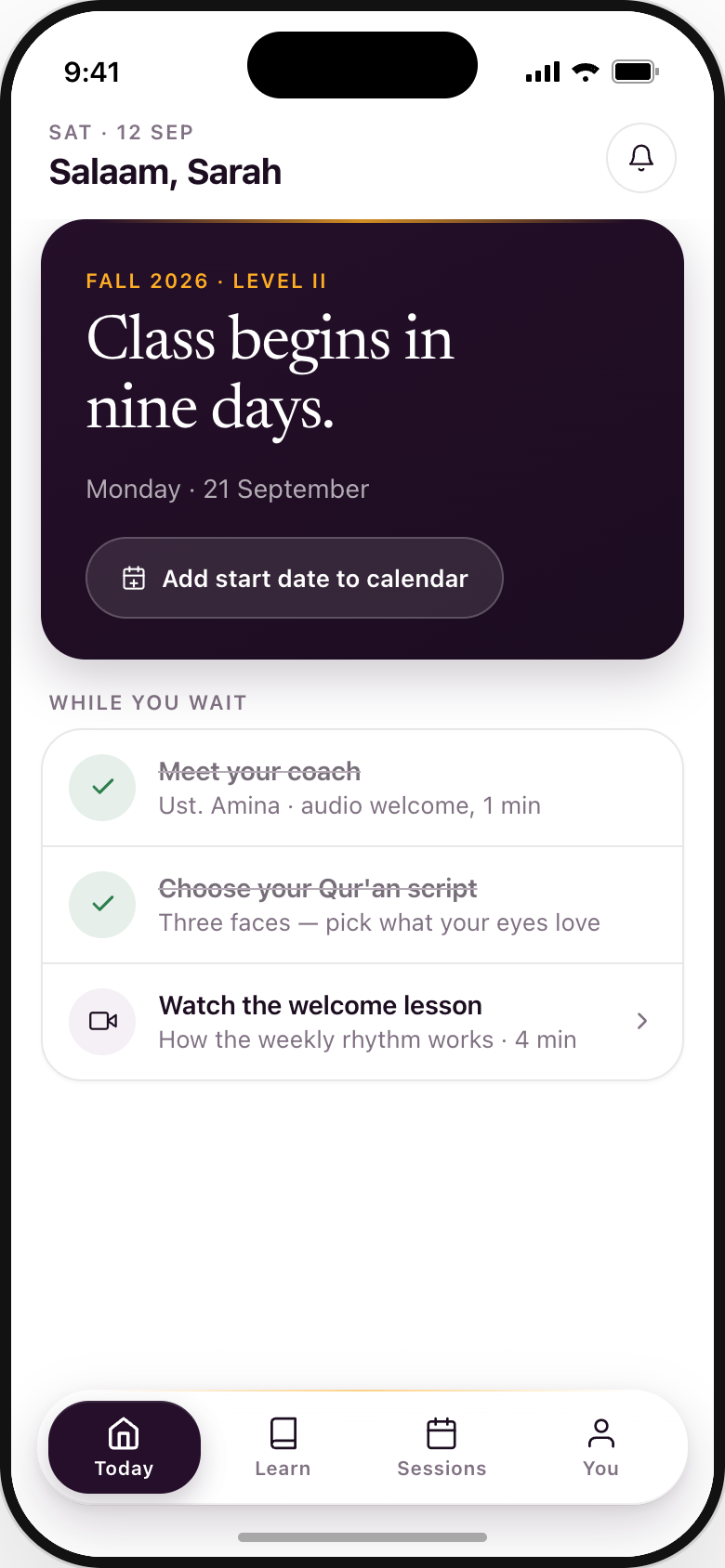
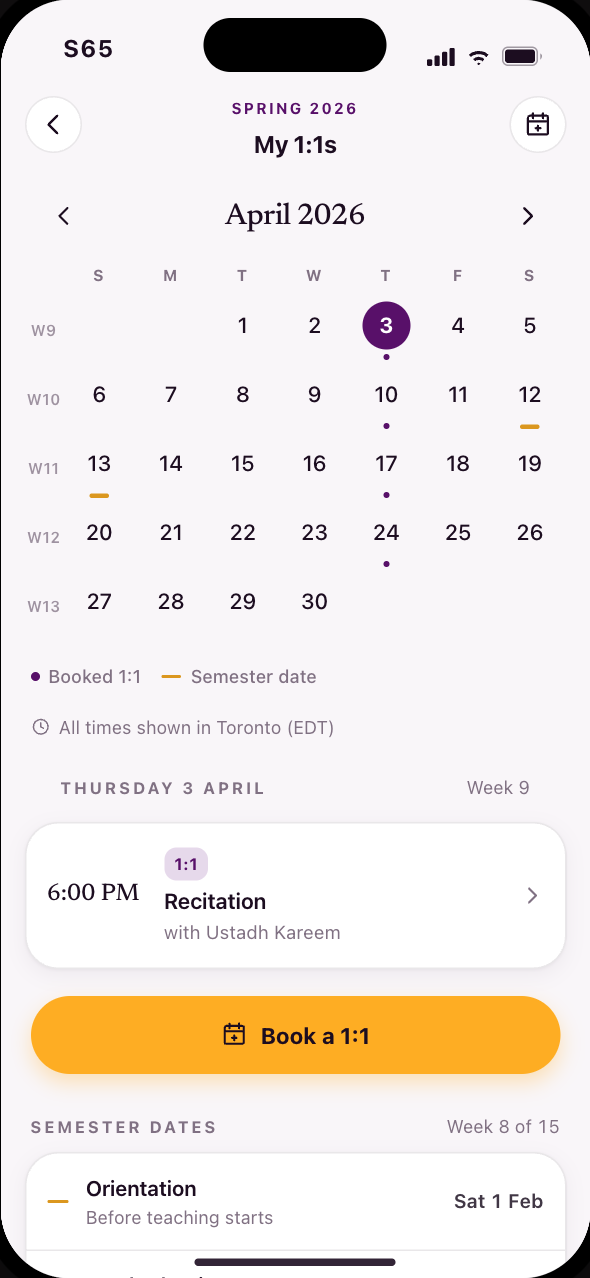
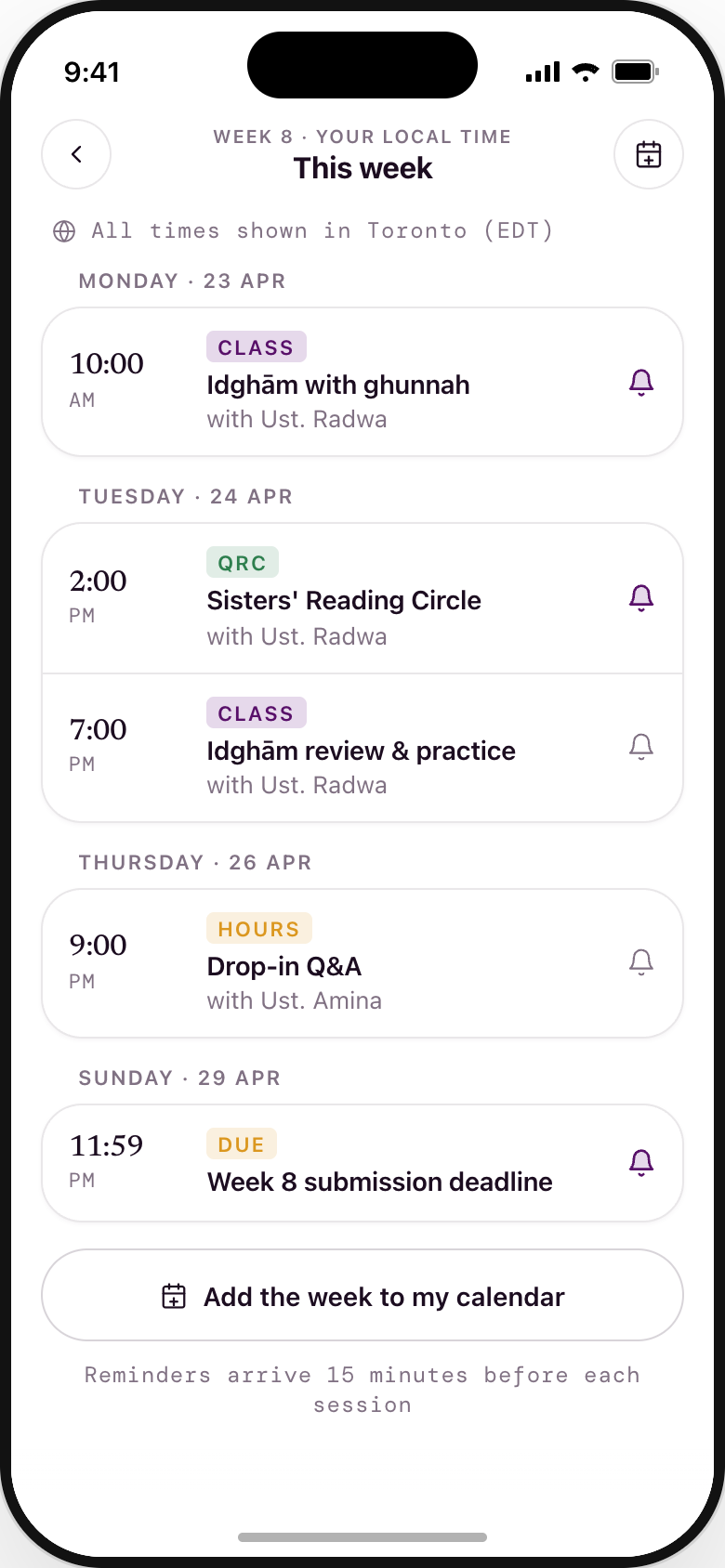
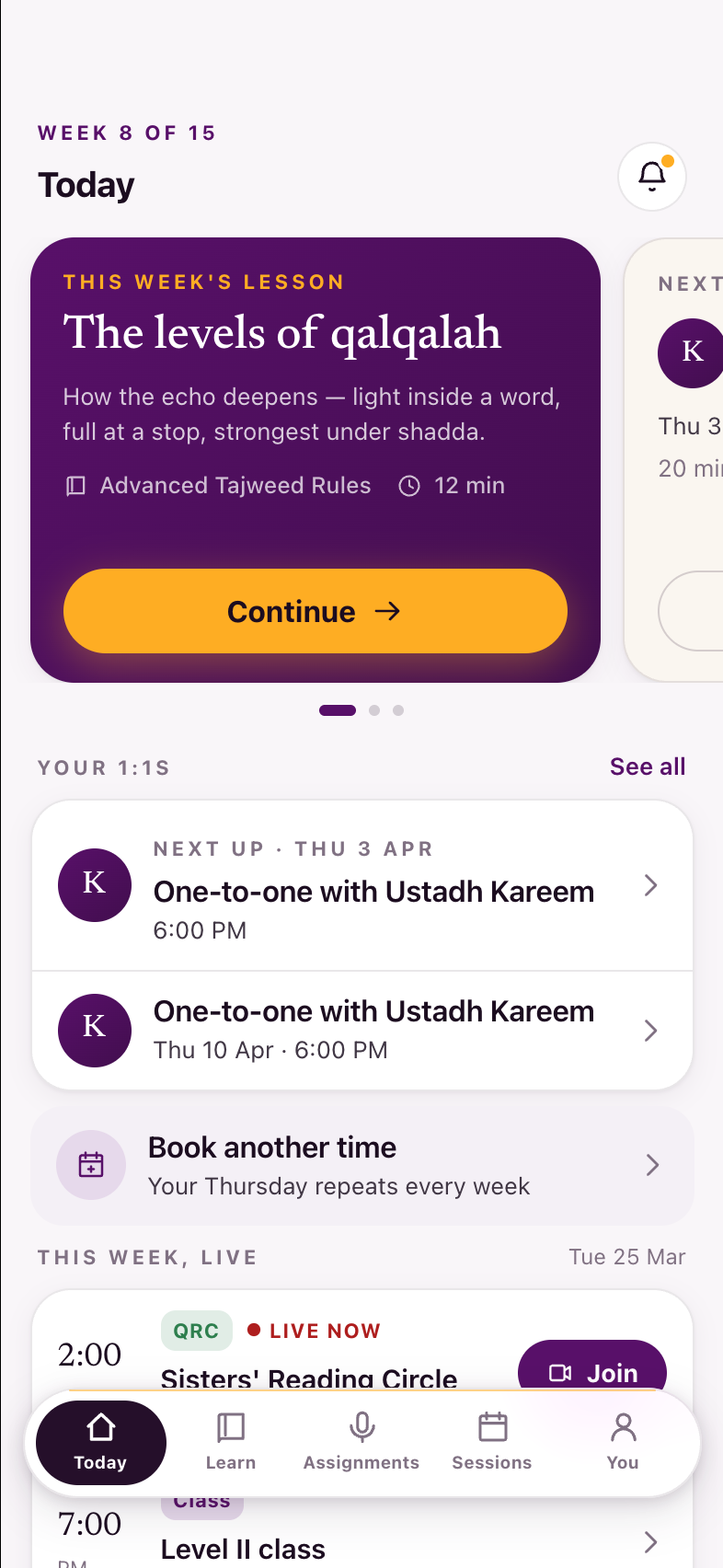
Identical across statuses; only Sessions is status-aware. Grown Aug 11 2026: the month calendar behind Sessions' calendar button (S64), resources and previous levels as real destinations (S61, S68), and a You tab with account substance in it — subscription and billing (S66), and a learning history that means previous enrollments rather than a list of submissions (S67). The tab bar is confirmed at five: Today, Learn, Assignments, Sessions, You.